Inga föremål hittades.
4K GOOGLE TV-BOX S3+ | DOLBY VISION ATMOS
Inga föremål hittades.
Alla frågor
Inga föremål hittades.
4K GOOGLE TV-BOX S3+ | DOLBY VISION ATMOS
Inga föremål hittades.
Hur lägger jag till eller ändrar ordningen på en app på startskärmen?
1Fall1: Lägga till en app
För att lägga till en app på startskärmen, gå till knappen ”Lägg till appar” som finns längst ned i listan över appar som redan finns på startskärmen och tryck på ”OK”.
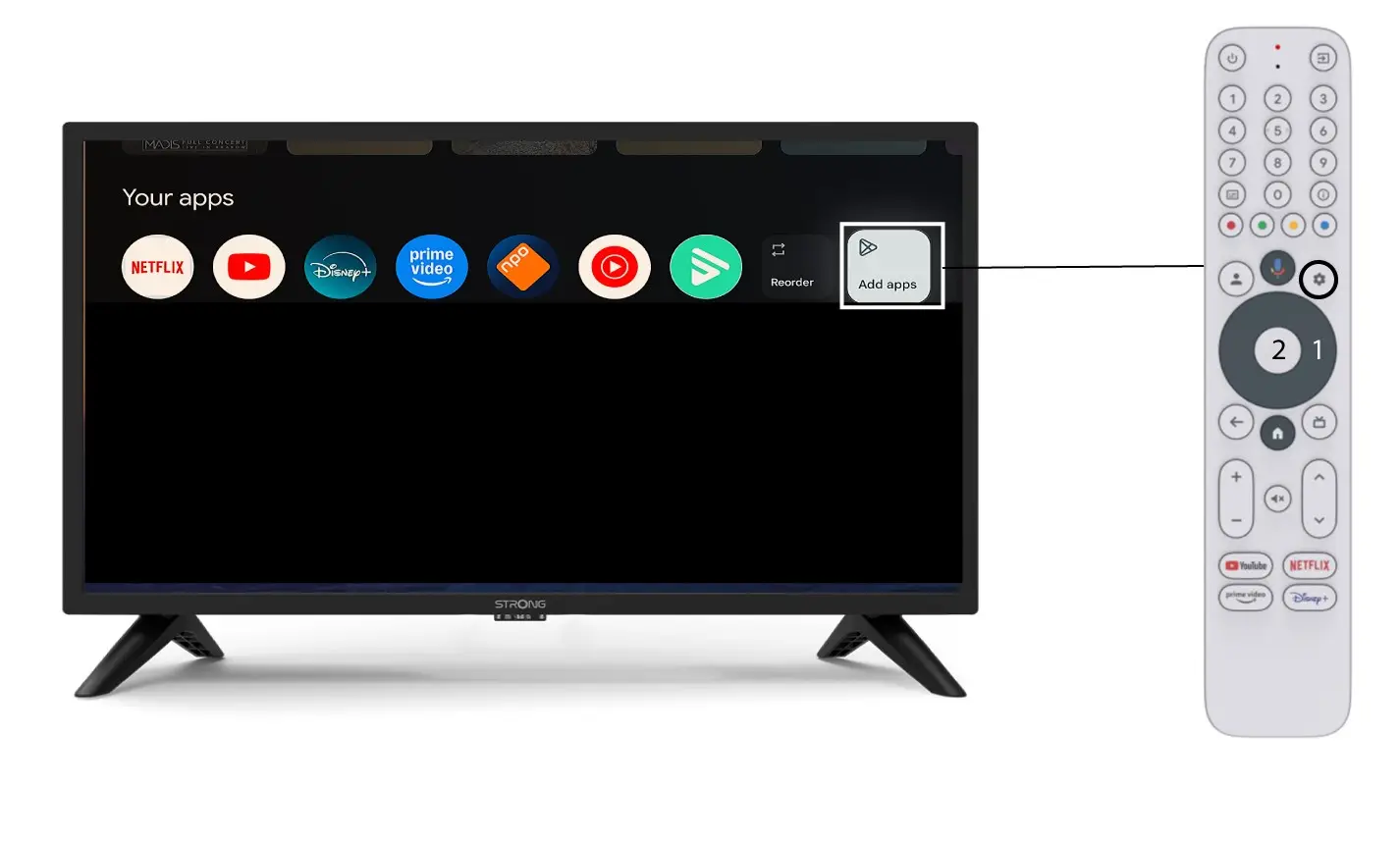
2. App-lista
Därefter öppnas listan över appar. Välj den app du vill använda och tryck på OK-knappen på fjärrkontrollen.
Observera att det inte går att ta bort appar från favoritlistan. Du måste avinstallera appen om du vill att den ska försvinna från den här sidan.

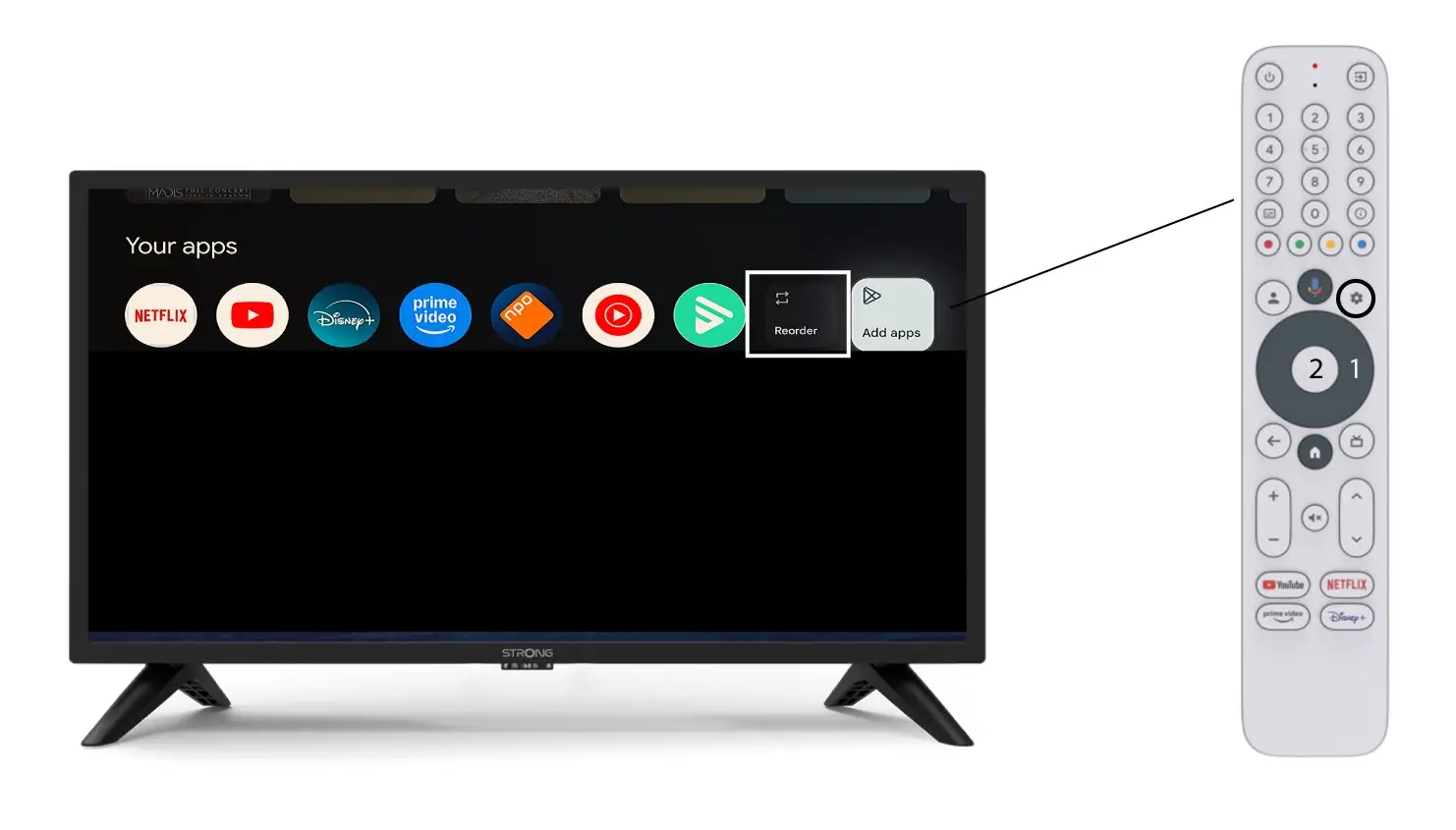
3Fall2: Omordna appar
För att ändra ordningen på apparna som visas på startsidan, klicka på ”Ordna om”.