Inga föremål hittades.
LEAP NEVE | 4K Google TV med Dolby Vision
Inga föremål hittades.
Alla frågor
Inga föremål hittades.
LEAP NEVE | 4K Google TV med Dolby Vision
Inga föremål hittades.
Hur uppdaterar jag min enhet?
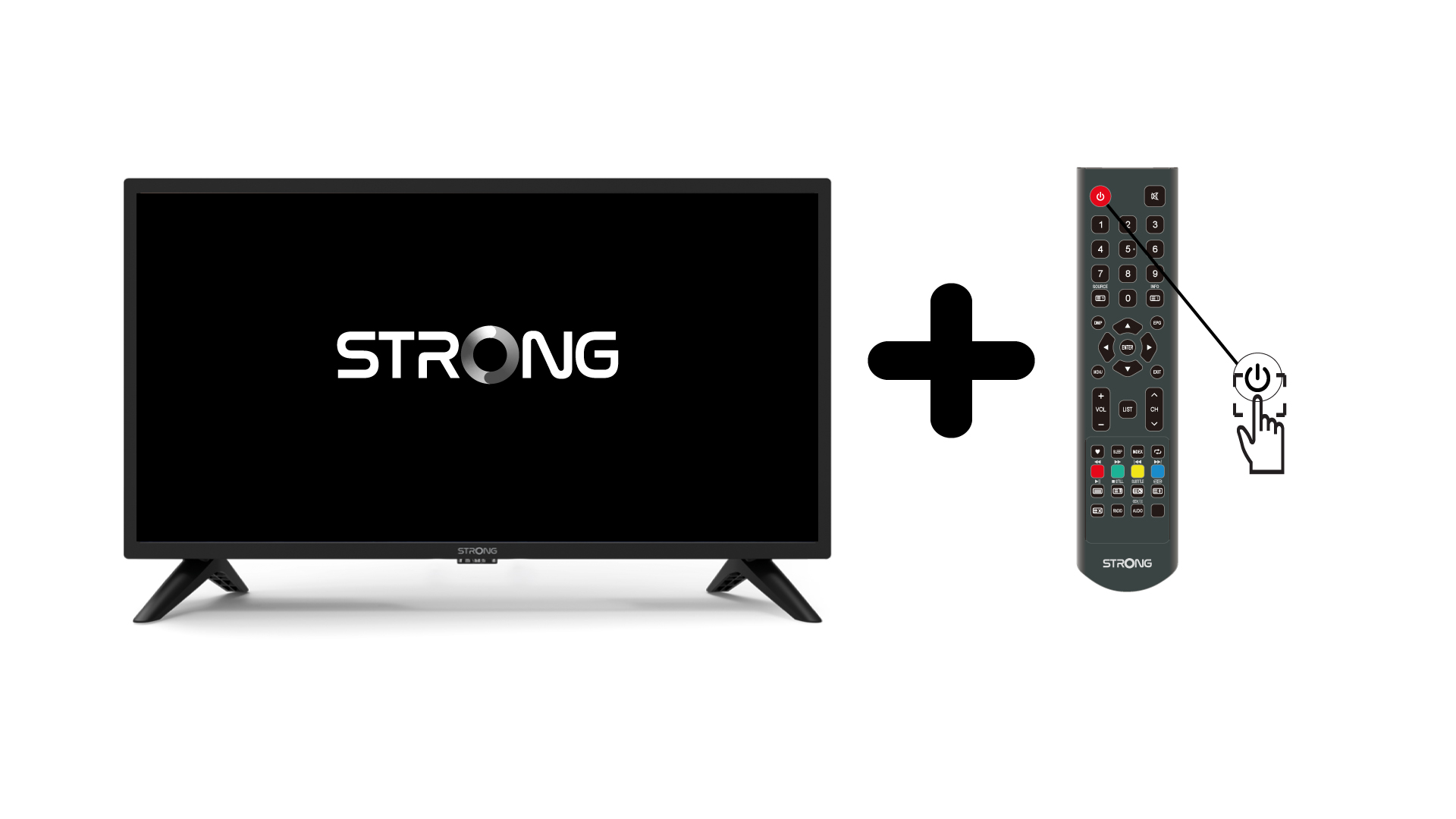
1. Slåpå TV:n och enheten
Slå på TV:n och din enhet.
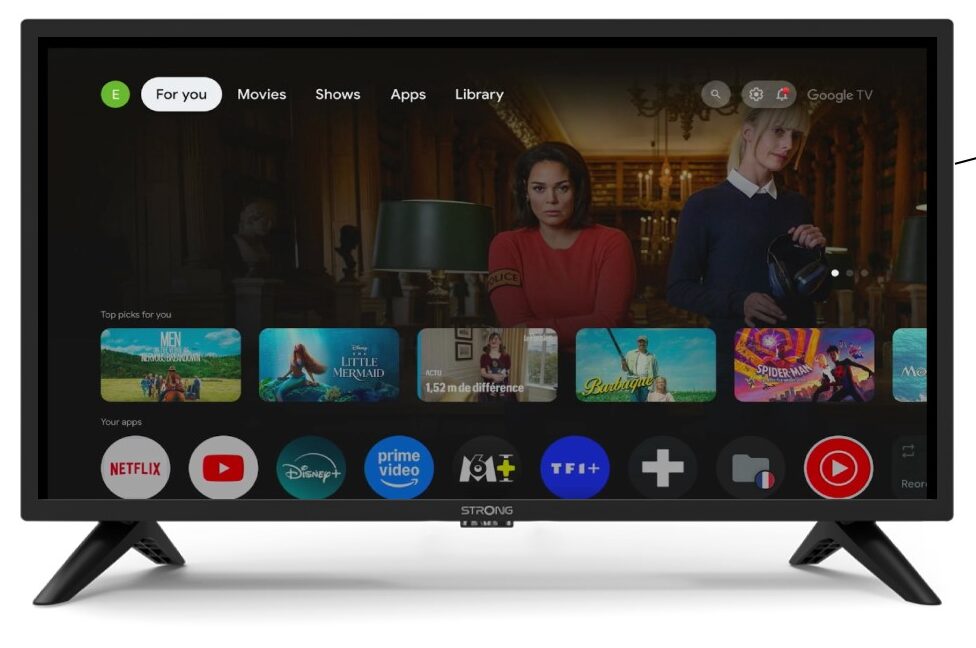
2Inställningar
Gå till inställningarna på enhetens startsida.
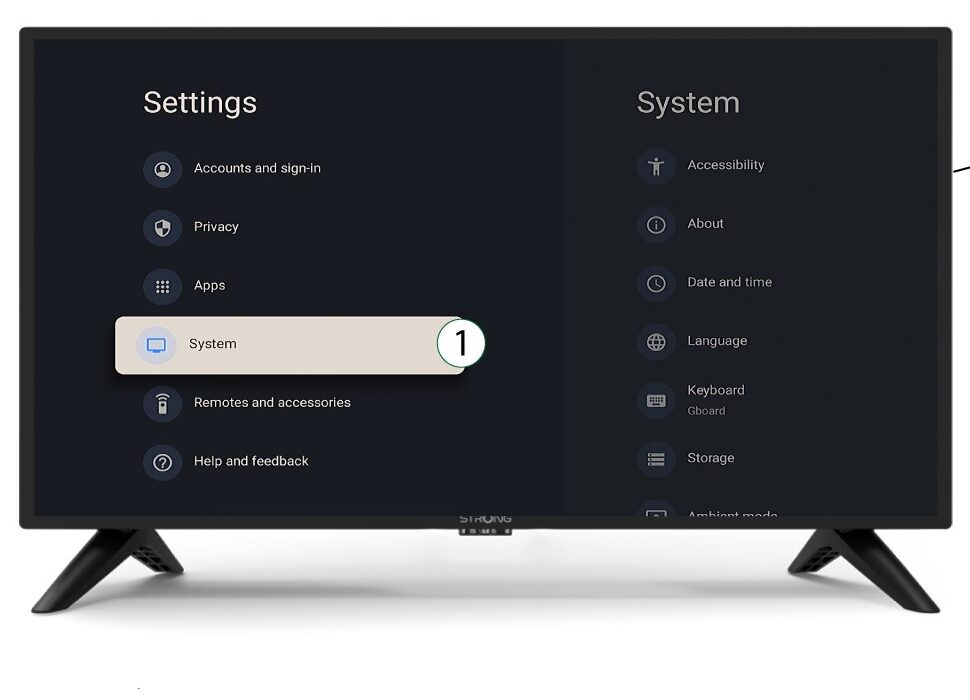
3System
I inställningsmenyn väljer du ”System” och trycker på OK.
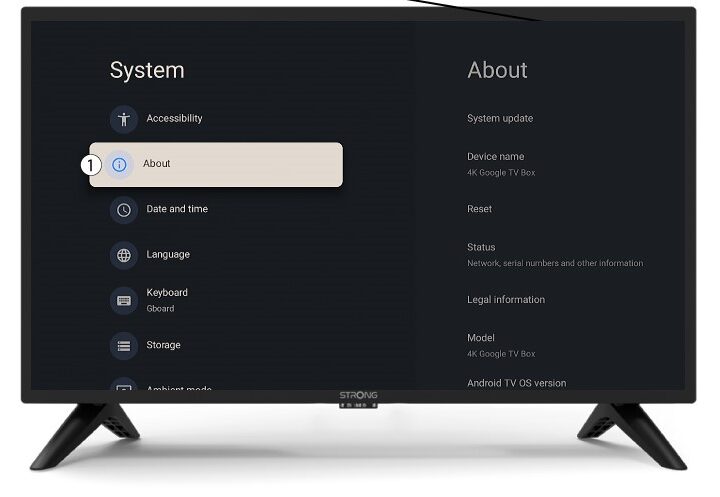
4Om
Välj ”Om” i systemmenyn och tryck på OK.
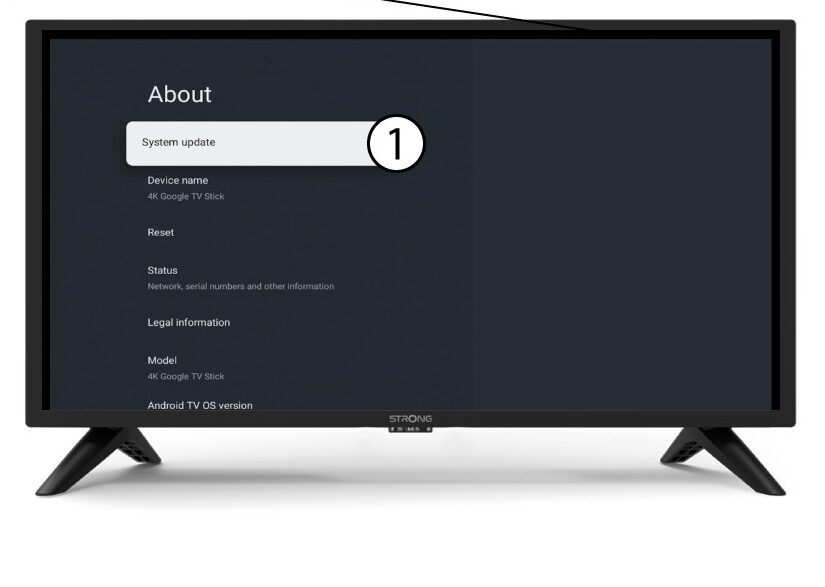
5Systemuppdatering
Välj ”Systemuppdatering”.
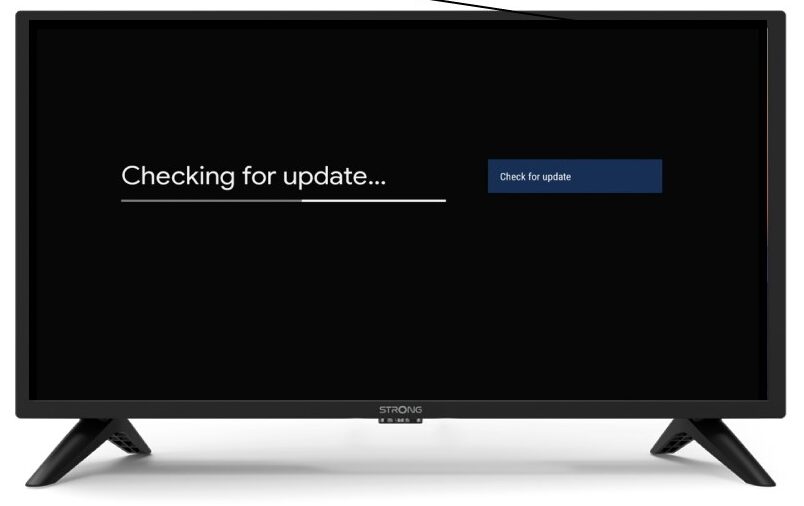
6Sökerefter en ny programvaruversion
En kontroll kommer att startas för att se om du har den senaste uppdateringen. Vänta medan kontrollen pågår. Den nya programversionen kommer att laddas ner automatiskt.