
Powerline 600 Duo Mini
Inga föremål hittades.
Inga föremål hittades.
Alla frågor
Powerline 600 Duo Mini
Inga föremål hittades.
Inga föremål hittades.
Hur ställer man in säkerhetsnivå 2 på sina Powerline-produkter?
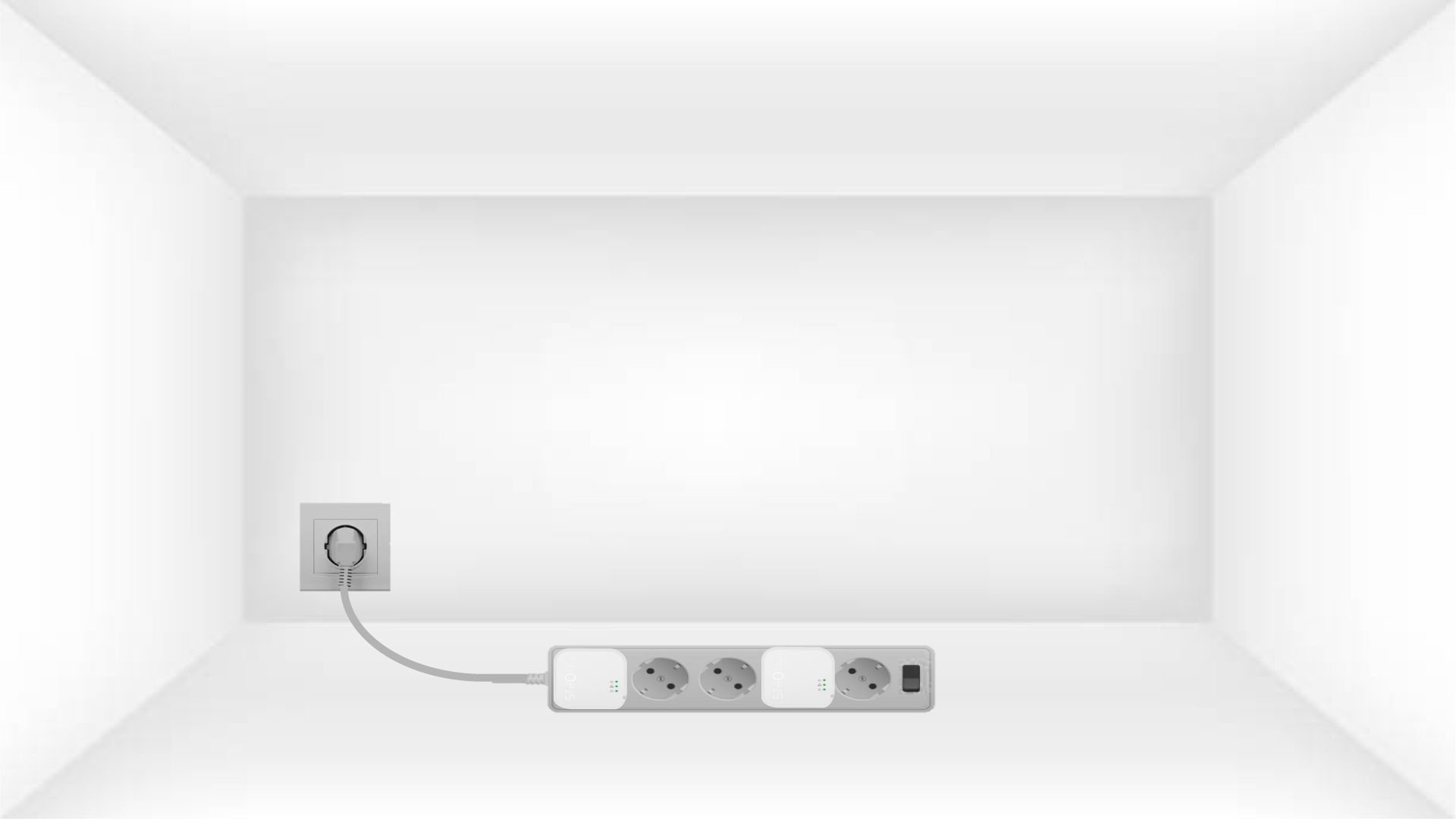
1. Anslutadaptrarna till en grenuttag
Ta en grenuttag och anslut alla Powerline-adaptrar till den.
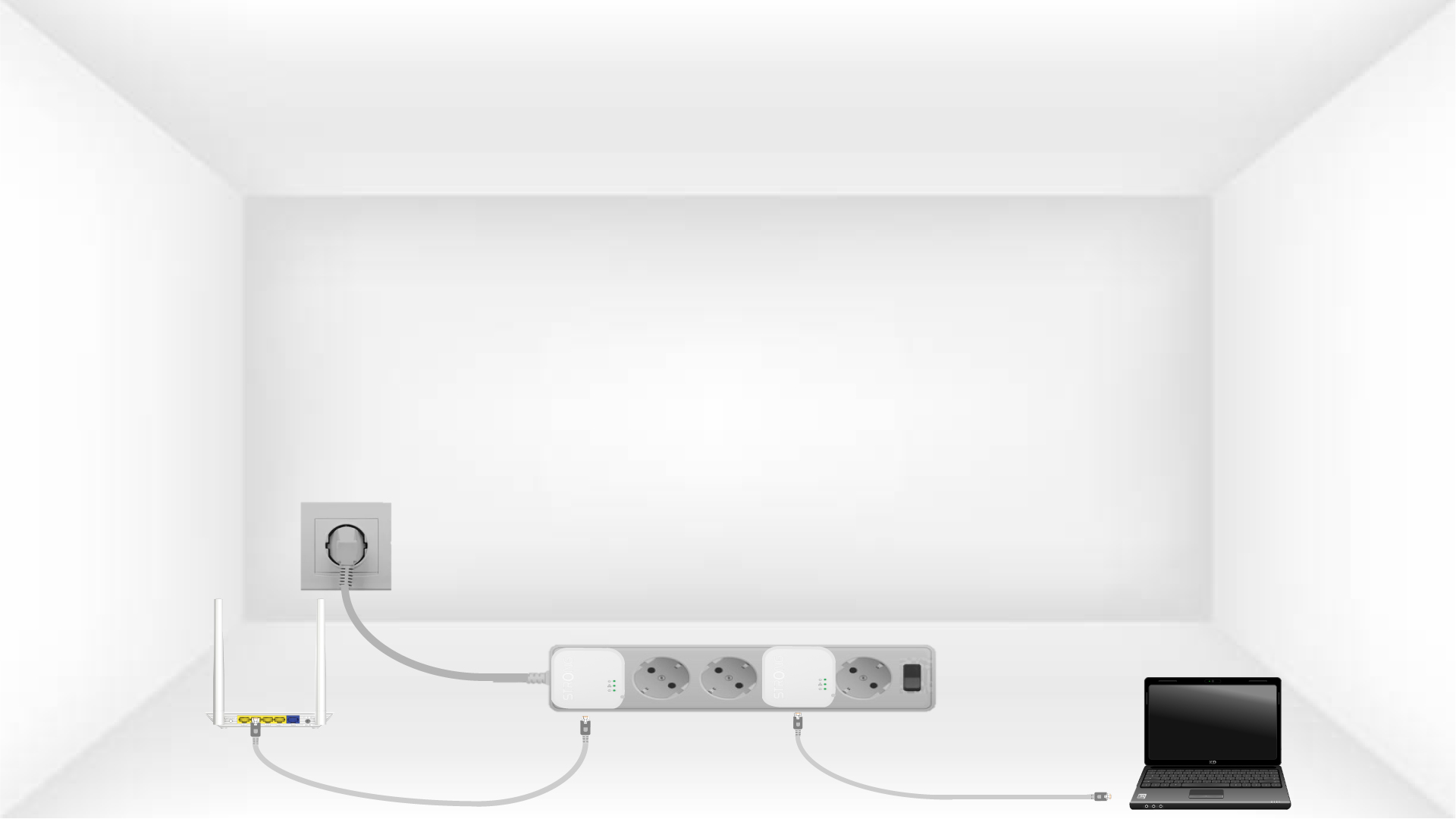
2. Anslutadaptrarna till internet
Anslut en av adaptrarna till internetgatewayen/routern med en RJ45-kabel.
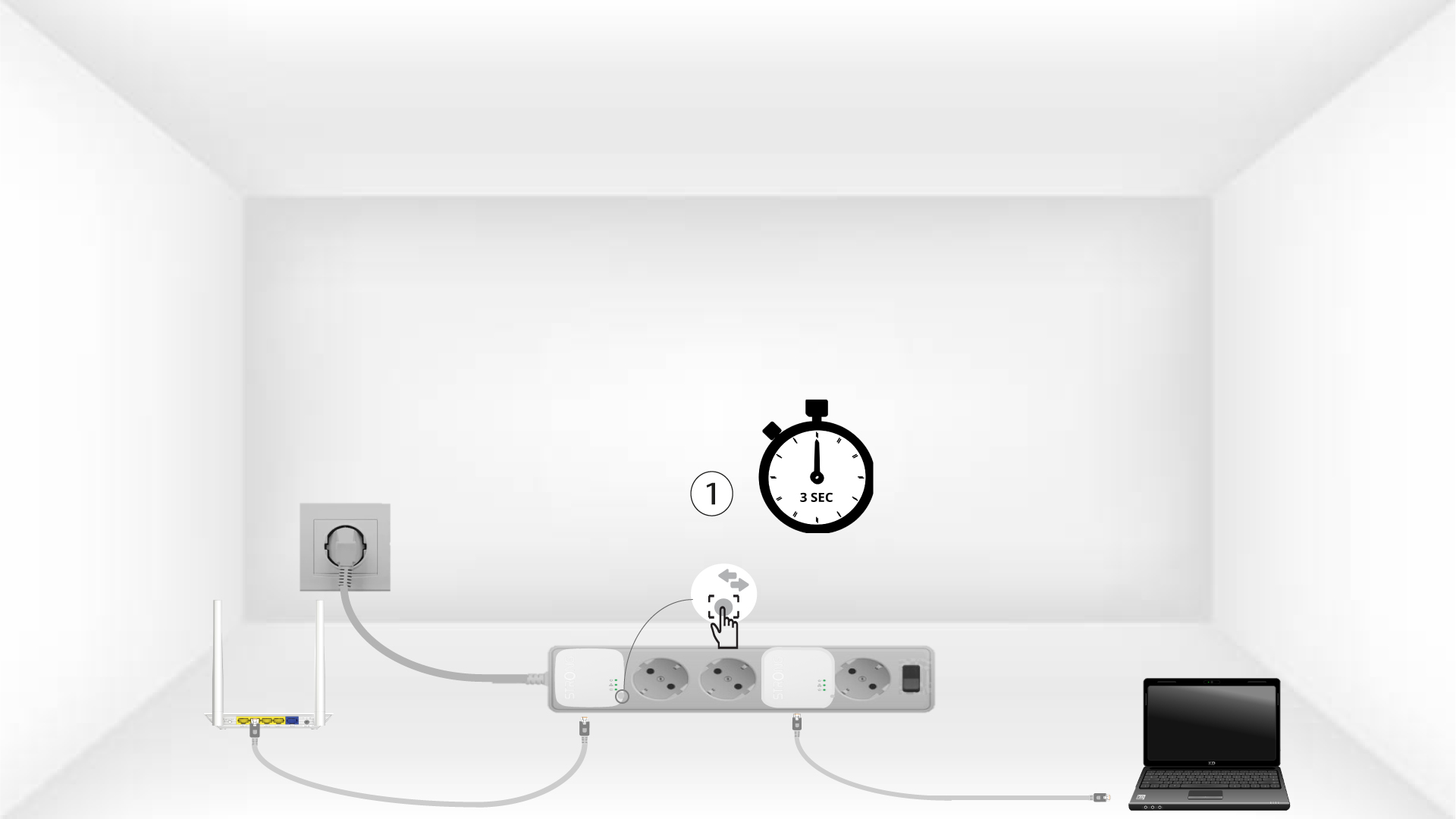
3Tryckpå knappen ”Connect & Secure” (första adaptern)
Tryck sedan på knappen ”CONNECT & SECURE” i 2 sekunder på den första enheten.
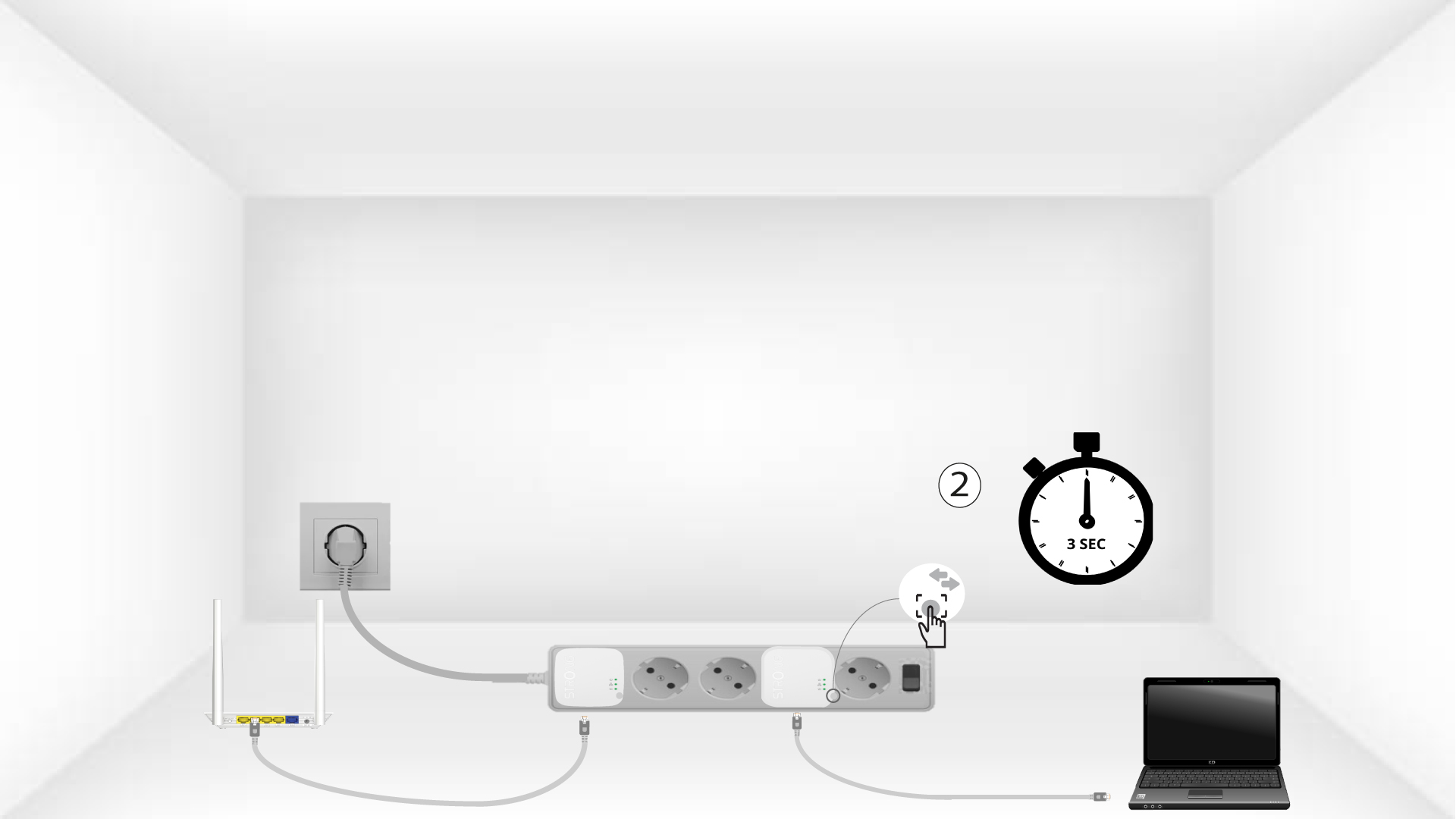
4Tryck påknappen ”Connect & Secure” (den andra adaptern)
Håll knappen ”CONNECT & SECURE” på den andra enheten intryckt i 2 sekunder. Du har upp till två minuter på dig att göra detta.
5Home-LED:n blinkar
LED-lampan för ”hem” ska blinka på de två enheterna.
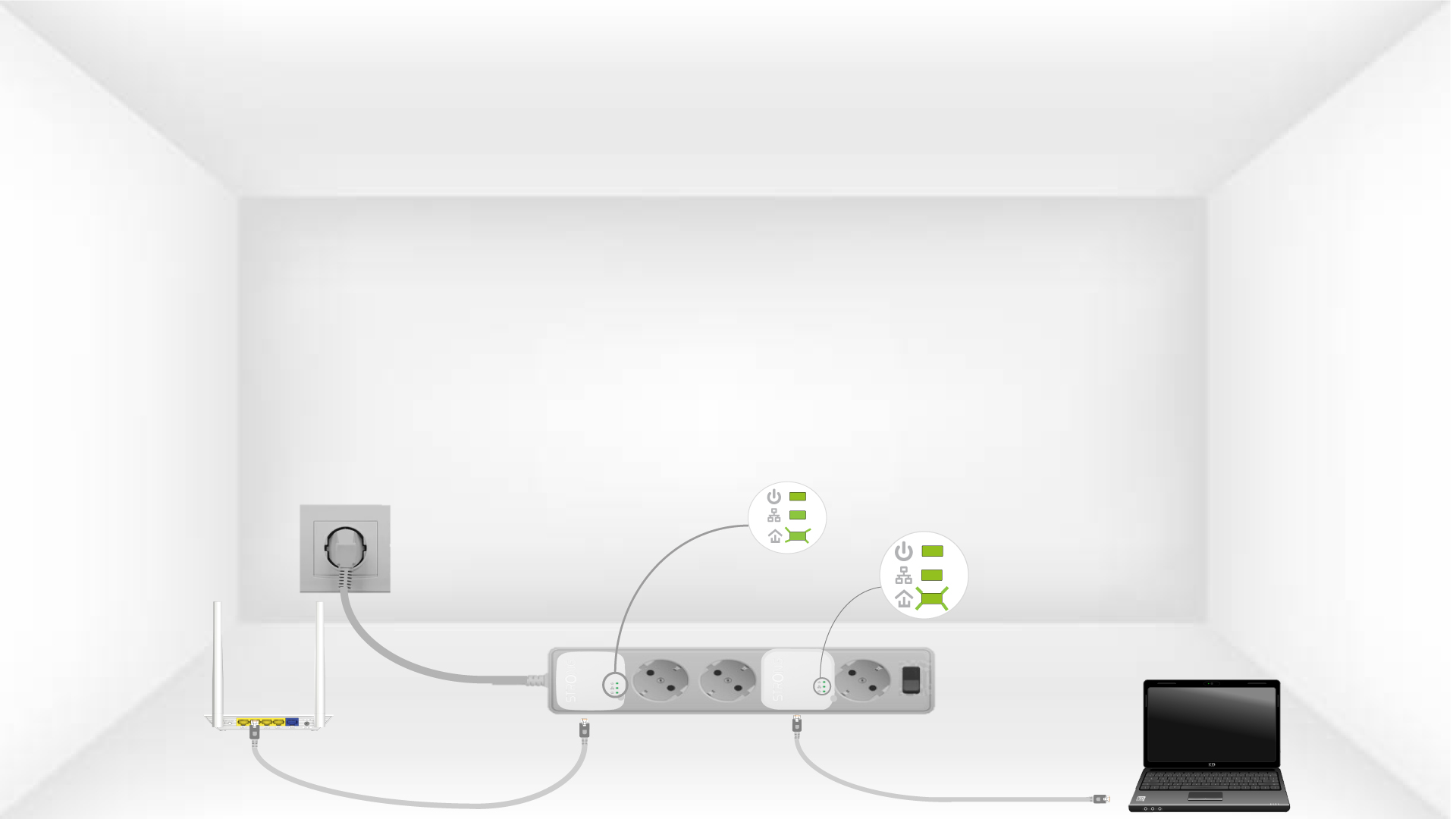
6Krypteringsnyckelnär inställd
Din unika krypteringsnyckel är nu inställd, och alla enheternas lysdioder ska lysa grönt.
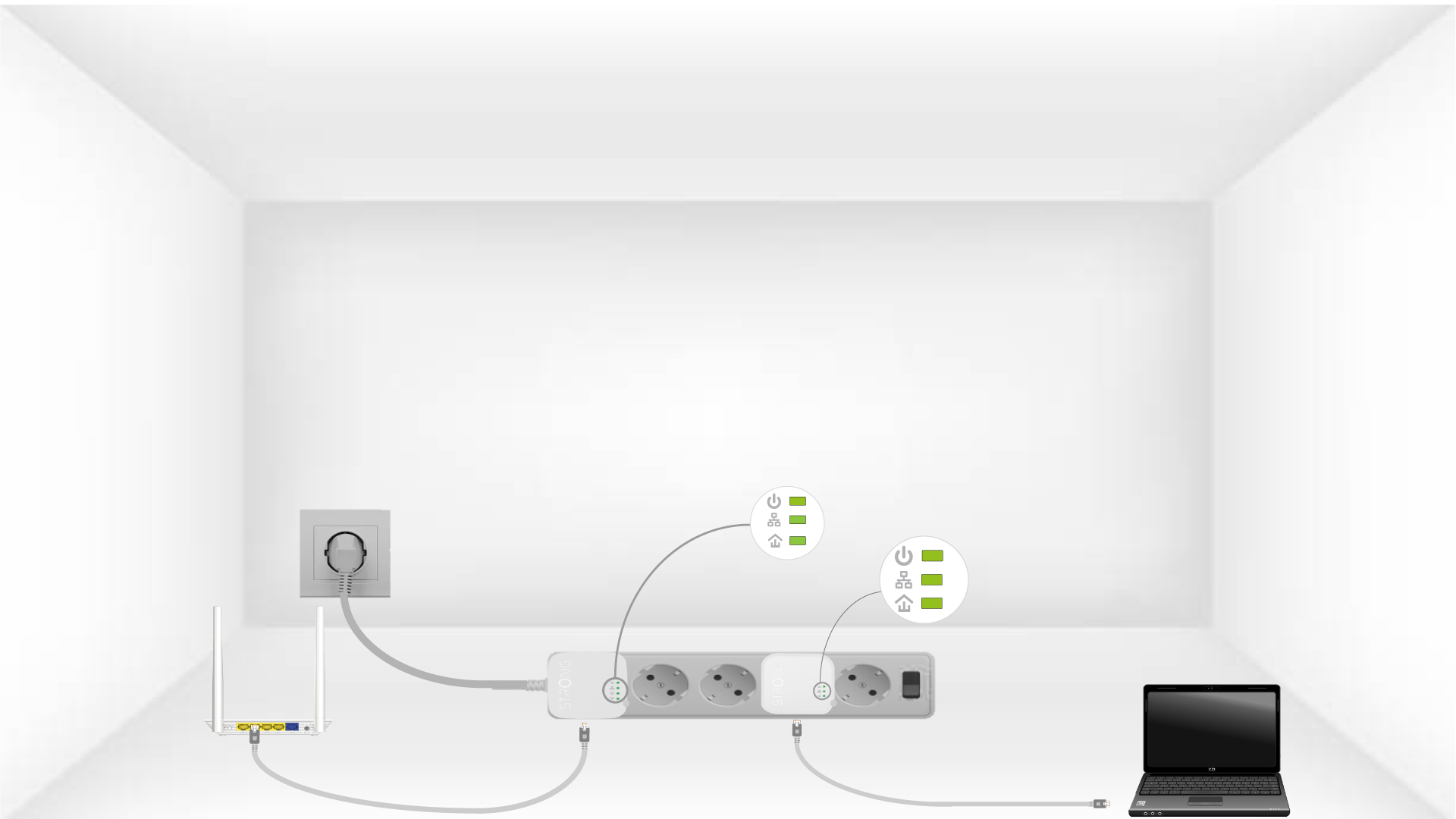
Nu måste du installera adaptrarna i de rum där du behöver dem. Vi rekommenderar starkt att du inte ansluter adaptrarna till ett grenuttag.