
Powerline 600 Duo Mini
Alla frågor
Powerline 600 Duo Mini
Jag har inte tillgång till internet och/eller så lyser inte LED-lampan på ”hem”-ikonen.
Jag har inte tillgång till internet och/eller så lyser inte LED-lampan på ”hem”-ikonen.
Du måste återställa adaptrarna till fabriksinställningarna. För att återställa adaptrarna, gå till
och följ stegen nedan
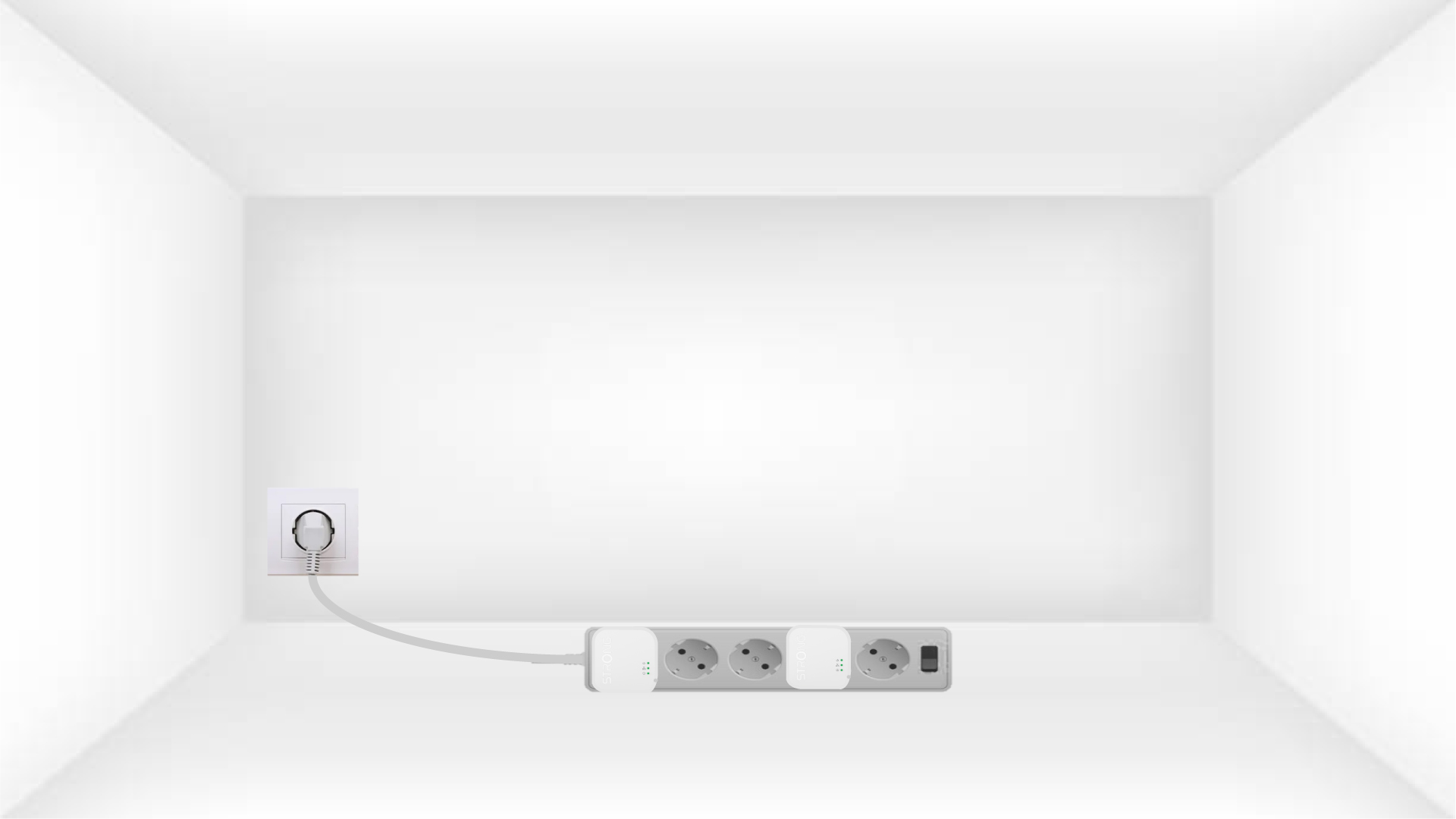
1. Anslutadaptrarna till en grenuttag
Anslut adaptrarna en efter en till ett grenuttag.
2. Anslutadaptern till internet
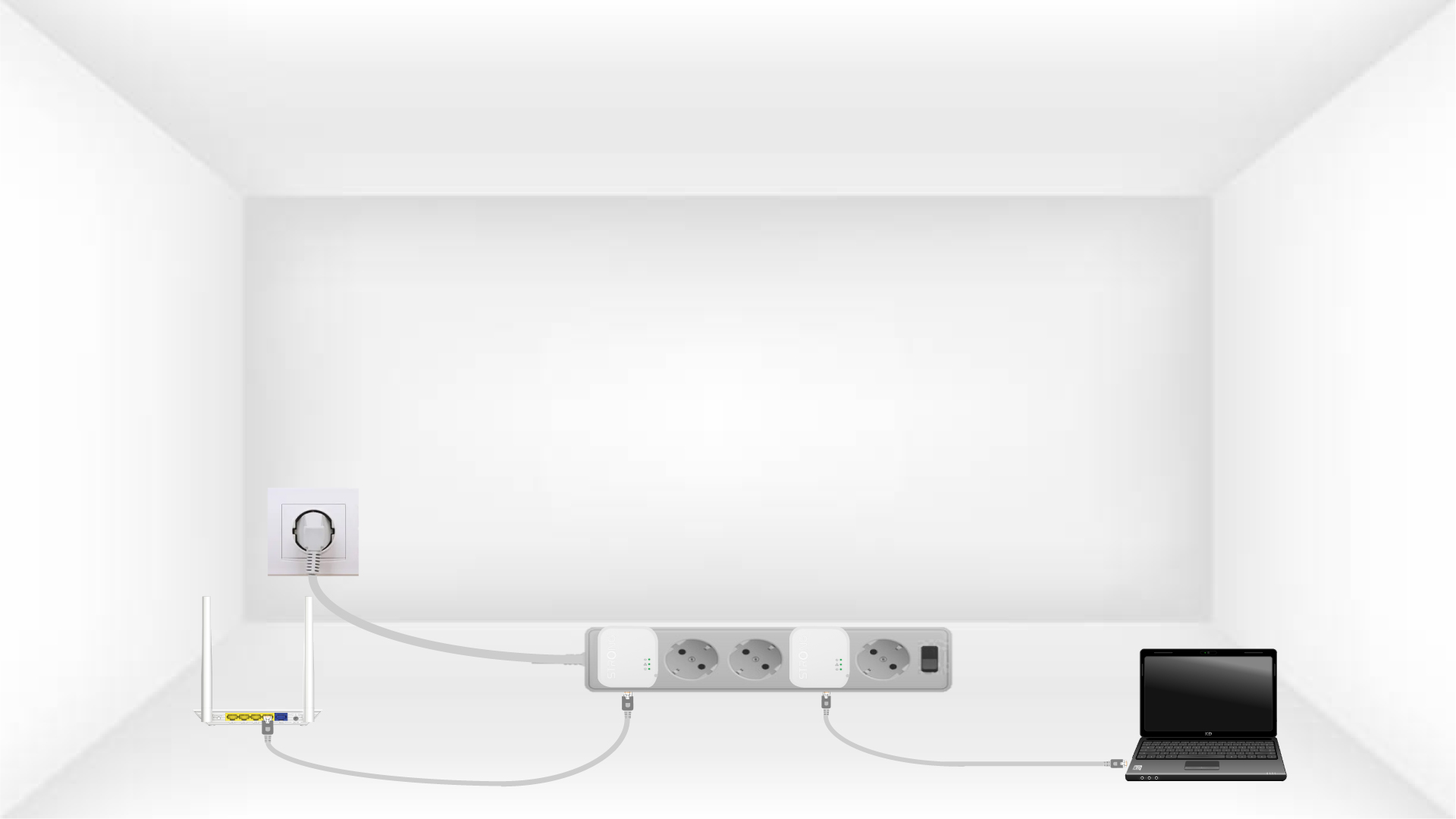
Anslut varje adapter till en fungerande enhet (internetrouter/gateway, Android-box, Smart TV, dator osv.) med en Ethernet-kabel. Det måste finnas en kommunikation mellan enheterna, annars går adaptern automatiskt över till viloläge.
3Tryckpå knappen ”Connect & Secure” (första adaptern)
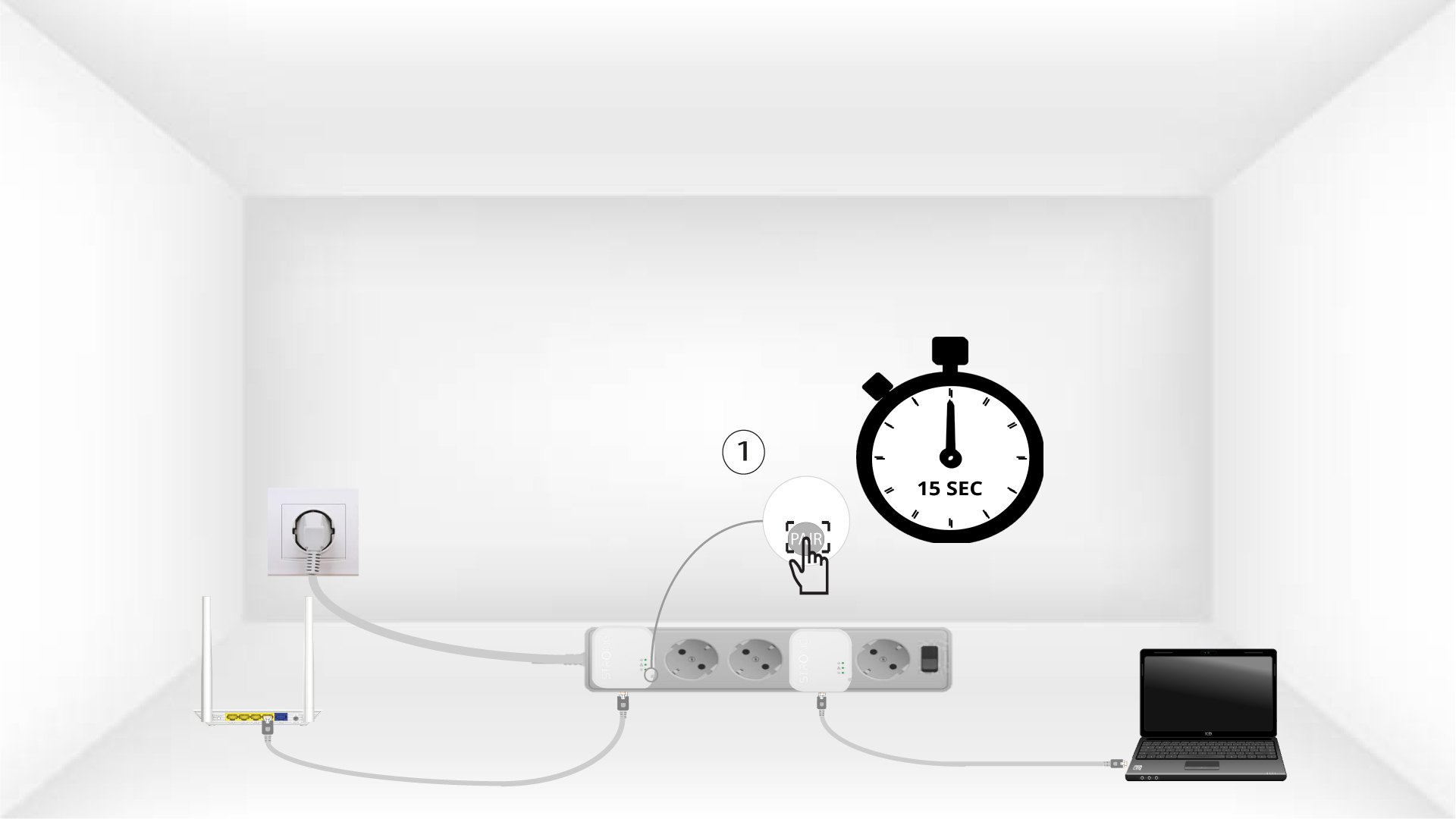
När adaptern är ansluten till elnätet och kopplad till Ethernet trycker du helt enkelt på knappen ”Connect & Secure” på enhetens högra sida i 15 sekunder.
4Tryck påknappen ”Connect & Secure” (den andra adaptern)
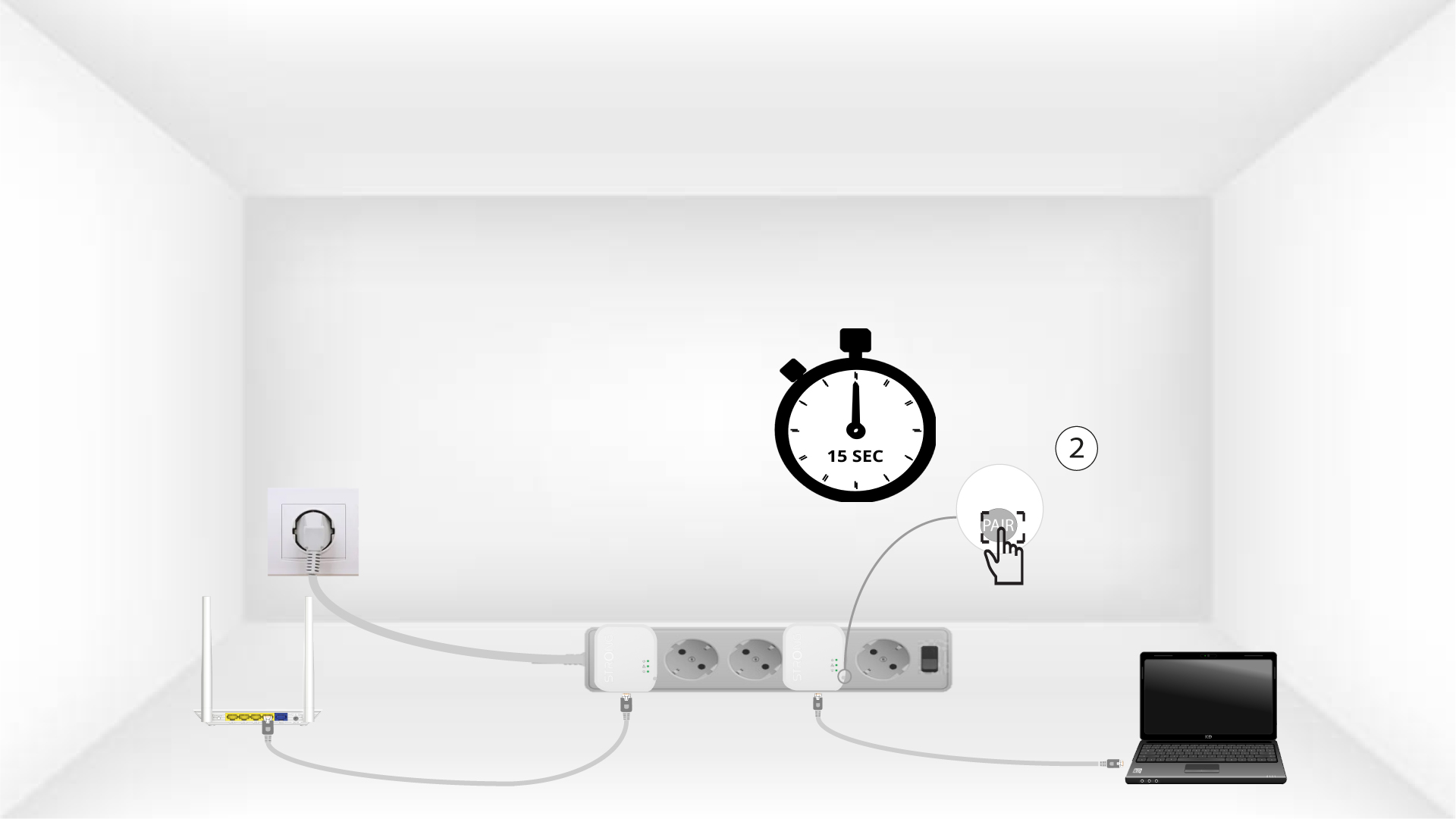
Håll knappen ”Connect & Secure” på höger sida av den andra enheten intryckt i 15 sekunder.
5Home-LED:n blinkar
LED-lampan med hem-ikonen bör börja blinka.
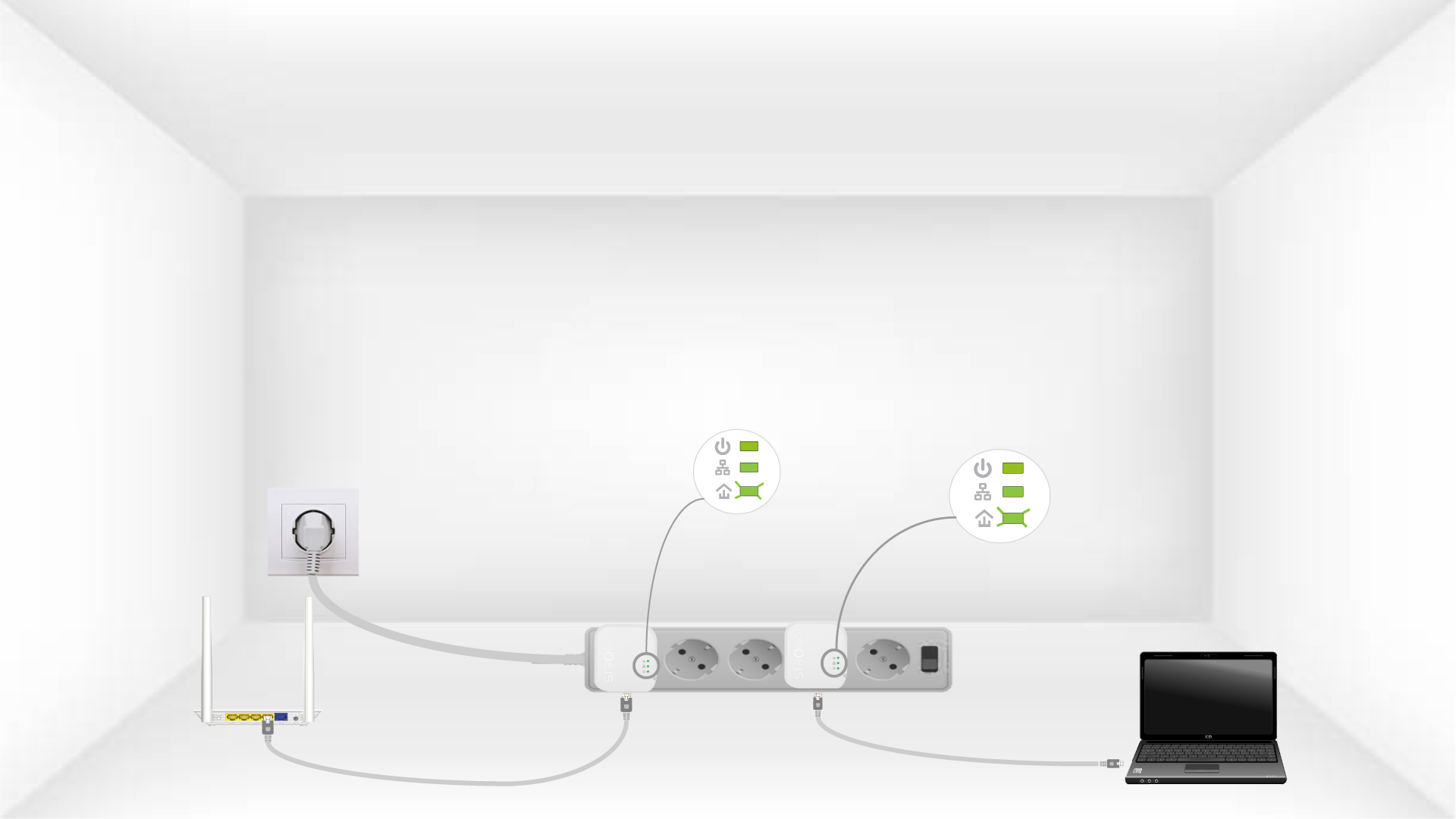
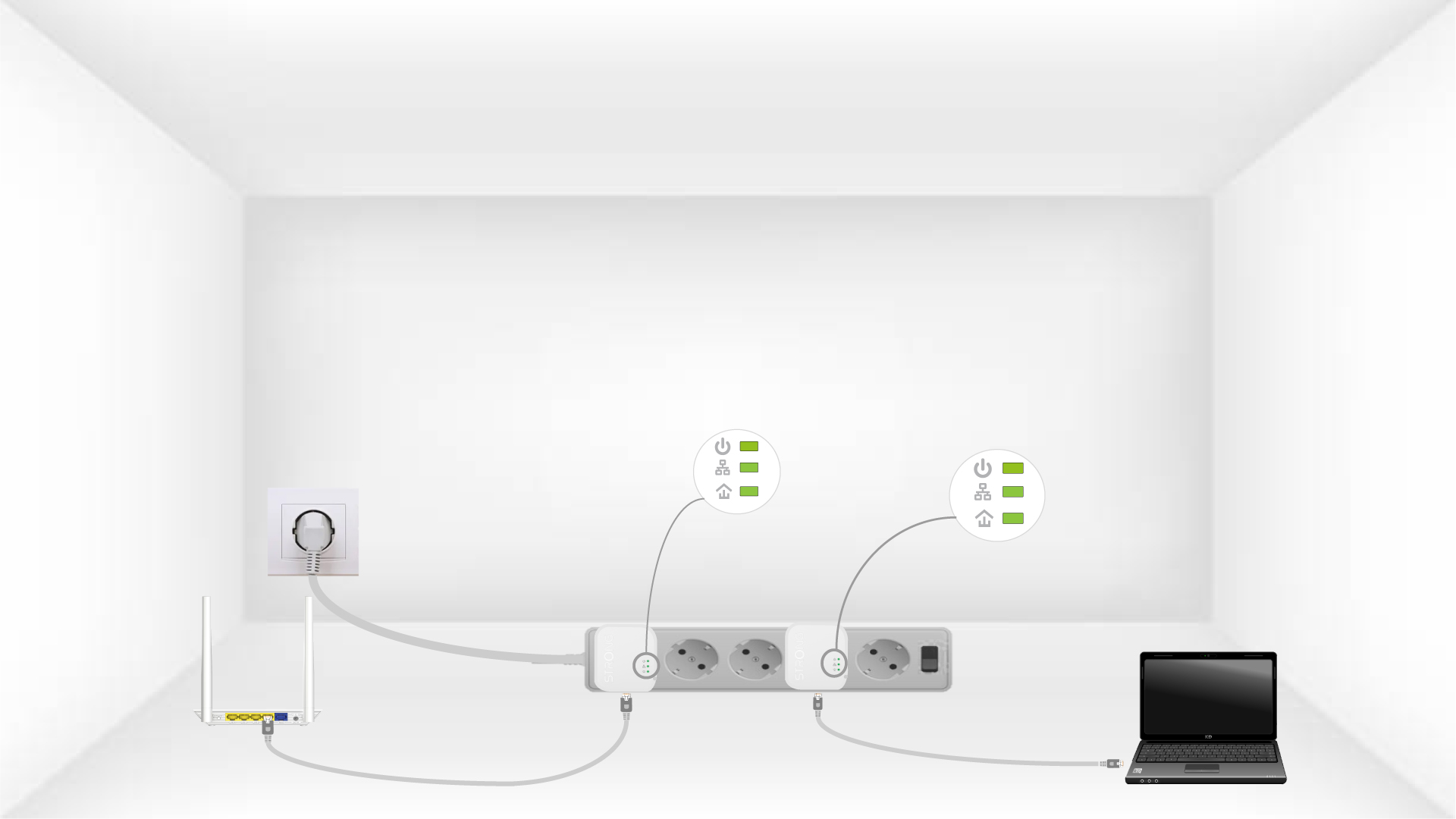
6Adaptrarnaåterställs
Alla lysdioder måste lysa grönt när åtgärderna är avslutade.
Upprepa samma procedur för en tredje strömledning. Du kan ansluta upp till åtta Powerline 600 Mini till samma elnät.
När du har parat ihop alla enheter kan du placera dem i det rum där du behöver dem.