Нічого не знайдено.
4K GOOGLE TV BOX S3+ | DOLBY VISION ATMOS
Нічого не знайдено.
Усі питання
Нічого не знайдено.
4K GOOGLE TV BOX S3+ | DOLBY VISION ATMOS
Нічого не знайдено.
Як додати або змінити порядок розташування додатків на головному екрані?
1Випадок1: Додавання програми
Щоб додати програму на головний екран, перейдіть до кнопки «Додати програми», розташованої в кінці списку програм, які вже знаходяться на головному екрані, та натисніть «ОК».
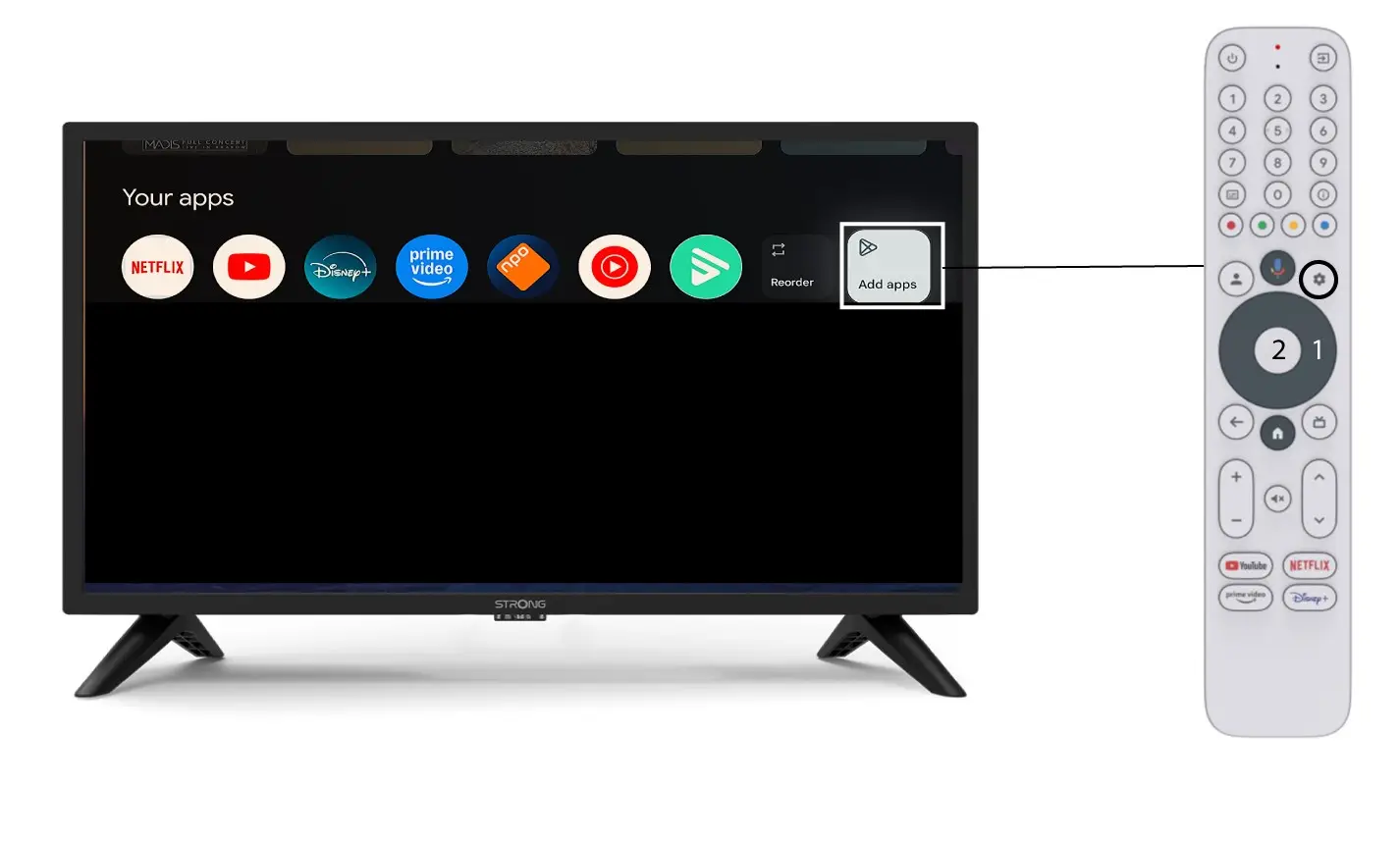
2Список додатків
Після цього відкриється список програм; виберіть потрібну програму та натисніть кнопку «OK» на пульті дистанційного керування.
Зверніть увагу, що видалити програми зі списку «Вибране» неможливо. Якщо ви хочете, щоб програма зникла з цієї сторінки, вам доведеться її видалити.

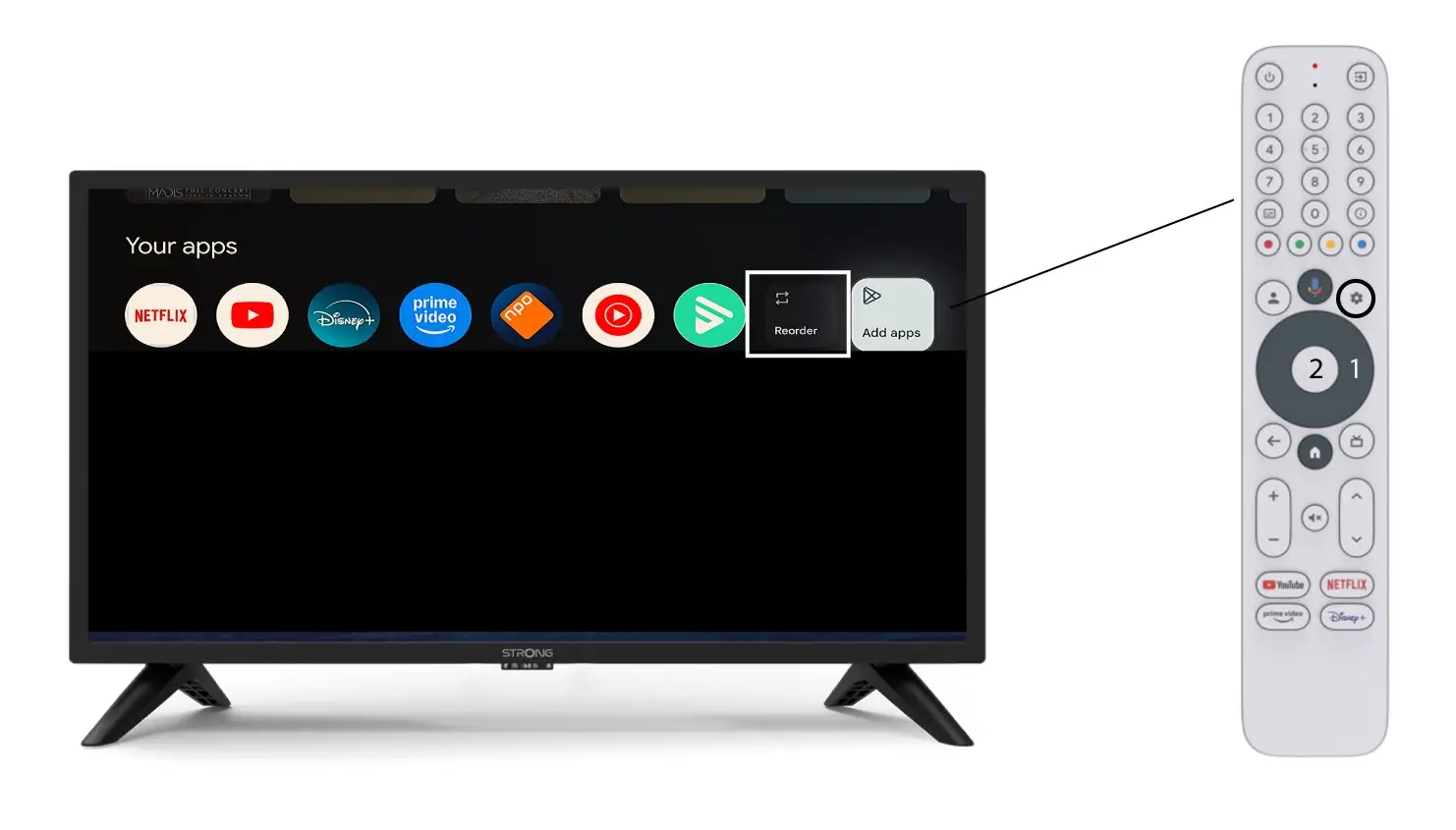
3Випадок2: Зміна порядку розташування додатків
Щоб змінити порядок відображення додатків на головній сторінці, натисніть «Змінити порядок».