4G LTE маршрутизатор 300 Mini UK
Усі питання
4G LTE маршрутизатор 300 Mini UK
Як підключити свої пристрої за допомогою WPS?

Ви можете скористатися функцією WPS для налаштування з’єднання Wi-Fi між, наприклад, принтером « маршрутизатор » та вашими комп’ютерами й/або іншим принтером. Підключити мобільний телефон за допомогою WPS неможливо. Щоб легко підключити телефон до мережі Wi-Fi, відскануйте QR-код, розташований на задній панелі принтера « маршрутизатор » — це дозволить автоматично підключитися до мережі без введення пароля Wi-Fi.
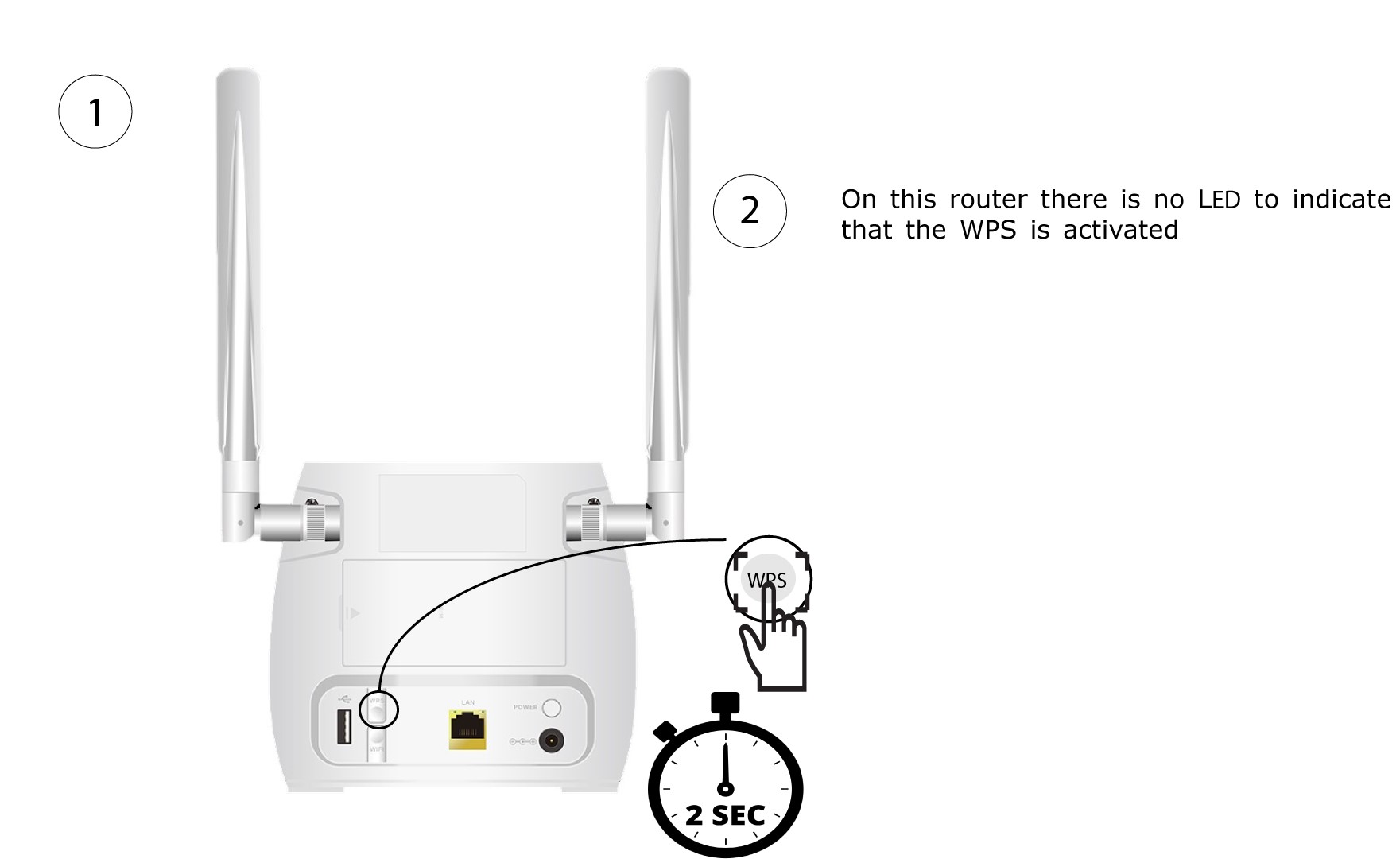
1. Натиснітькнопку WPS
Натисніть і утримуйте кнопку WPS, розташовану на задній панелі пристрою « маршрутизатор », протягом 2 секунд, щоб будь-який сумісний пристрій у вашому домі міг автоматично підключитися до мережі Wi-Fi пристрою « маршрутизатор ».
2. Виберітьмережу Wi-Fi маршрутизатор
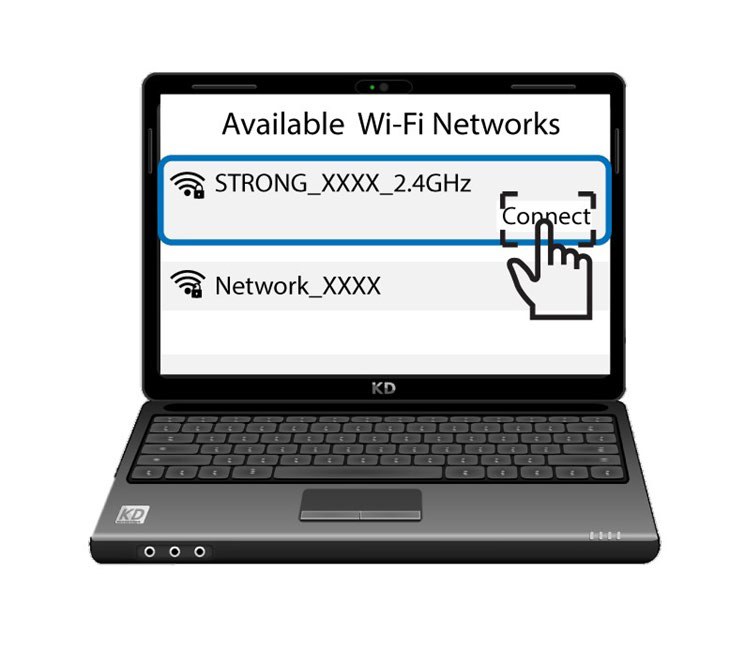
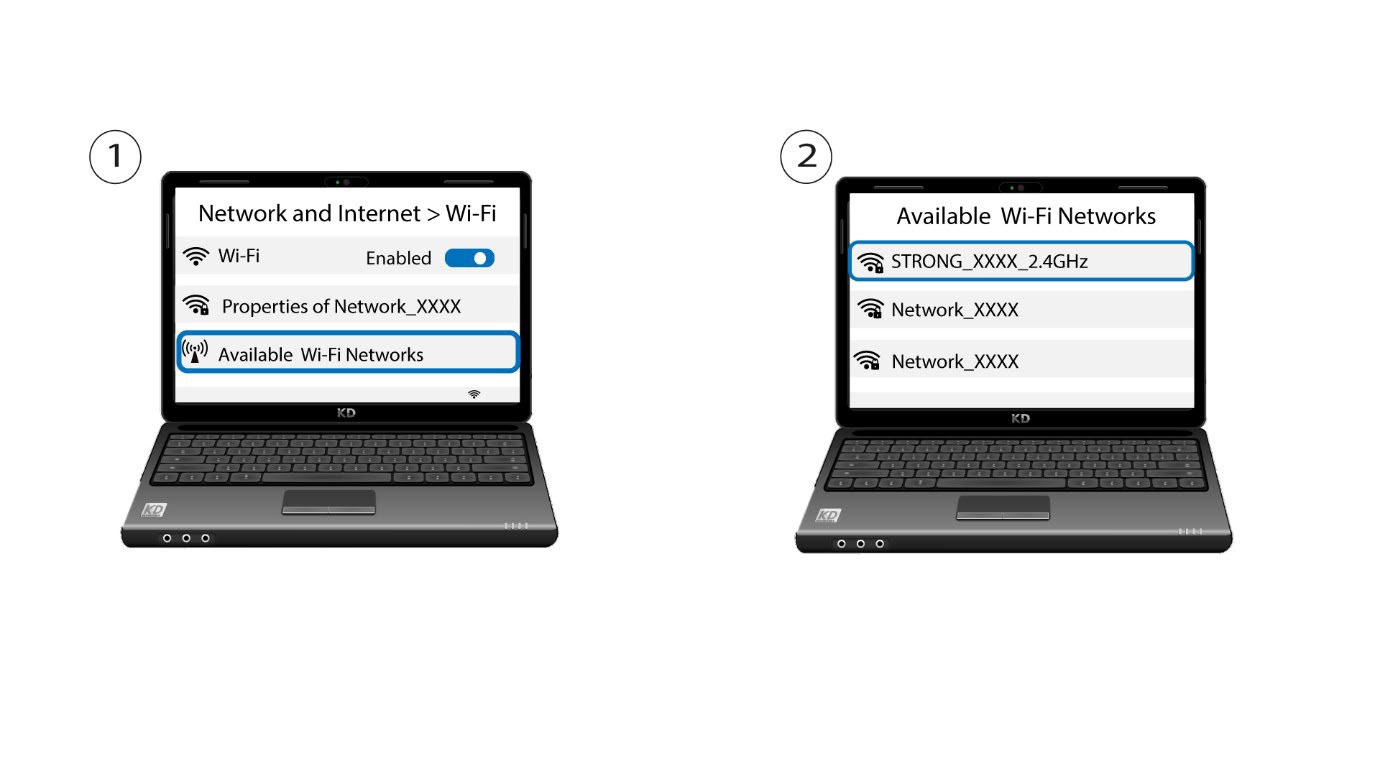
Перейдіть до налаштувань Wi-Fi на вашому комп’ютері або телефоні та натисніть на назву мережі « маршрутизатор », щоб вибрати її.
3. Підключітьсядо мережі Wi-Fi
Потім натисніть кнопку «Підключитися »