
4G AIRHOME 210 UK вбудованими 4G-антенами
Нічого не знайдено.
Нічого не знайдено.
Усі питання
4G AIRHOME 210 UK вбудованими 4G-антенами
Нічого не знайдено.
Нічого не знайдено.
Як вимкнути Wi-Fi?
Ви можете вирішити, що вам не потрібно користуватися Wi-Fi вашого маршрутизатор; у такому разі вам слід вимкнути його в веб-інтерфейсі.
1. Підключітьсядо мережі Wi-Fi вашого маршрутизатор
Щоб вимкнути мережу Wi-Fi на вашому « маршрутизатор », необхідно підключитися до мережі Wi-Fi цього пристрою.

2. ВведітьIP-адресу веб-інтерфейсу користувача
Потім введіть у браузері таку IP-адресу: 192.168.188.1.

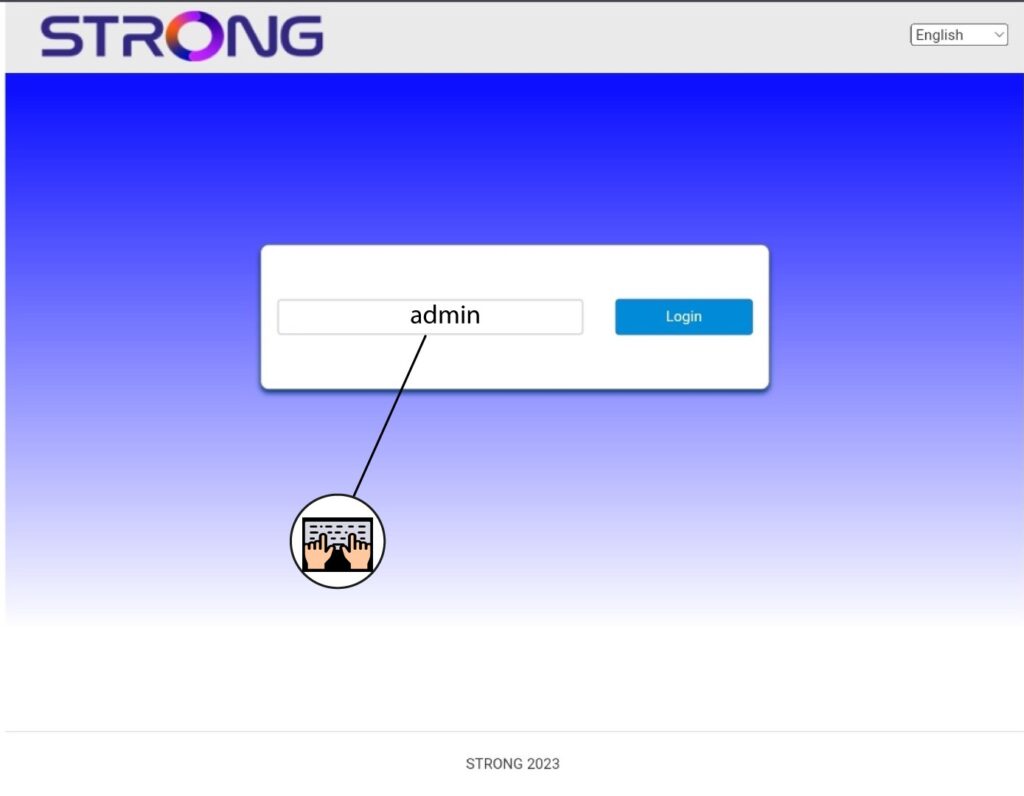
3Введітьсвої облікові дані
Ви повинні ввести пароль.
4. Налаштування Wi-Fi
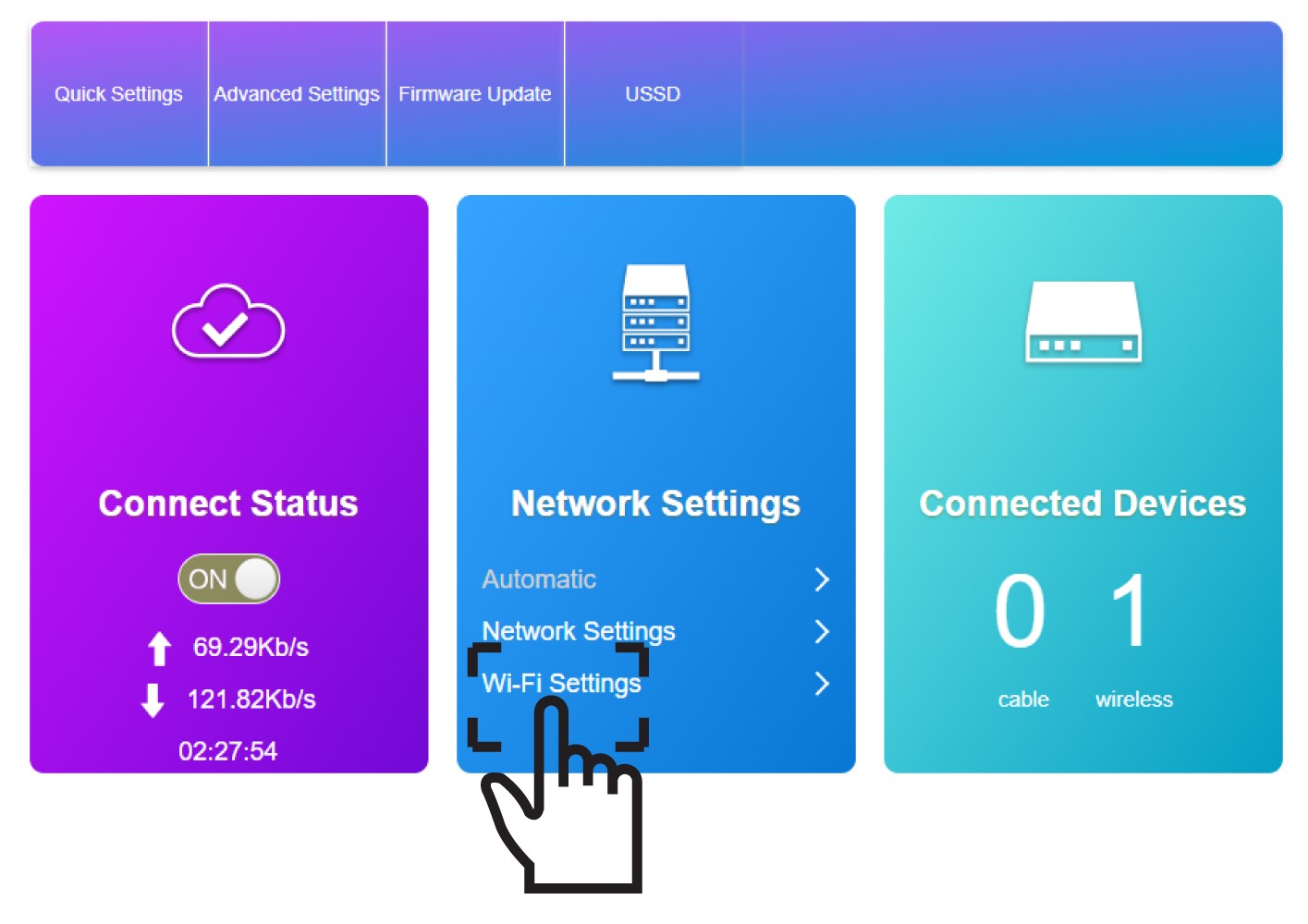
У розділі «Налаштування мережі» натисніть «Налаштування Wi-Fi ».
5. ВимкнутиWi-Fi
Потім натисніть «Вимкнути » та «Застосувати».
