
Wi-Fi 4G+ AIRSPOT 520 із сенсорним екраном
Нічого не знайдено.
Нічого не знайдено.
Усі питання
Wi-Fi 4G+ AIRSPOT 520 із сенсорним екраном
Нічого не знайдено.
Нічого не знайдено.
Як ввести PIN-код? (Екран Mi-Fi)
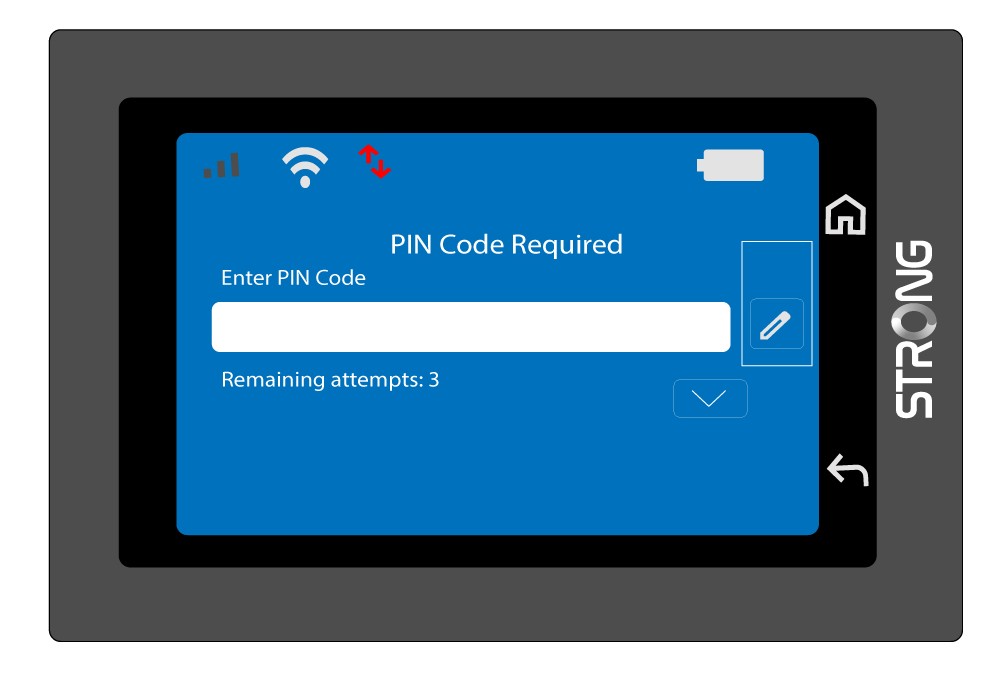
Коли ви вперше вставите SIM-карту, пристрій запропонує вам ввести PIN-код.
1. Відкрийтеклавіатуру
Натисніть на піктограму ручки, щоб відкрити цифрову клавіатуру.
2ВведітьPIN-код
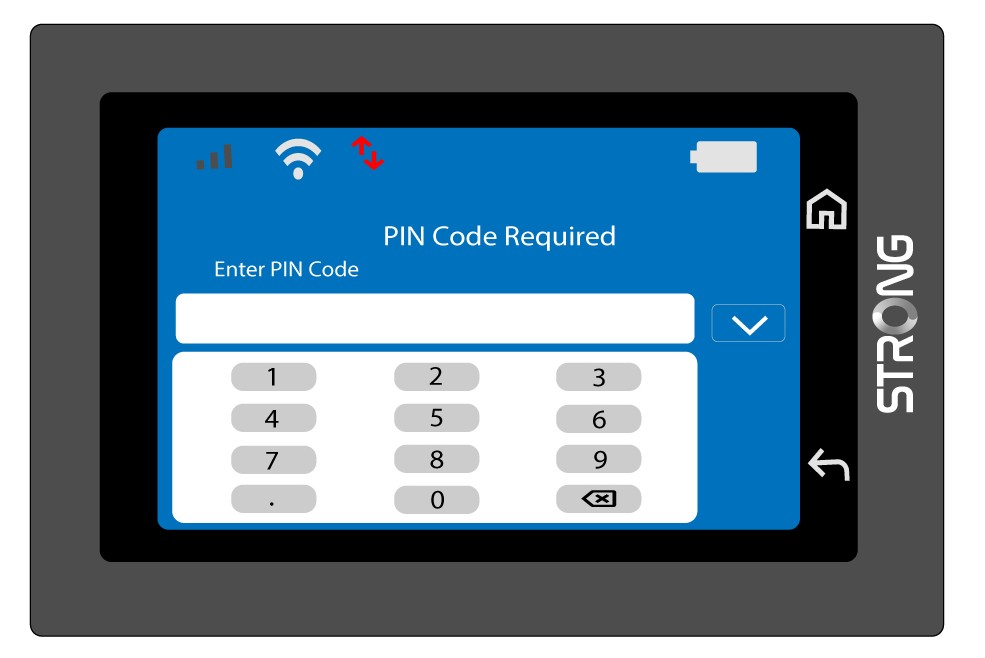
Введіть PIN-код за допомогою цифрової клавіатури, а потім натисніть на піктограму (v) для підтвердження.
3. Підтвердітькод
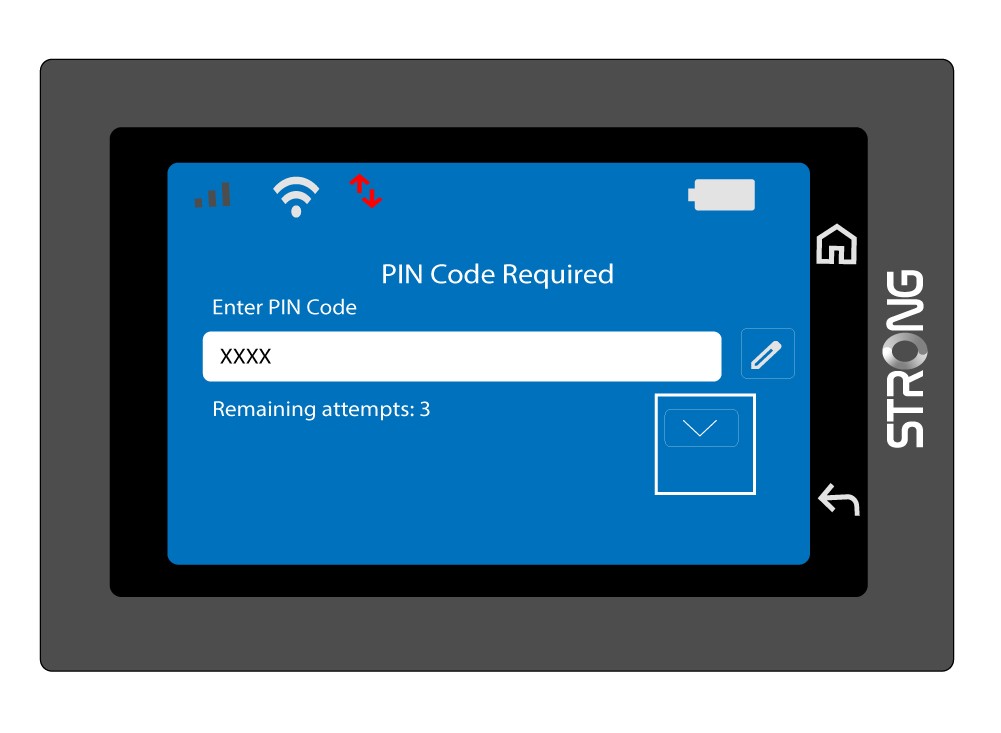
Підтвердьте PIN-код на головному екрані.
4. Дочекайтесяпідтвердження
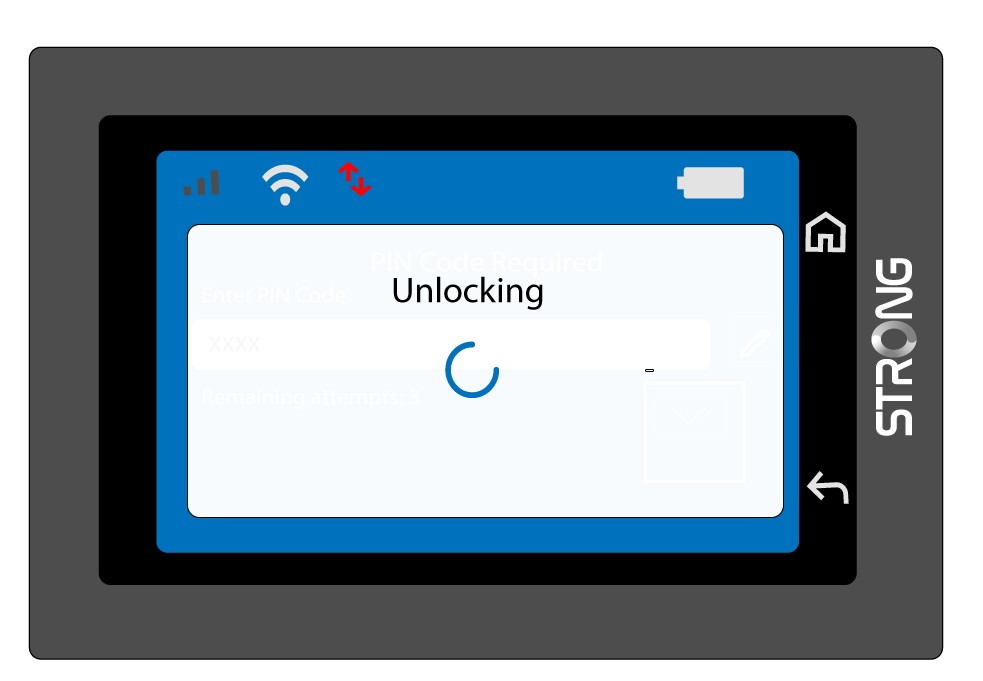
Зачекайте, поки повідомлення про розблокування не зникне з екрана.
5 Готовийдо використання
Ви повинні побачити такий екран.
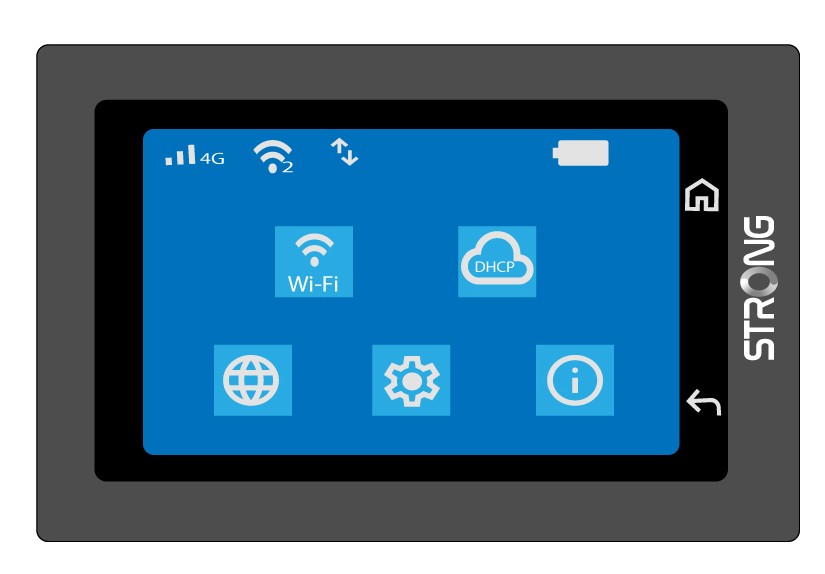
Після першого успішного введення Mi-Fi запам'ятає ваш PIN-код.