
Повторювач AX1800
Усі питання
Повторювач AX1800
Як оновити прошивку мого пристрою « Повторювач »?
1. Перейдітьдо розділу завантажень на сайті https://www.strong-eu.com/
Перед оновленням необхідно перейти до розділу завантажень на нашому веб-сайті, щоб перевірити, чи доступна нова версія програмного забезпечення.
2Завантажити
Щоб отримати доступ до файлів для завантаження, натисніть «Допомога» та «Завантажити» у верхній панелі та її підменю.

3. Вкажітьномер артикулу товару
Перейшовши на сторінку «Завантаження», натисніть «Домашні мережі » та Повторювач назва продукту.
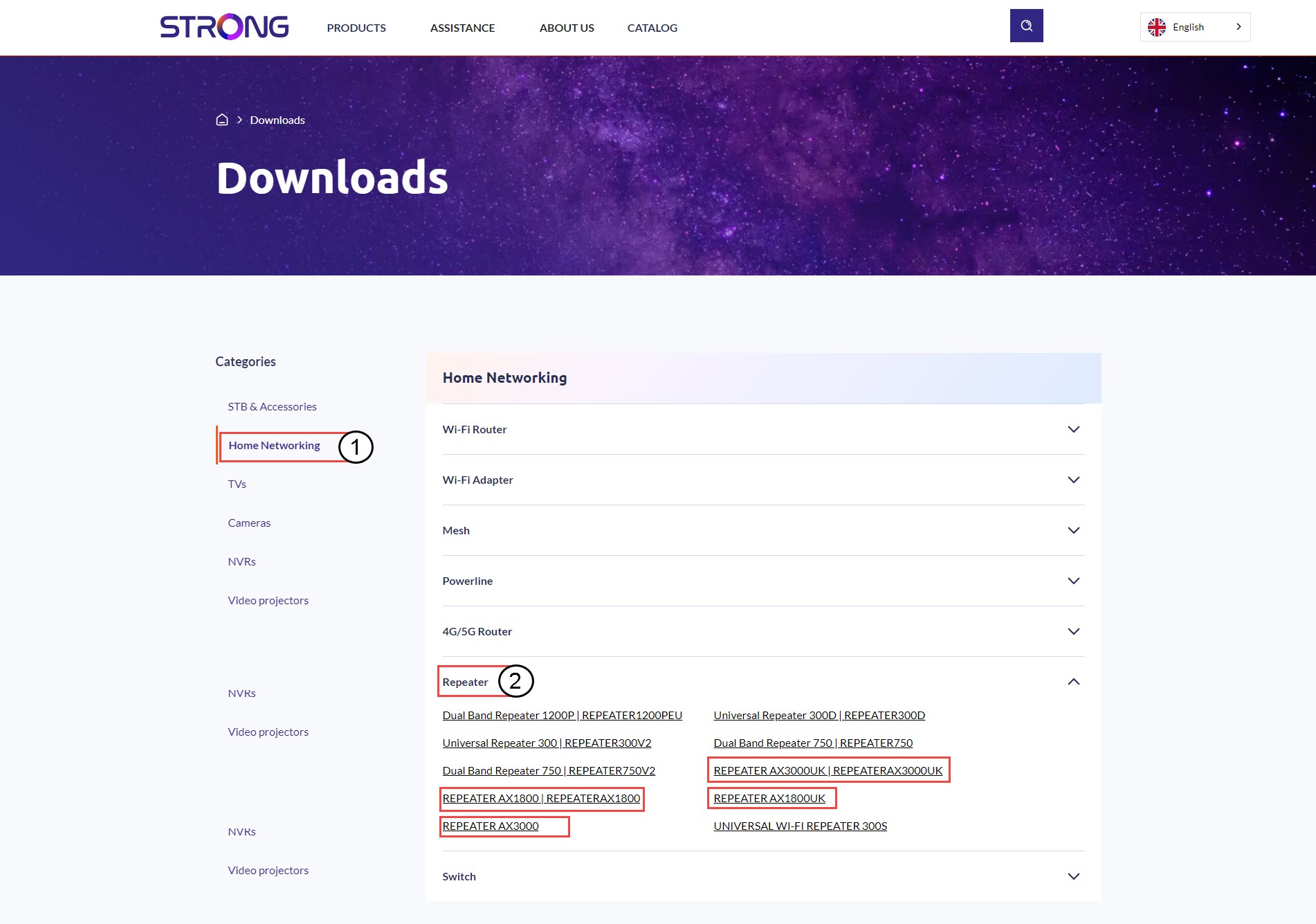
4. Розділ «Прошивка»
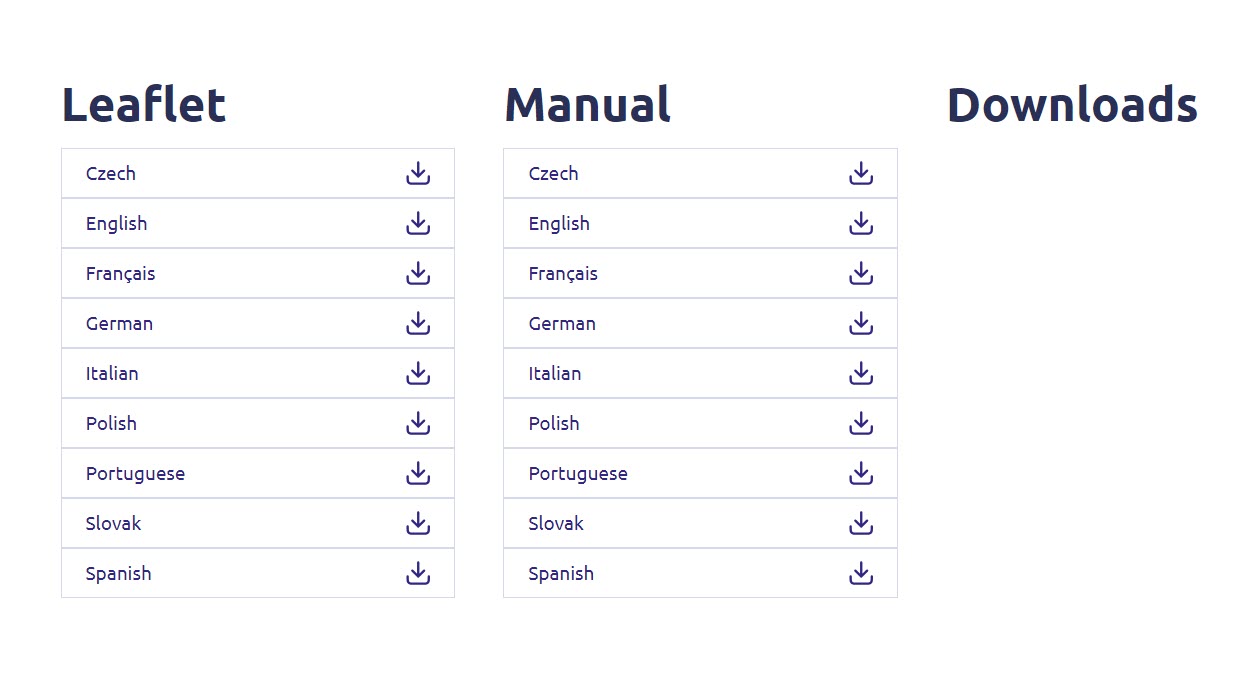
На сторінці, наведеній нижче, у розділі «Прошивка» ви знайдете нову версію програмного забезпечення.
Якщо на сторінці завантаження ви не бачите розділ із прошивкою, це означає, що нової версії програмного забезпечення немає.
5. Підключітьсядо веб-інтерфейсу користувача
Дотримуйтесь цієї інструкції, щоб підключитися до веб-інтерфейсу користувача.
6. Прошивка
Натисніть «Додаткові налаштування » та «Прошивка».
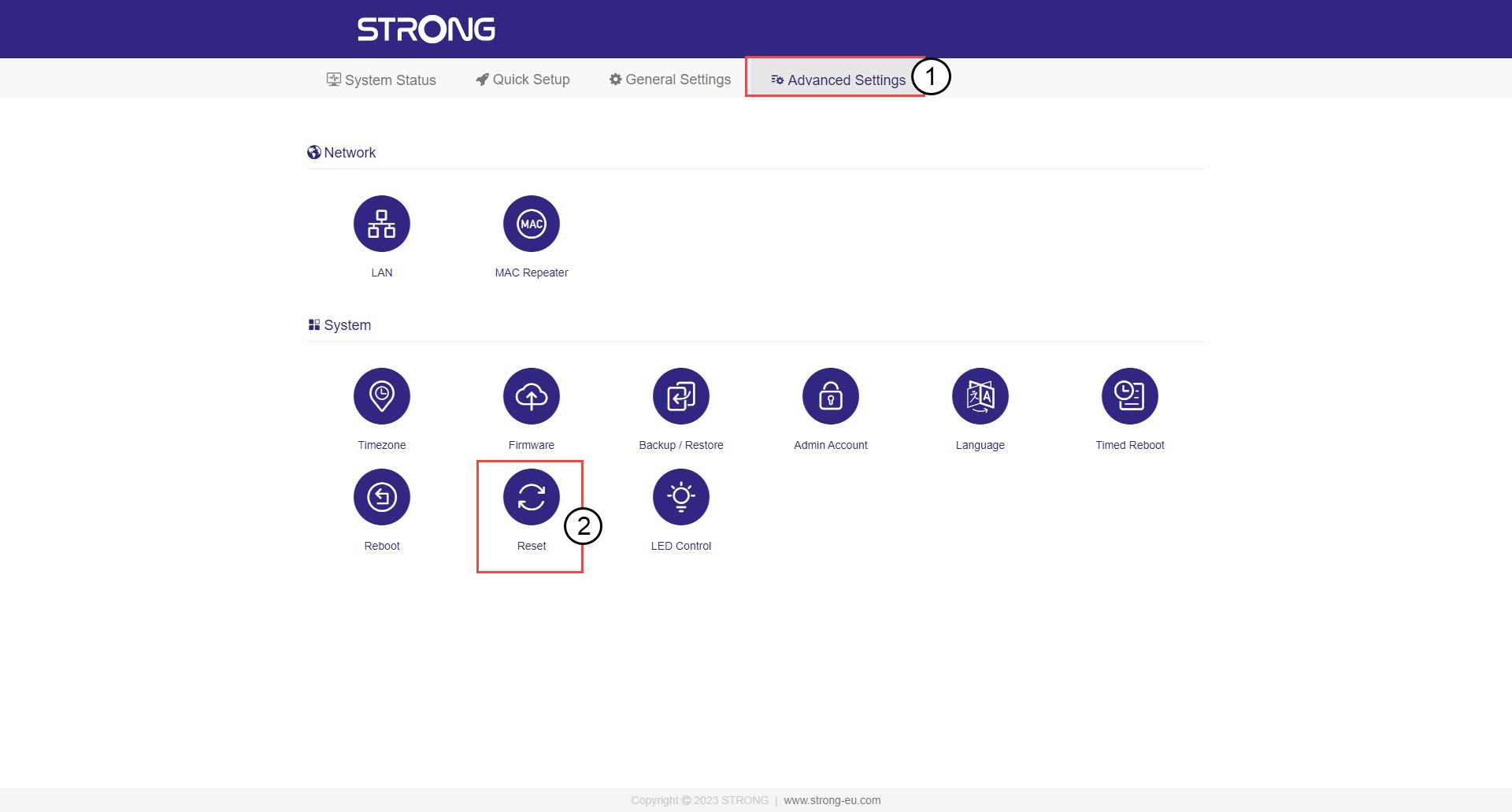
7. Виберітьзавантажений файл прошивки
Виберіть файл, і оновлення розпочнеться автоматично.
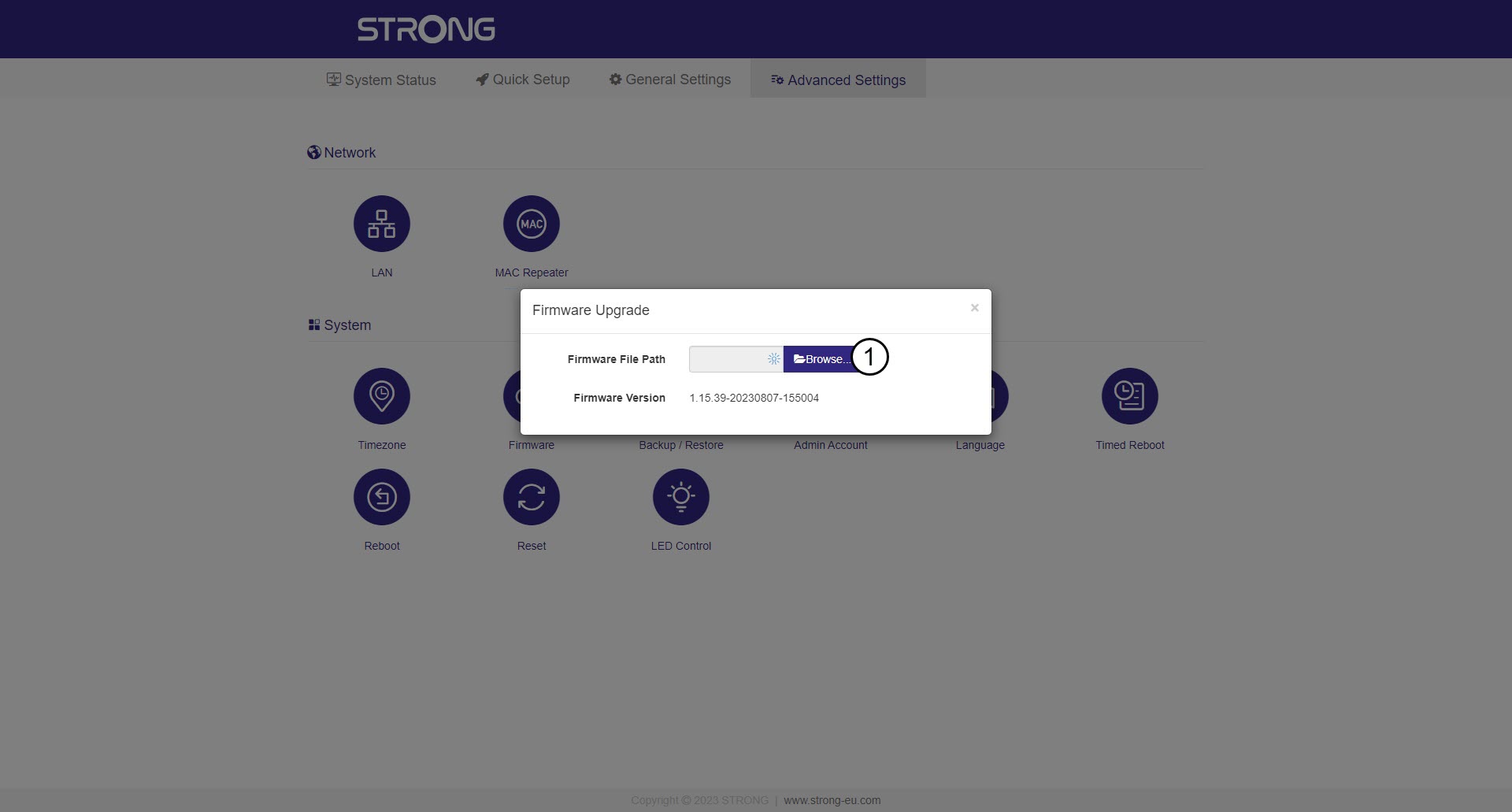

Попередження: Будь ласка, дочекайтеся завершення оновлення та перезавантаження пристрою. Після оновлення вам
доведеться знову підключитися до мережі Wi-Fi.