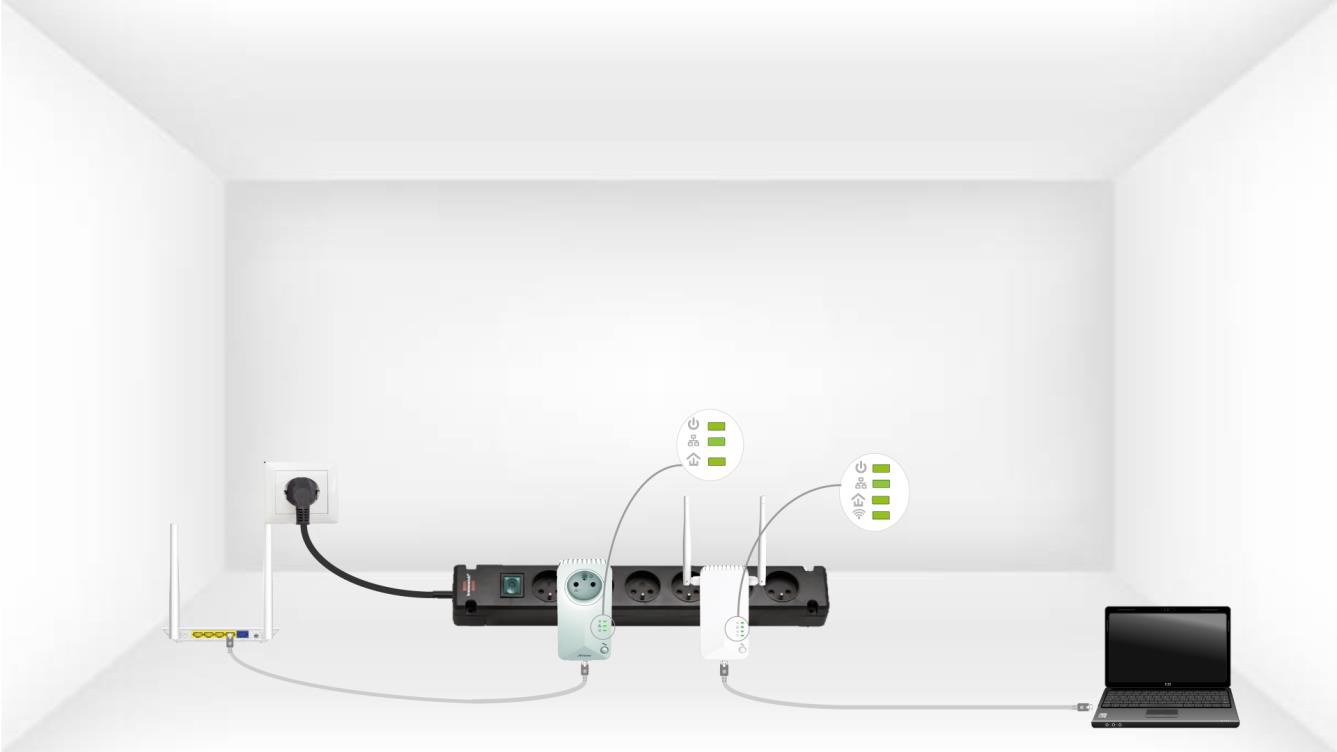
CPL 600 Duo Wi-Fi FR V2
Усі питання
CPL 600 Duo Wi-Fi FR V2
У мене немає доступу до Інтернету та/або світлодіод на піктограмі «Домашня сторінка» не світиться.
Необхідно скинути налаштування адаптерів до заводських. Щоб скинути налаштування адаптерів, виконайте наведені нижче дії.
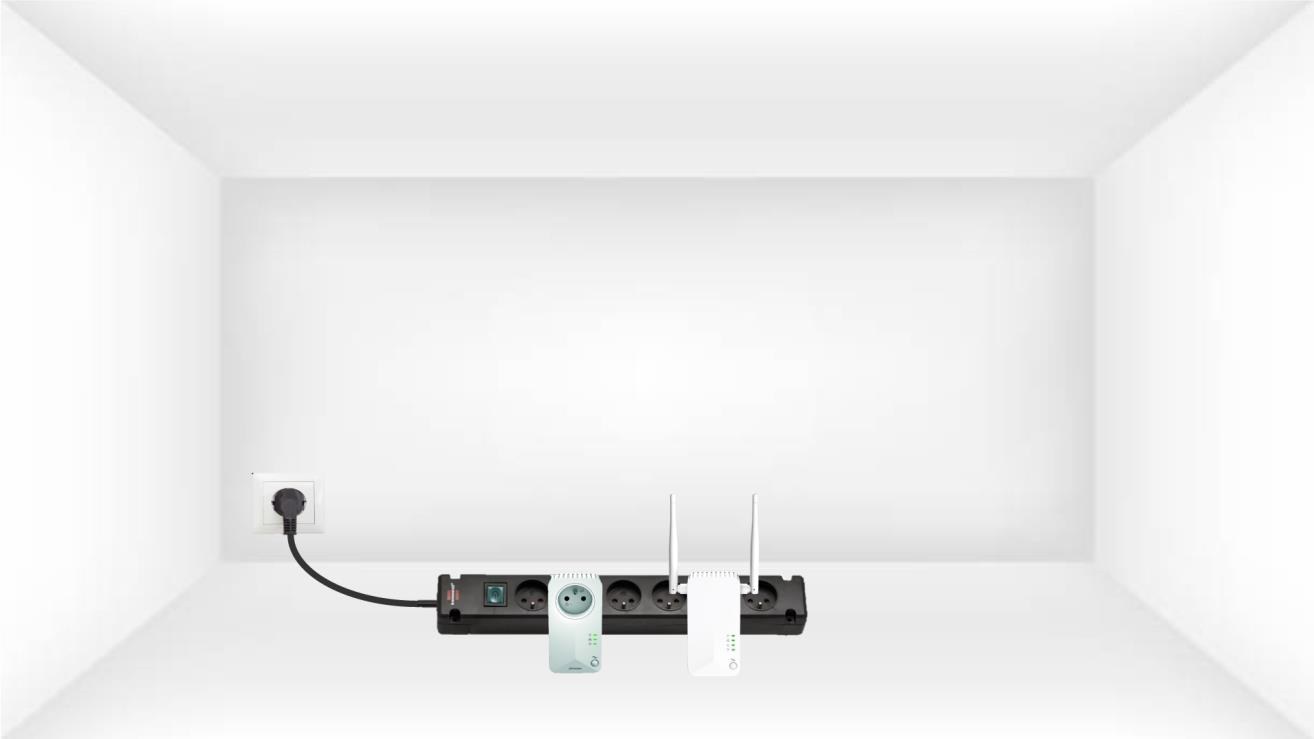
1. Підключітьадаптери до розетки з розгалуженим блоком живлення
Підключіть адаптери по черзі до розгалужувача.
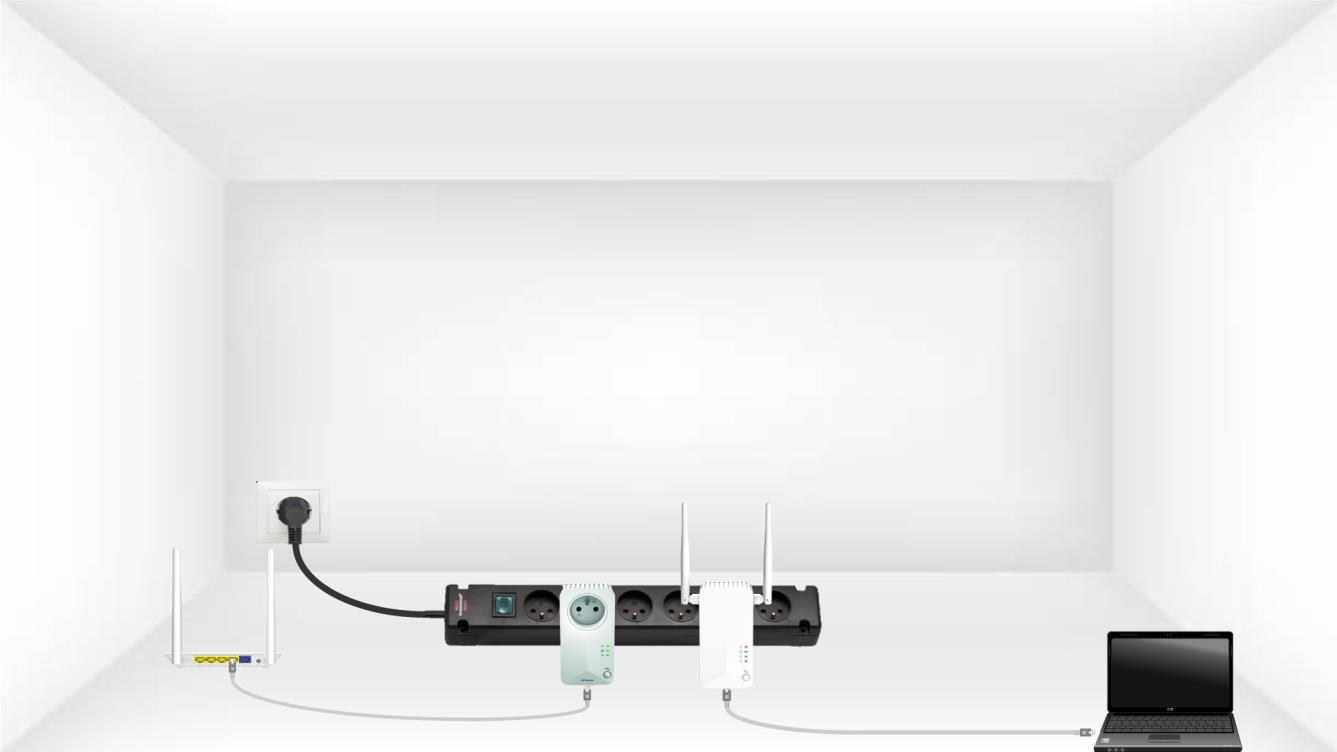
2. Підключітьадаптери до Інтернету
Підключіть кожен адаптер до працездатного пристрою (інтернет- маршрутизатор/шлюз, Android-приставка, Smart- TV, комп’ютер тощо) за допомогою кабелю Ethernet. Між пристроями має бути зв’язок, інакше адаптер автоматично перейде в режим очікування.
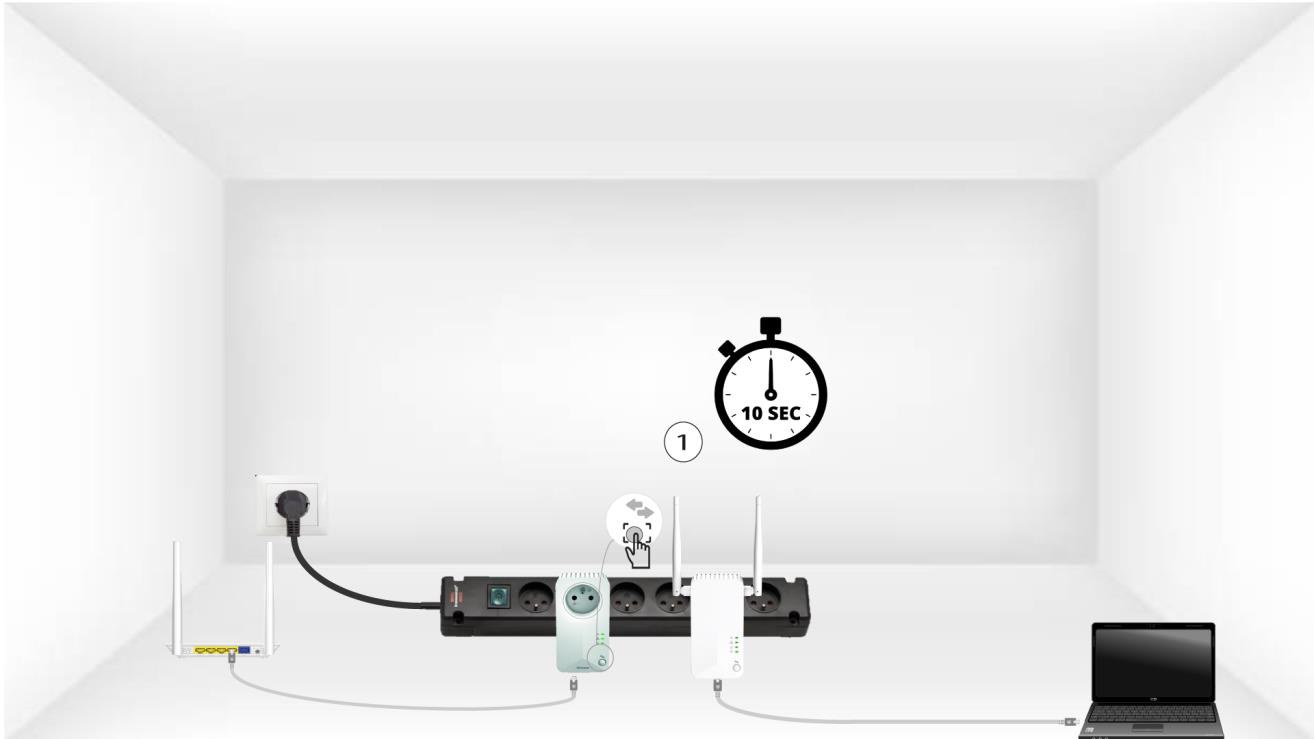
3. Натиснітькнопку «Підключити та захистити» (перший пристрій)
Після того як адаптер підключено до мережі та під’єднано до Ethernet, просто натисніть кнопку «Connect & Secure» на передній панелі та утримуйте її протягом 10 секунд.
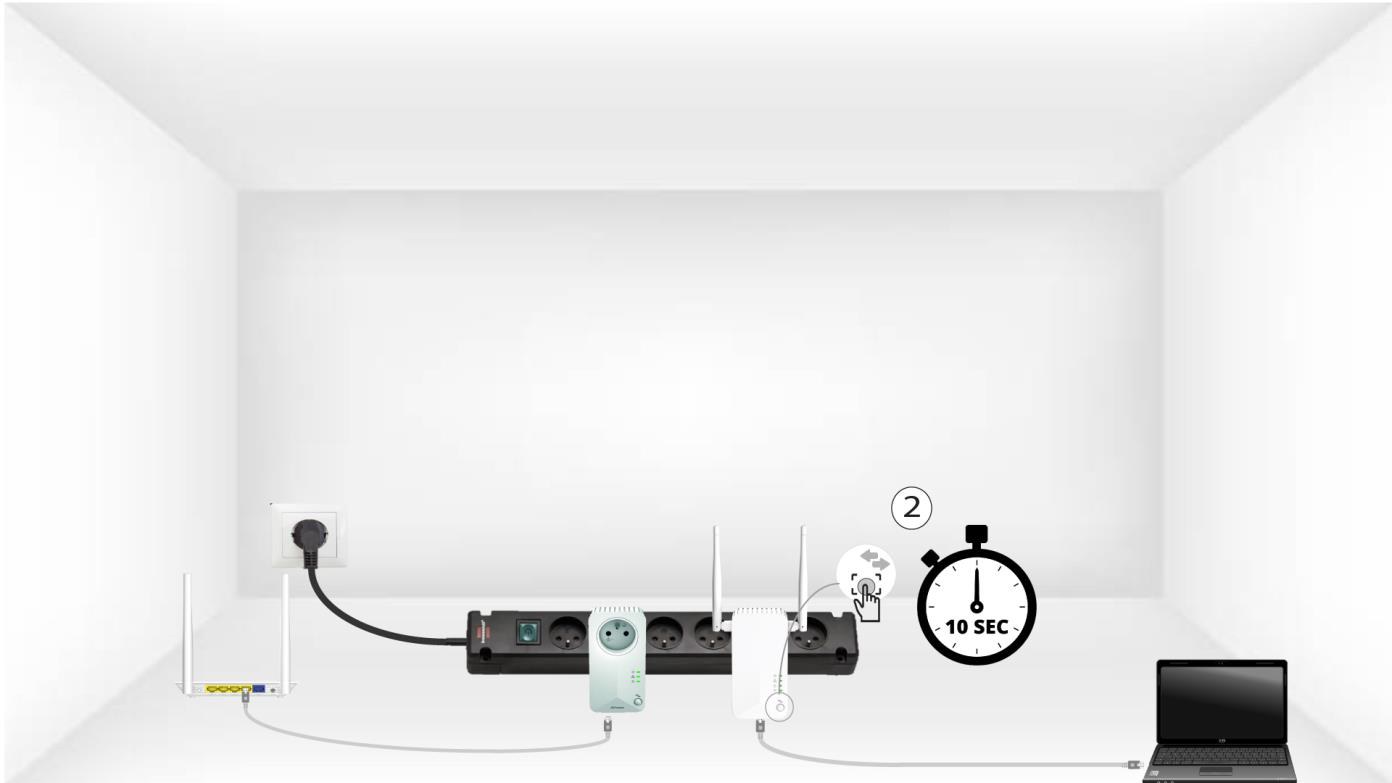
4. Натиснітькнопку «Підключити та захистити» (другий пристрій)
Натисніть і утримуйте кнопку «Connect & Secure» на передній панелі другого пристрою протягом 10 секунд. На це у вас є не більше двох хвилин.
5. Світлодіод «Home» блимає
Домашні світлодіоди повинні почати блимати.
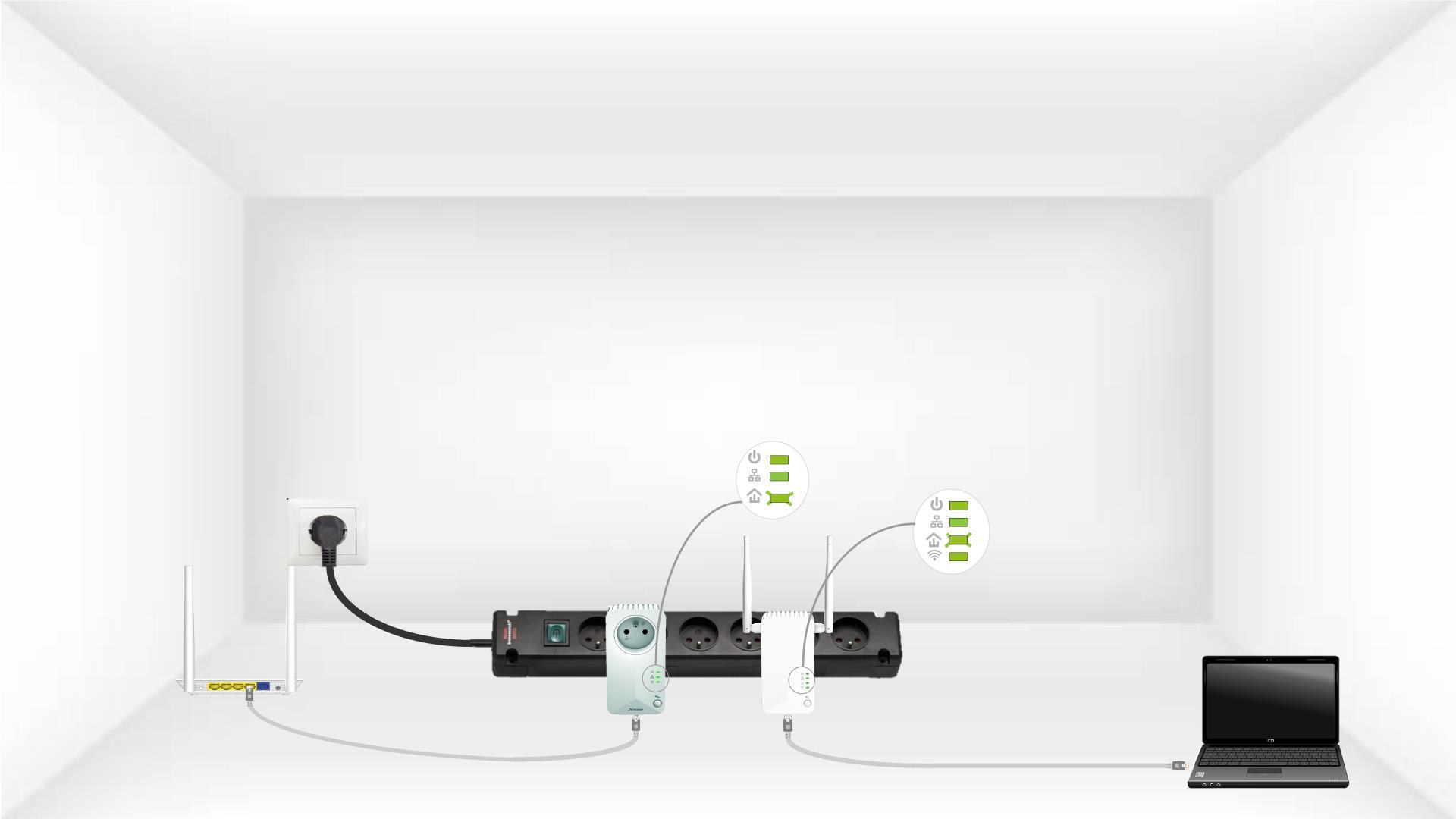
6. Адаптер перезапущено
Після завершення операцій усі світлодіоди повинні світитися зеленим