Powerline 600 Duo Wi-Fi UK V2
Всички въпроси
Powerline 600 Duo Wi-Fi UK V2
Как да добавите нов продукт от серията „Strong Powerline“ към съществуващата си Wi-Fi мрежа по електропреносната мрежа с ниво на сигурност 1?
Тъй като съществуващата ви мрежа е настроена с конфигурация „Високо ниво на сигурност 1“, добавянето на продукт става просто чрез „Plug & Play“. Не се изисква никаква намеса от страна на продукта. Просто включете новия продукт за предаване по електрическата мрежа и той автоматично ще бъде добавен към мрежата.
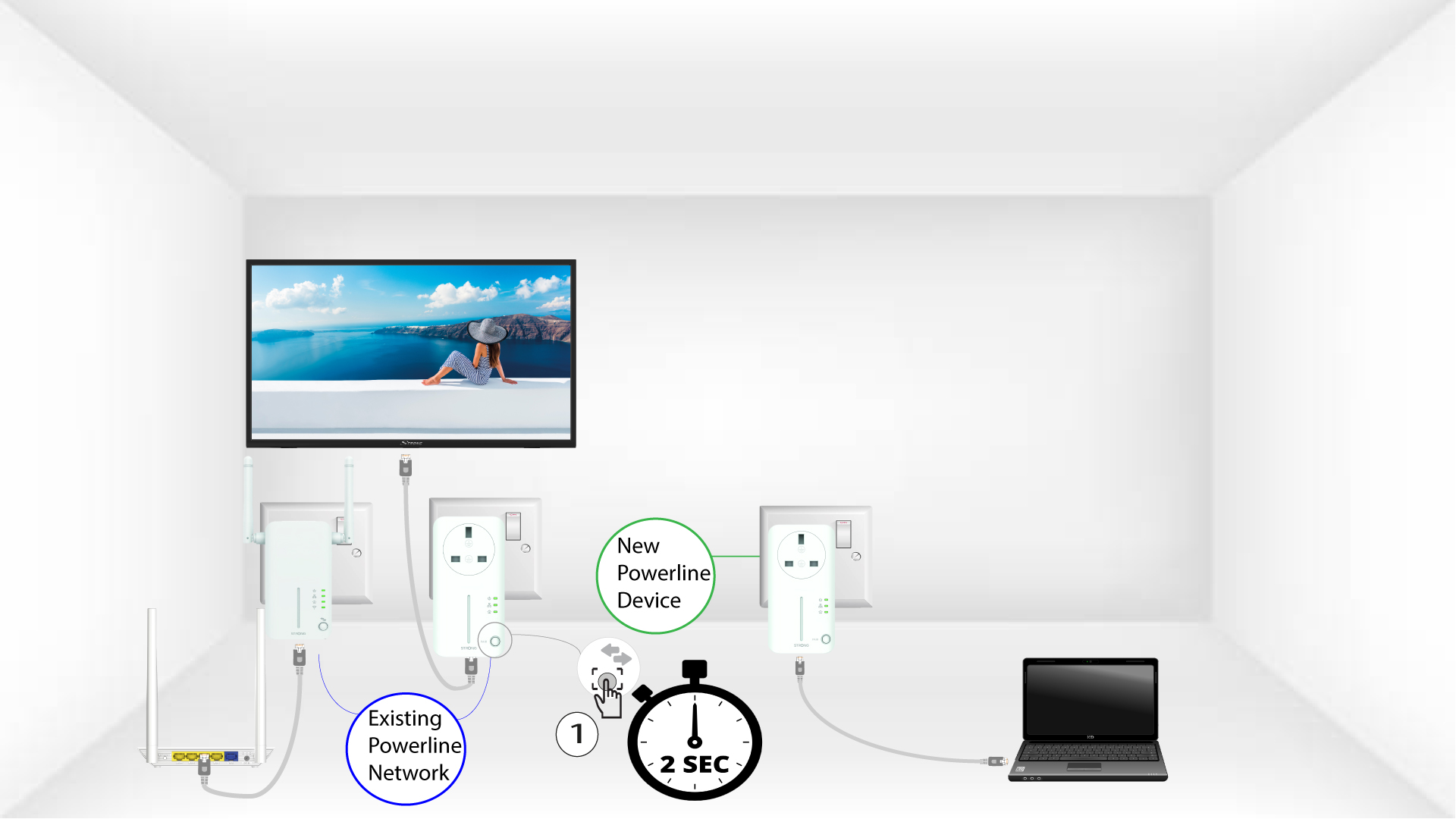
Обикновено адаптерите за предаване по електрическата мрежа се сдвояват по два или по три, така че ако трябва да добавите допълнителни продукти за предаване по електрическата мрежа към мрежата си, която е конфигурирана с високо ниво на сигурност 1, трябва да следвате стъпките по-долу.
1. Включетеадаптера в контакта
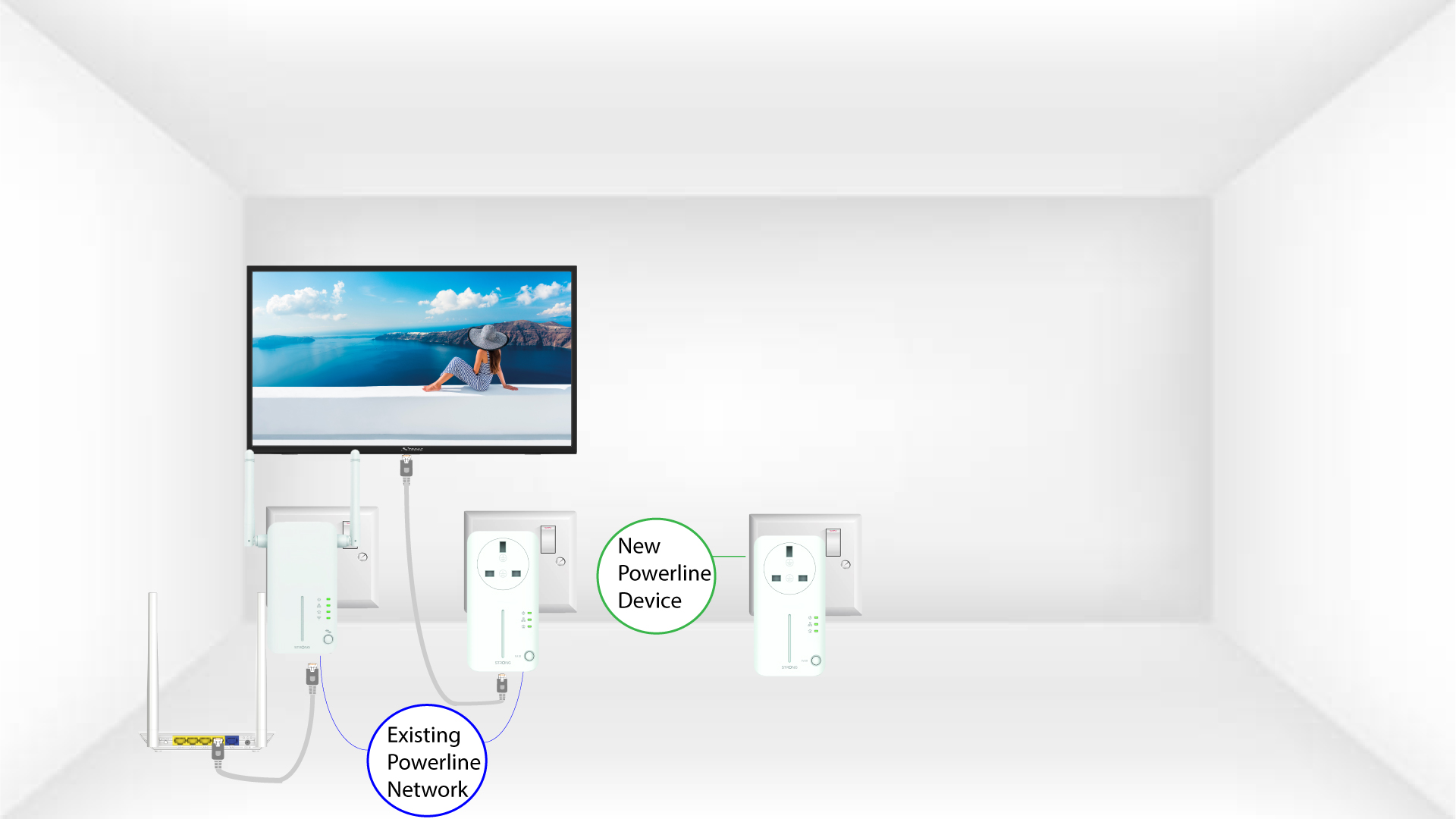
Включете допълнителното(ите) устройство(а) в електрически контакт.
2. Свържетеадаптера с интернет
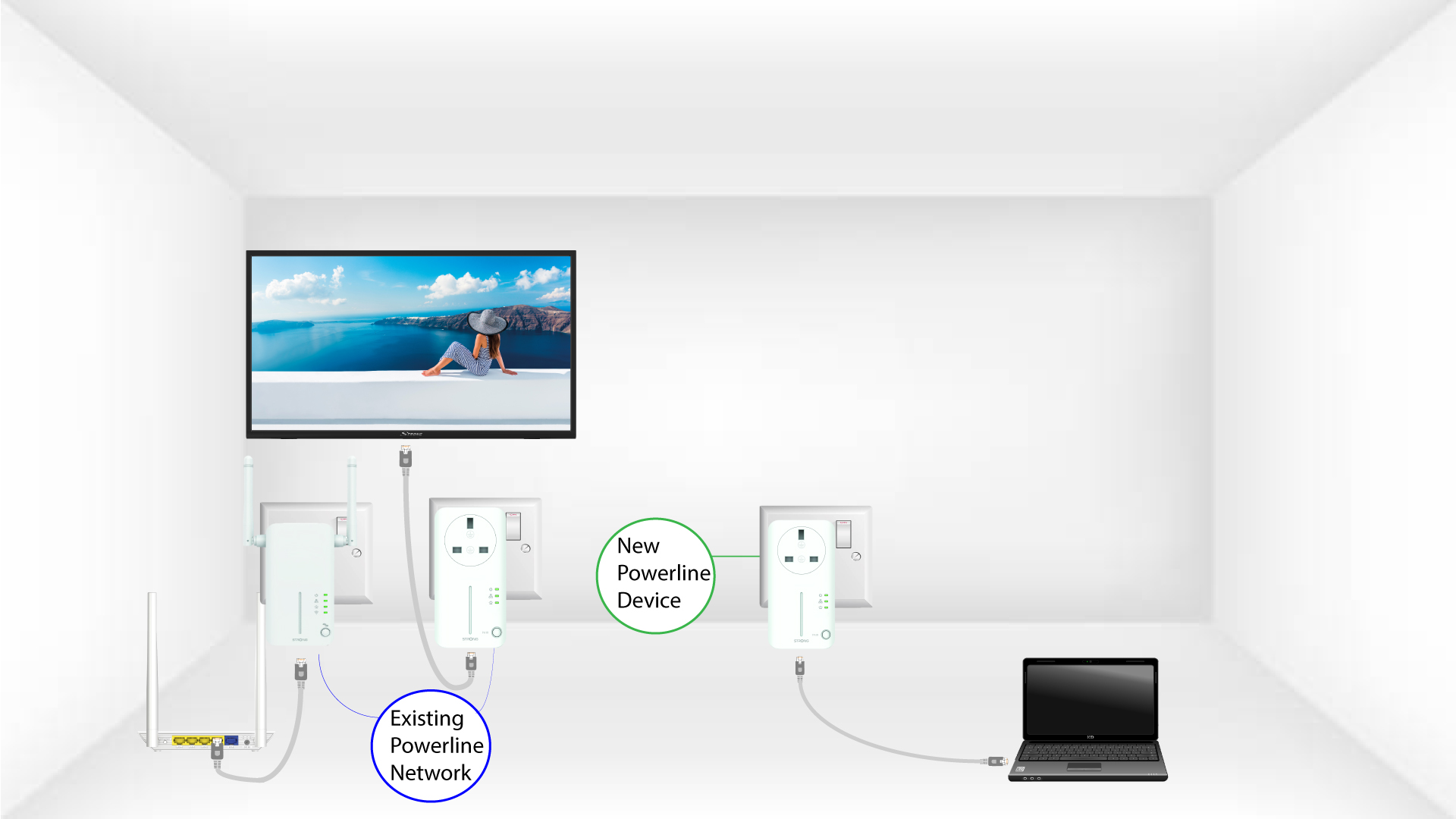
Свържете устройството с интернет рутер/шлюз чрез RJ45.
3 светодиодасветят в зелено
След като включите новото устройство, всички светодиоди на всички устройства светят в зелено.