
ATRIA Wi-Fi 5 Mesh 1200 (add-on)
Nebyly nalezeny žádné položky.
Nebyly nalezeny žádné položky.
Všechny otázky
ATRIA Wi-Fi 5 Mesh 1200 (add-on)
Nebyly nalezeny žádné položky.
Nebyly nalezeny žádné položky.
Jak nastavit síť Wi-Fi na zařízení mesh ? (Případ 1: Tlačítko WPS)
Chcete-li nakonfigurovat síť Mesh , řiďte se prosím stručným návodem k použití (QIG), který najdete v příručce „ box “ k vašemu produktu.
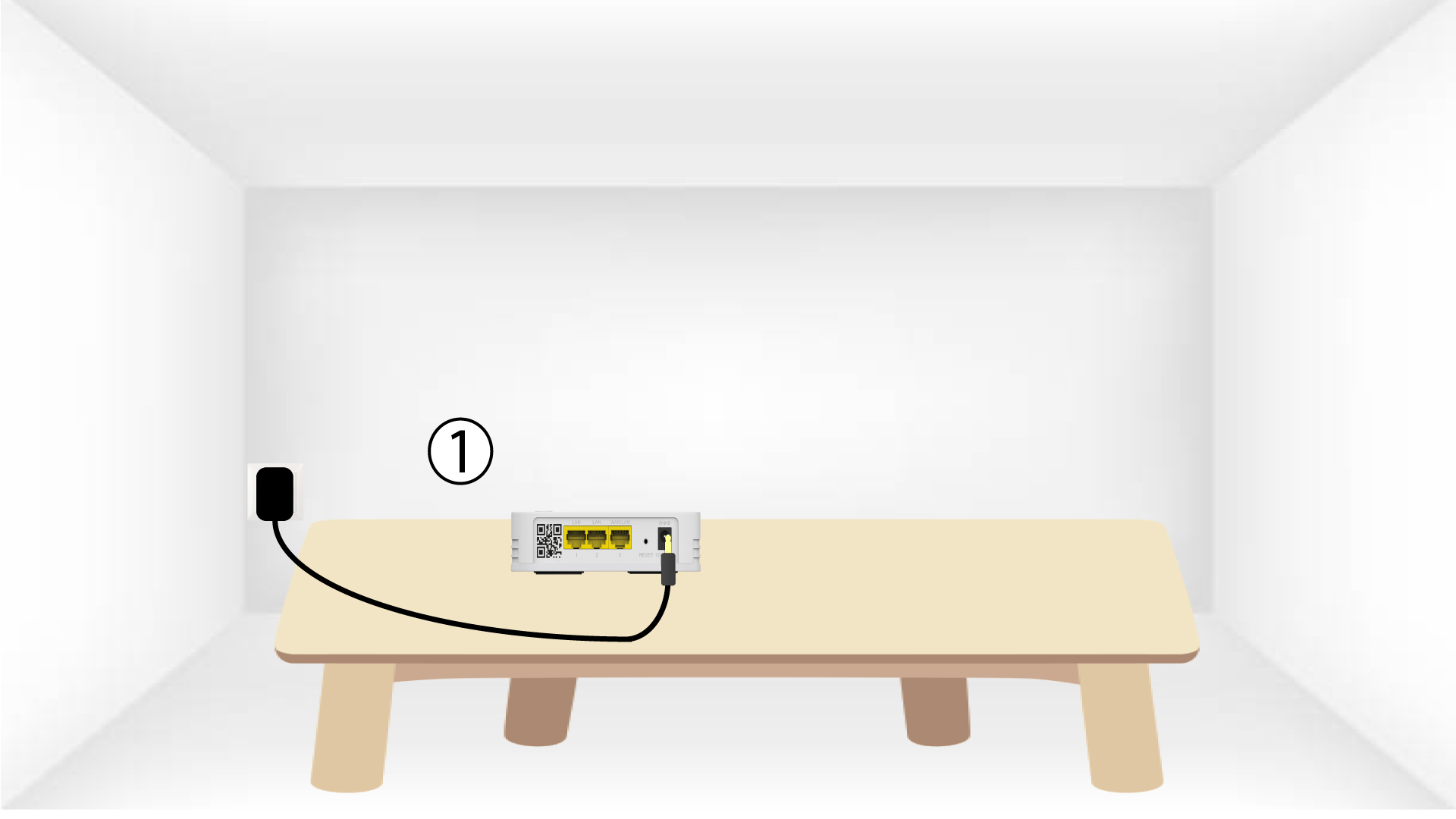
1. Připojtezařízení k napájení
Chcete-li zařízení „ mesh “ zapnout, musíte jej připojit k elektrické síti (na zařízení není žádné tlačítko pro zapnutí) a pomocí kabelu RJ45 jej připojit k
vašemu modemu.

2Počkejteběhem konfigurace
Poté musíte počkat několik minut, než se zařízení samo nakonfiguruje.
3.Připojte druhé zařízení
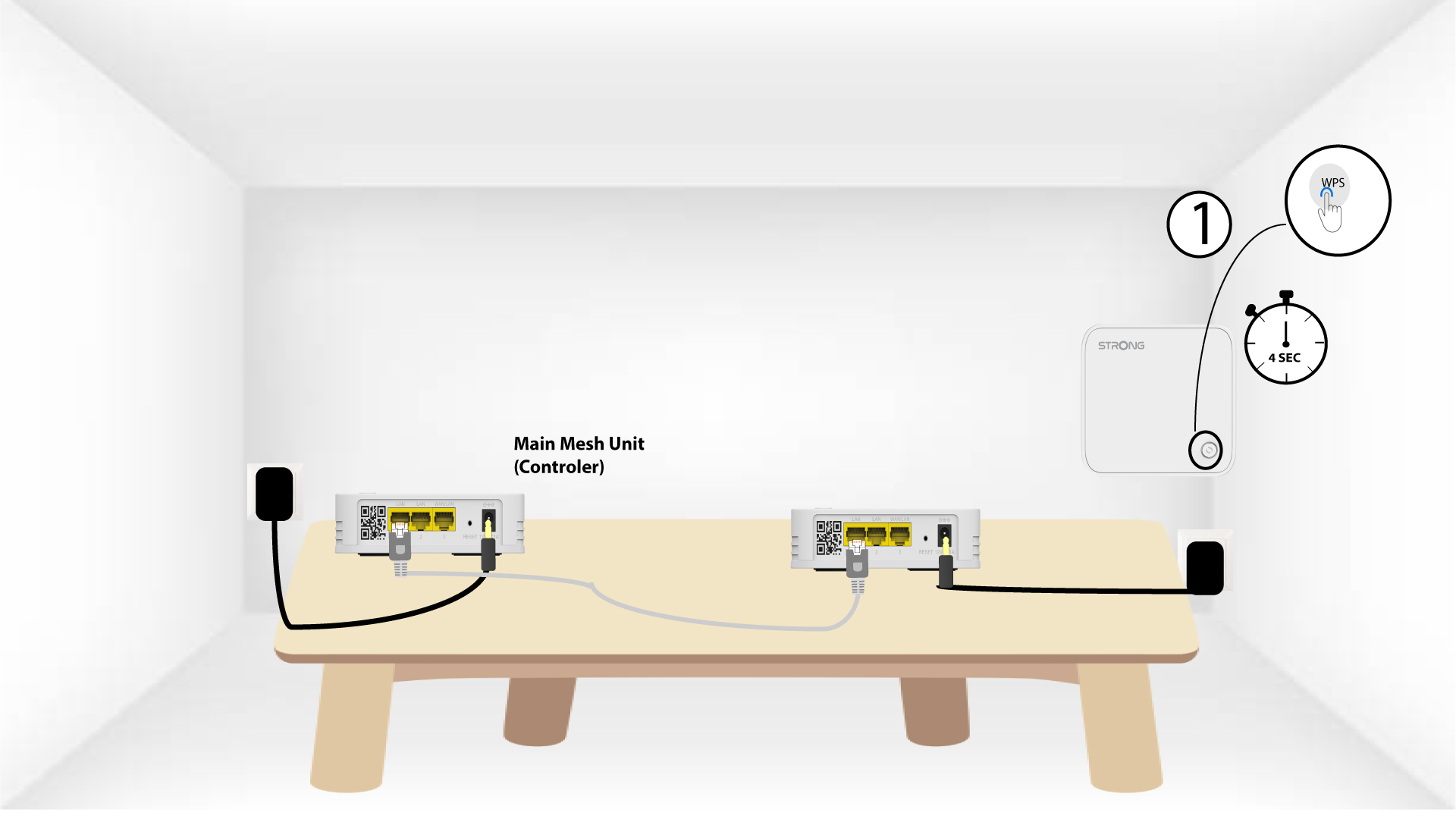
Musíte připojit druhou jednotku mesh .
4. Aktivujtefunkci WPS na hlavním mesh
Stiskněte tlačítko WPS na zařízení Mesh , které je připojeno k vašemu modemu/routeru, a podržte ho stisknuté po dobu nejméně 4 sekund.
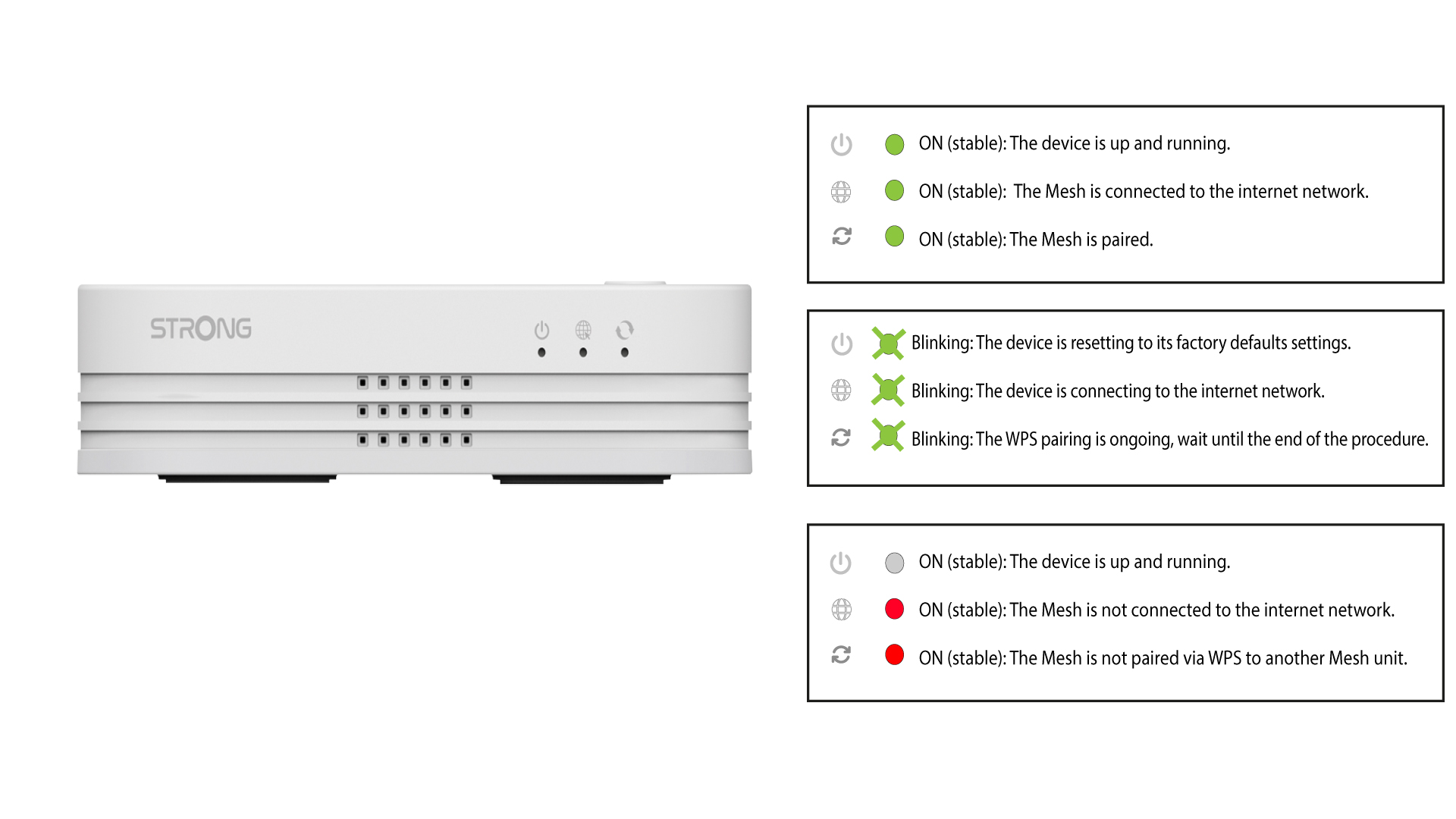
Po aktivaci funkce WPS začne LED dioda blikat zeleně.
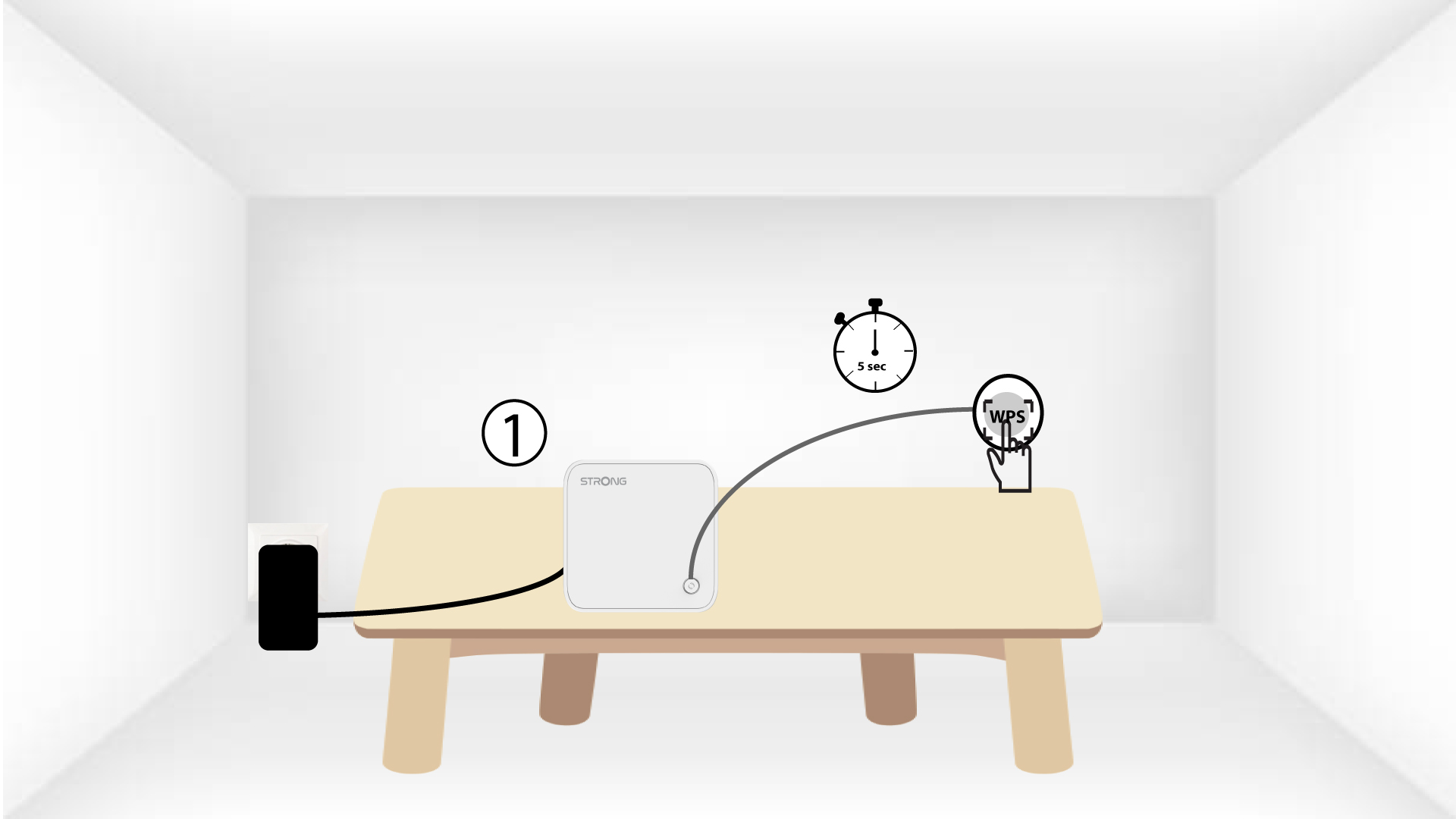
5. Zapnětefunkci WPS na druhém zařízení mesh
Stiskněte tlačítko WPS na druhém zařízení Mesh a podržte ho stisknuté po dobu nejméně 4 sekund.
6Zařízeníse právě párují
Lorem ipsum dolor sit amet, consectetur adipisicing elit. Nikdo totiž neví, že by se dalo vyhnout povinnostem, které jsou součástí volby.