
PLW600MDUO
Ingen varer fundet.
Ingen varer fundet.
Alle spørgsmål
PLW600MDUO
Ingen varer fundet.
Ingen varer fundet.
Hvordan indstiller man sikkerhedsniveau 2 på dine Powerline-produkter?
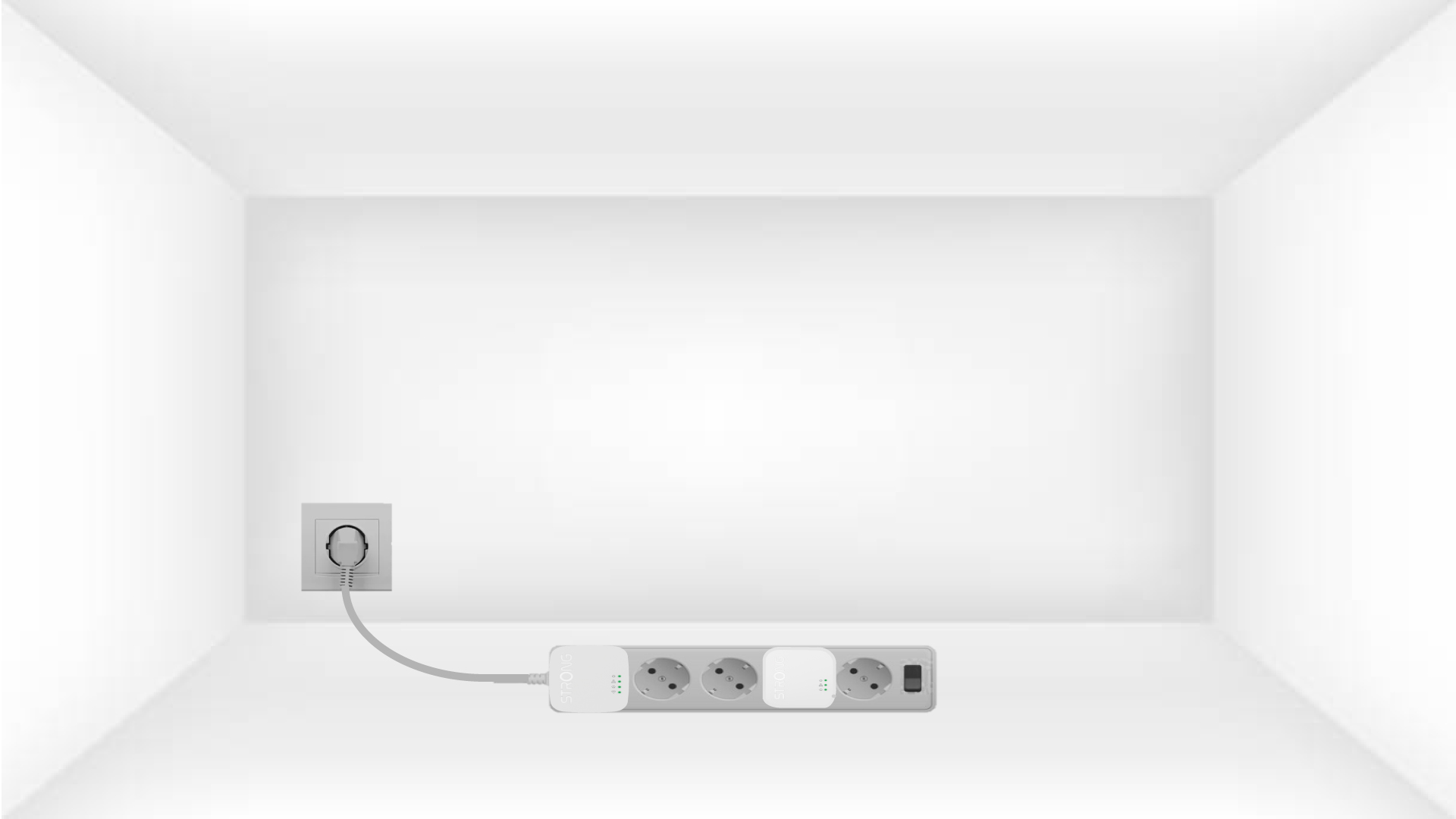
1. Sætadapterne i en stikdåse
Take a power strip and plug all the powerline adapters into it.
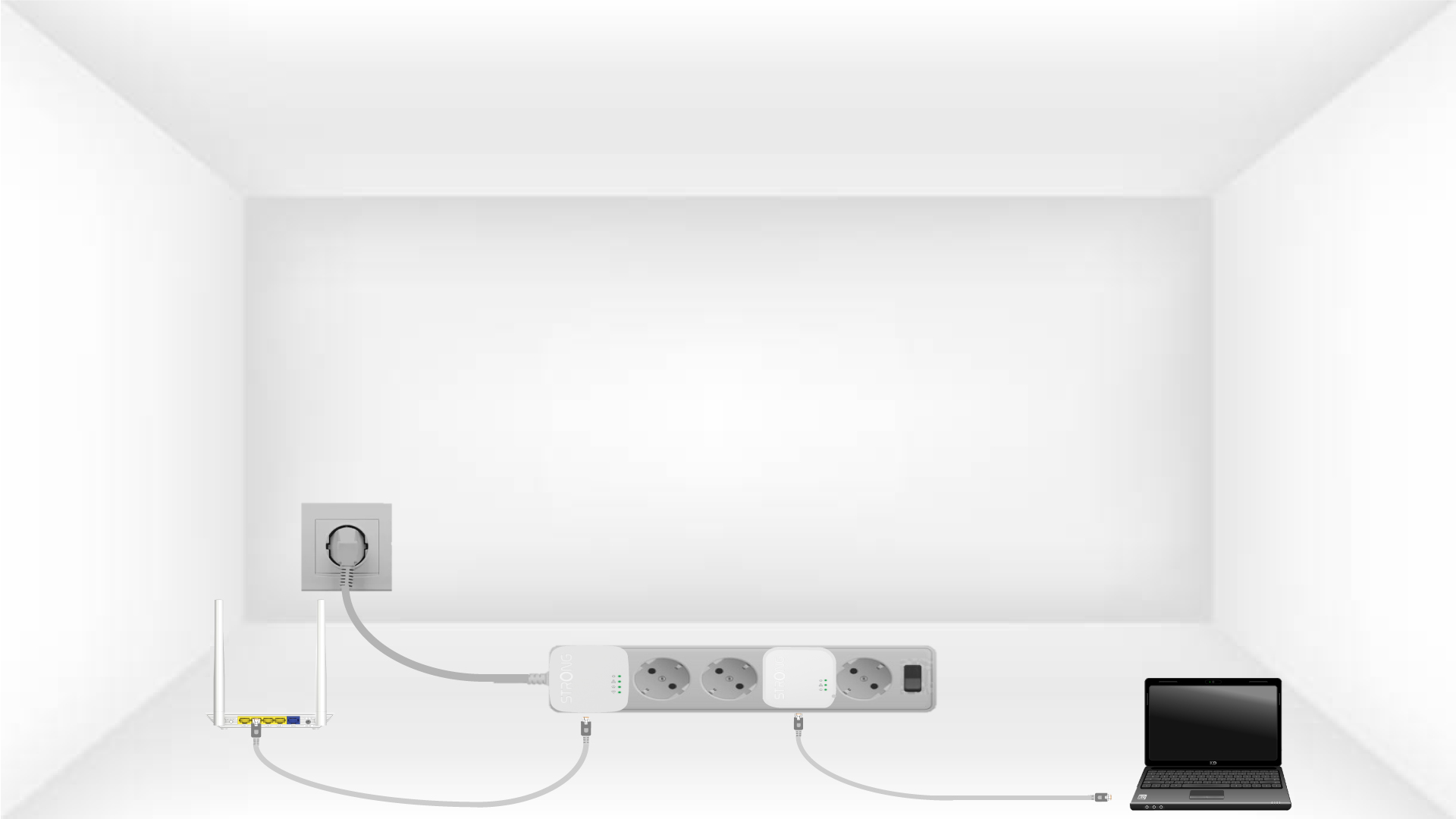
2. Tilslutadapterne til internettet
Connect one of the powerline adapters to the Internet gateway/router with an RJ45 cable.
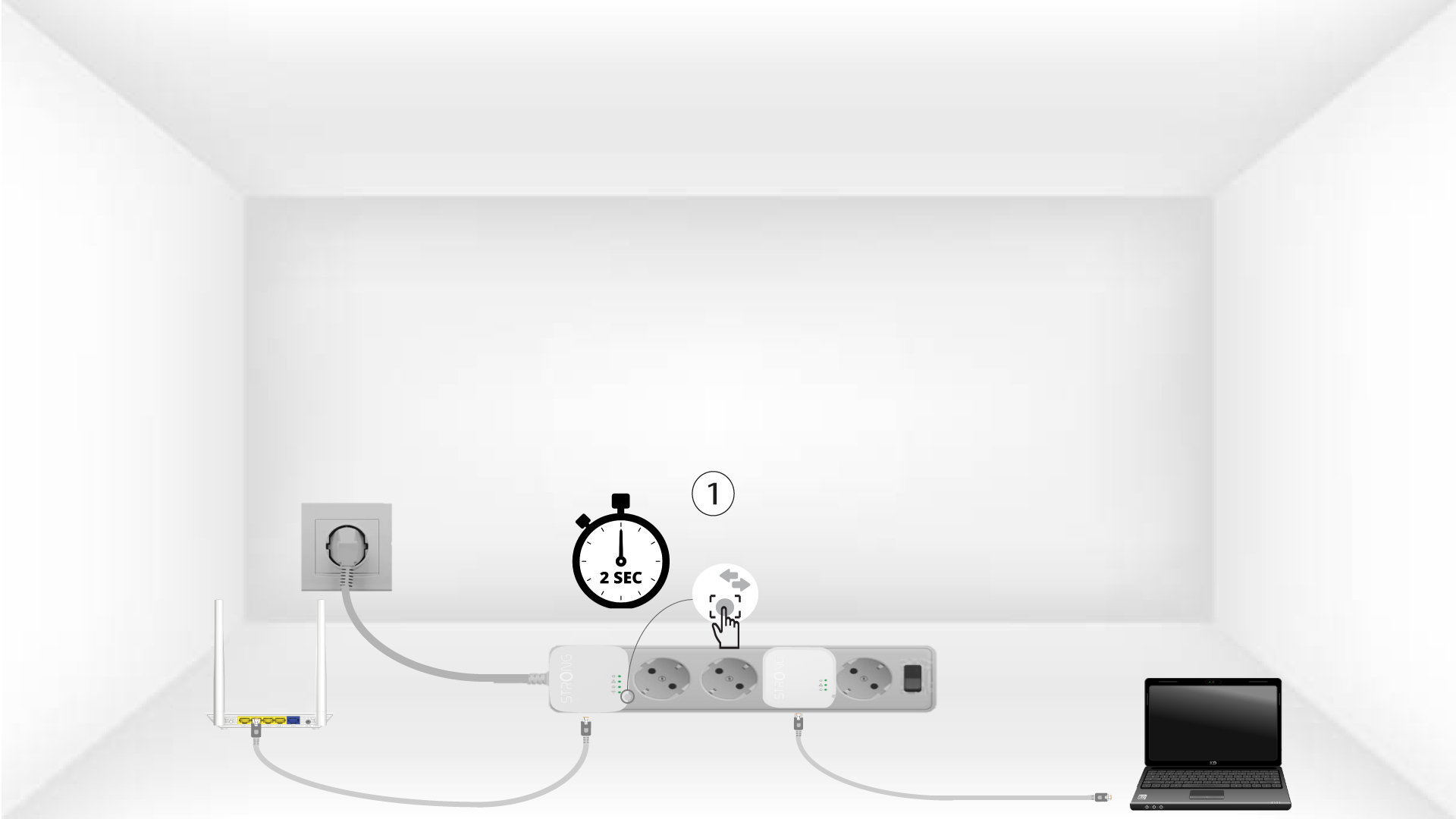
3Tryk påknappen »Connect & Secure« (første enhed)
Press the Connect & Secure button on the first device for 2 seconds.
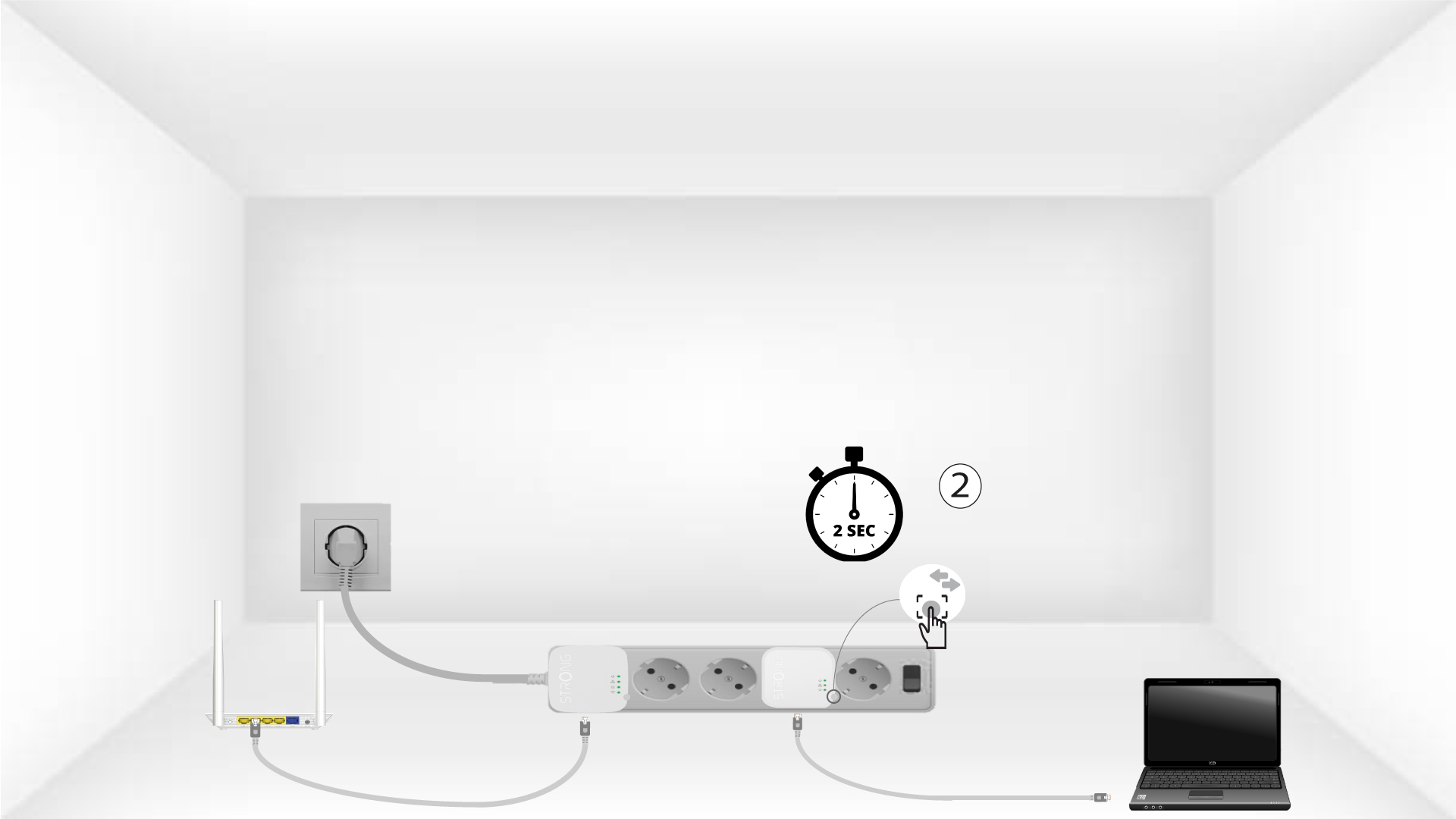
4Tryk påknappen »Connect & Secure« (anden enhed)
Press the Connect & Secure button on the second device for 2 seconds. You have up to two minutes to do it.
5The home LED blinks
The home LED should blink on both devices.
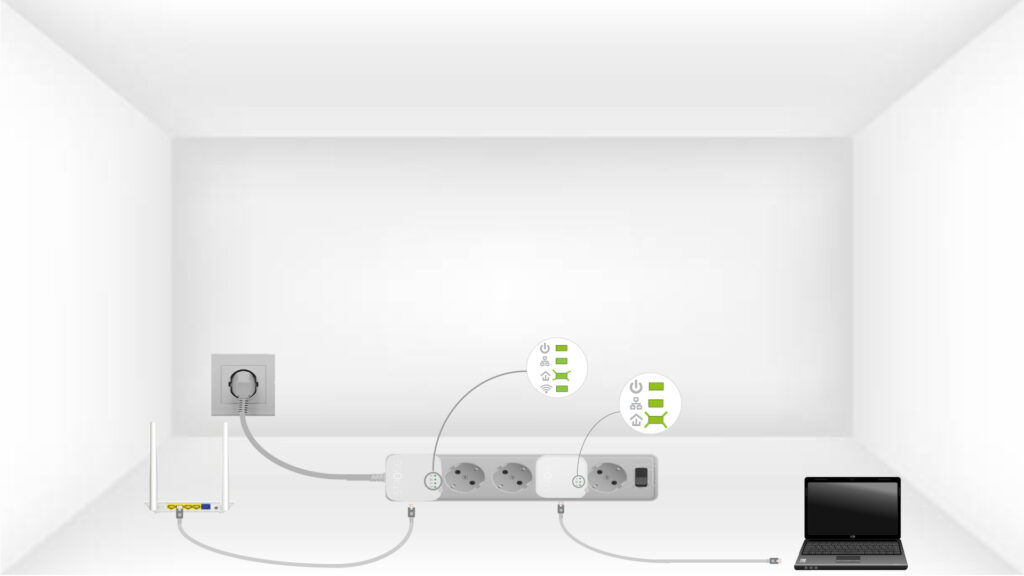
6Krypteringsnøglener indstillet
Din unikke krypteringsnøgle er nu indstillet, og alle enhedernes LED-lamper bør nu lyse grønt.
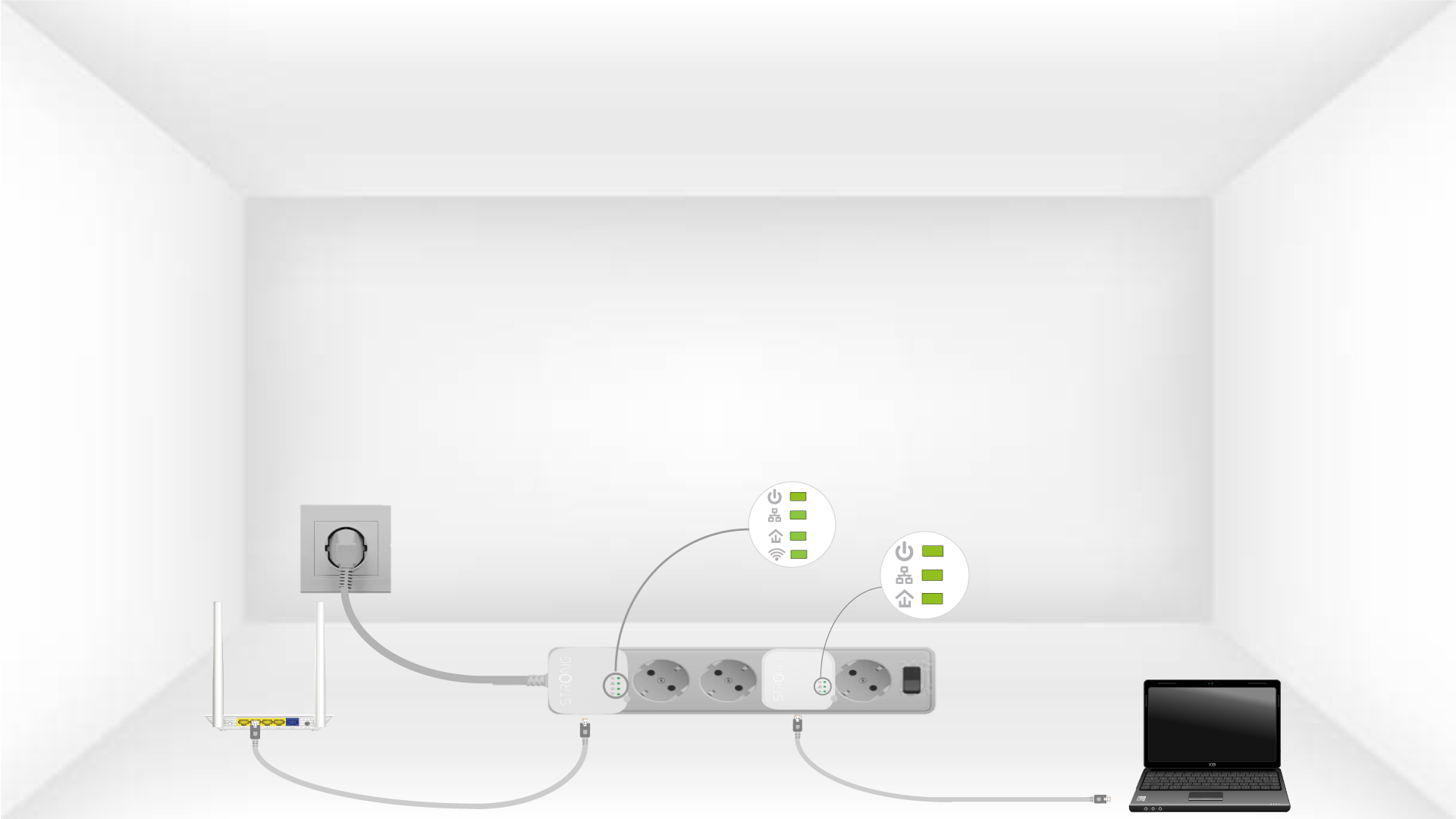
Now, install the adapters in the rooms where you need them. We strongly recommend not plugging the adapters into a power strip.