4G AIRSPOT 220 WLAN-Hotspot mit Display
Alle Fragen
4G AIRSPOT 220 WLAN-Hotspot mit Display
Wie ändere ich das Administrator-Passwort?
1. Aufdie Web-Benutzeroberfläche zugreifen
Um eine Verbindung zur Web-Benutzeroberfläche herzustellen, befolgen Sie bitte die Anweisungen unter: Wie greife ich auf die Web-Benutzeroberfläche zu?
2Passwort ändern
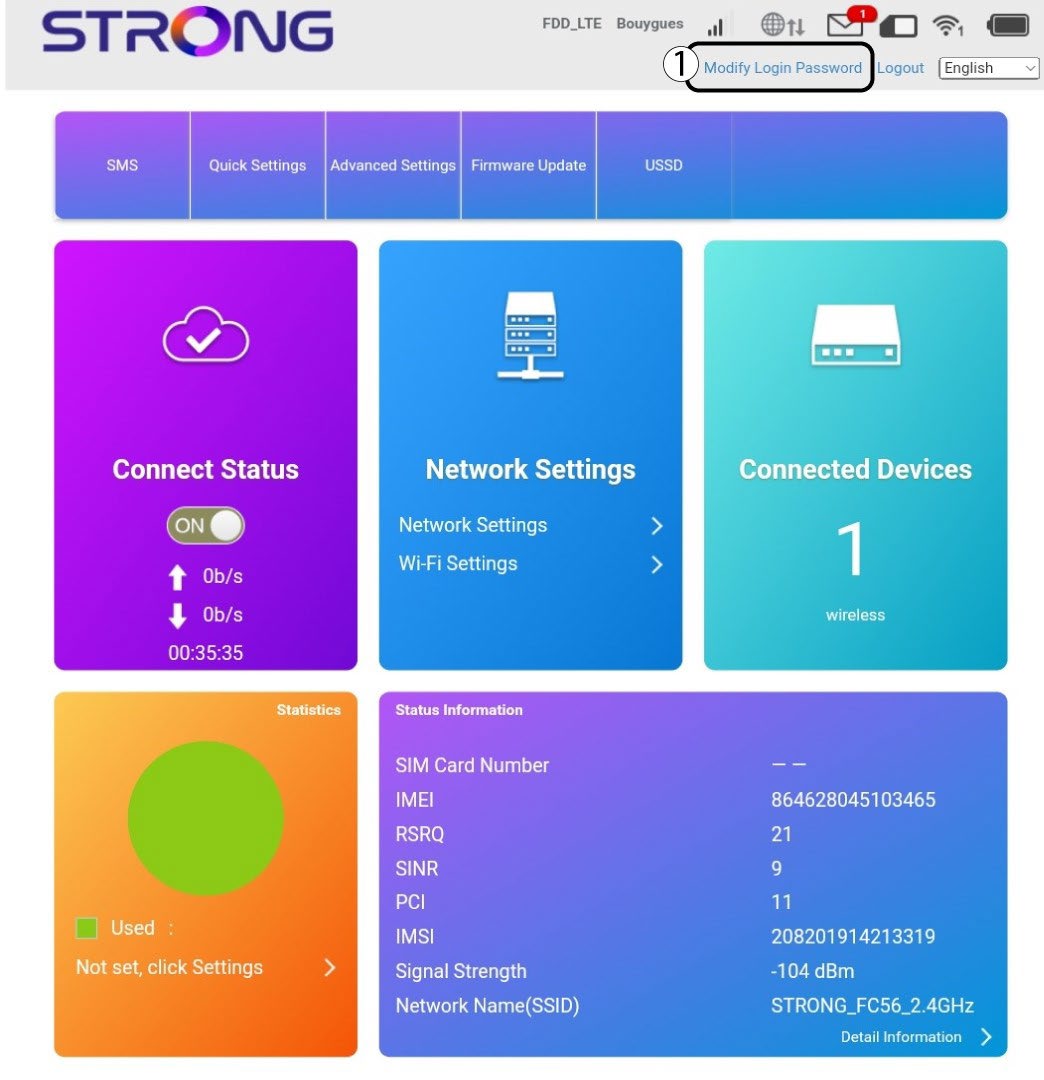
Sobald dies erledigt ist, klicken Sie in der oberen Leiste auf „Anmeldekennwort ändern“.
3. Geben Siedie neuen Informationen ein
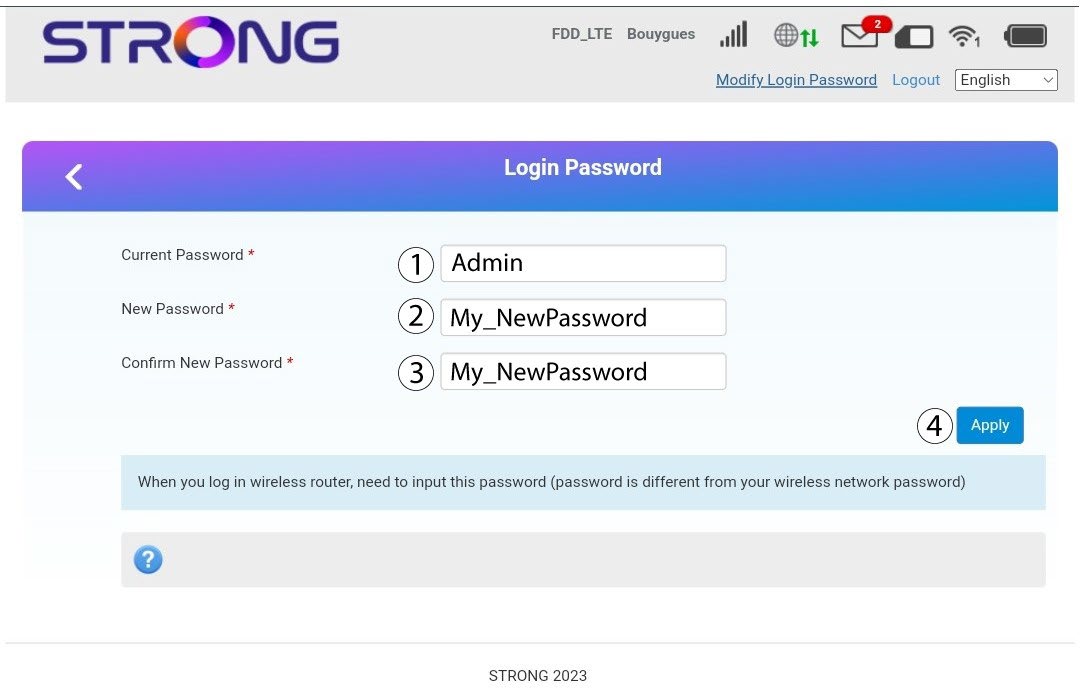
Geben Sie die folgenden Informationen ein, bevor Sie auf „Übernehmen“ klicken:
· Aktuelles Passwort: Geben Sie das aktuelle Passwortein .
· New Password: Enter the new password. The new password can contain up to 32 characters including numbers, lower case, upper case, and special characters (! # $ * + , - . % : = ? @ [ ] ^ _ { | } ~).
· Neues Passwort bestätigen: Geben Sie dasselbe Passwort wie im vorherigen Feldein .
4. Speichern Siedie Informationen
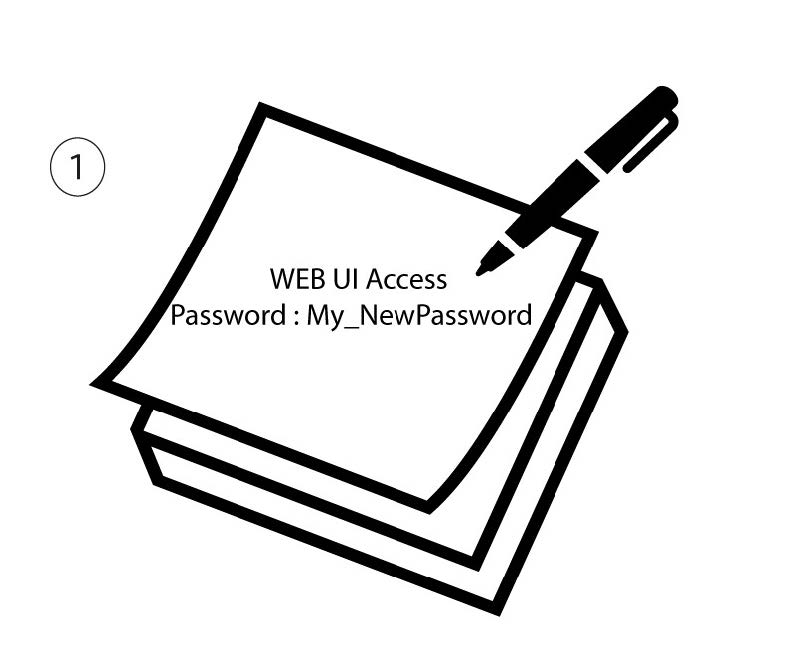
Notieren Sie sich das neue Passwort für den Zugriff auf die Web-Benutzeroberfläche.