
Powerline 1000 Duo Wi-Fi FR V2
Alle Fragen
Powerline 1000 Duo Wi-Fi FR V2
Ich habe keinen Internetzugang und/oder die LED des „Home“-Symbols leuchtet nicht.
Sie müssen die Adapter auf die Werkseinstellungen zurücksetzen. Befolgen Sie dazu bitte die nachstehenden Schritte.
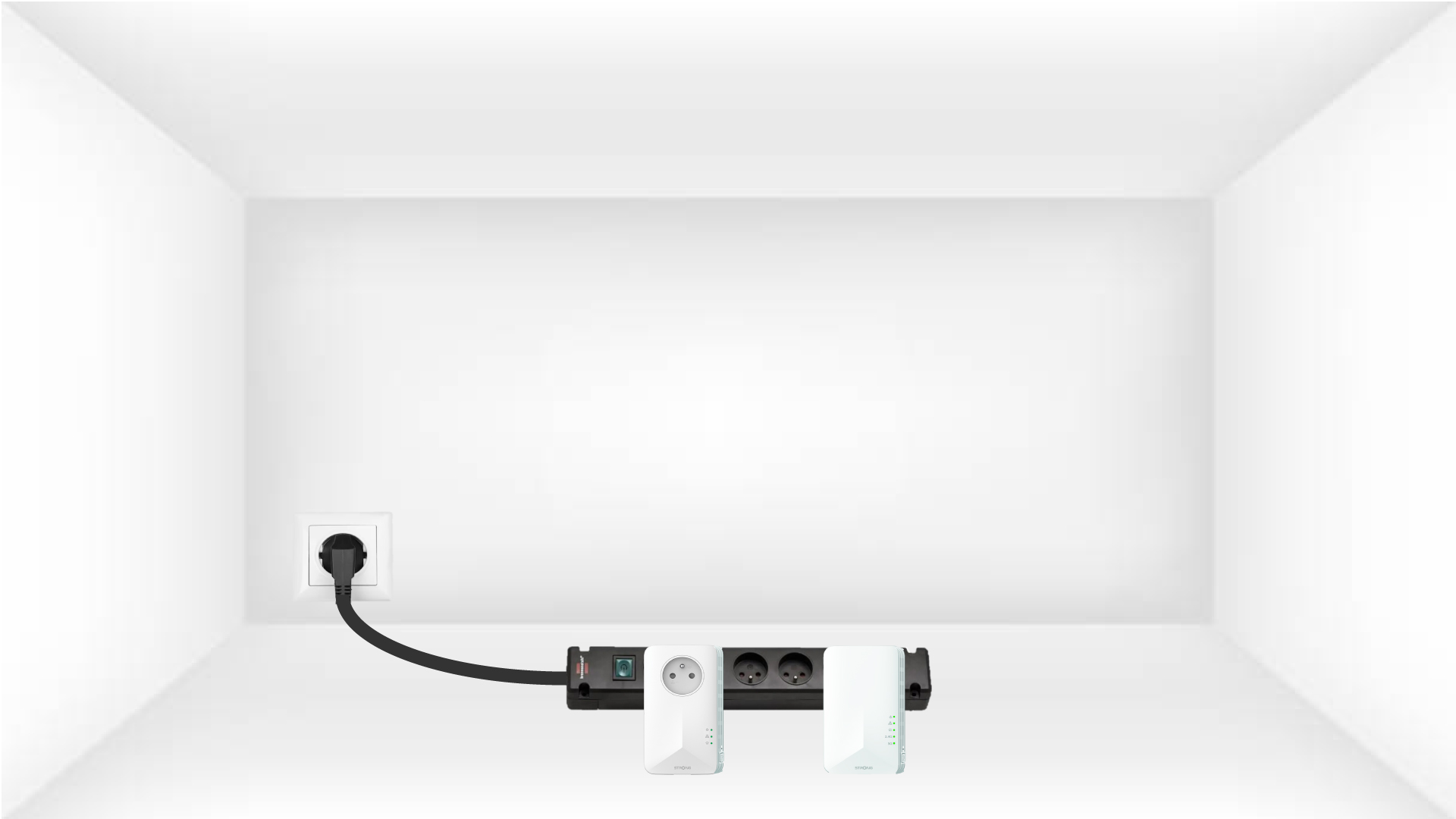
1. Stecken Siedie Adapter in eine Steckdosenleiste.
Schließen Sie die Adapter nacheinander an eine Steckdosenleiste an.
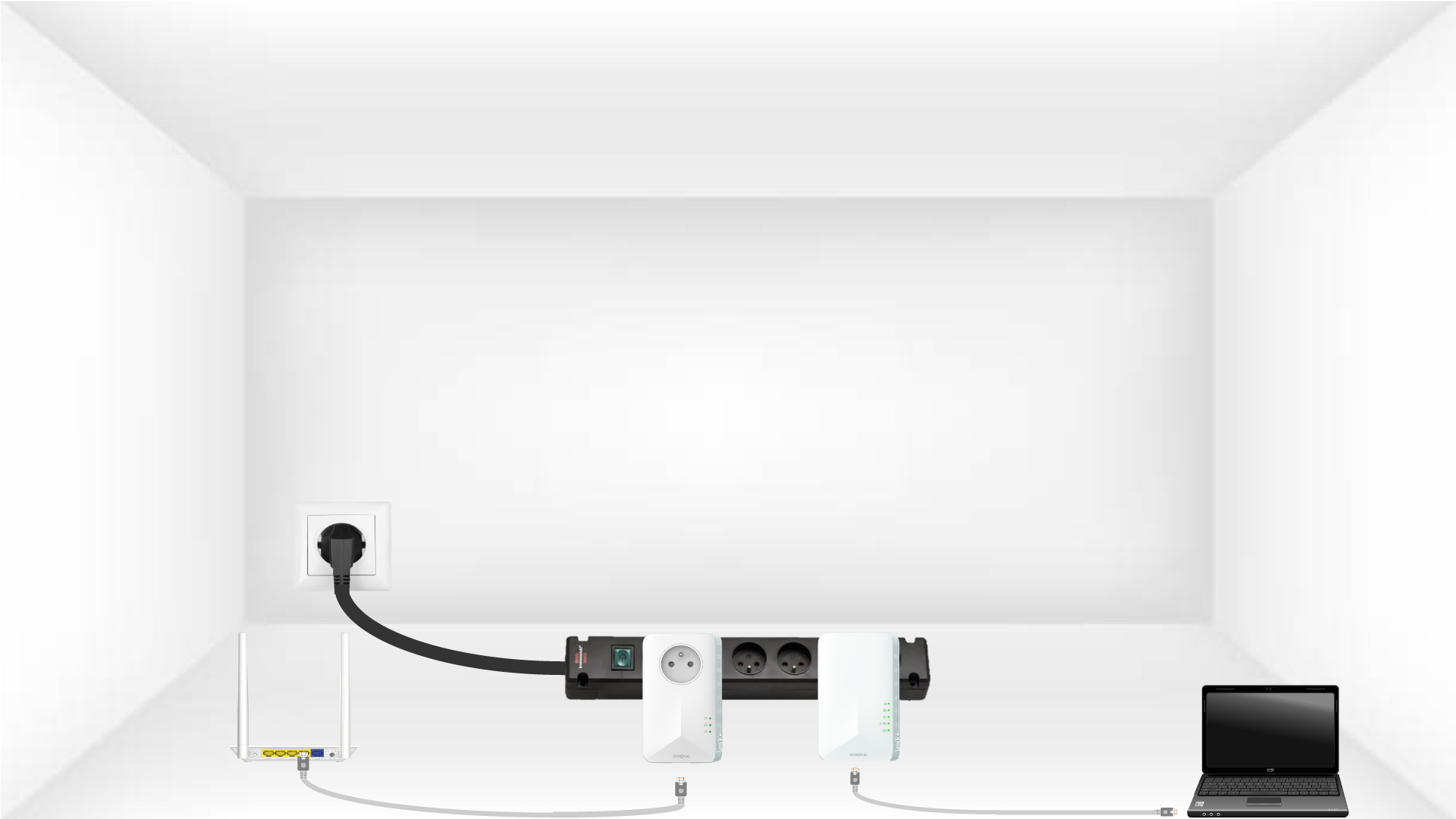
2. Verbinden Siedie Adapter mit dem Internet
Verbinden Sie jeden Adapter über ein Ethernet-Kabel mit einem funktionierenden Gerät (Internetrouter/Gateway, Android- box, Smart-TV, Computer usw.). Zwischen den Geräten muss eine Kommunikation bestehen, da der Adapter andernfalls automatisch in den Standby-Modus wechselt.
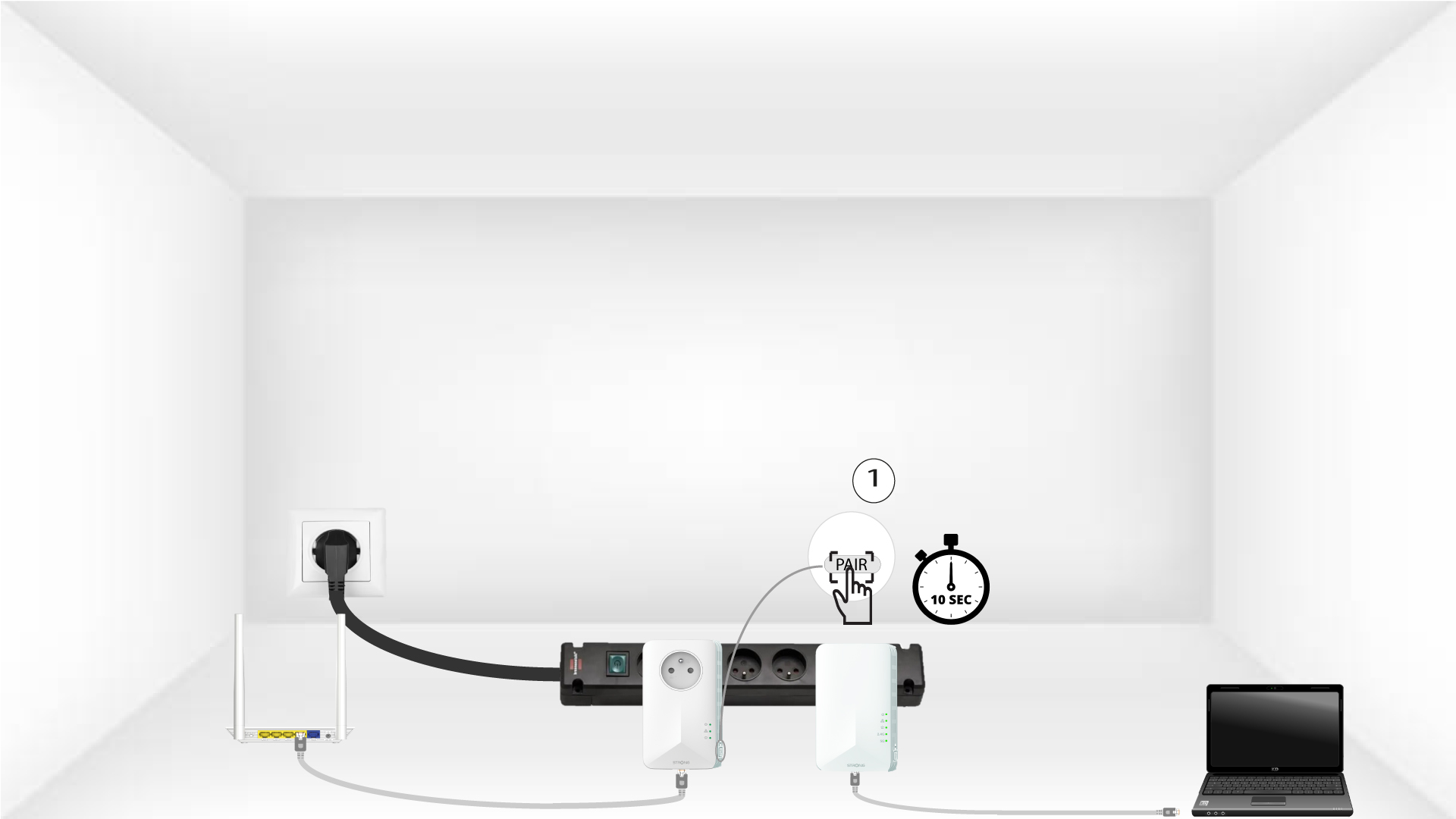
3 Drücken Siedie Pair-Taste (erster Adapter)
Sobald der Adapter eingesteckt und mit dem Ethernet verbunden ist, drücken Sie einfach 10 Sekunden lang die Taste „PAIR“ auf der rechten Seite des Geräts.
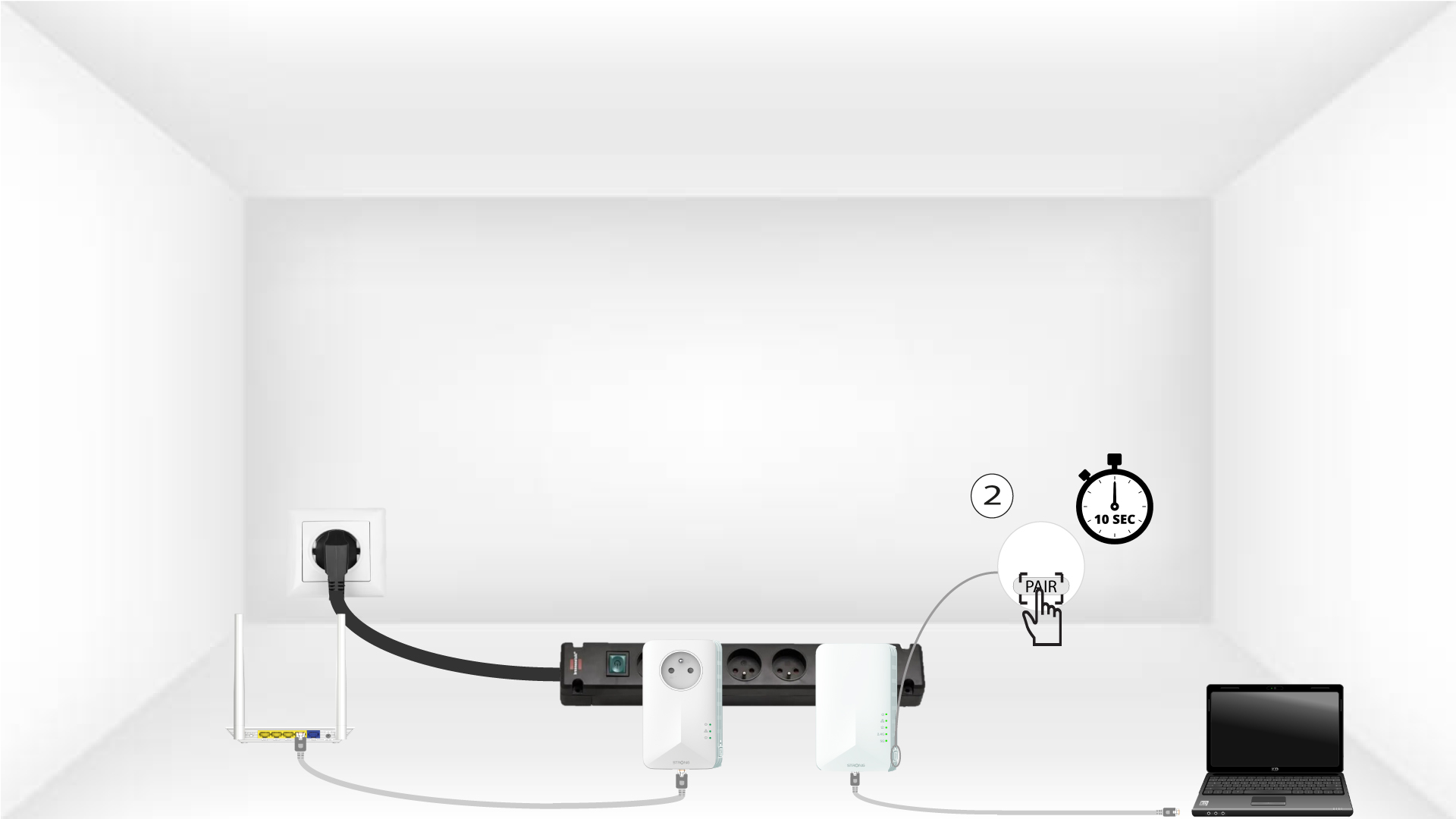
4Drücken Siedie Pair-Taste (zweiter Adapter)
Halten Sie die Taste „PAIR“ auf der rechten Seite des zweiten Geräts 10 Sekunden lang gedrückt. Sie haben dafür bis zu zwei Minuten Zeit.
5Die LED „Home“blinkt
Die LEDs am Gerät sollten nun zu blinken beginnen.
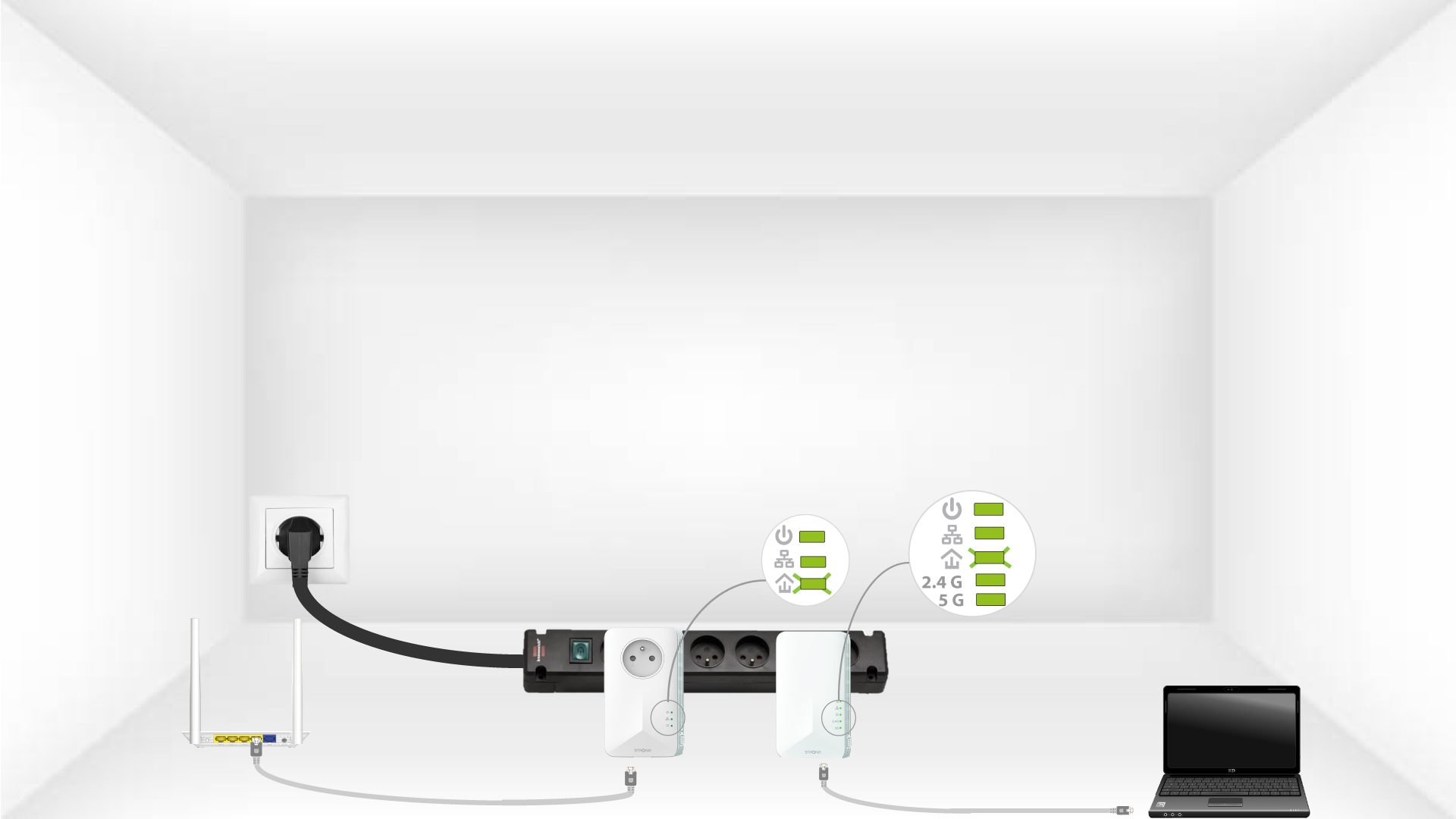
6Adapterwerden zurückgesetzt
Am Ende der Vorgänge müssen alle LEDs grün leuchten.
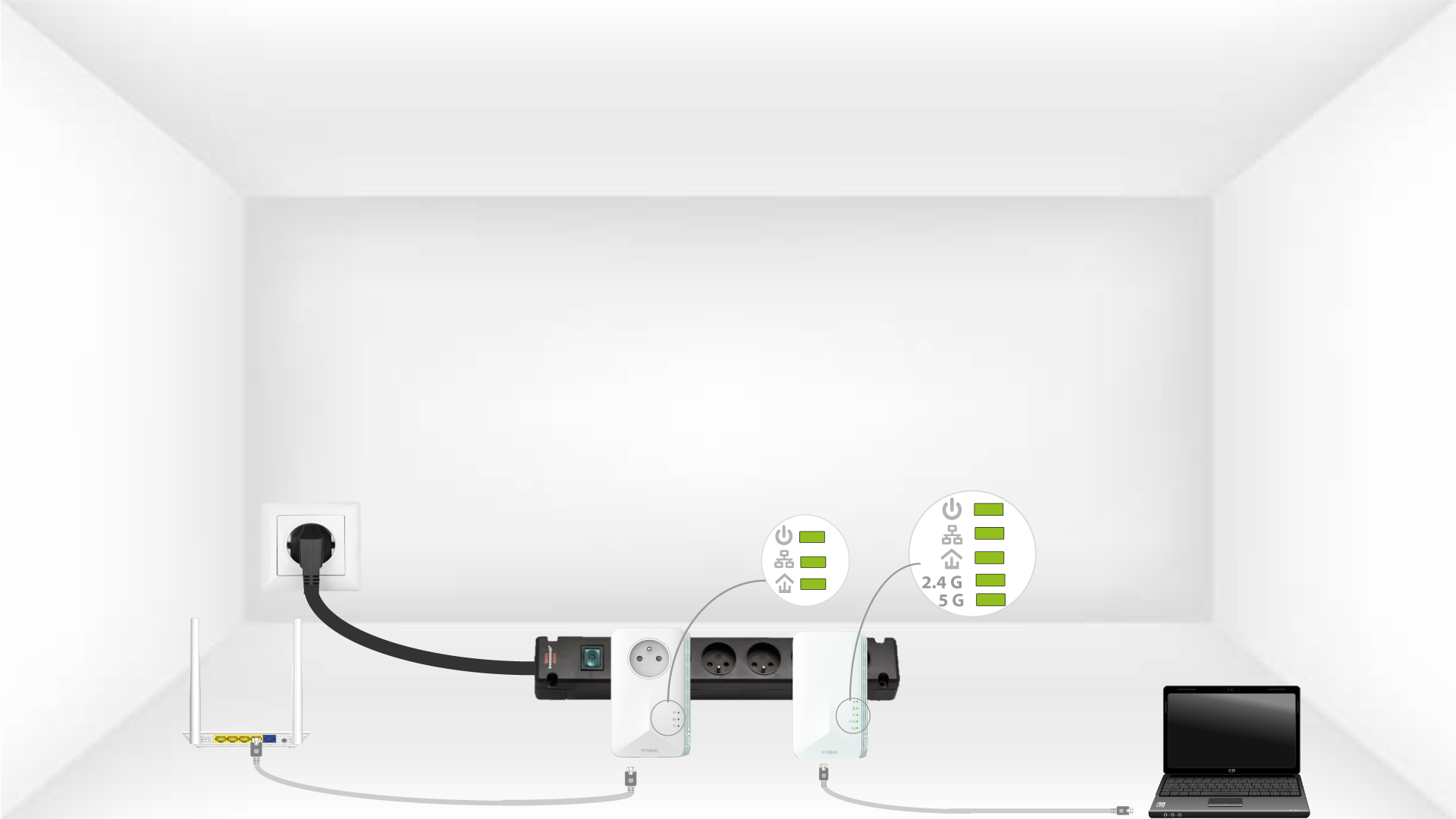
Wiederholen Sie denselben Vorgang für ein drittes „ powerline “. An derselben elektrischen Installation können bis zu acht „ Powerline 1000“ angeschlossen werden.
Nachdem Sie alle Geräte zurückgesetzt haben, können Sie sie in dem Raum aufstellen, in dem Sie sie benötigen.