
PLW600MDUO
Alle Fragen
PLW600MDUO
Wie ändere ich den SSID-Namen und das Passwort des WLAN-Netzwerks des „ Powerline 600 Mini“?
1. Mit dem WLAN verbinden
Stellen Sie eine Verbindung zum WLAN des „ Powerline 600 Wi-Fi Mini“ her.
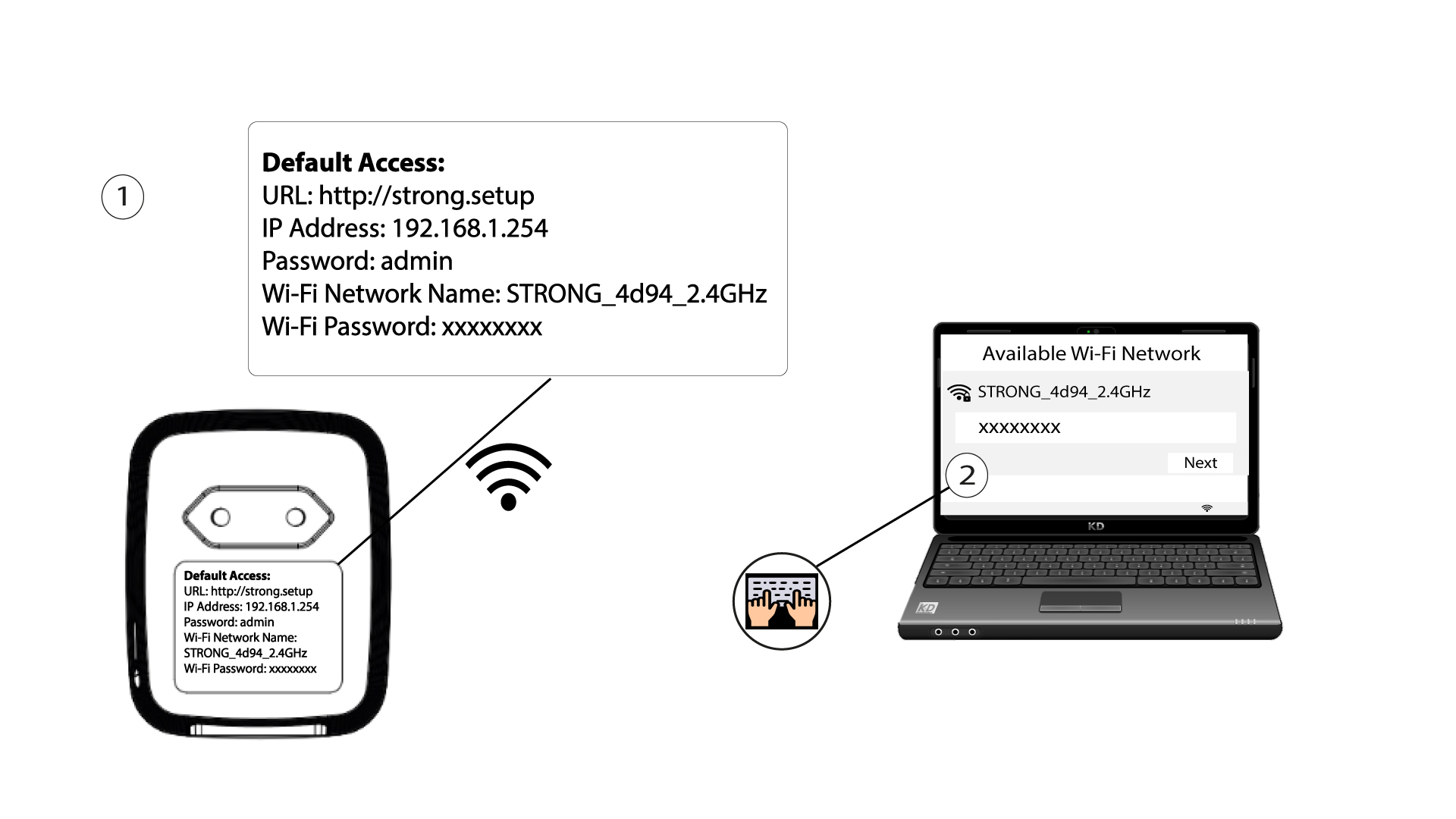
2Browse to the web interface
Access the user interface by entering the URL http://setup.strong in the address bar of your Internet browser.

3Log in
The first time you log in, you are asked to create your login password. It must contain at least 8 characters, including uppercase and lowercase letters, numbers and special characters (@ $ ! % * ? &). Enter it in Create Password and Confirm Password, then click Commit. For later logins, enter this password.
4SchnelleEinrichtung
Gehen Sie zum Menü, wählen Sie „Schnelleinrichtung“ aus, klicken Sie dann auf „Access Point (AP)“ und anschließend auf „WEITER“.

5. Geben Siedie neuen Netzwerkinformationen ein
Edit the SSID and the Pass Phrase. When defining the new pass phrase, please avoid using the uppercase I and the lowercase l as they can easily be mixed up. We also advise you to create a pass phrase made of alternating uppercase letters, lowercase letters and numbers. When your edits are finished, click NEXT to save.

6. Notieren Siesich die neuen Netzwerkdaten
Please write down the new SSID and Pass Phrase on paper, then reconnect all your devices to the Powerline 600 Duo Wi-Fi Mini using the new settings.
