
PLW600MDUO
Keine Artikel gefunden.
Keine Artikel gefunden.
Alle Fragen
PLW600MDUO
Keine Artikel gefunden.
Keine Artikel gefunden.
Wie richtet man die hohe Sicherheitsstufe 2 auf Ihren „ powerline “-Produkten ein?
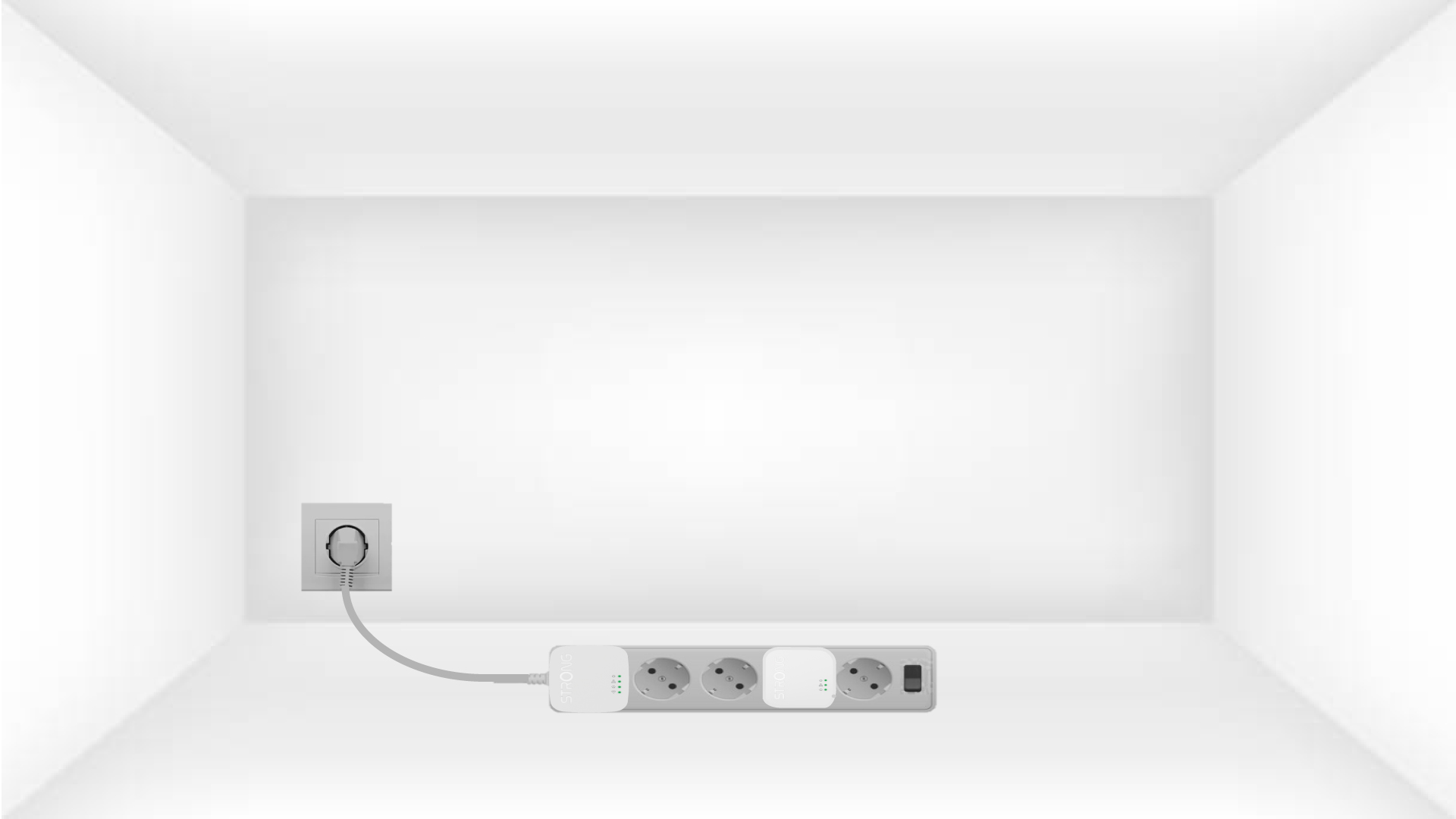
1. Schließen Siedie Adapter an eine Steckdosenleiste an.
Take a power strip and plug all the powerline adapters into it.
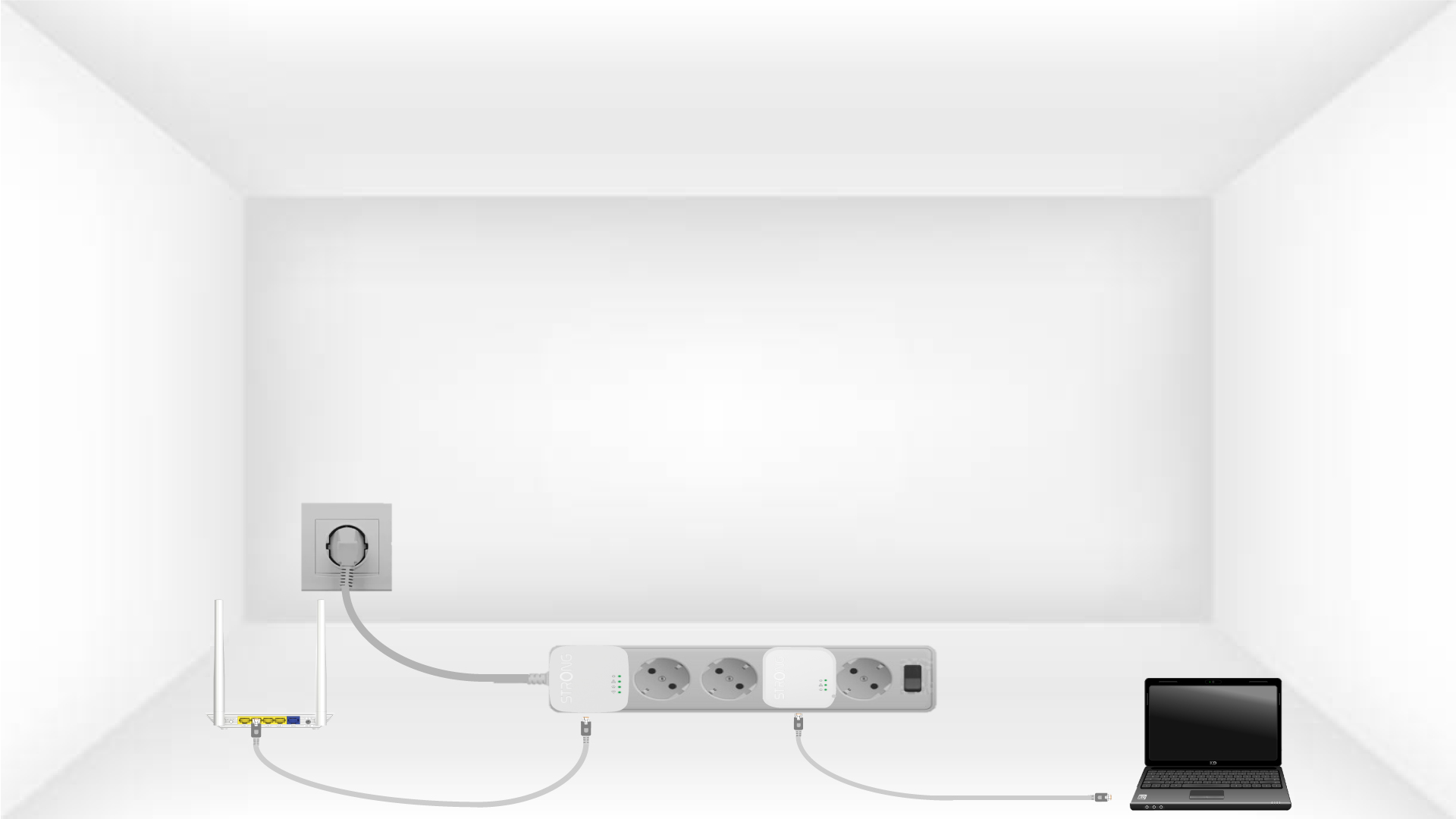
2. Verbinden Siedie Adapter mit dem Internet
Connect one of the powerline adapters to the Internet gateway/router with an RJ45 cable.
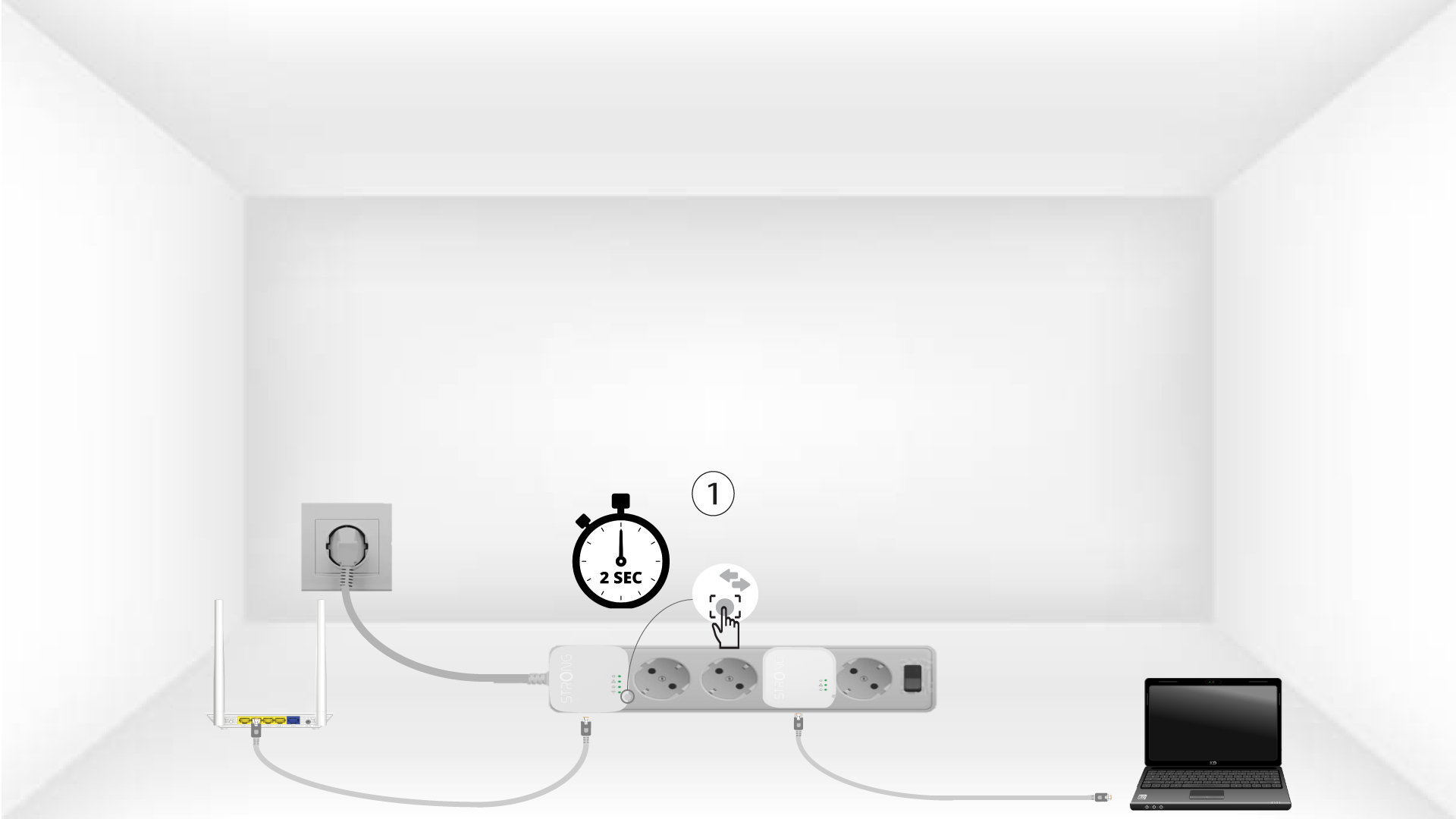
3Drücken Siedie Taste „Connect & Secure“ (erstes Gerät)
Press the Connect & Secure button on the first device for 2 seconds.
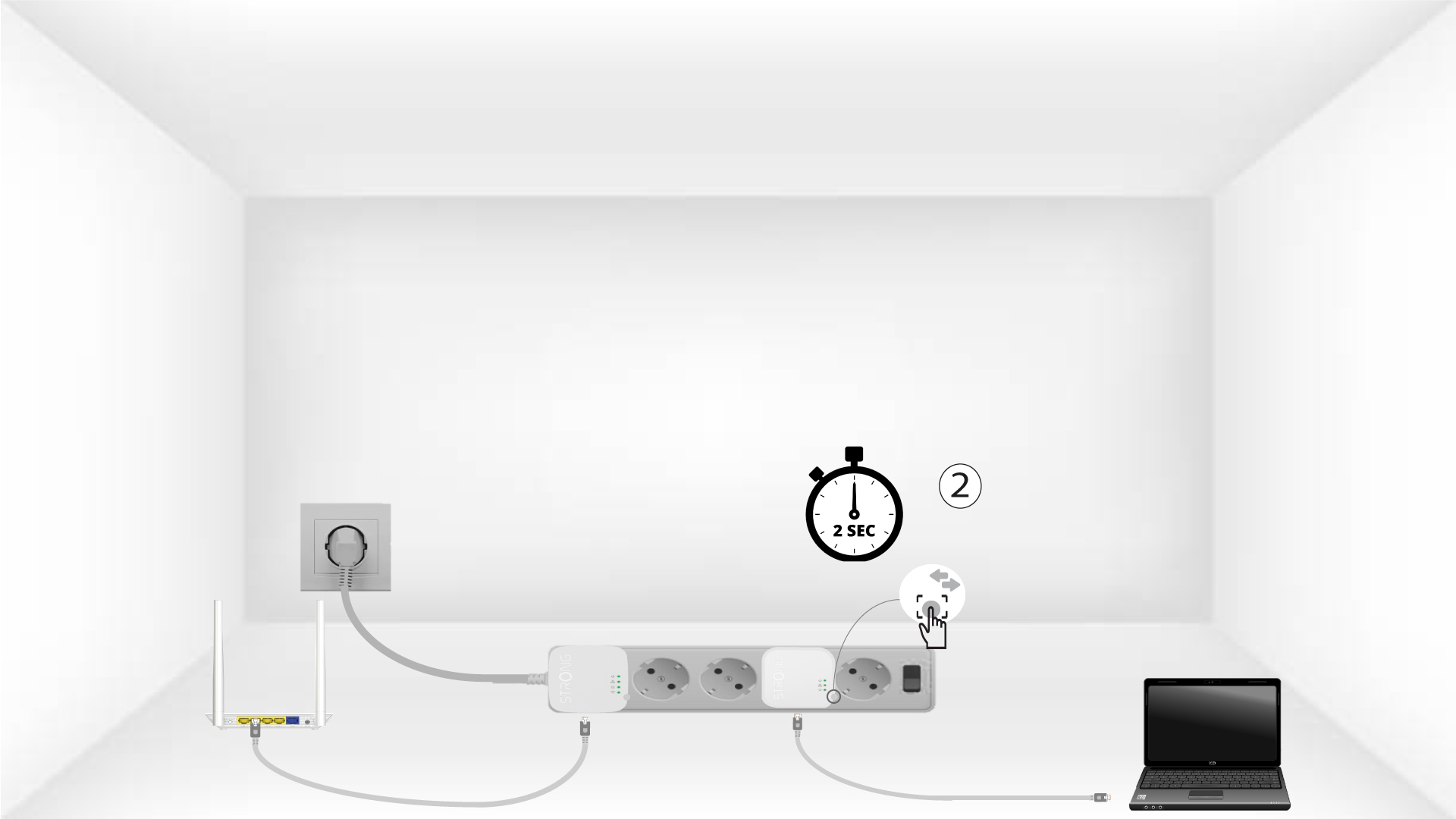
4Drücken Siedie Taste „Connect & Secure“ (zweites Gerät)
Press the Connect & Secure button on the second device for 2 seconds. You have up to two minutes to do it.
5The home LED blinks
The home LED should blink on both devices.
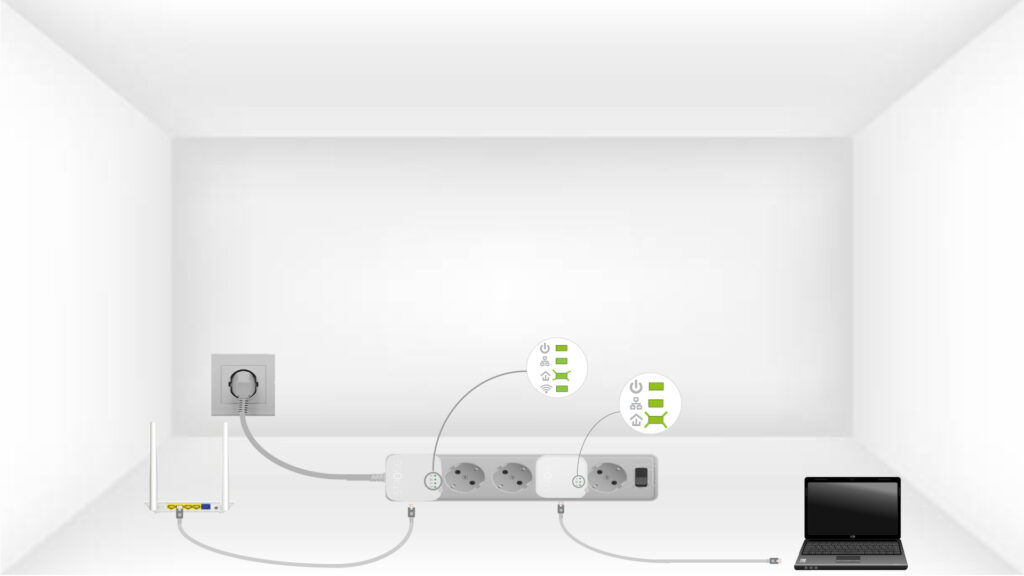
6DerVerschlüsselungsschlüssel ist festgelegt
Ihr individueller Verschlüsselungsschlüssel ist nun eingerichtet, und alle LEDs der Geräte sollten grün leuchten.
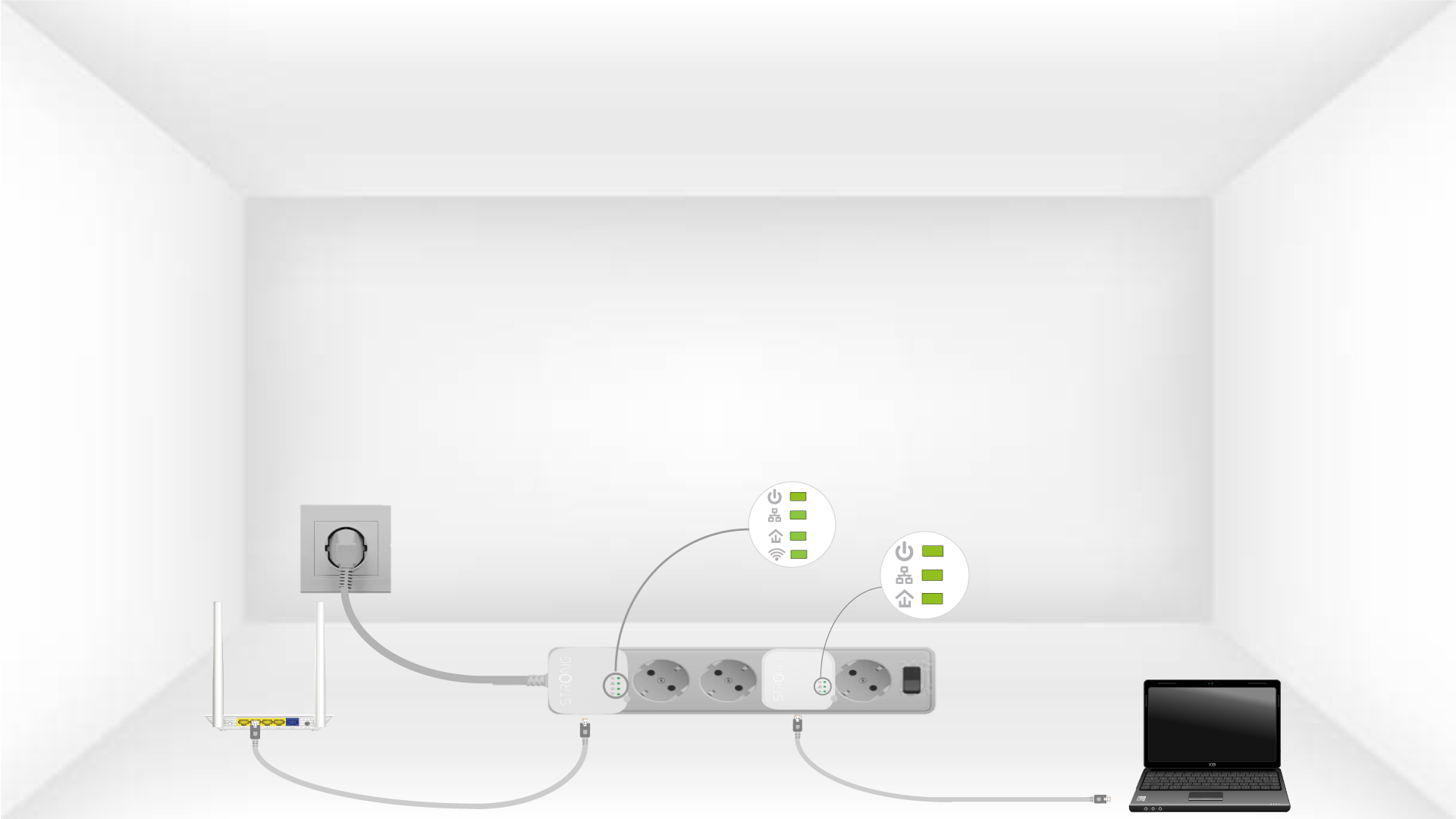
Now, install the adapters in the rooms where you need them. We strongly recommend not plugging the adapters into a power strip.