PLW600MDUO
Όλες οι ερωτήσεις
Πώς να ρυθμίσετε νέα προϊόντα Powerline με υψηλό επίπεδο ασφάλειας 2 στο υπάρχον δίκτυο Powerline σας;
If you want to add more than one new powerline product, each product must be configured one after the other by following the same process, not simultaneously. Typically, powerline adapters are paired in sets of two, so if you need to add new powerline products to your network that is configured with High Security Level 2, follow the steps below.
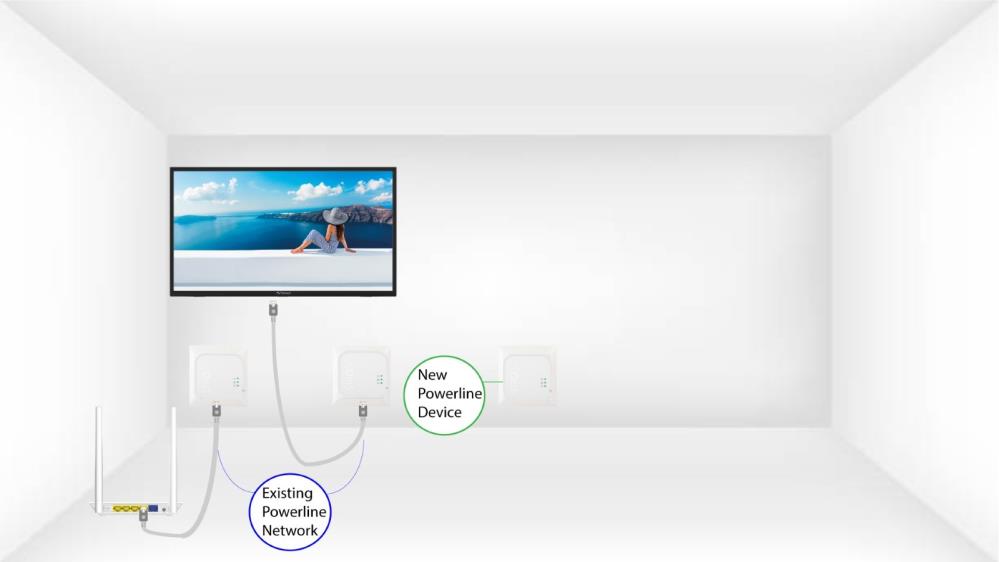
1Plug in the new adapter
Plug the additional device(s) into a power socket.
2. Συνδέστετη νέα συσκευή στο Διαδίκτυο
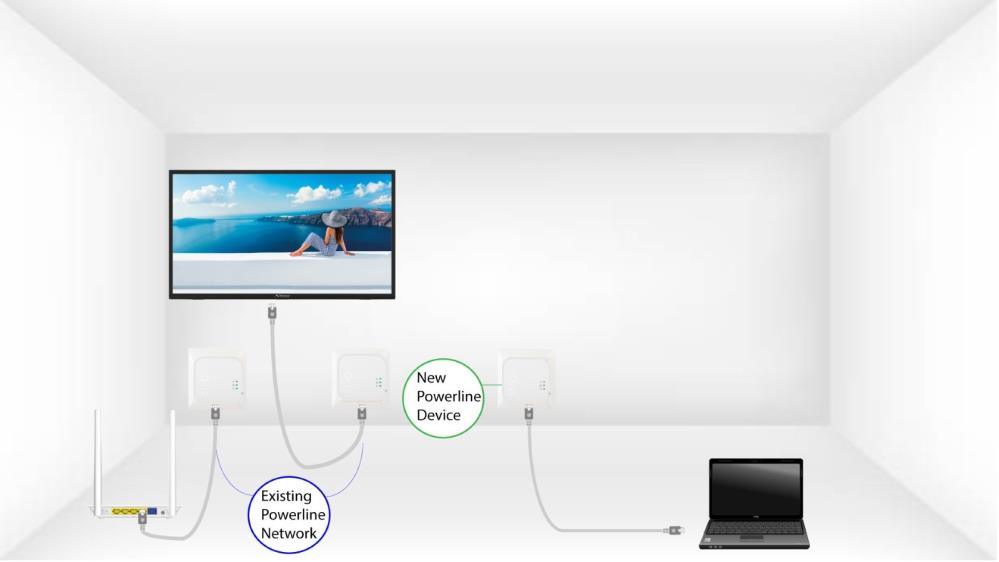
Connect the device to an Internet router/gateway with an RJ45 cable.
3Πατήστετο κουμπί «Σύνδεση & Ασφάλεια» (υπάρχουσα συσκευή)
Press the Connect & Secure button on one of the existing devices of the network for two seconds.
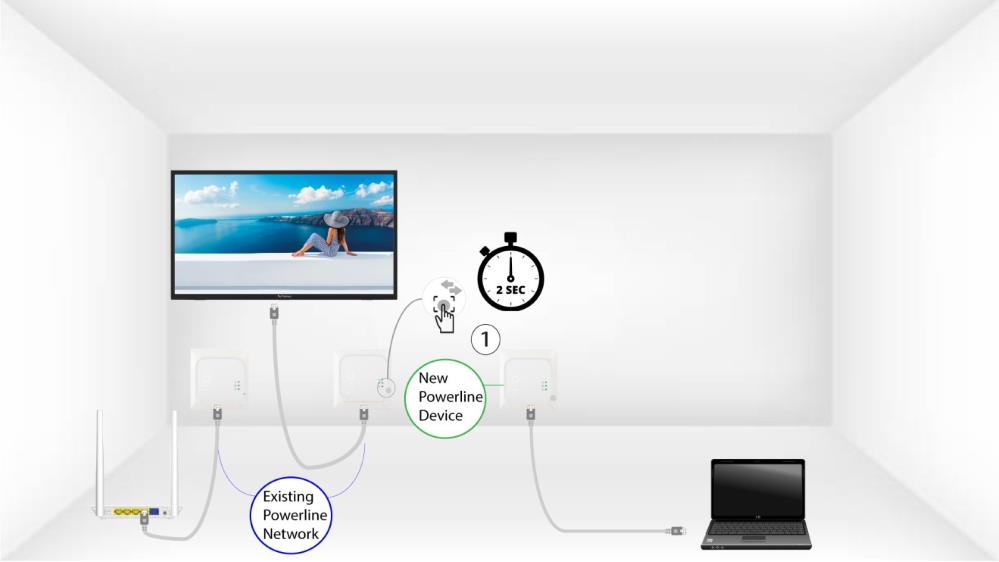
4Πατήστετο κουμπί «Σύνδεση & Ασφάλεια» (νέα συσκευή)
Then, press the Connect & Secure button on the new device for two seconds to add it to the network. You have up to two minutes to press the button.
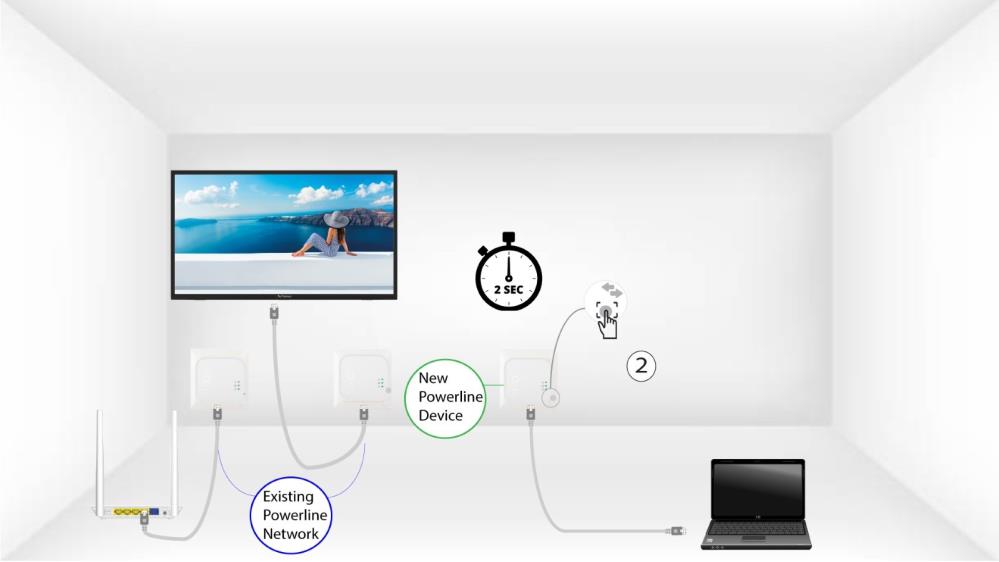
5The home LED blinks
The home LED should start blinking.
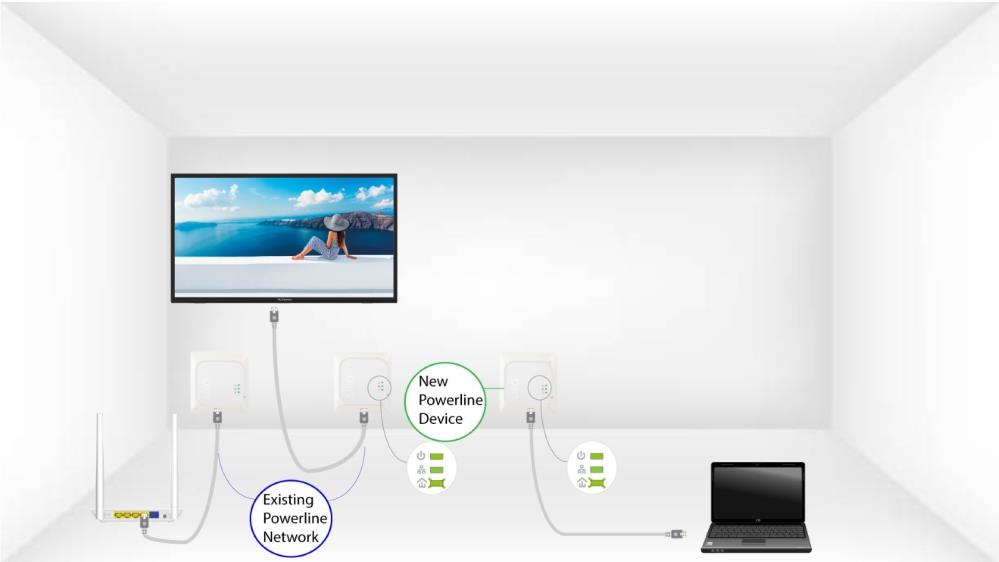
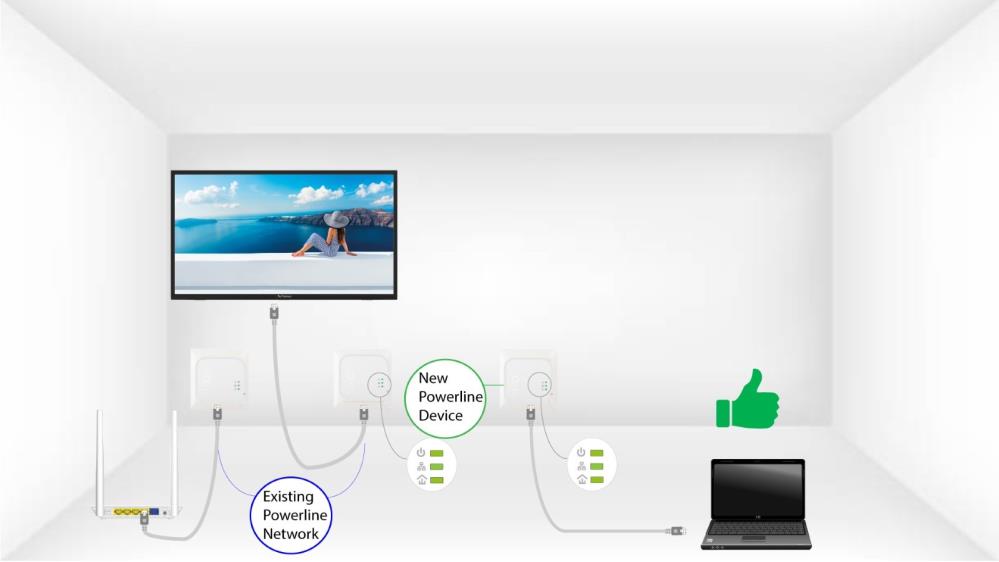
6The LEDs are green
Μετά την προσθήκη της νέας συσκευής, τα LED «home» θα πρέπει να ανάβουν με πράσινο χρώμα και στις δύο συσκευές.
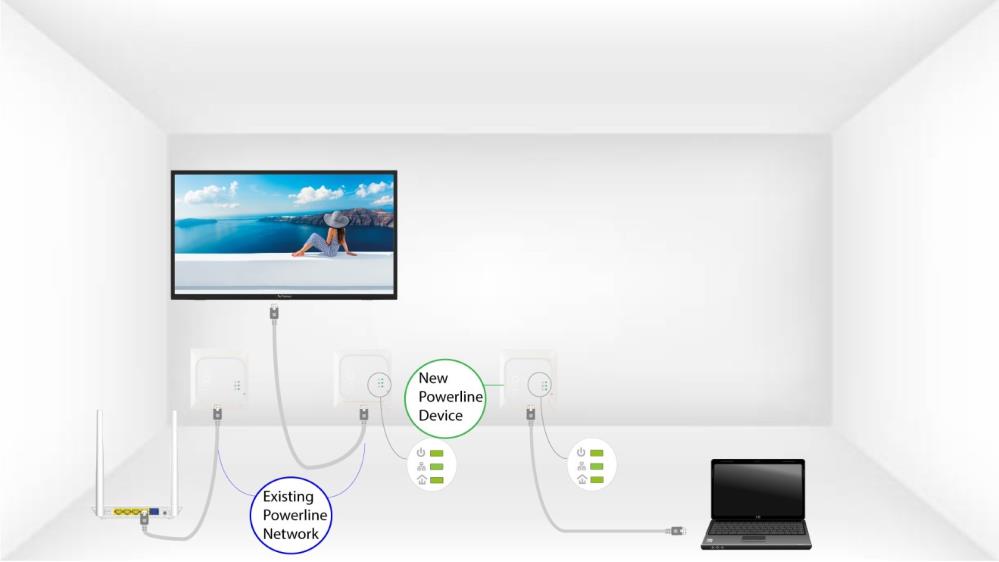
7. Τοκλειδί κρυπτογράφησης έχει οριστεί
Το νέο, μοναδικό κλειδί κρυπτογράφησης έχει οριστεί στη συσκευή που μόλις διαμορφώσατε.