
PLW600MDUO
Δεν βρέθηκαν αντικείμενα.
Δεν βρέθηκαν αντικείμενα.
Όλες οι ερωτήσεις
Δεν βρέθηκαν αντικείμενα.
Δεν βρέθηκαν αντικείμενα.
Πώς να ρυθμίσετε το επίπεδο υψηλής ασφάλειας 2 στα προϊόντα σας Powerline;
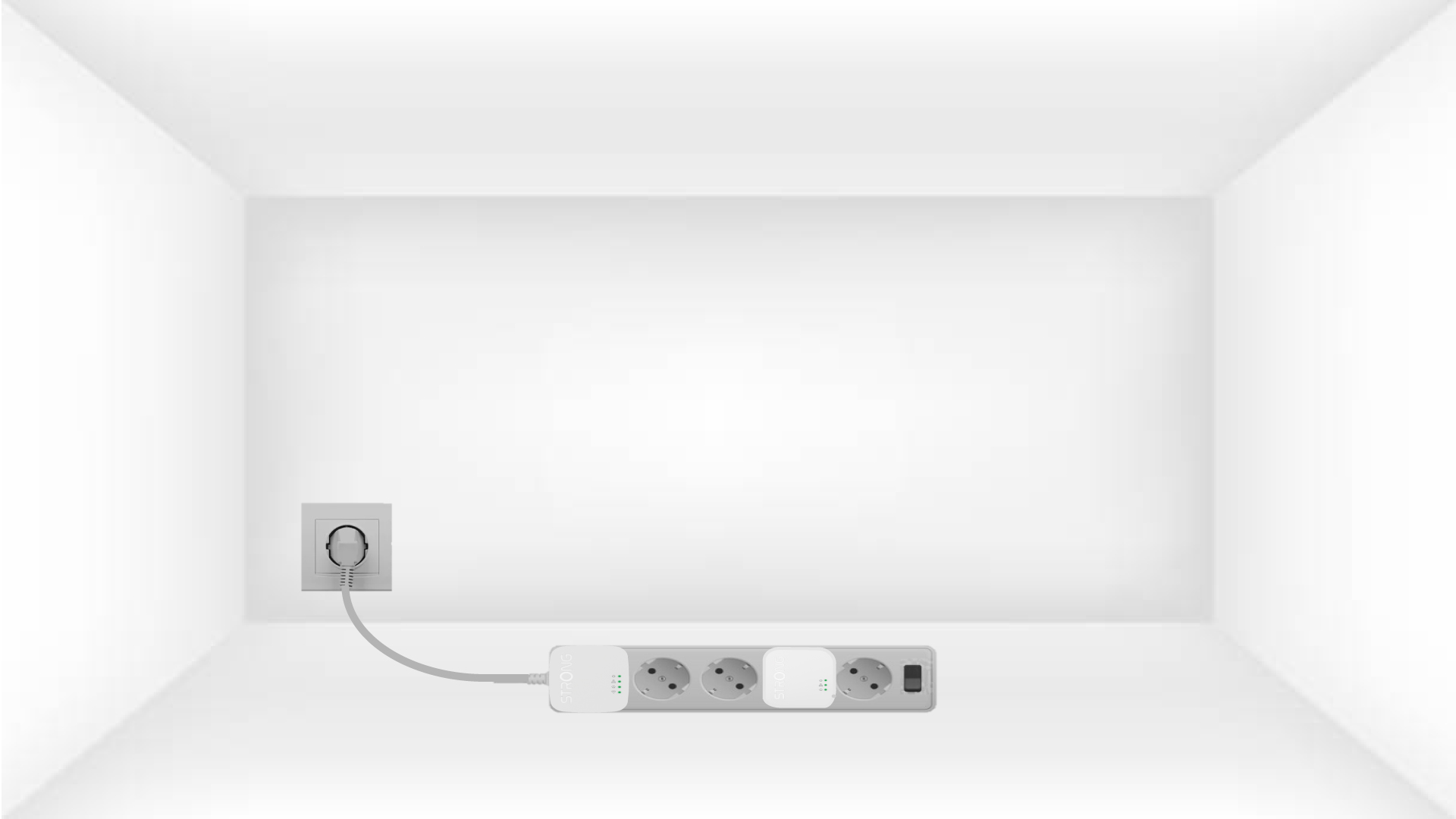
1. Συνδέστετους προσαρμογείς σε ένα πολύπριζο
Take a power strip and plug all the powerline adapters into it.
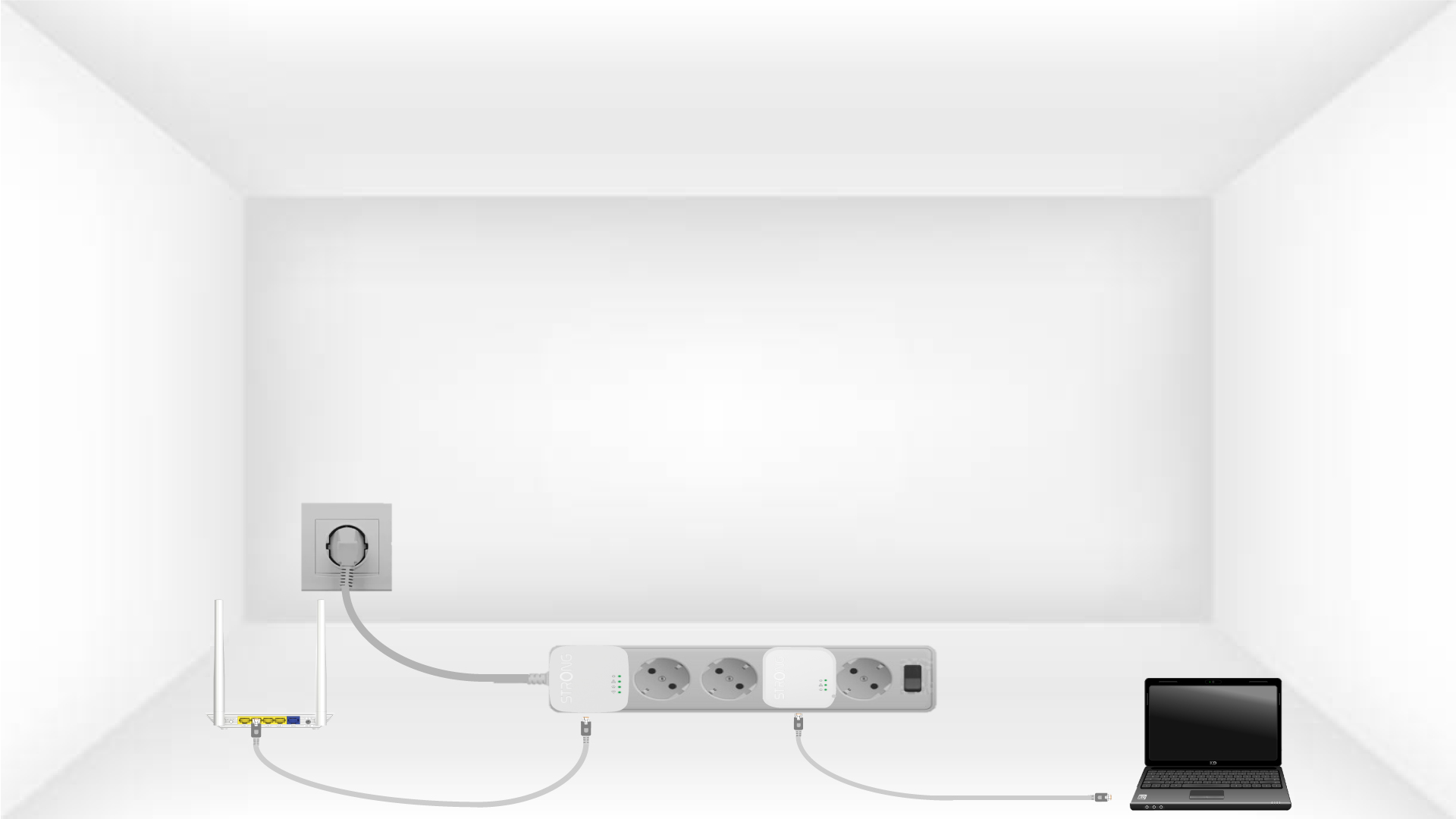
2. Συνδέστετους προσαρμογείς στο Διαδίκτυο
Connect one of the powerline adapters to the Internet gateway/router with an RJ45 cable.
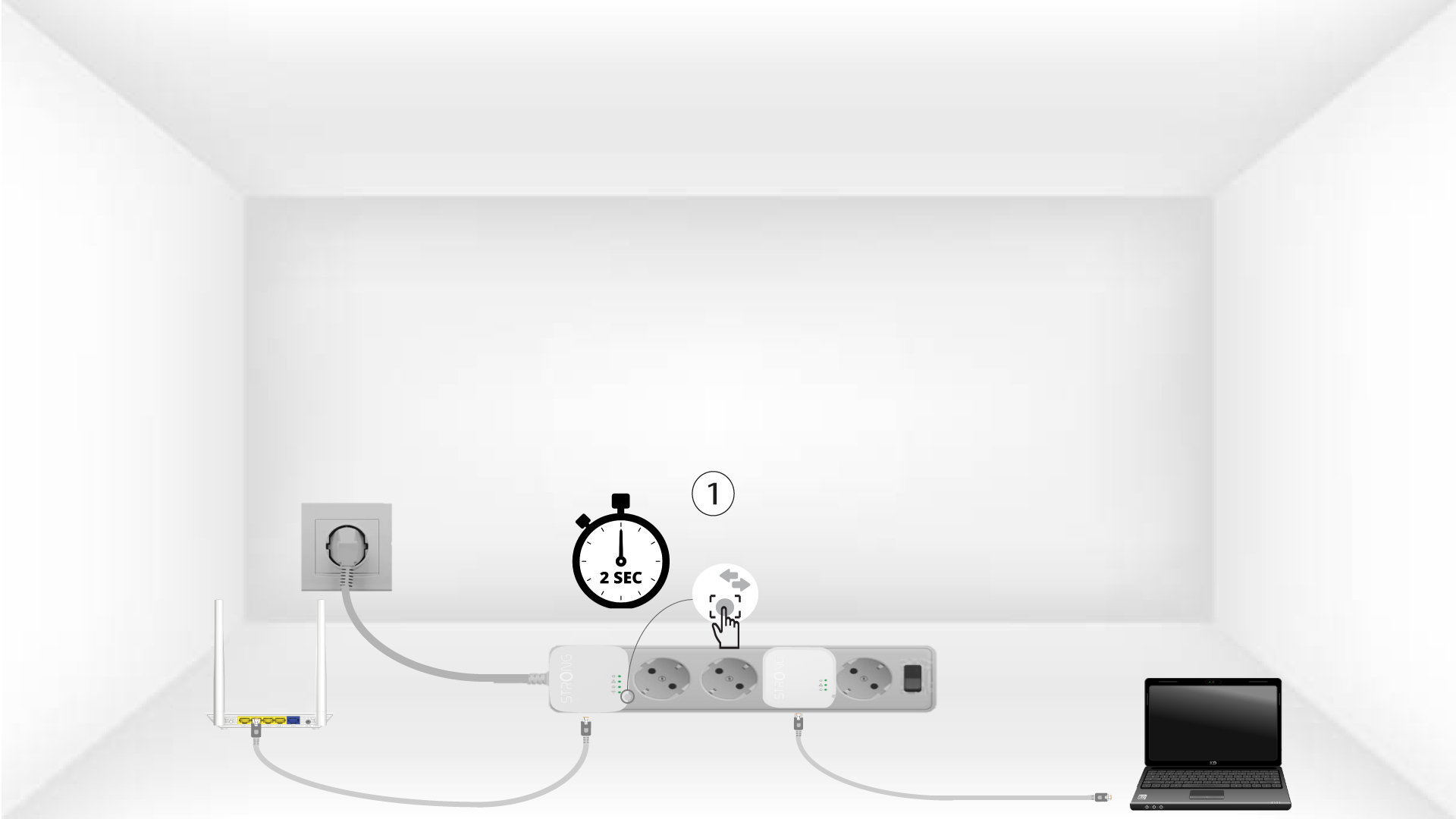
3Πατήστετο κουμπί «Σύνδεση & Ασφάλεια» (πρώτη συσκευή)
Press the Connect & Secure button on the first device for 2 seconds.
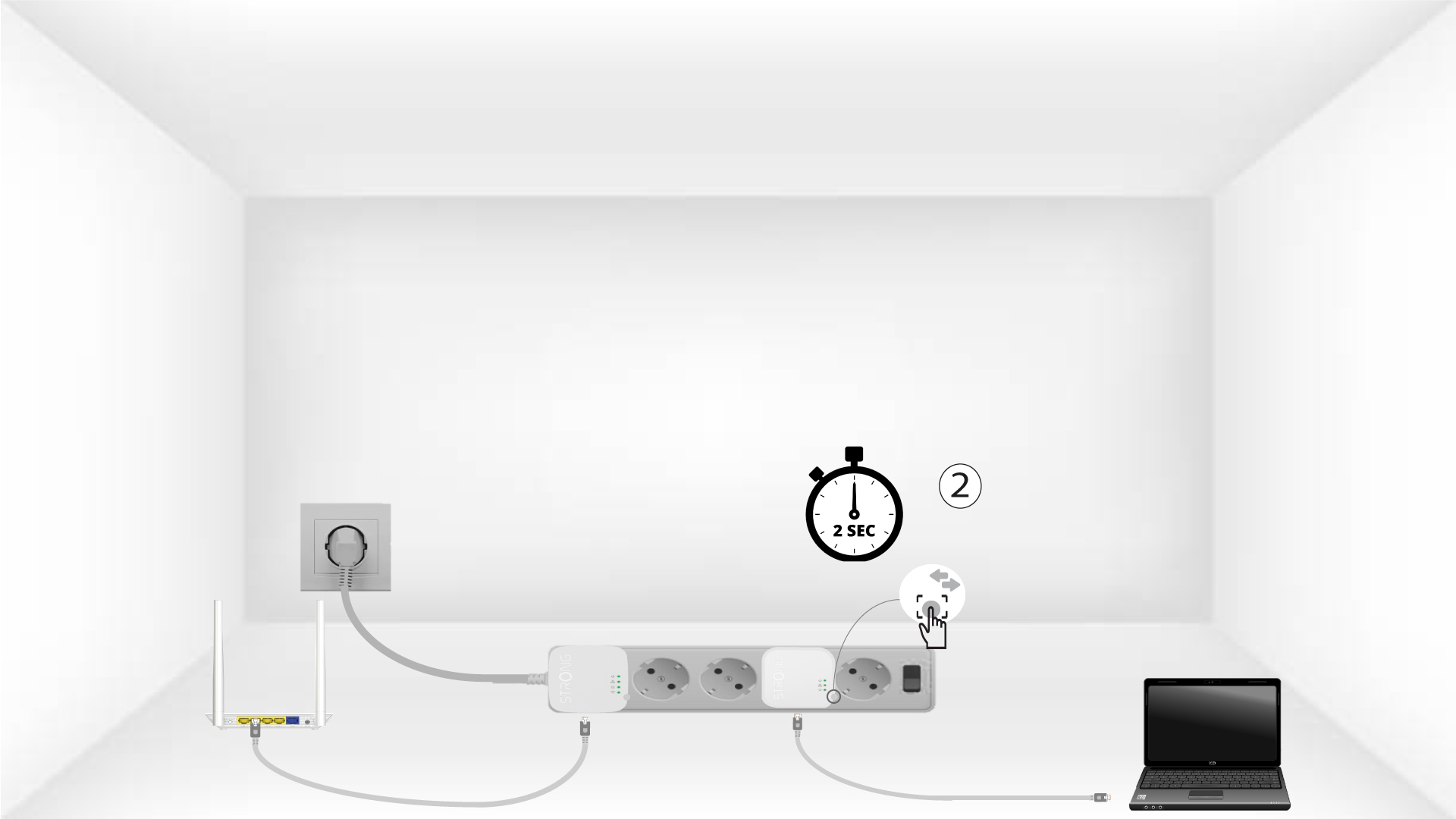
4Πατήστετο κουμπί «Σύνδεση & Ασφάλεια» (δεύτερη συσκευή)
Press the Connect & Secure button on the second device for 2 seconds. You have up to two minutes to do it.
5The home LED blinks
The home LED should blink on both devices.
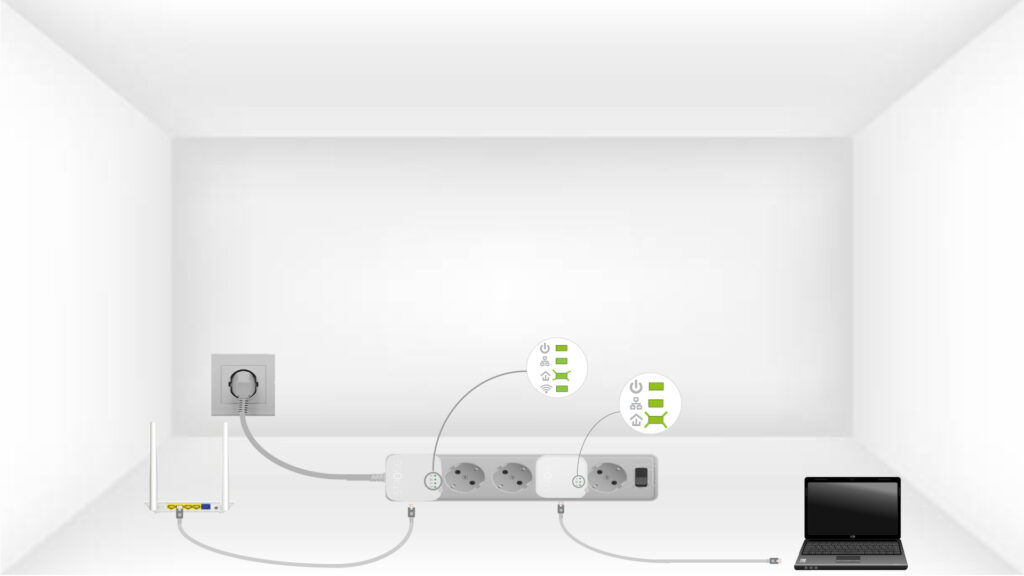
6. Τοκλειδί κρυπτογράφησης έχει οριστεί
Το μοναδικό κλειδί κρυπτογράφησης έχει πλέον οριστεί και όλες οι ενδείξεις LED των συσκευών θα πρέπει να είναι πράσινες.
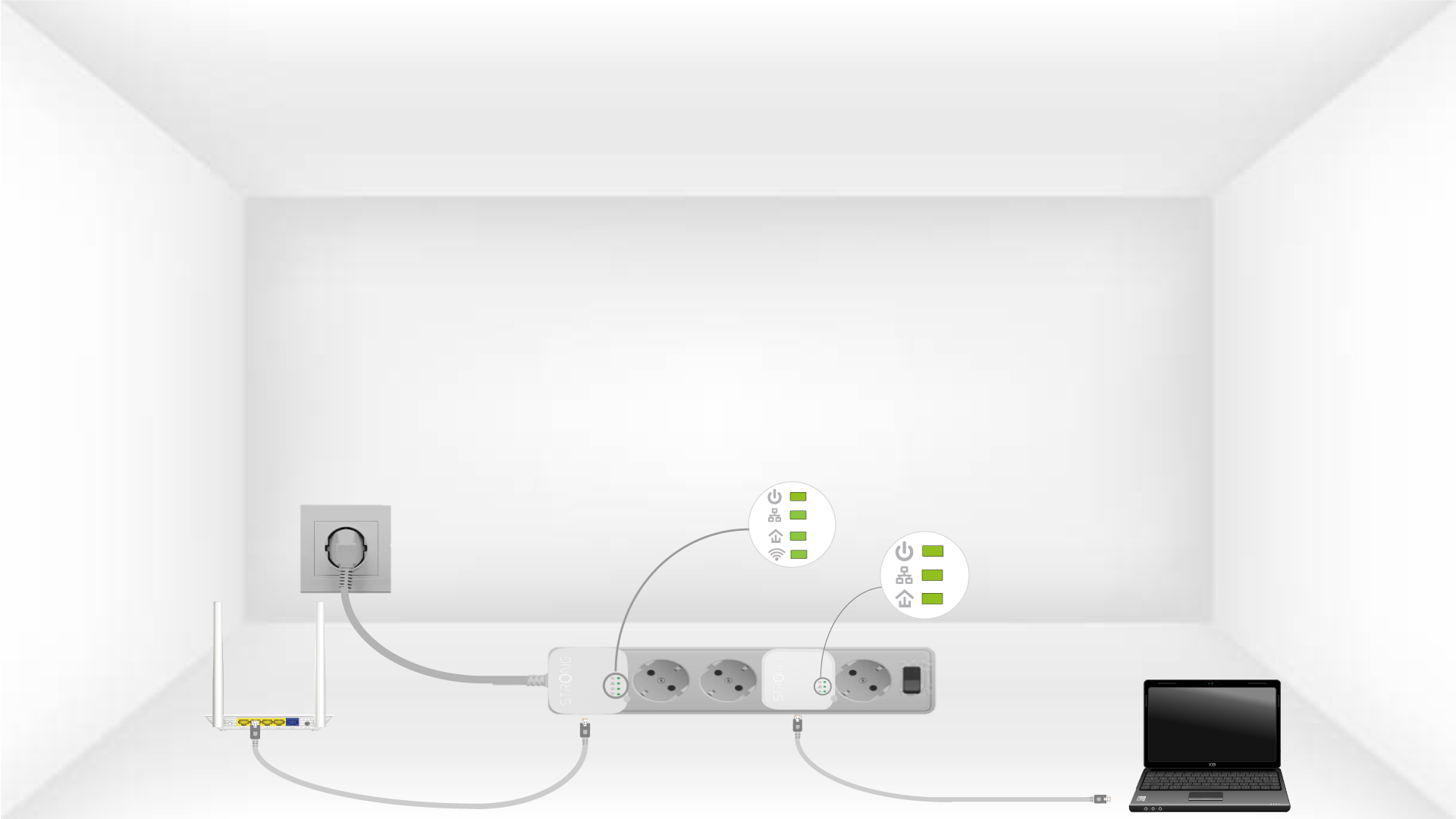
Now, install the adapters in the rooms where you need them. We strongly recommend not plugging the adapters into a power strip.