4G AIRHOME 210 UK σταθερές κεραίες 4G
Δεν βρέθηκαν αντικείμενα.
Δεν βρέθηκαν αντικείμενα.
Όλες οι ερωτήσεις
4G AIRHOME 210 UK σταθερές κεραίες 4G
Δεν βρέθηκαν αντικείμενα.
Δεν βρέθηκαν αντικείμενα.
Ποια είναι η σημασία των διαφόρων καταστάσεων της κάρτας SIM στο περιβάλλον χρήστη του ιστού;

Πριν συνδεθείτε στο περιβάλλον εργασίας χρήστη μέσω διαδικτύου, βεβαιωθείτε ότι η κάρτα SIM έχει τοποθετηθεί σωστά και ότι ο κωδικός PIN έχει απενεργοποιηθεί ή έχει εισαχθεί.
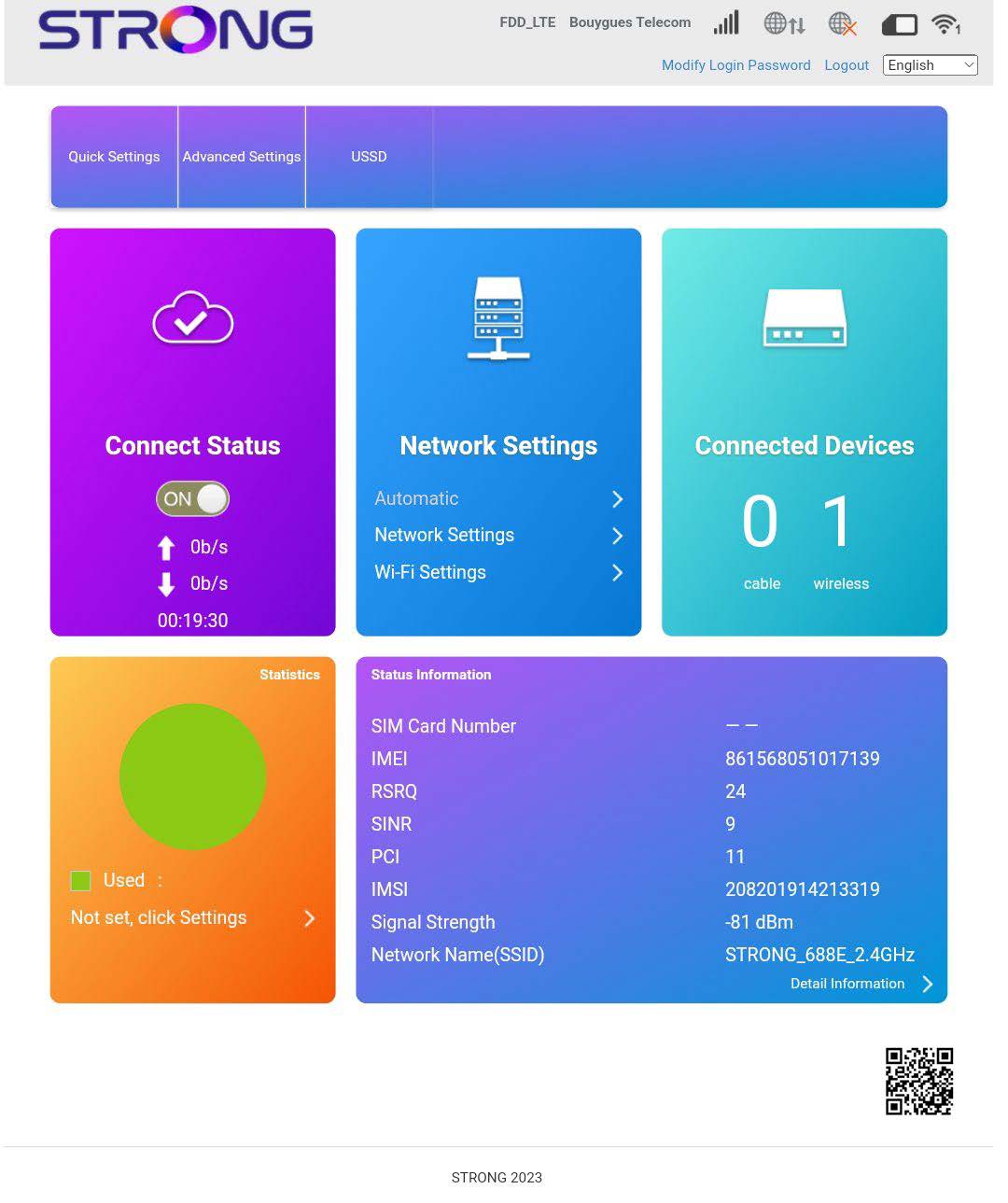
• Εάν η κάρτα SIM είναι κλειδωμένη με κωδικό PIN, πρέπει να συνδεθείτε στο περιβάλλον εργασίας χρήστη (Web UI) για να τον εισαγάγετε και να ξεκλειδώσετε την κάρτα SIM.• Εάν η κάρτα SIM δεν ανιχνεύεται, βεβαιωθείτε ότι η χρυσή πλευρά δεν είναι ορατή όταν η κάρτα SIM είναι τοποθετημένη στην υποδοχή.• Εάν η κάρτα SIM δεν είναι τοποθετημένη σωστά, τοποθετήστε την εκ νέου στην υποδοχή και βεβαιωθείτε ότι η κάρτα SIM είναι σταθερά τοποθετημένη στον προσαρμογέα.Μόλις μπείτε στο περιβάλλον χρήστη του ιστού, θα παρατηρήσετε ότι δίπλα στη γραμμή κατάστασης της κάρτας SIM μπορούν να εμφανίζονται διάφορες καταστάσεις:
• Δεν υπάρχει κάρτα SIM ή η κάρτα SIM είναι άκυρη: Η κάρτα SIM έχει τοποθετηθεί και έχει αναγνωριστεί, αλλά δεν λειτουργεί λόγω του κωδικού PIN. Η κάρτα SIM δεν έχει τοποθετηθεί σωστά στη συσκευή ή δεν έχει τοποθετηθεί κάρτα SIM στην υποδοχή.

- Κανονική κατάσταση: Η κάρτα SIM έχει τοποθετηθεί σωστά στη συσκευή και είναι ξεκλείδωτη. Μπορείτε να δείτε την κύρια σελίδα του περιβάλλοντος χρήστη ιστού.