Mesh Wi-Fi 6 ATRIA 3000 (paquete de 2)
No se han encontrado artículos.
No se han encontrado artículos.
Todas las preguntas
Mesh Wi-Fi 6 ATRIA 3000 (paquete de 2)
No se han encontrado artículos.
No se han encontrado artículos.
¿Cómo se utiliza la función WPS?

Advertencia: Puedes utilizar la función WPS para configurar la conexión Wi-Fi entre tu router y tus ordenadores, smartphones o tu impresora, por ejemplo.
Activar el WPS en tu router es muy fácil.
1Mesh
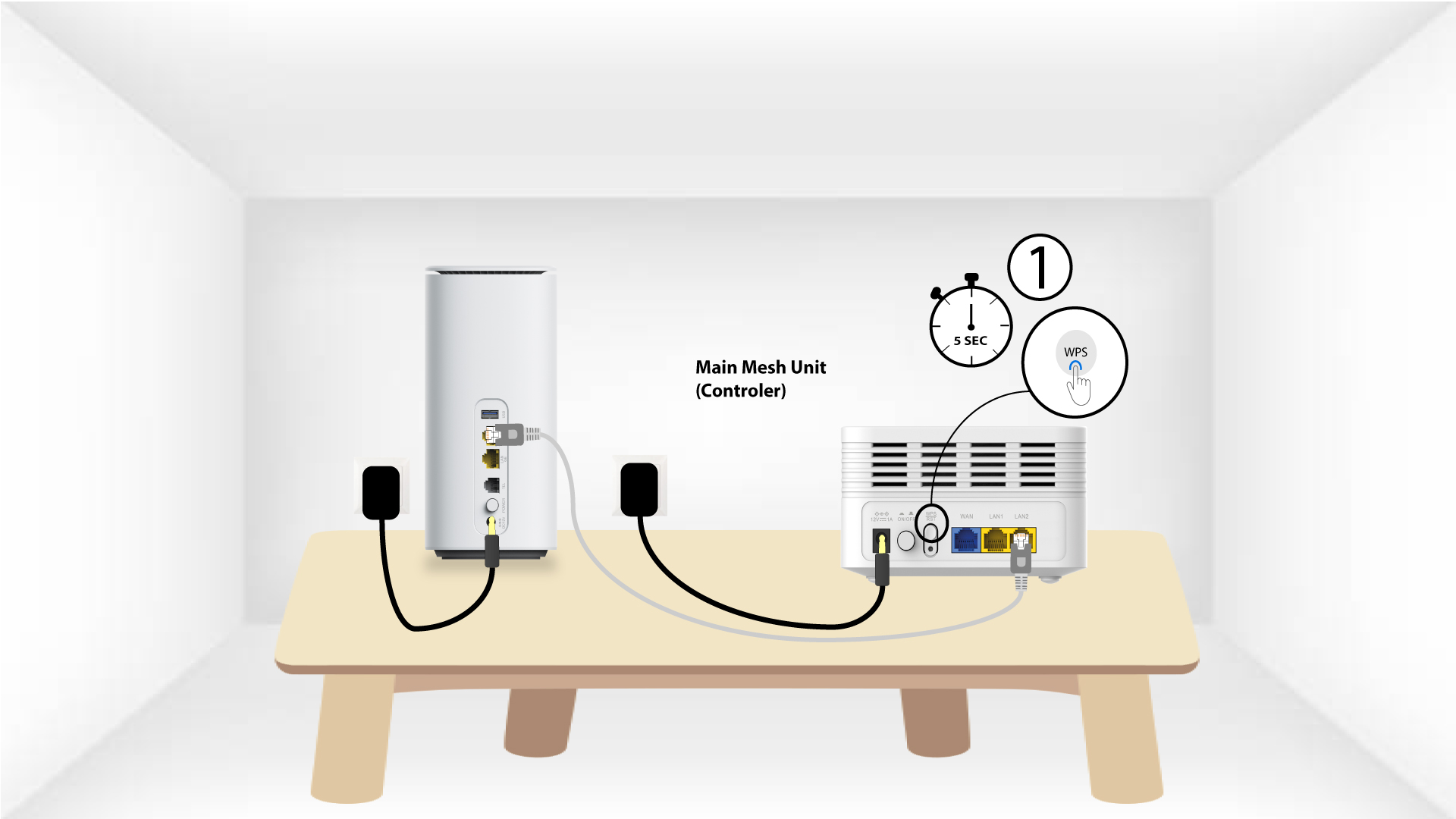
Para ello, pulsa el botón WPS durante 5 segundos en la unidad « Mesh » que esté conectada a tu red « Mesh ».
2. Selección de red
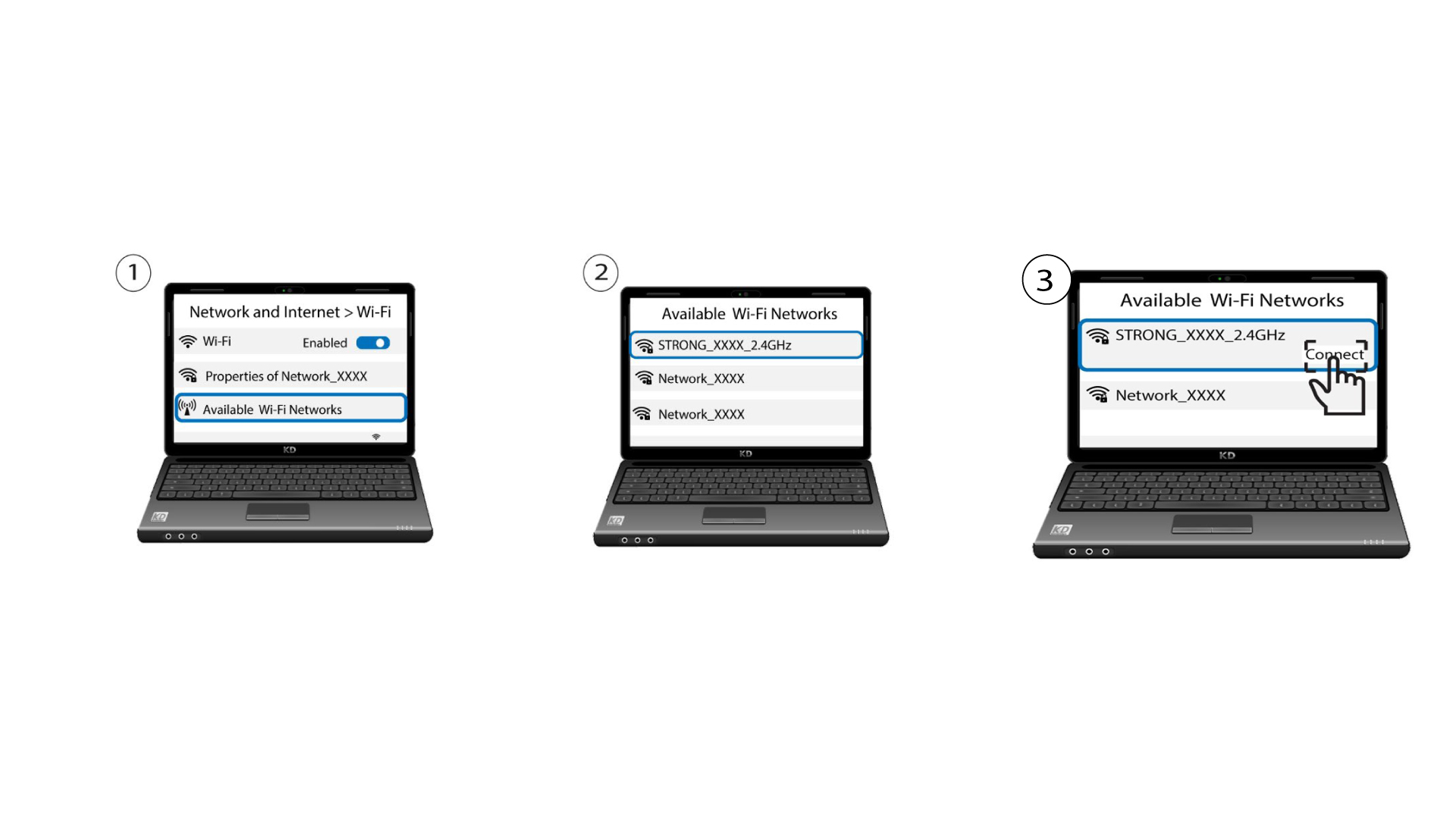
Ahora ve a la sección «Red» de tu dispositivo (teléfono, ordenador, impresora, etc.) y debería aparecer el nuevo dispositivo añadido a la red; ya puedes conectarte a su red.