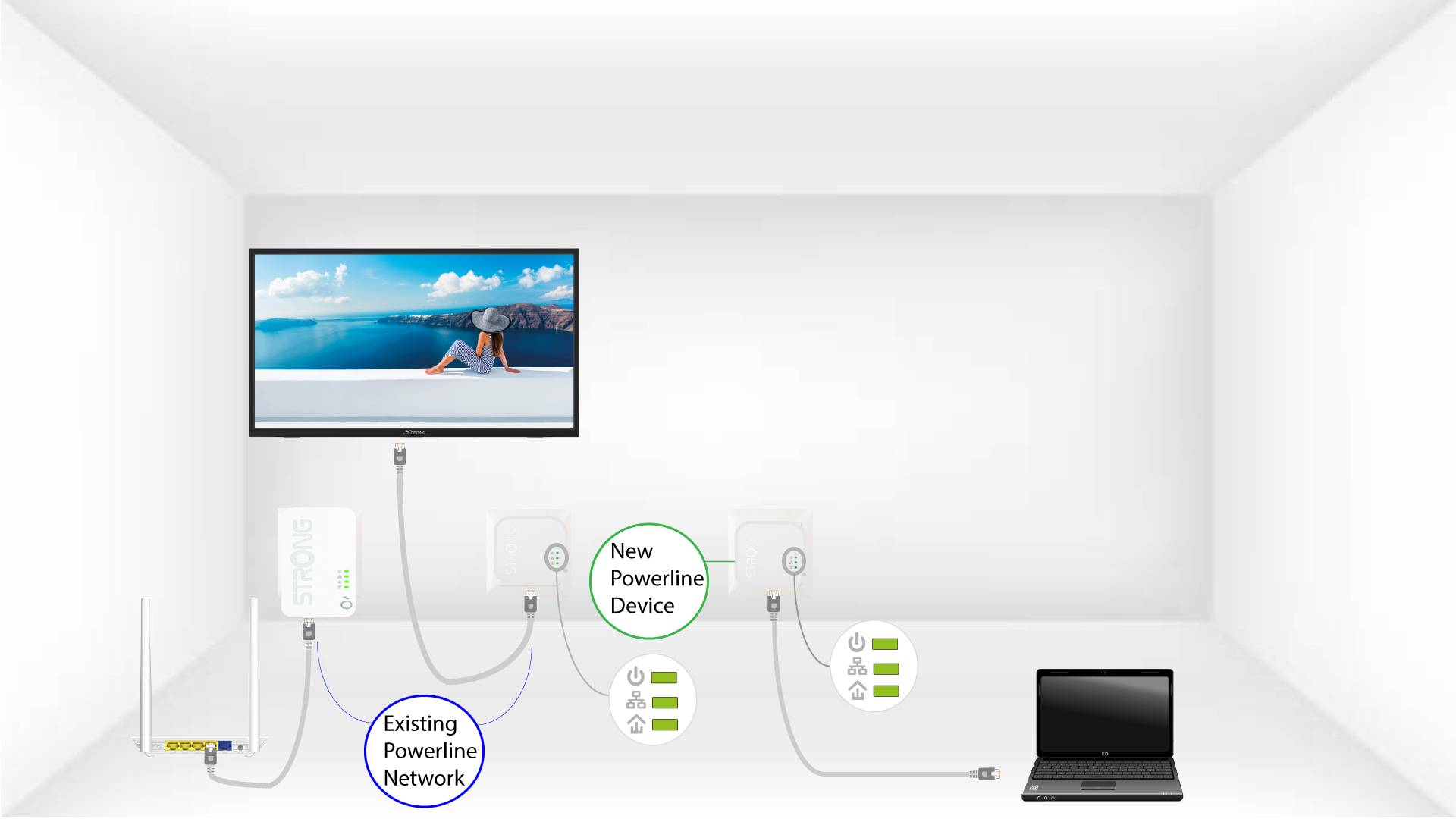
Powerline 1000 Duo Wi-Fi Mini
Todas las preguntas
Powerline 1000 Duo Wi-Fi Mini
¿Cómo añadir un nuevo producto « powerline » a tu red Wi-Fi existente « powerline » con el nivel de seguridad alto 1?
Dado que tu red actual se ha configurado con el Nivel de seguridad alto 1, añadir un producto es tan sencillo como «Plug & Play». No es necesario realizar ninguna acción en el producto. Solo tienes que conectar el nuevo producto « powerline » y se añadirá automáticamente a la red.
Normalmente, los adaptadores « powerline » se emparejan en grupos de dos o tres, por lo que, si necesitas añadir más productos « powerline » a tu red, que está configurada con el nivel de seguridad alto 1, debes seguir los pasos que se indican a continuación.
1. Enchufael nuevo dispositivo a una toma de corriente
Enchufa el dispositivo o dispositivos adicionales a una toma de corriente.
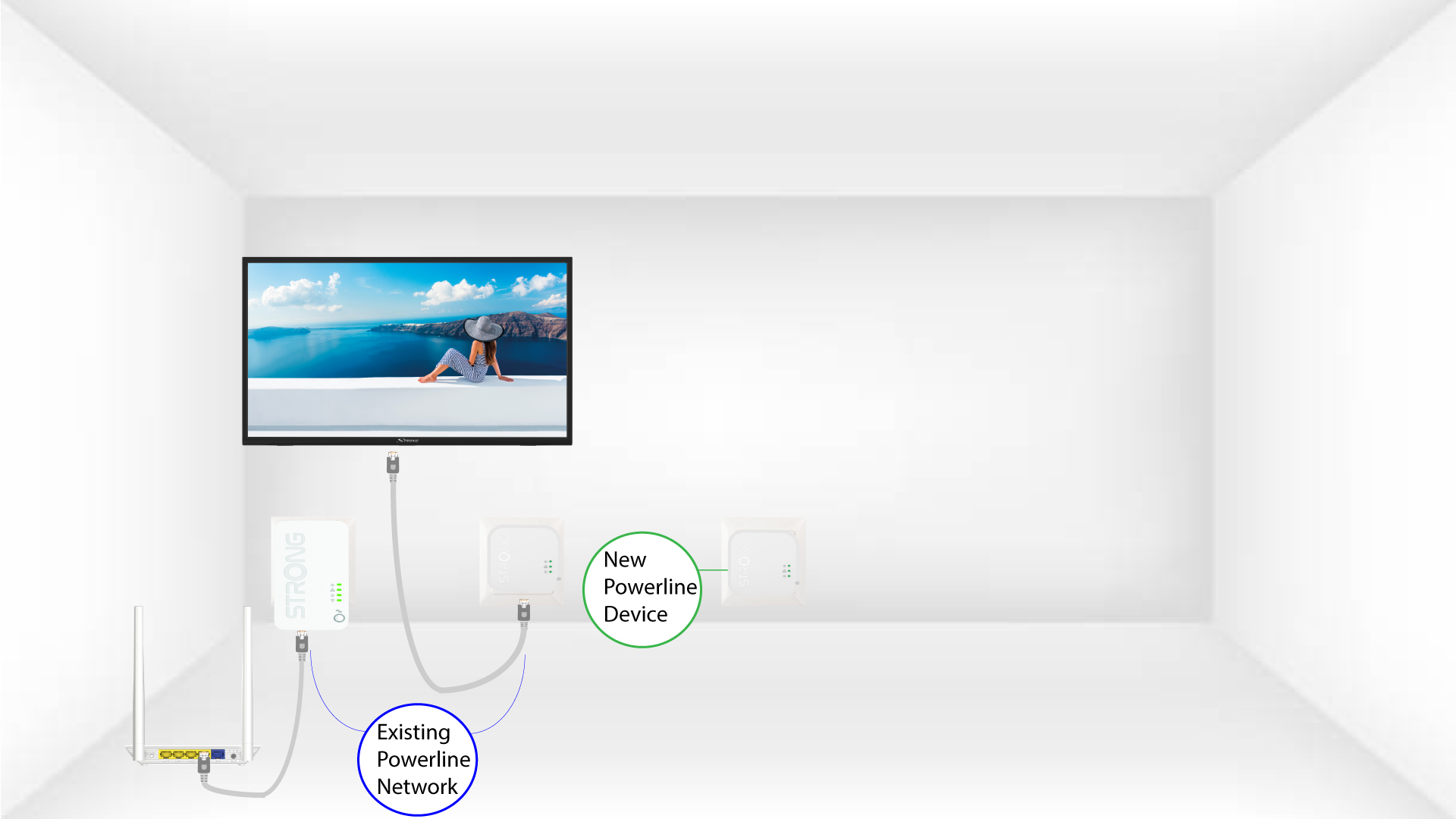
2. Conectael adaptador a Internet
Conecta el dispositivo a un router o puerta de enlace de Internet mediante un conector RJ45.
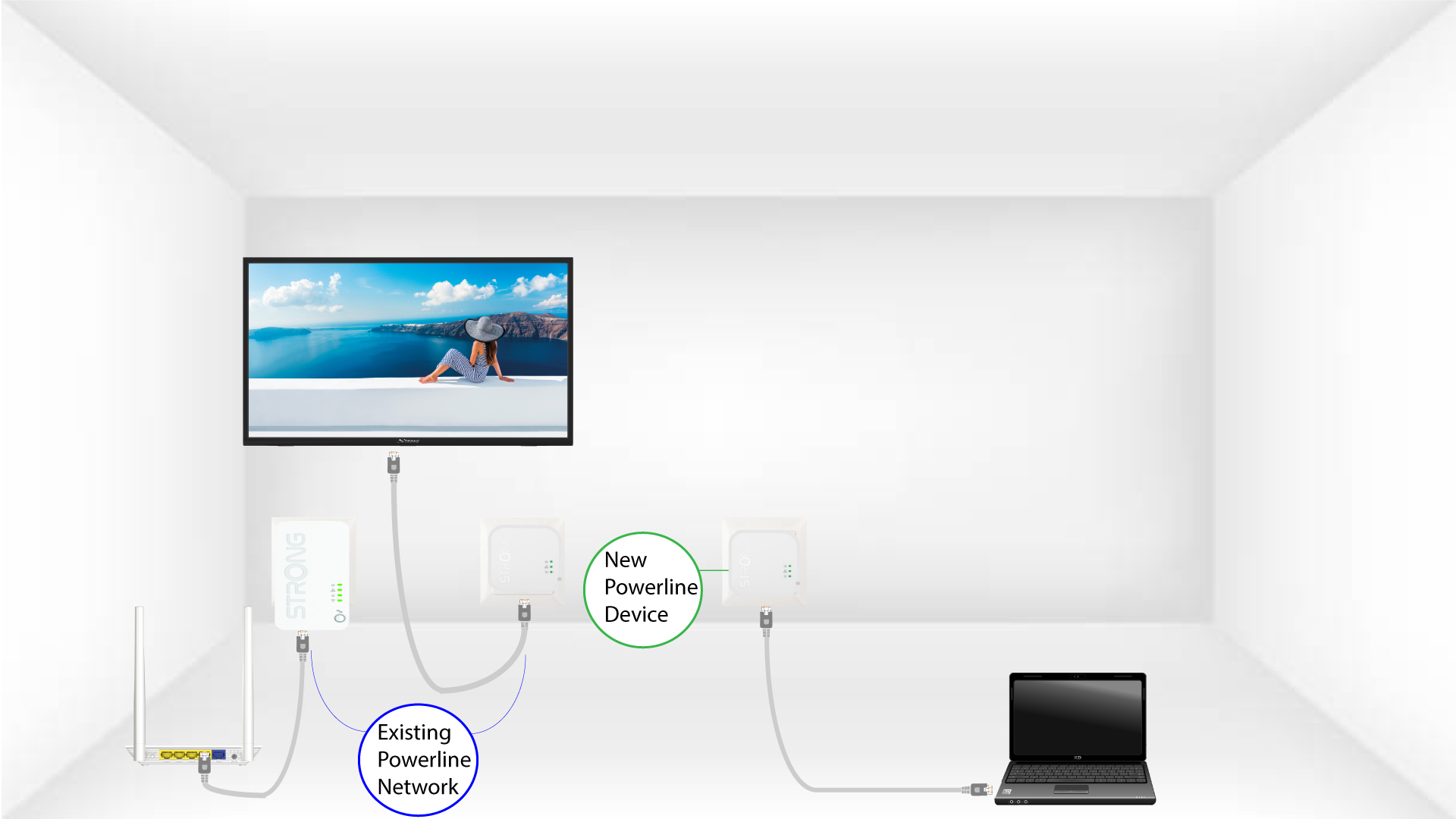
Los 3 LEDestán en verde
Tras conectar el nuevo dispositivo, todos los LED de todos los dispositivos se iluminan en verde.