
ATRIA Mesh kit | MESHKIT1200
Ei löytynyt kohteita.
Ei löytynyt kohteita.
Kaikki kysymykset
ATRIA Mesh kit | MESHKIT1200
Ei löytynyt kohteita.
Ei löytynyt kohteita.
Miten voin muuttaa Wi-Fi- mesh -verkon SSID:n (Wi-Fi-verkon nimen) ja salasanan? (TAPAUS 1: Verkkokäyttöliittymä)
1Verkkokäyttöliittymän avaaminen
Web-käyttöliittymään kirjautumiseksi noudata seuraavia ohjeita: Miten pääsen Web-käyttöliittymään?
2. Wi-Fi-asetukset
Napsauta vasemmassa palkissa kohtaa ”Wi-Fi”.
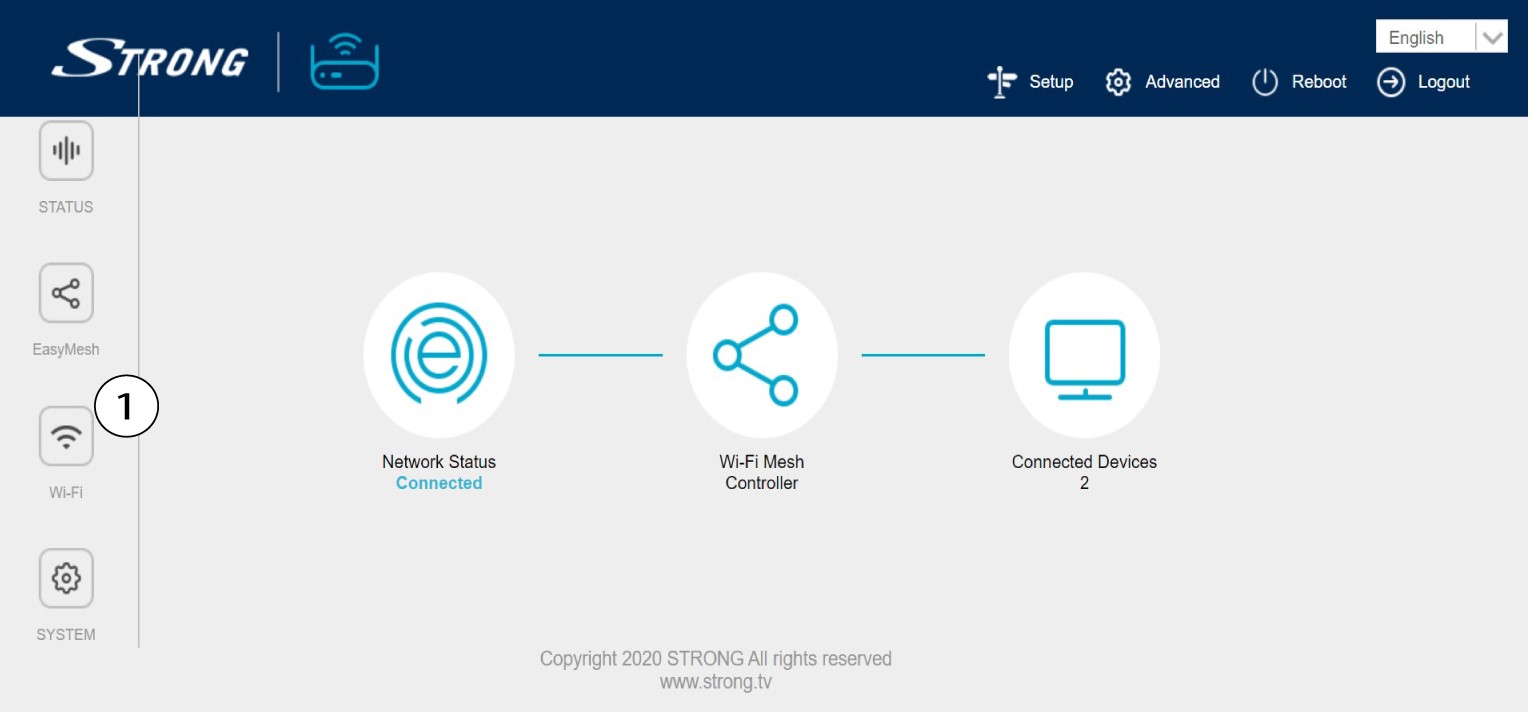
3. MuutaWi-Fi-verkon tietoja
Napsauta 5 G WLAN tai 2,4 G WLAN. Syötä sitten seuraavat tiedot ennen kuin napsautat Apply:
o SSID: Kirjoita uusi verkon nimi
o Wi-Fi-avain: Kirjoita uusi salasana. (valitse valintaruutu varmistaaksesi, että olet kirjoittanut oikean
salasanan, jonka halusit)
Huomaa, että salasanan on oltava 8–32 merkkiä pitkä ja sen on sisällettävä isoja ja pieniä kirjaimia, numeroita sekä vähintään yhtä erikoismerkkiä (@, $, !, %, *, ?, &).

4Kirjoitauudet verkkotiedot muistiin
Kirjoita uudet verkkotiedot paperilapulle.
