
Ei löytynyt kohteita.
Ei löytynyt kohteita.
2K+ SMART HOME
Kaikki kysymykset
Ei löytynyt kohteita.
Ei löytynyt kohteita.
2K+ SMART HOME
Miten teen kameralleni kovan nollauksen (ilman sovellusta)?
Jos et voi käyttää sovellusta, voit nollata kameran laitteessa olevalla painikkeella.
Tätä varten sinun on noudatettava seuraavia ohjeita.
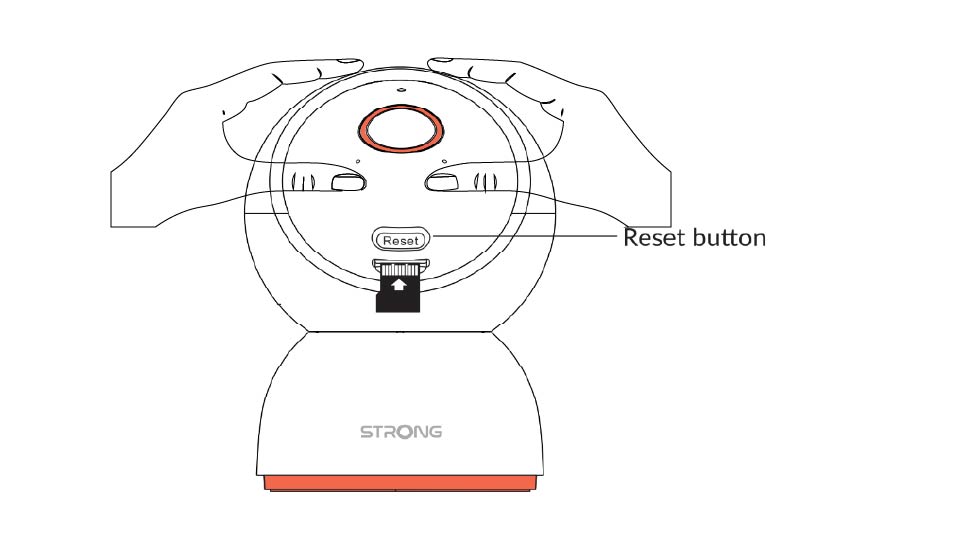
1. Etsinollauspainike
Käännä kameran objektiivia, kunnes löydät nollauspainikkeen.
2. Painanollauspainiketta
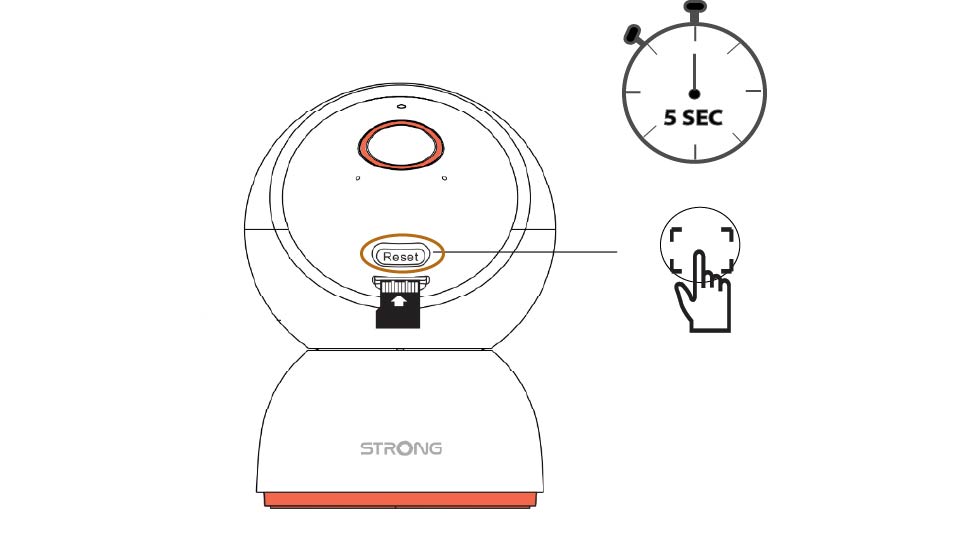
Paina painiketta ja pidä sitä painettuna 5 sekuntia.
3Odotanollausviestiä
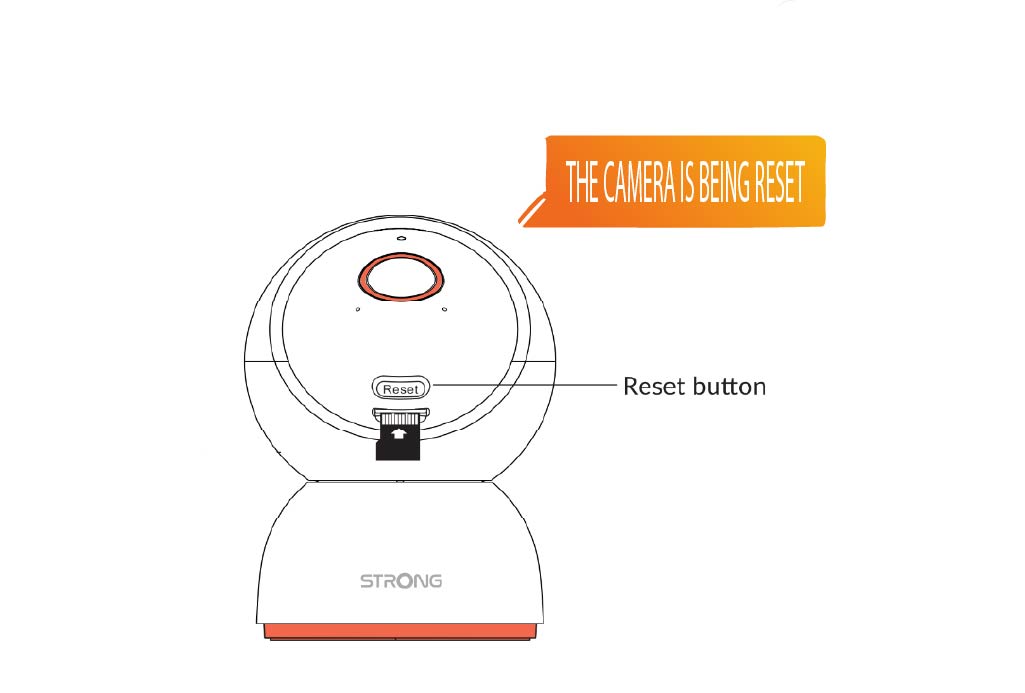
Kun olet suorittanut tämän vaiheen, kuulet seuraavan ilmoituksen: ”Kameraa nollataan.” Sen jälkeen kamera käynnistyy uudelleen automaattisesti.
4Tervetulotoivotus
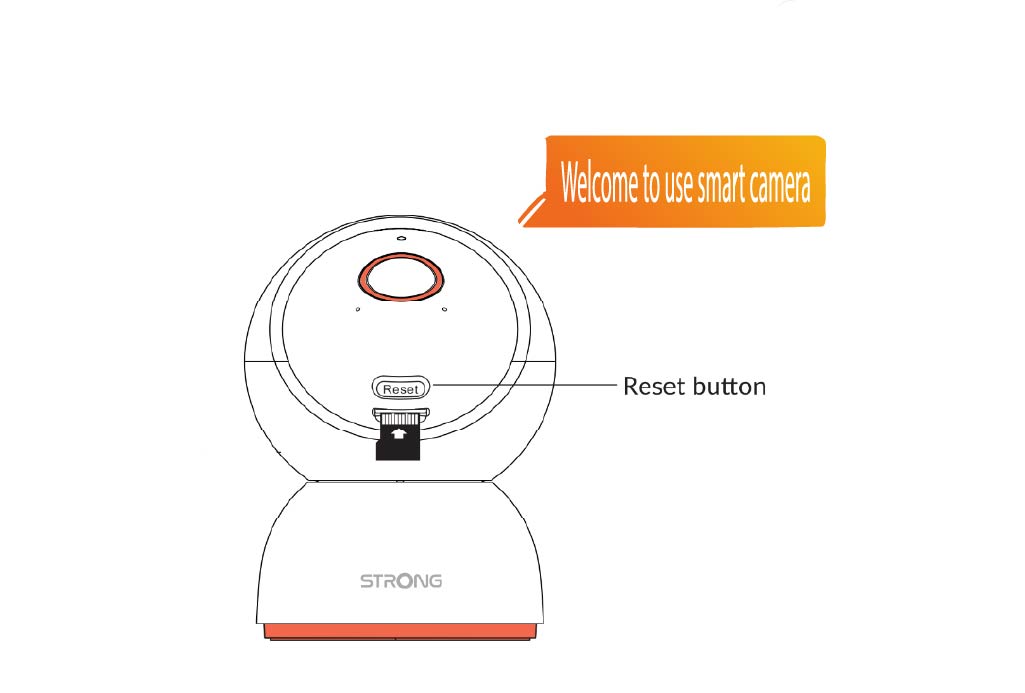
Kun se on valmis, ruudulle ilmestyy teksti: ”Tervetuloa käyttämään älykameraa.”
VINKKI: Kun nollaus on suoritettu, avaa sovellus ja lisää kamera uudelleen.