2K+ SMART HOME
Kaikki kysymykset
2K+ SMART HOME
Miten otan ihmisten tunnistuksen käyttöön?
1. Avaakameran asetukset
Napsauta Asetukset.

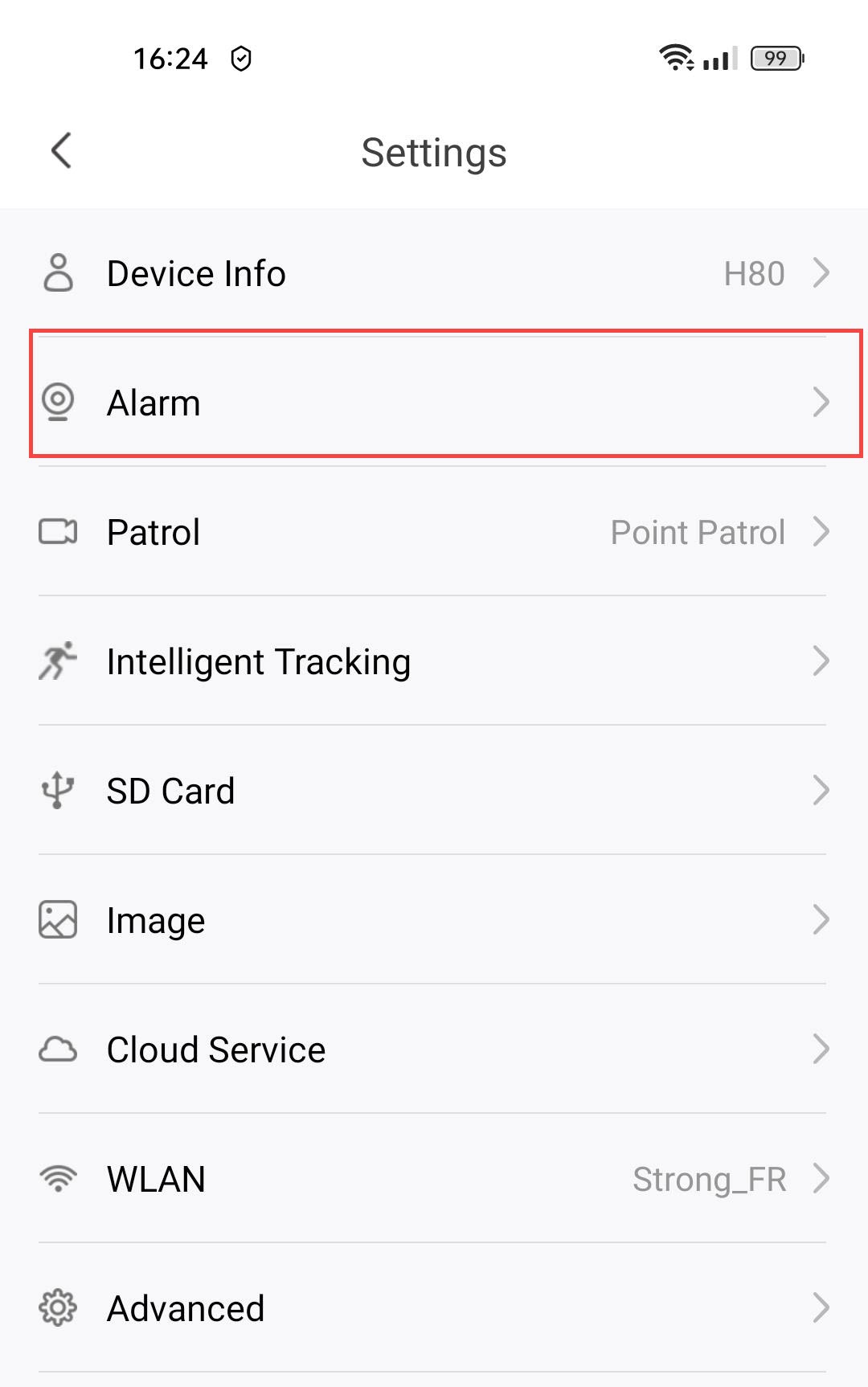
2. Siirryhälytysasetuksiin
Valitse Hälytys.
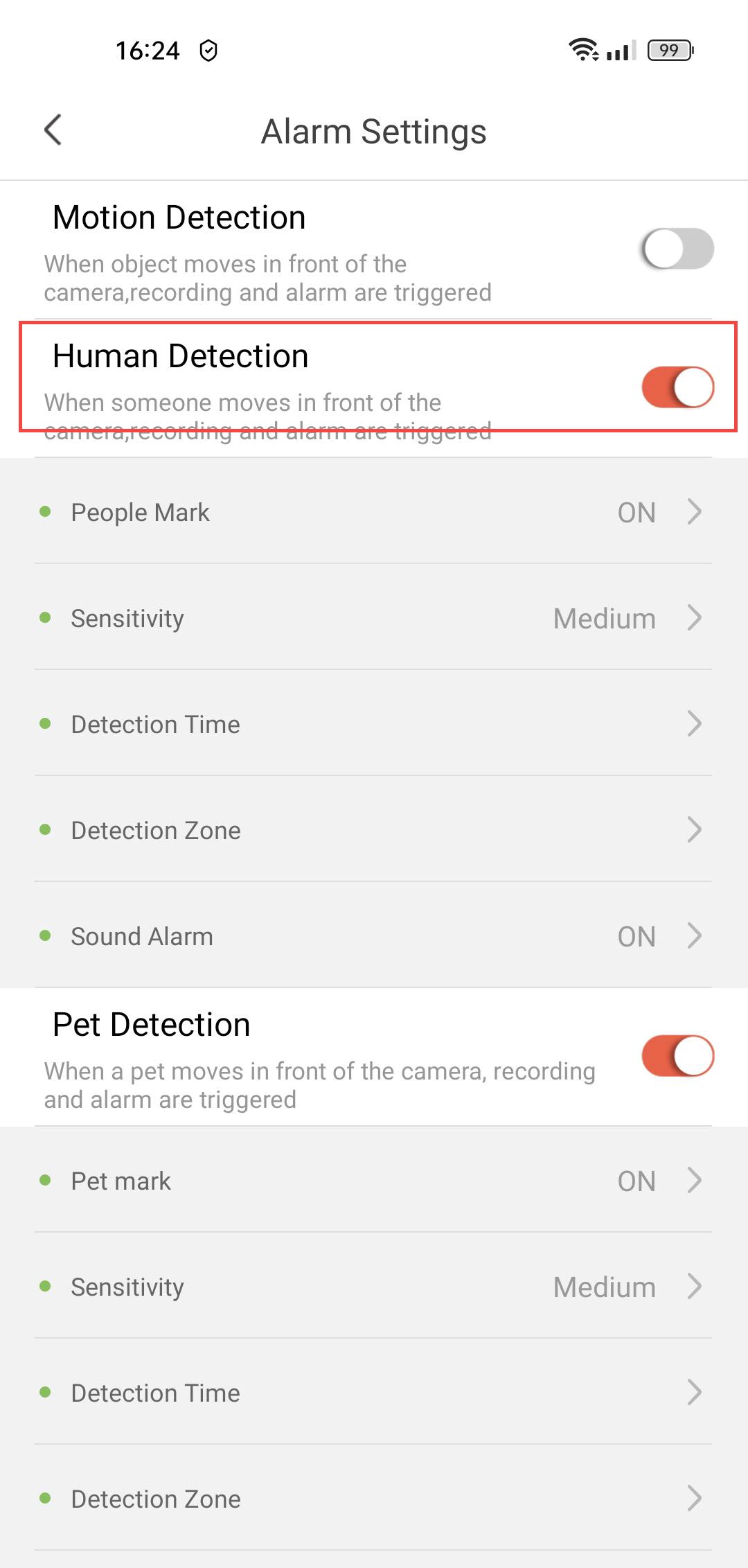
3. Otaihmisten tunnistus käyttöön
Paina ihmisten tunnistuksen kytkintä .
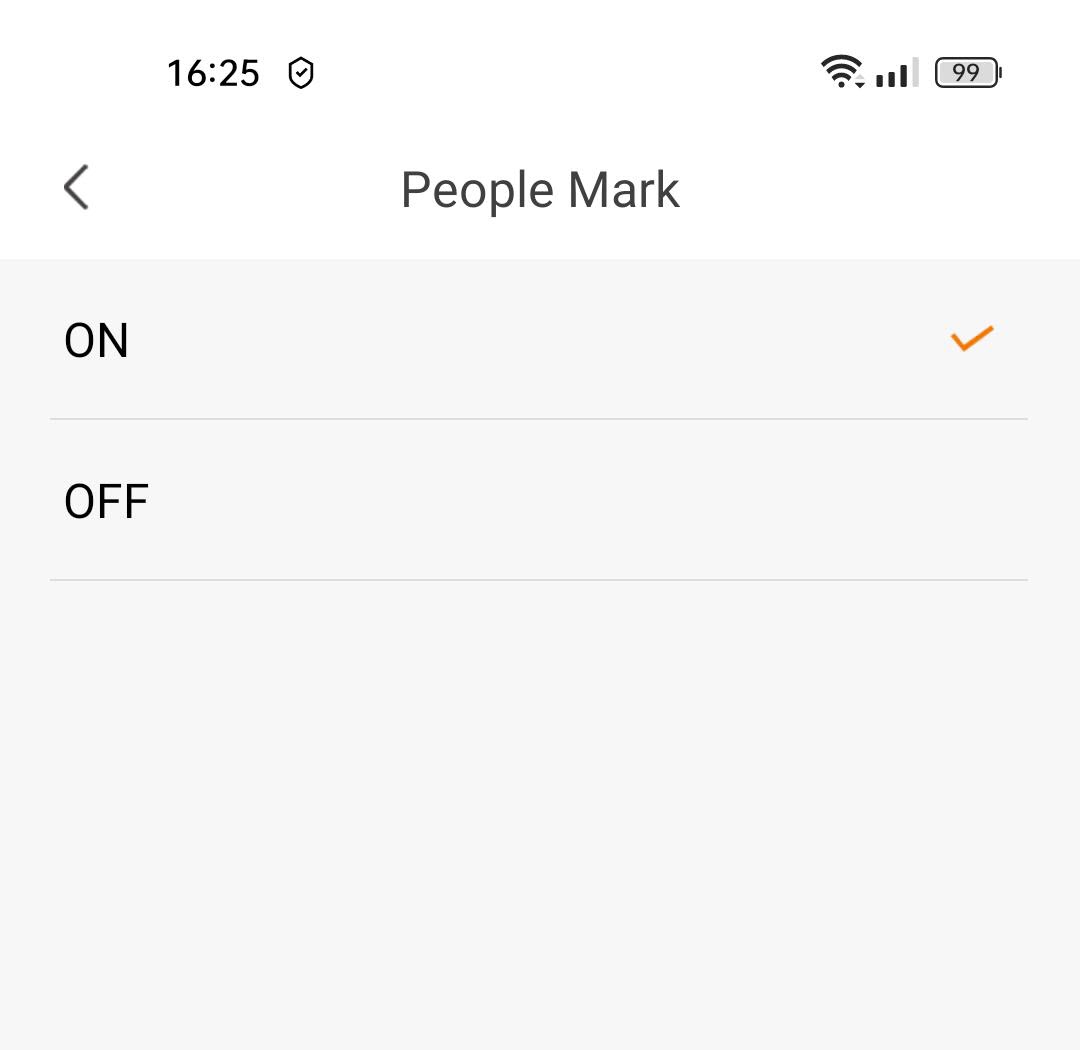
4Otahenkilöiden merkitseminen käyttöön
Valitse ”People Mark”(ota henkilöiden merkitseminen käyttöön).
5. Asetatunnistuksen herkkyys
Valitse herkkyys (valitse taso vaihtoehdoista ”matala”, ”keskitaso” ja ”korkea” tunnistuksen tarkkuuden parantamiseksi).

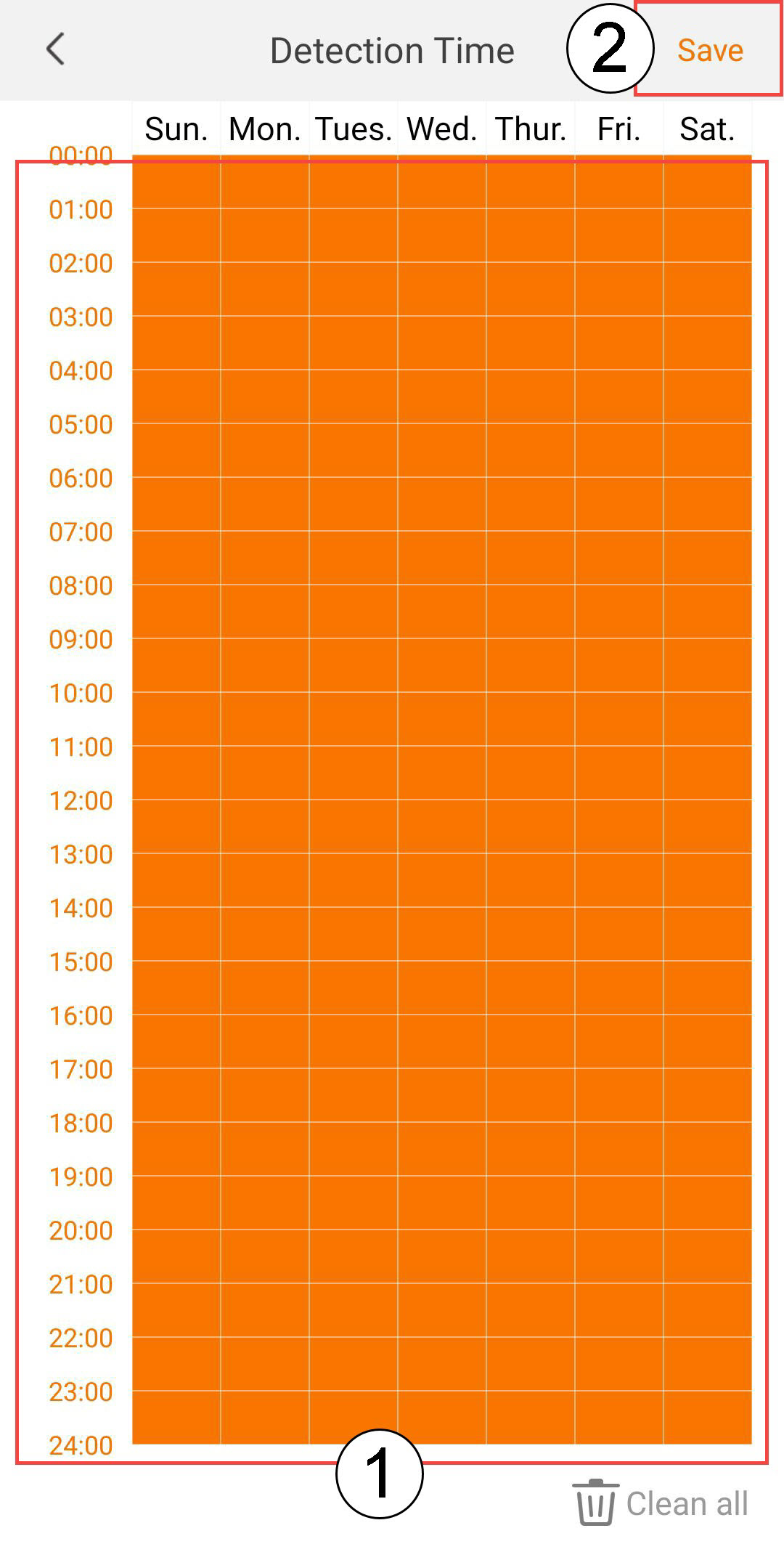
6. Määritätunnistusaika
Valitse tunnistusaika (valitse päivät ja kellonajat, jolloin haluat hälytyksen laukeavan, jos ihmistä havaitaan, ja napsauta sitten Tallenna).
7Määritätunnistusalue
Valitse tunnistusalue: (luo tunnistusalue ruudukkoon ja napsauta Tallenna. Hälytys laukeaa, jos alueella havaitaan ihminen).

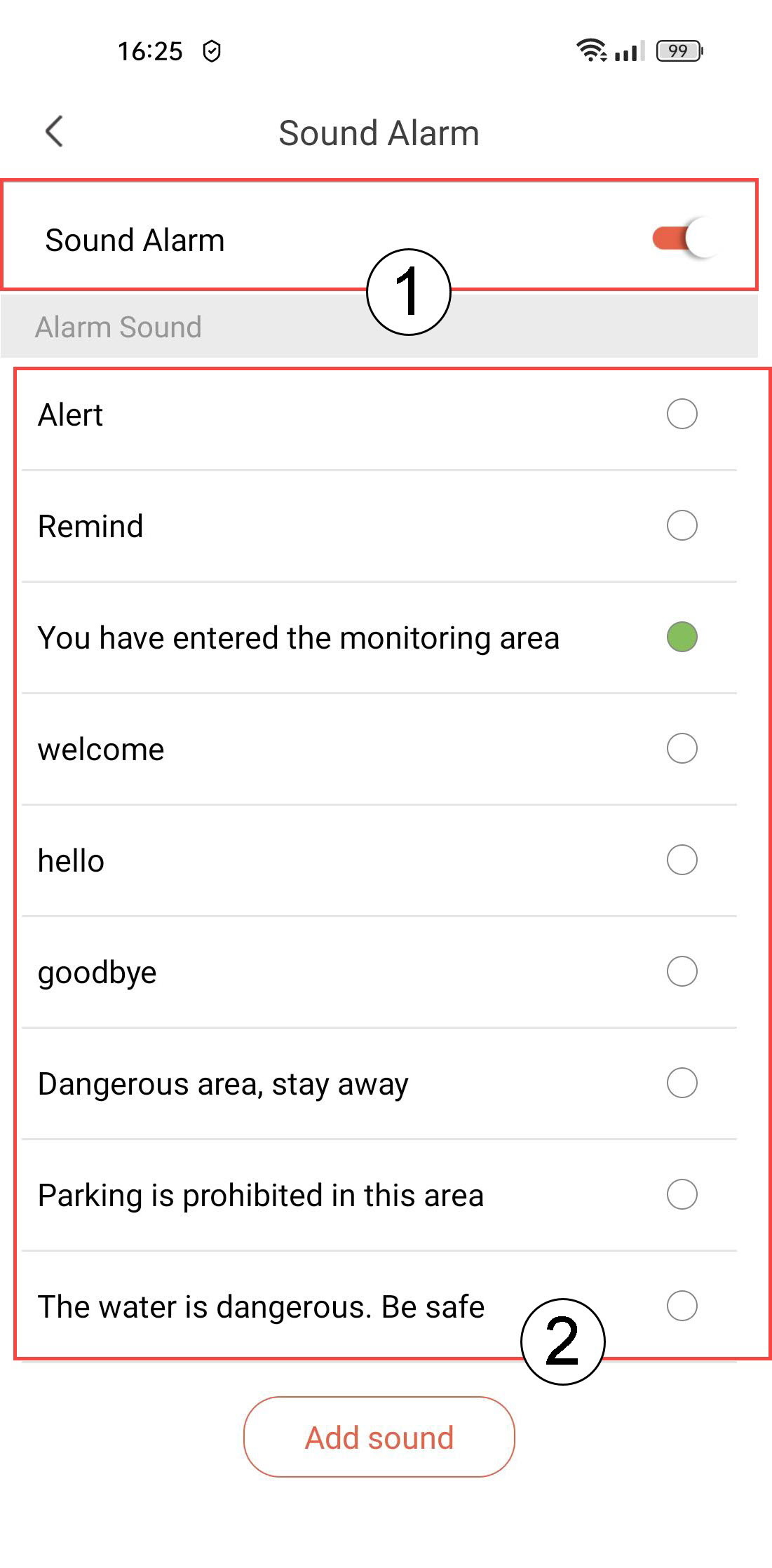
8. Äänimerkin aktivointi
Valitse Äänimerkki (paina kytkintä aktivoidaksesi hälytyksen ja valitse ääni luettelosta).
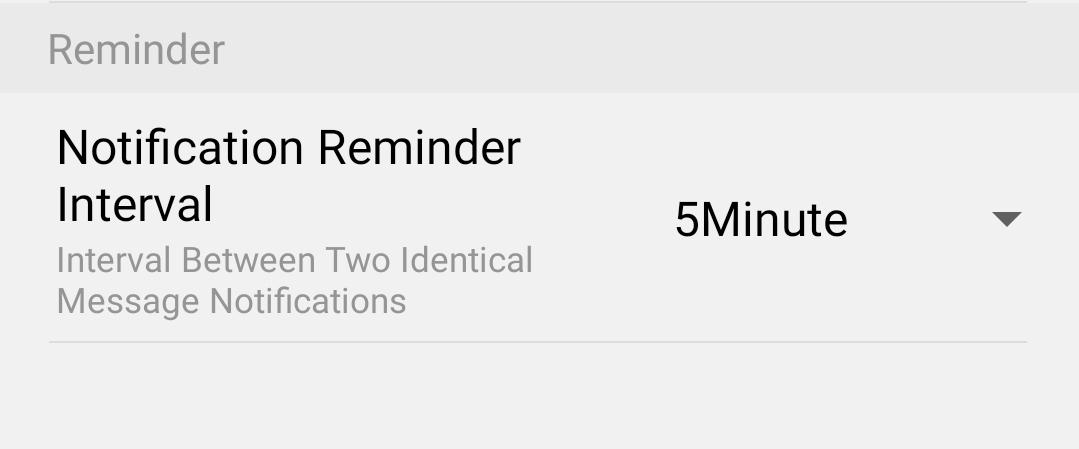
9Asetamuistutusväli
Valitse Muistutus (määritä ilmoitusväli kahden samanlaisen tapahtuman välillä. Sinun on valittava arvo väliltä 30 sekuntia – 30 minuuttia).