Point d'accès Wi-Fi 4G+ AIRSPOT 520 avec écran tactile
Aucun élément n'a été trouvé.
Aucun élément n'a été trouvé.
Toutes les questions
Point d'accès Wi-Fi 4G+ AIRSPOT 520 avec écran tactile
Aucun élément n'a été trouvé.
Aucun élément n'a été trouvé.
Comment réinitialiser mon routeur aux paramètres d'usine ? (Écran Mi-Fi)
Vous pouvez réinitialiser votre appareil à ses paramètres d'usine depuis cet écran.
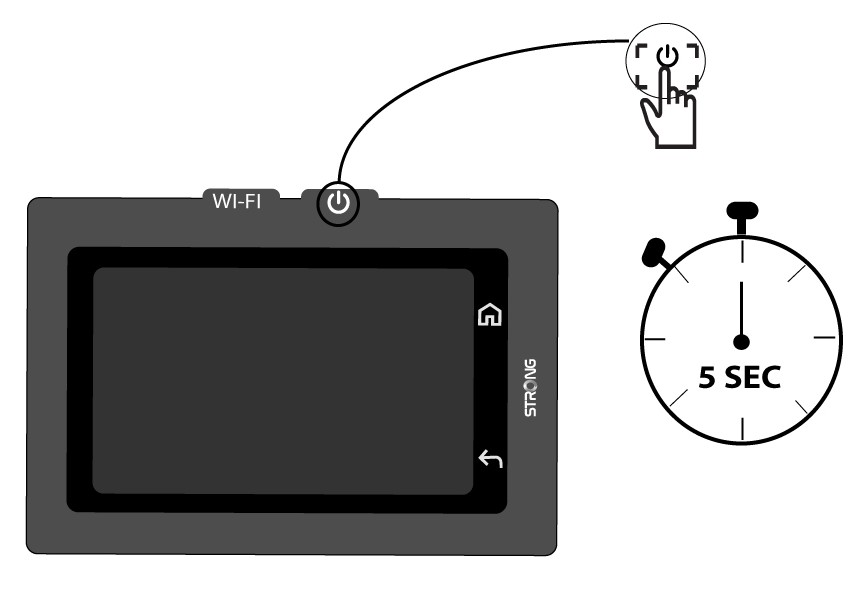
1. Mettre l'appareil sous tension
Allumez votre appareil en appuyant sur son bouton d'alimentation pendant 5 secondes.
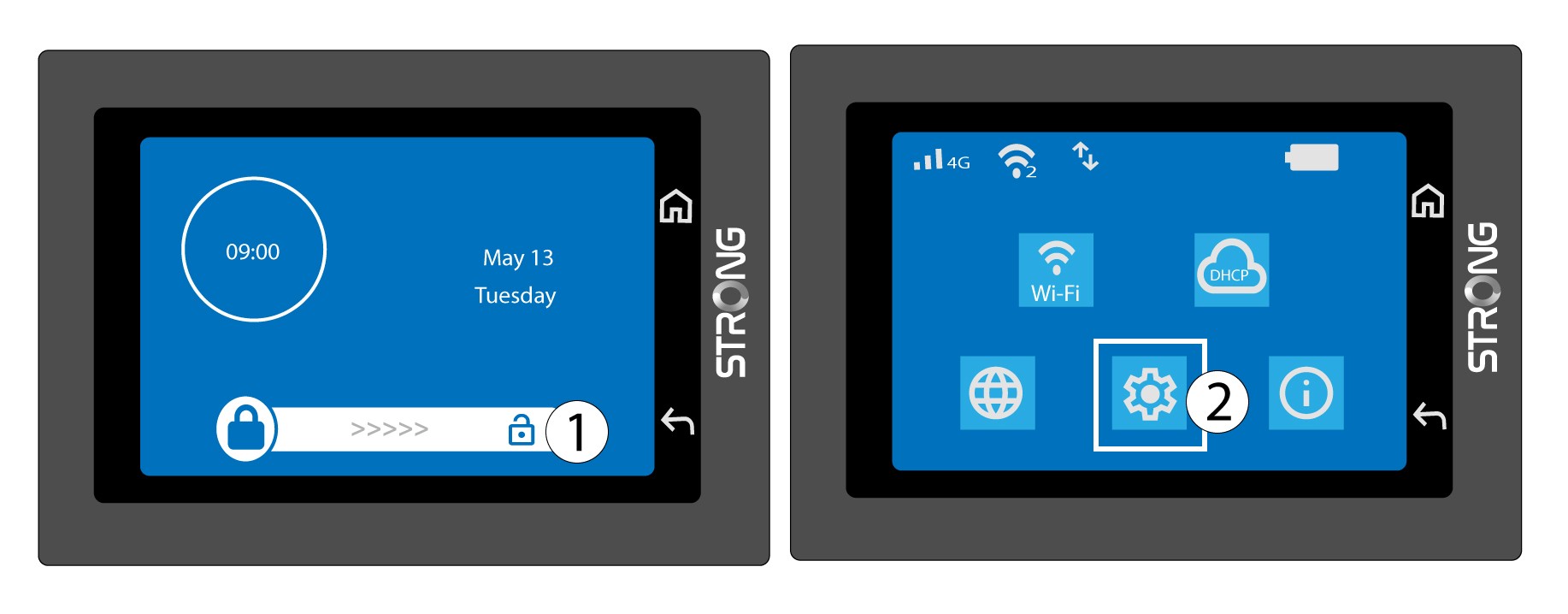
2Accéderau menu Système
Ensuite, déverrouillez l'écran et appuyez sur l'icône du système.
3. Sélectionnezl'option « Restaurer »
Faites défiler le menu vers le bas jusqu'à l'option « Restaurer ».

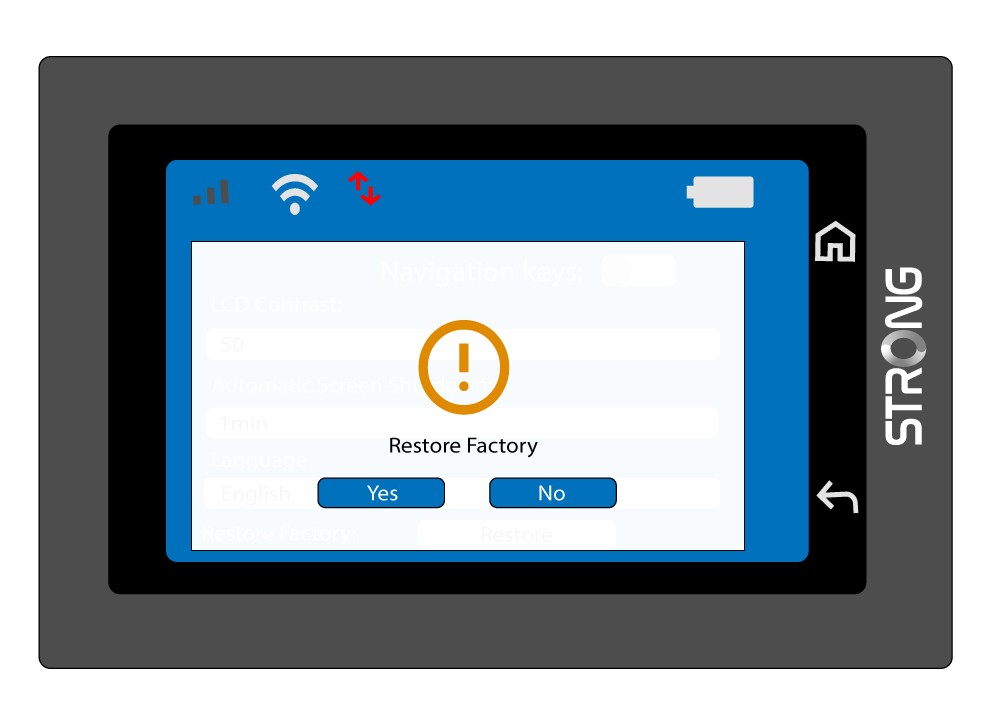
4. Confirmerla réinitialisation aux paramètres d'usine
Appuyez sur « Oui ».