PL600SDUOFR
Toutes les questions
Comment ajouter un nouveau produit « Strong CPL » à votre réseau « CPL » existant, avec un niveau de sécurité élevé 1 ?
Votre réseau existant étant configuré selon le niveau de sécurité élevé 1, l'ajout d'un produit se fait simplement en mode « Plug & Play ». Aucune intervention n'est nécessaire sur le produit. Il suffit de brancher le nouveau produit « CPL » pour qu'il soit automatiquement ajouté au réseau.
En règle générale, les adaptateurs « CPL » sont associés par lots de deux ou trois. Par conséquent, si vous devez ajouter des produits « CPL » supplémentaires à votre réseau configuré selon le niveau de sécurité élevé 1, vous devez suivre les étapes ci-dessous
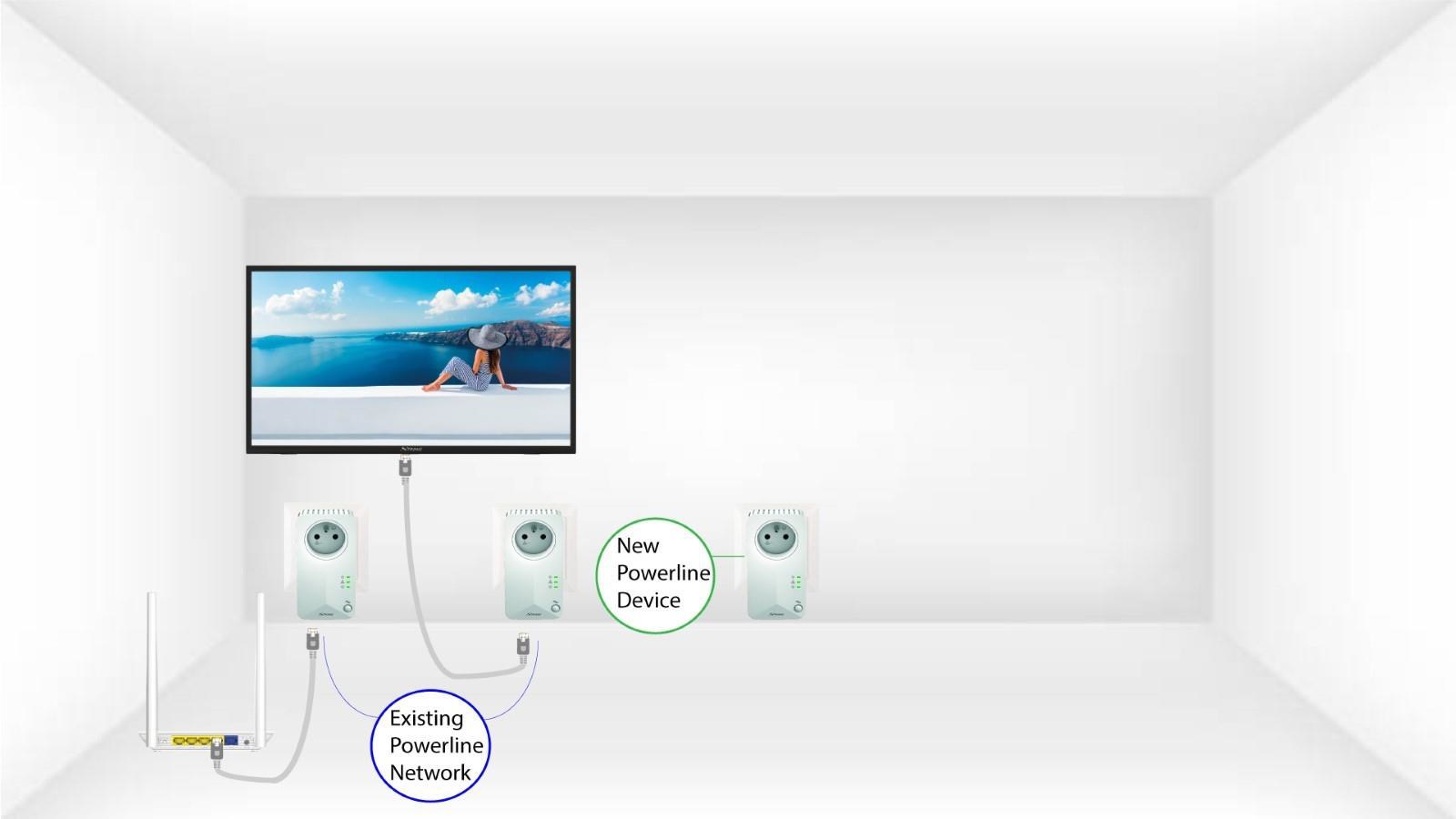
1. Branchezle nouvel adaptateur
Branchez le ou les appareils supplémentaires sur une prise électrique.
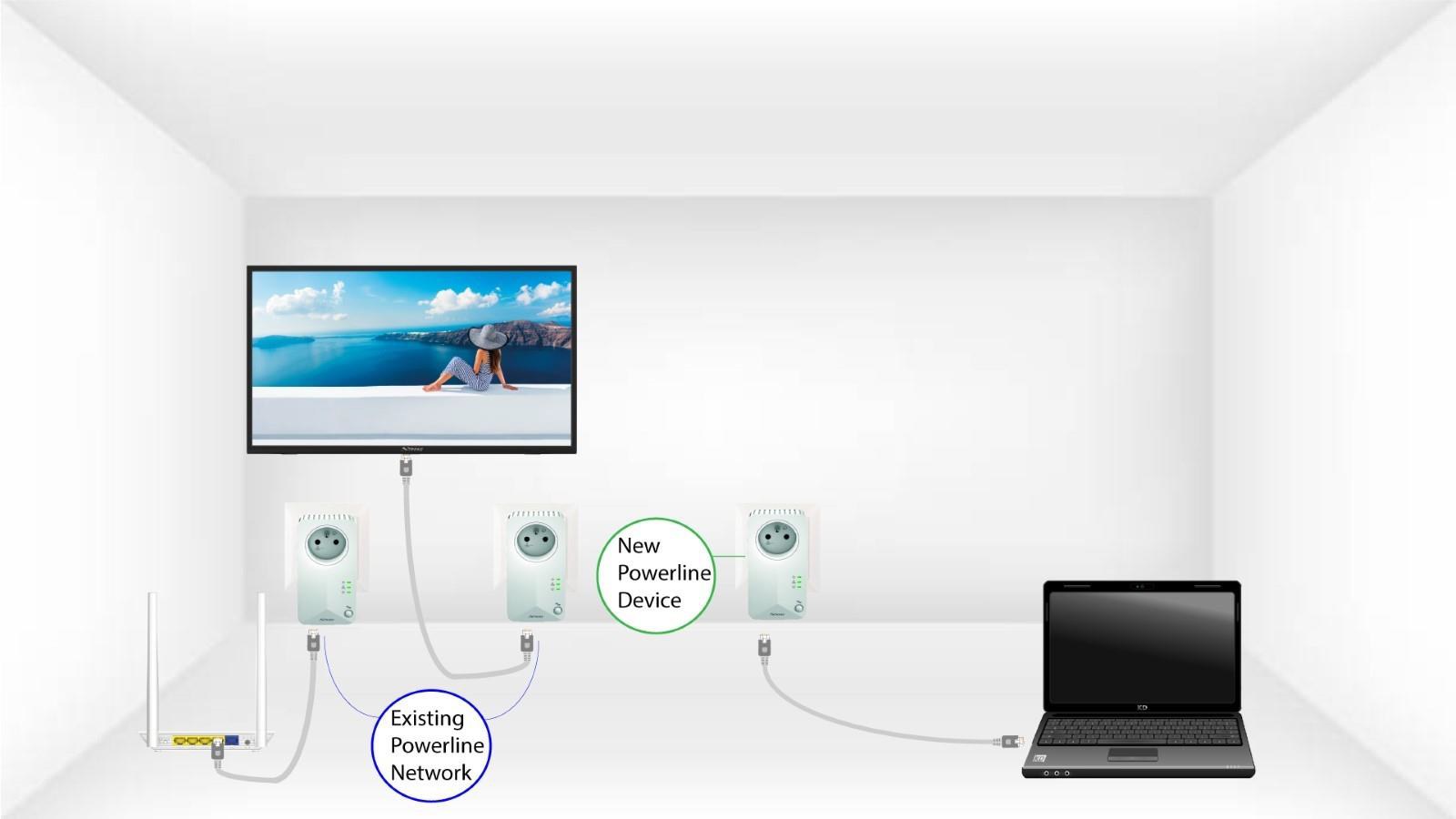
2. Connectezl'adaptateur à Internet
Connectez l'appareil à un routeur ou à une passerelle Internet à l'aide d'un connecteur RJ45.
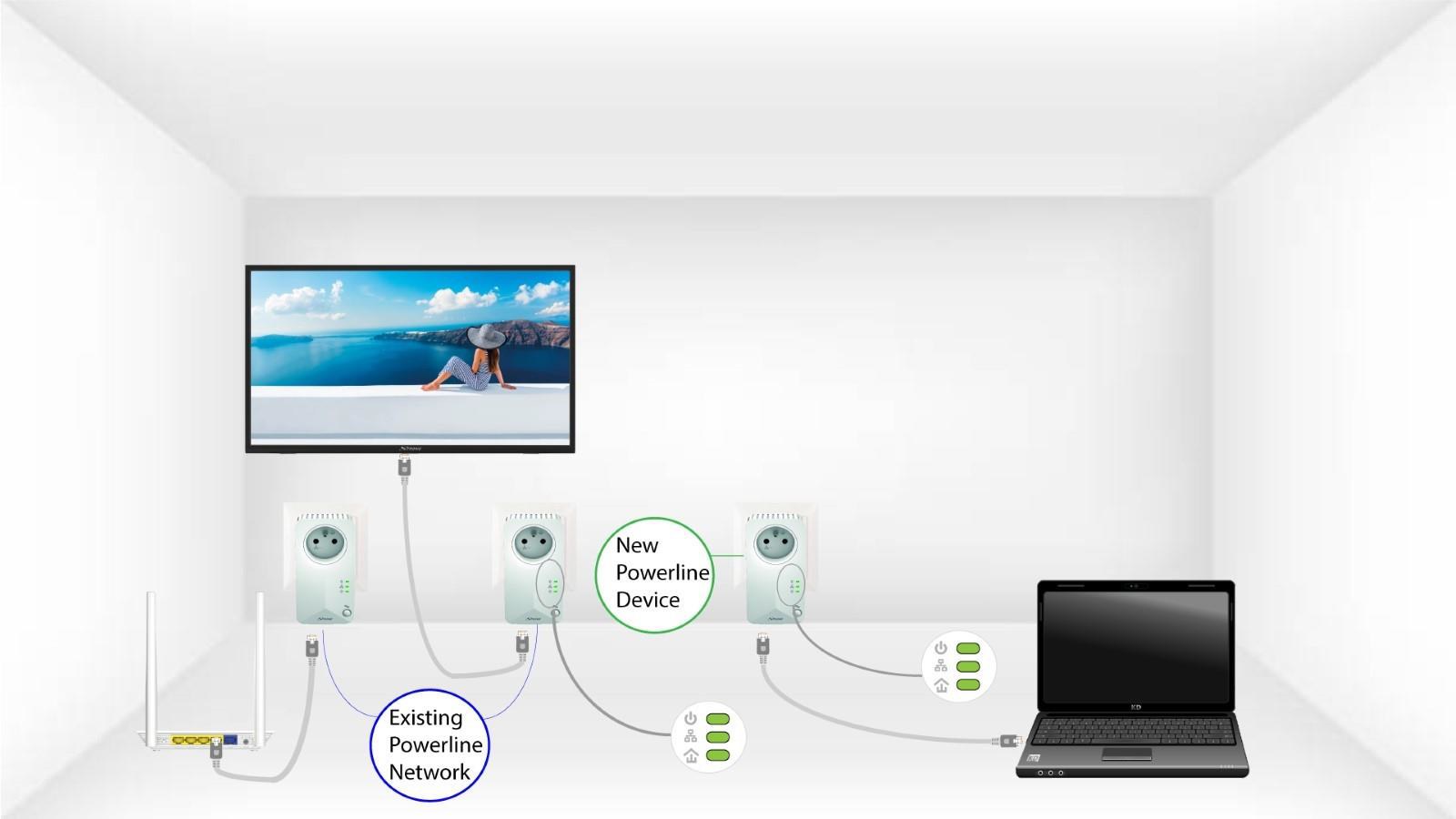
3 Toutesles LED sont vertes
Une fois le nouvel appareil branché, toutes les LED sont vertes sur tous les appareils.