
PL600SDUOFR
Toutes les questions
Je n'ai pas accès à Internet et/ou le voyant de l'icône « Accueil » ne s'allume pas.
Vous devez réinitialiser les adaptateurs à leurs paramètres d'usine. Pour ce faire, veuillez suivre les étapes ci-dessous.
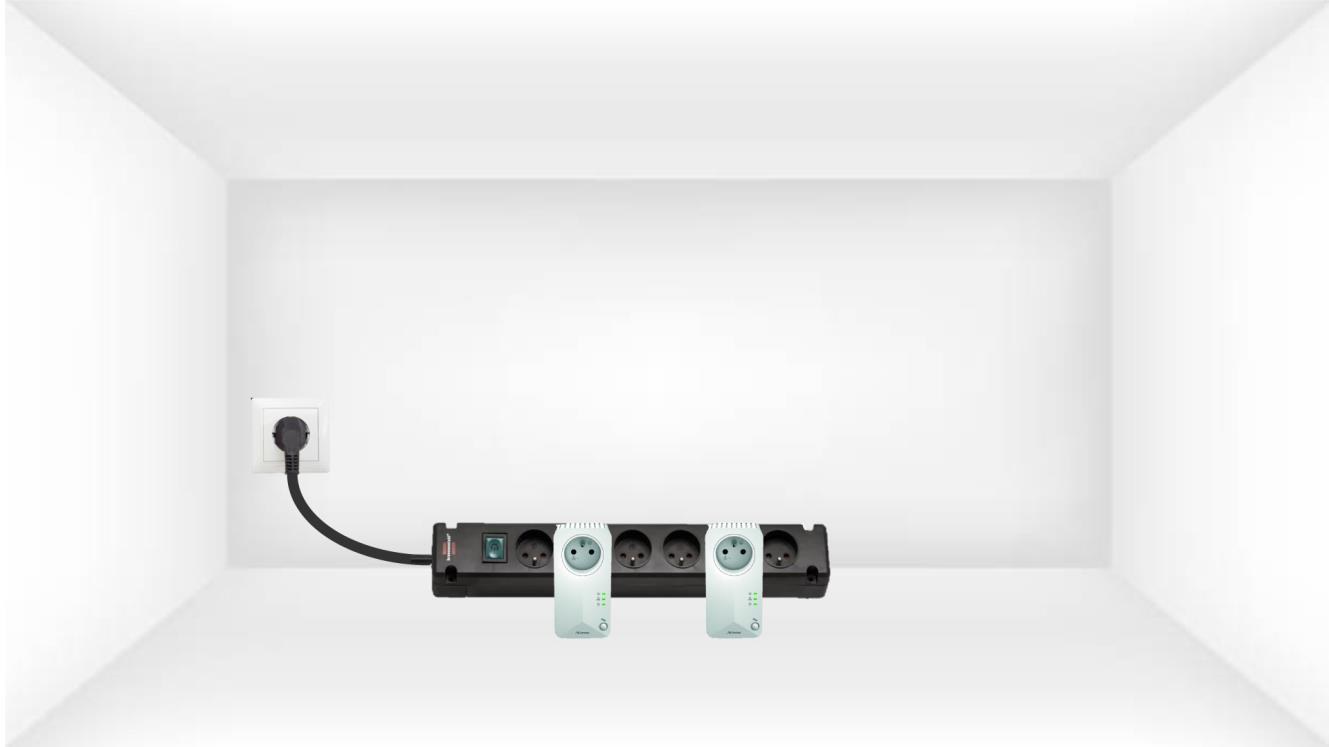
1. Branchezles adaptateurs sur une multiprise
Branchez les adaptateurs les uns après les autres sur une multiprise.
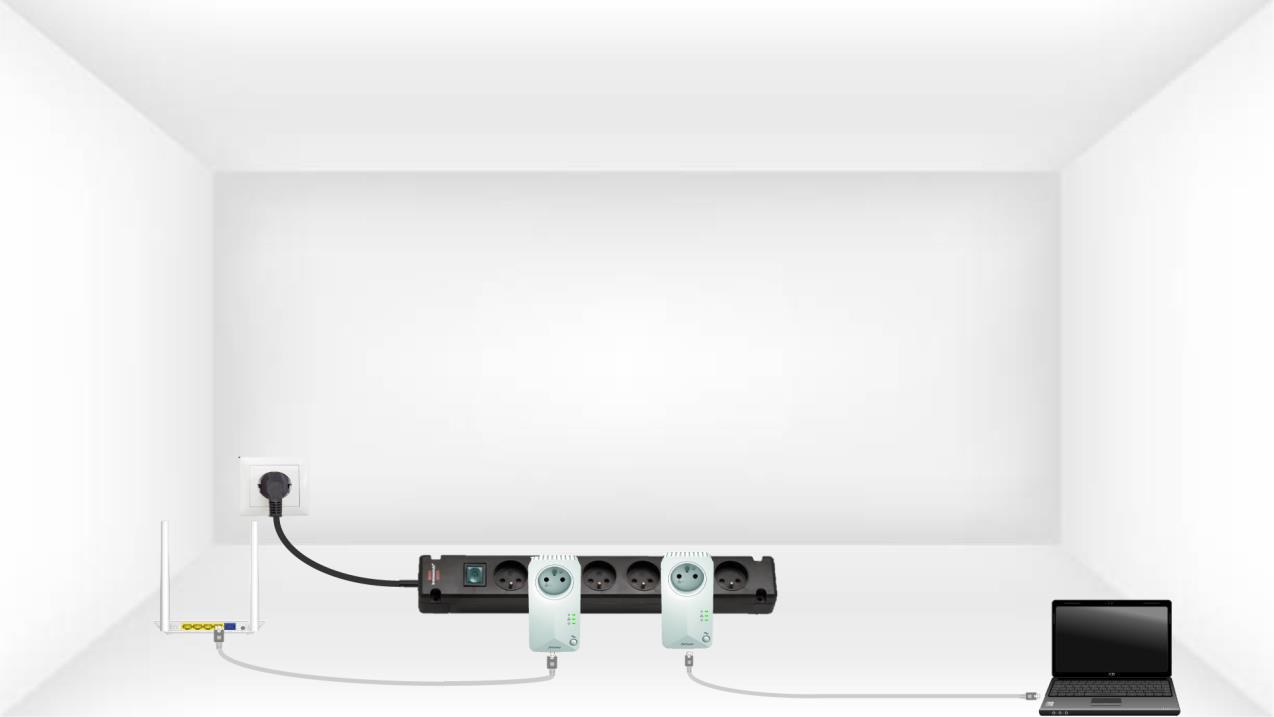
2. Connectezles adaptateurs à Internet
Connectez chaque adaptateur à un appareil en état de marche (routeur/passerelle Internet, Android box, Smart TV, ordinateur, etc.) à l'aide d'un câble Ethernet. Une communication doit être établie entre les appareils, sinon l'adaptateur passera automatiquement en mode veille.
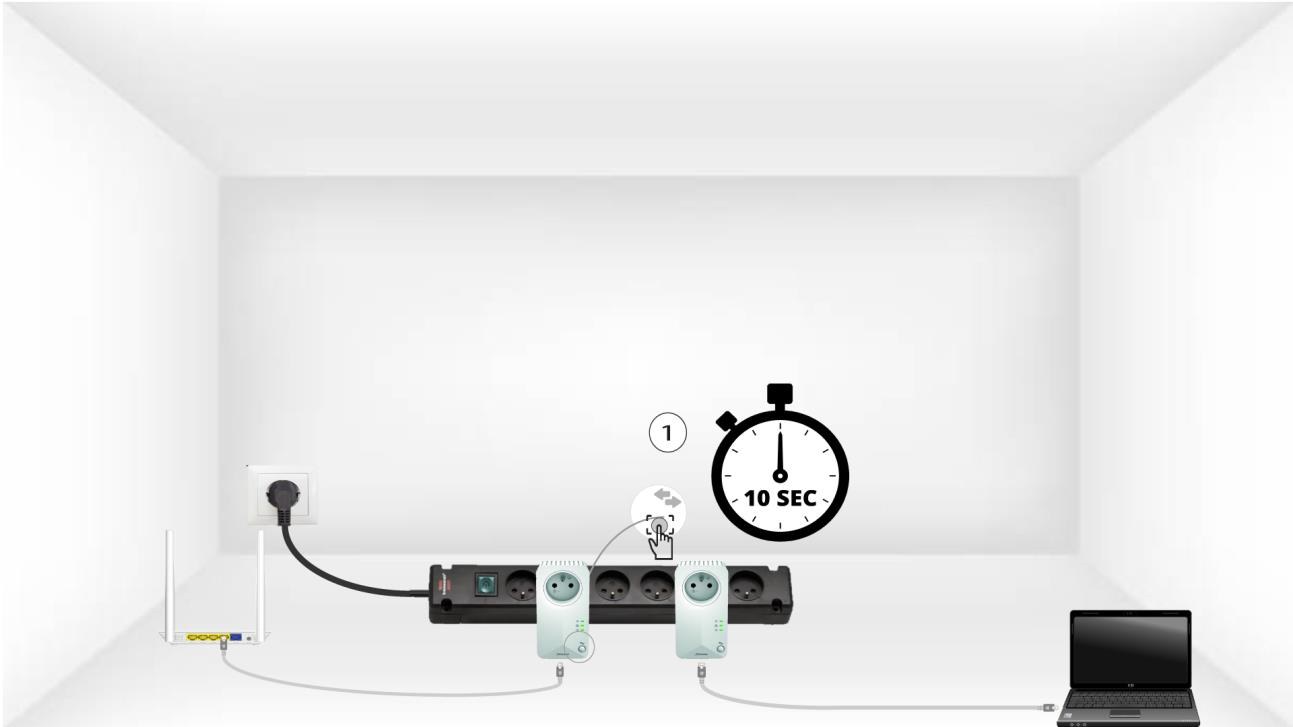
3Appuyez surle bouton « Connect & Secure » (premier adaptateur)
Une fois l'adaptateur branché et connecté au réseau Ethernet, il suffit d'appuyer pendant 10 secondes sur le bouton «Connect & Secure »situé sur le panneau avant.
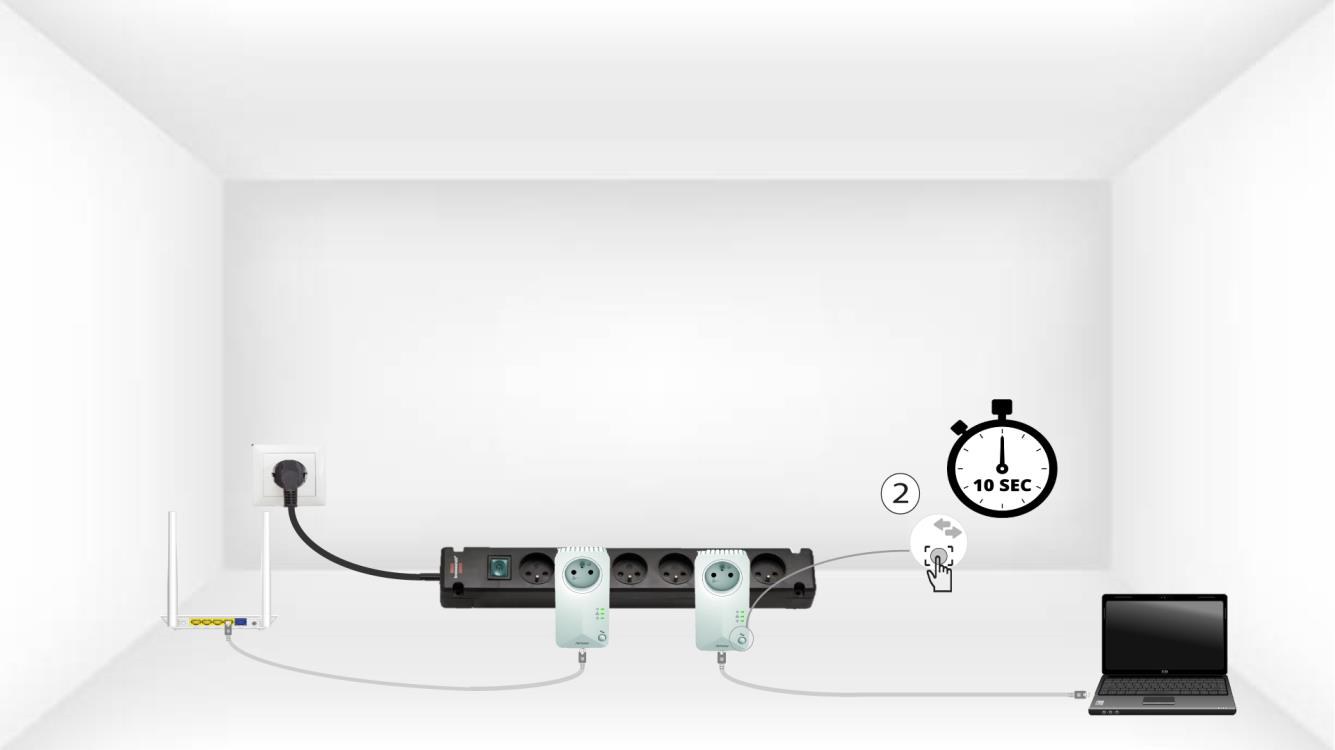
4. Appuyez surle bouton « Connecy & Secure » (deuxième adaptateur)
Appuyez sur le bouton « Connect & Secure » situé sur le panneau avant du deuxième appareil pendant 10 secondes.
5Le voyant LED « Home» clignote
Les voyants LED de l'icône « Accueil » devraient commencer à clignoter.
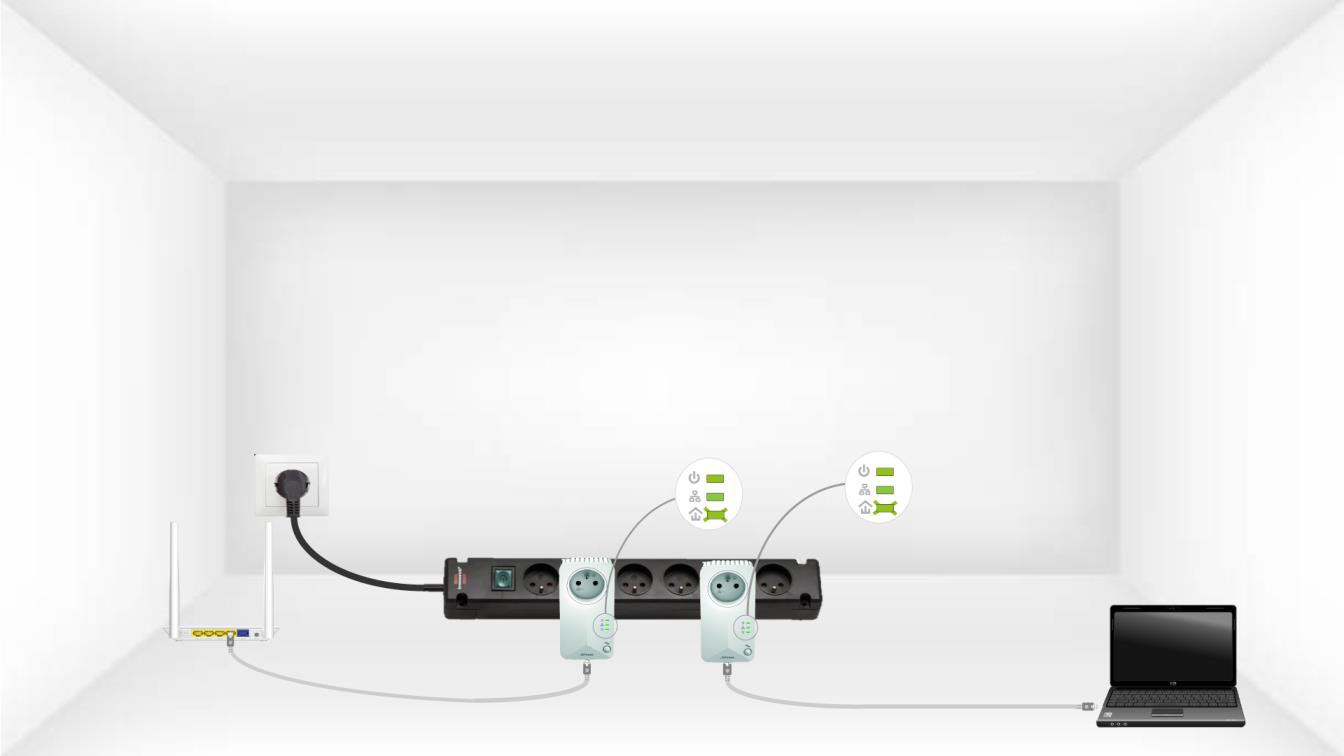
6Les adaptateurssont réinitialisés
À la fin des opérations, toutes les LED doivent être vertes.
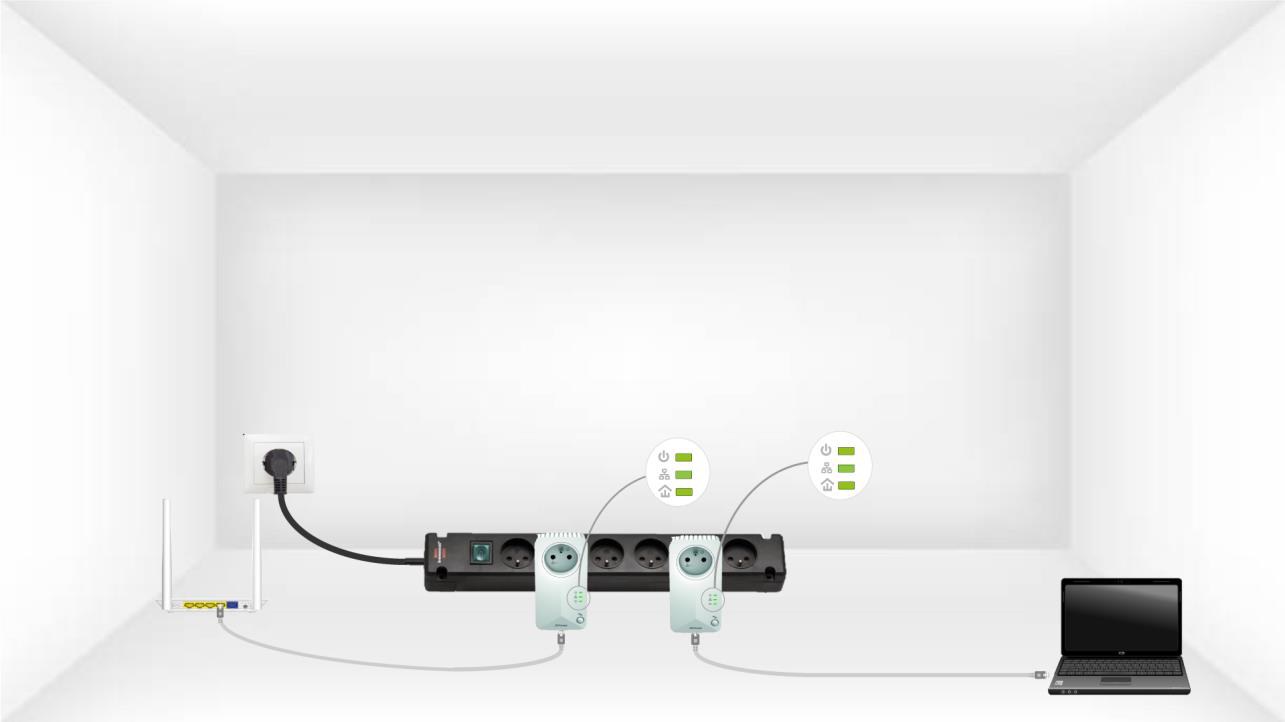
Répétez la même opération pour un troisième CPL. Vous pouvez connecter jusqu'à huit CPL 600 sur le même circuit électrique.
Une fois tous les appareils appairés, vous pouvez les installer dans la pièce où vous en avez besoin.