
PLW600MDUO
Aucun élément n'a été trouvé.
Aucun élément n'a été trouvé.
Toutes les questions
Aucun élément n'a été trouvé.
Aucun élément n'a été trouvé.
Comment configurer le niveau de sécurité élevé 2 sur vos produits CPL ?
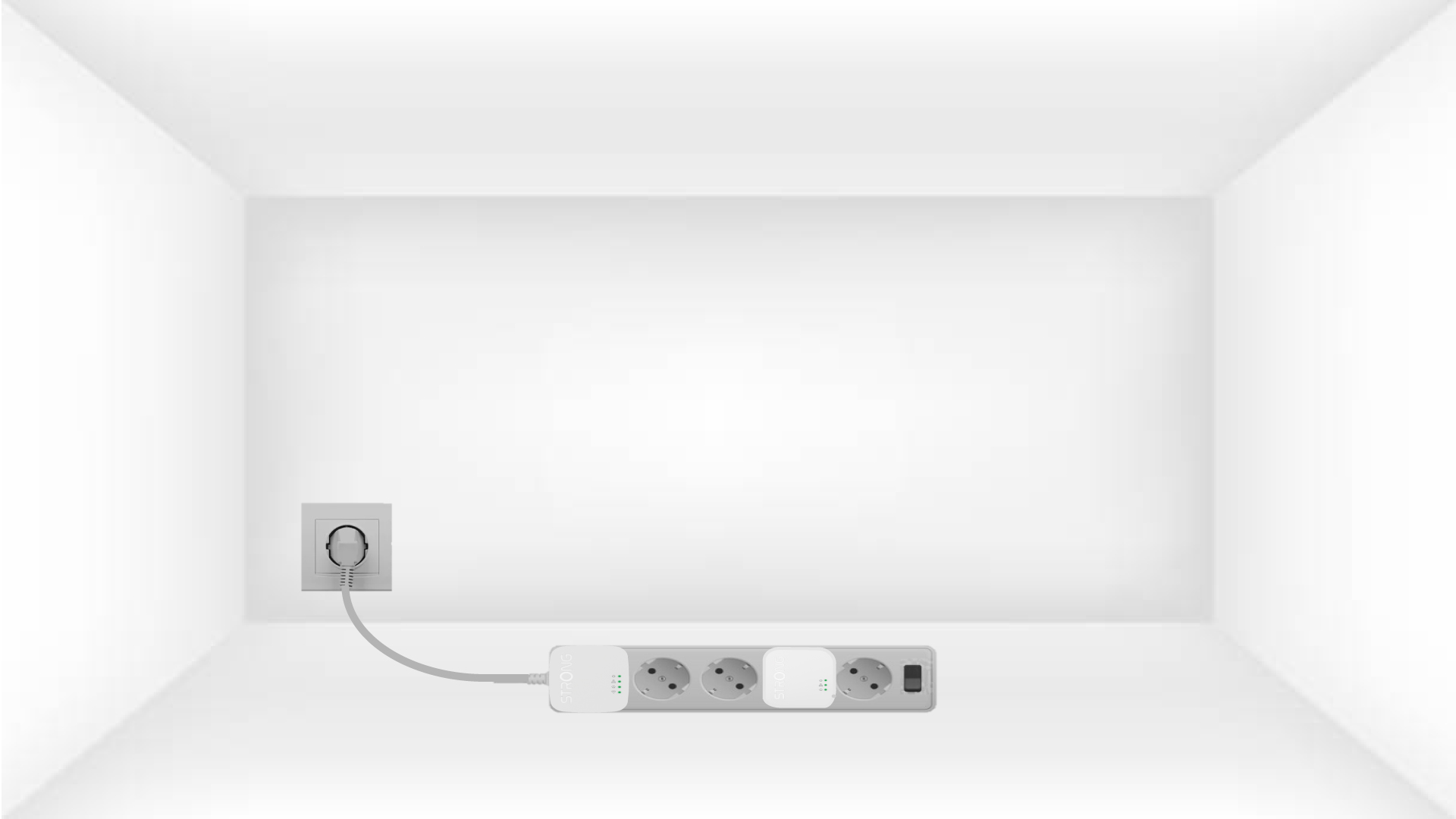
1. Branchezles adaptateurs sur une multiprise
Take a power strip and plug all the powerline adapters into it.
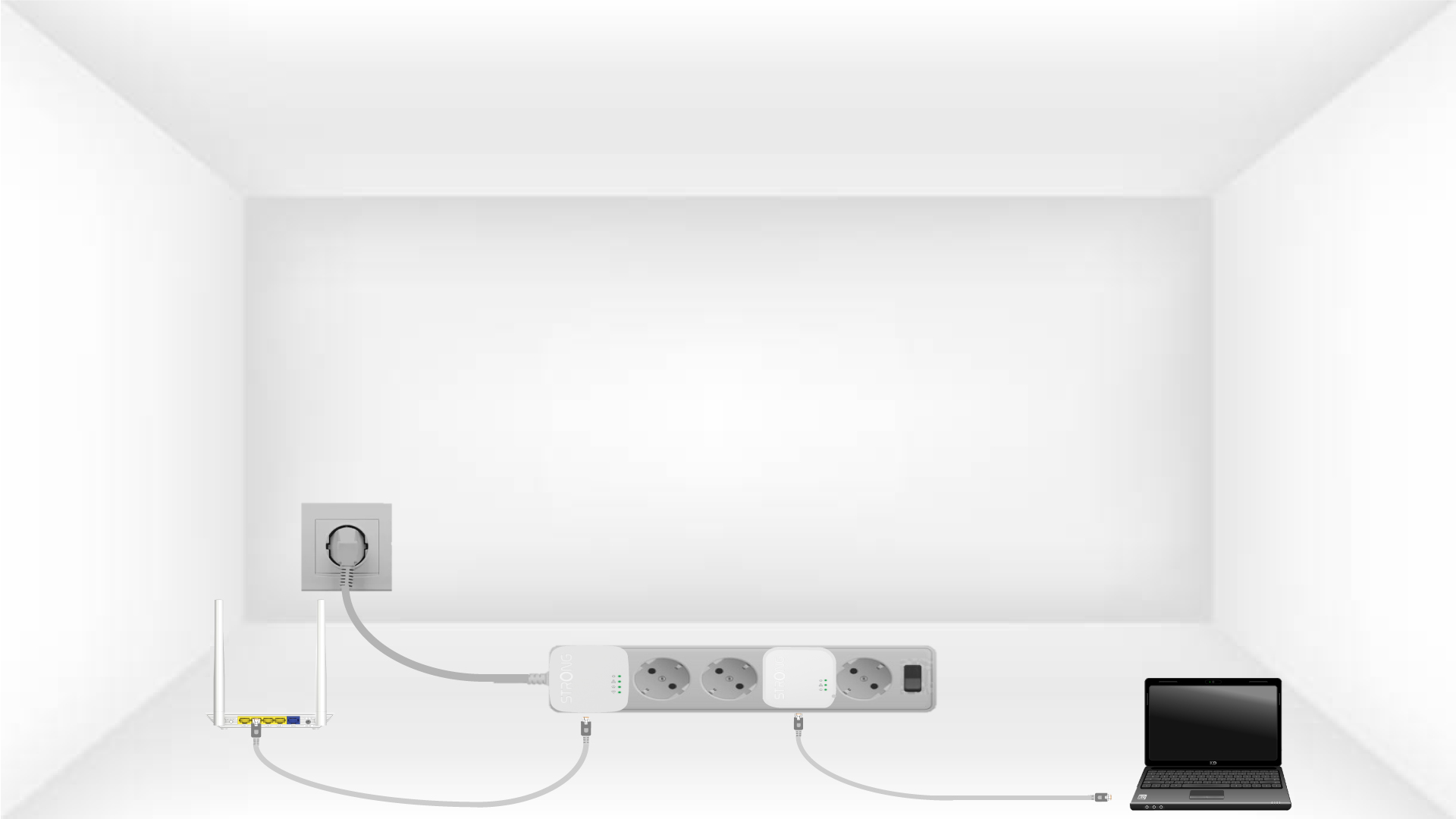
2. Connectezles adaptateurs à Internet
Connect one of the powerline adapters to the Internet gateway/router with an RJ45 cable.
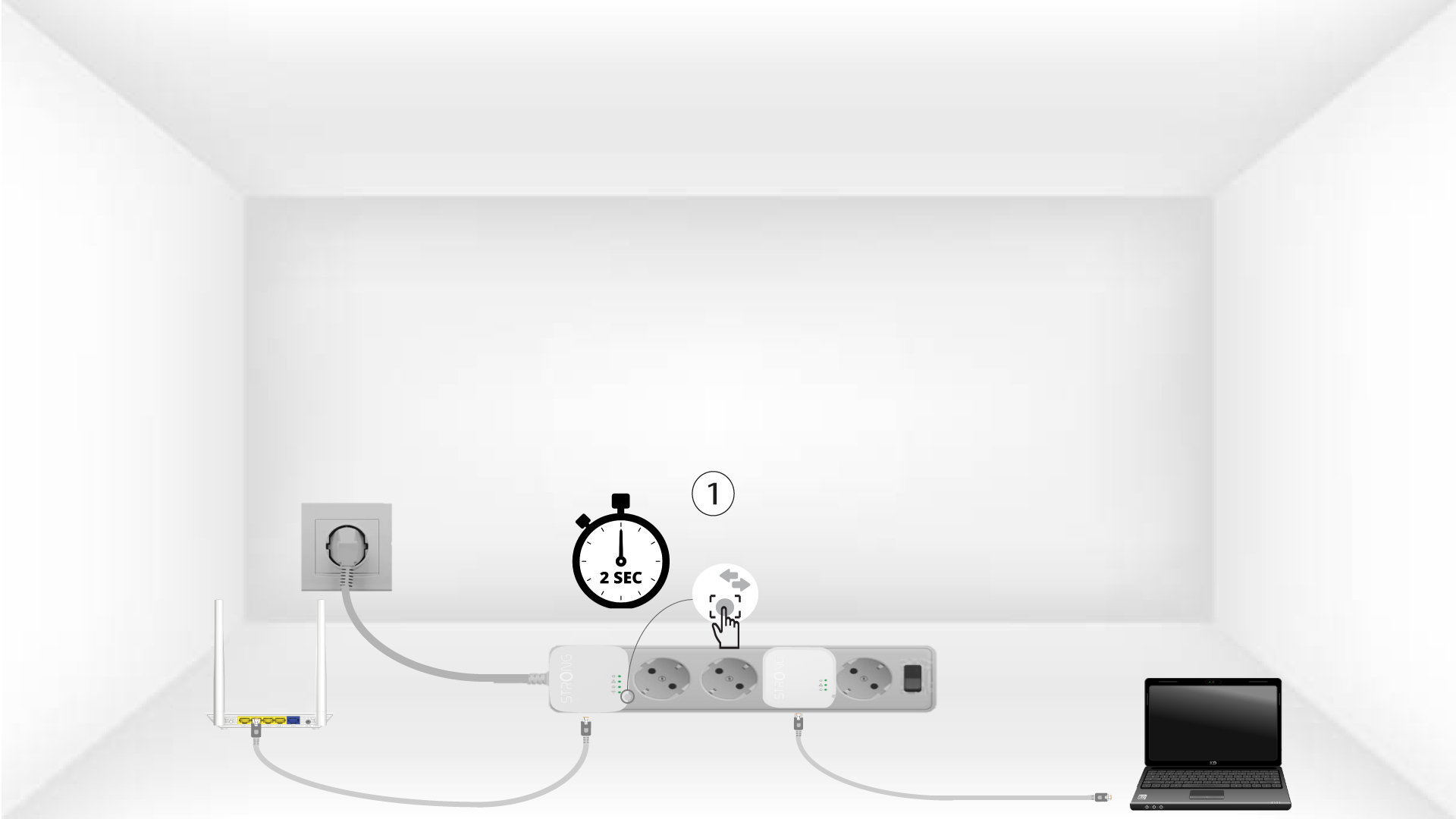
3Appuyez surle bouton « Connect & Secure » (premier appareil)
Press the Connect & Secure button on the first device for 2 seconds.
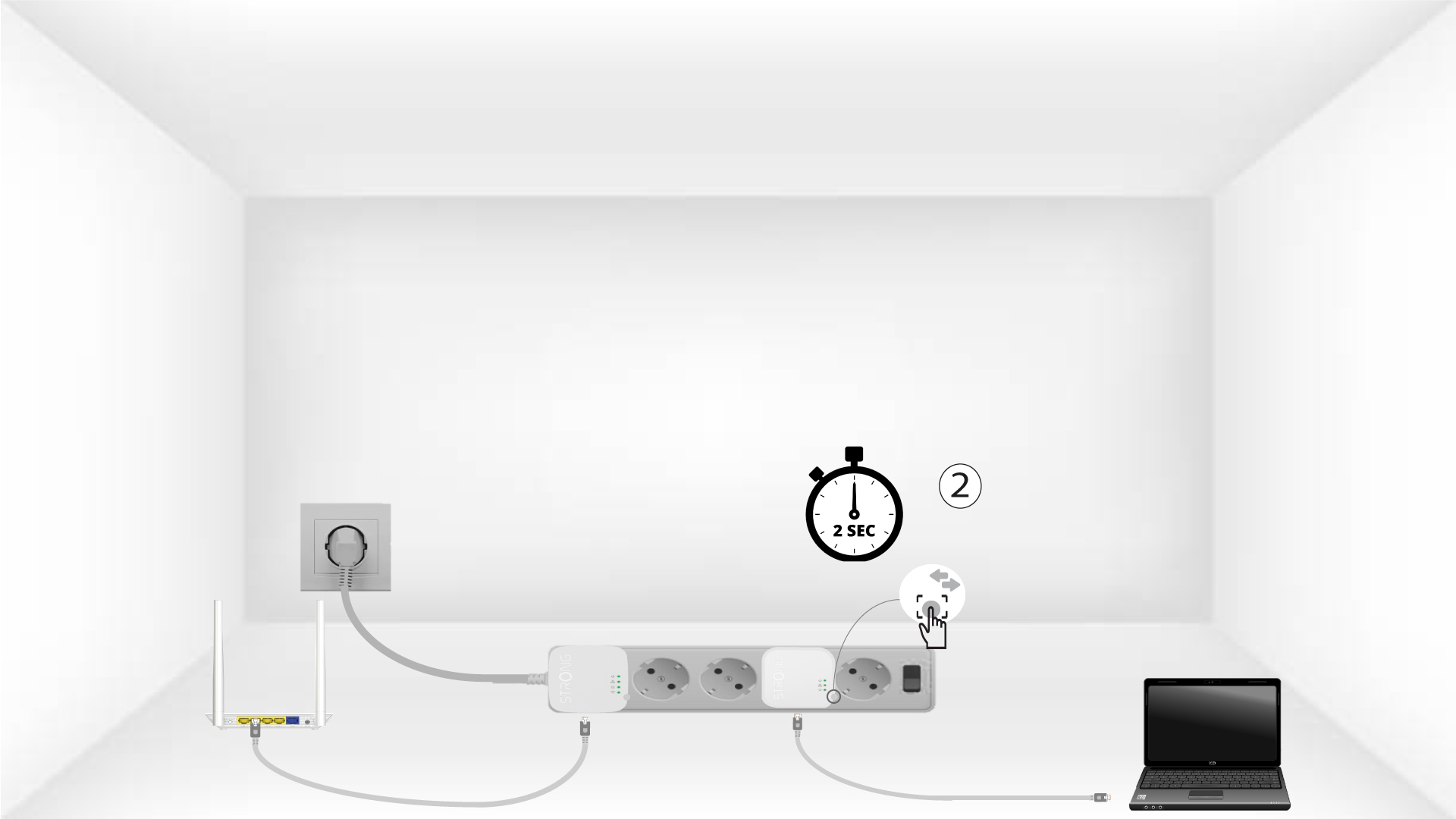
4Appuyez surle bouton « Connect & Secure » (deuxième appareil)
Press the Connect & Secure button on the second device for 2 seconds. You have up to two minutes to do it.
5The home LED blinks
The home LED should blink on both devices.
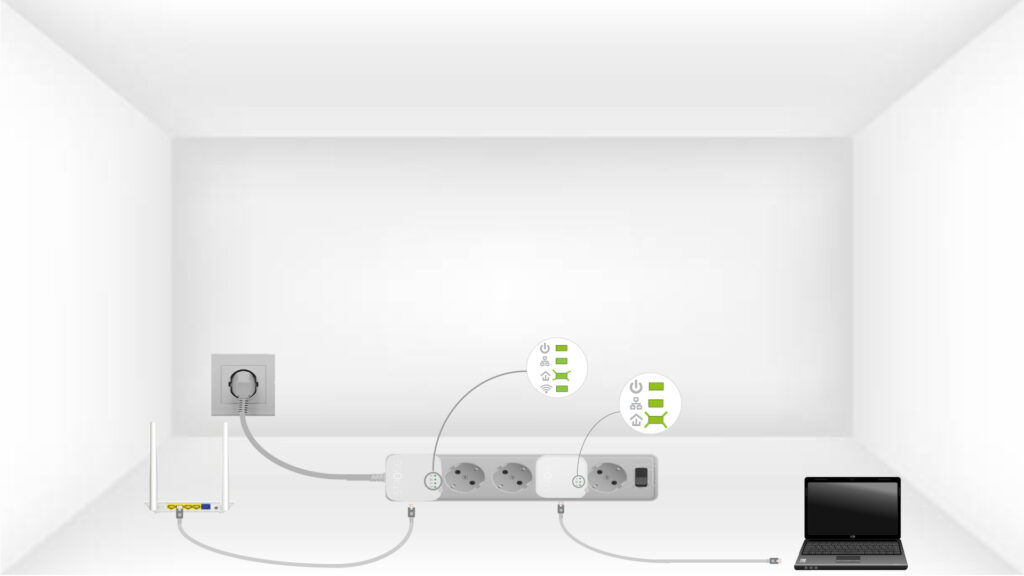
6Laclé de chiffrement est définie
Votre clé de chiffrement unique est désormais configurée, et toutes les LED des appareils devraient être vertes.
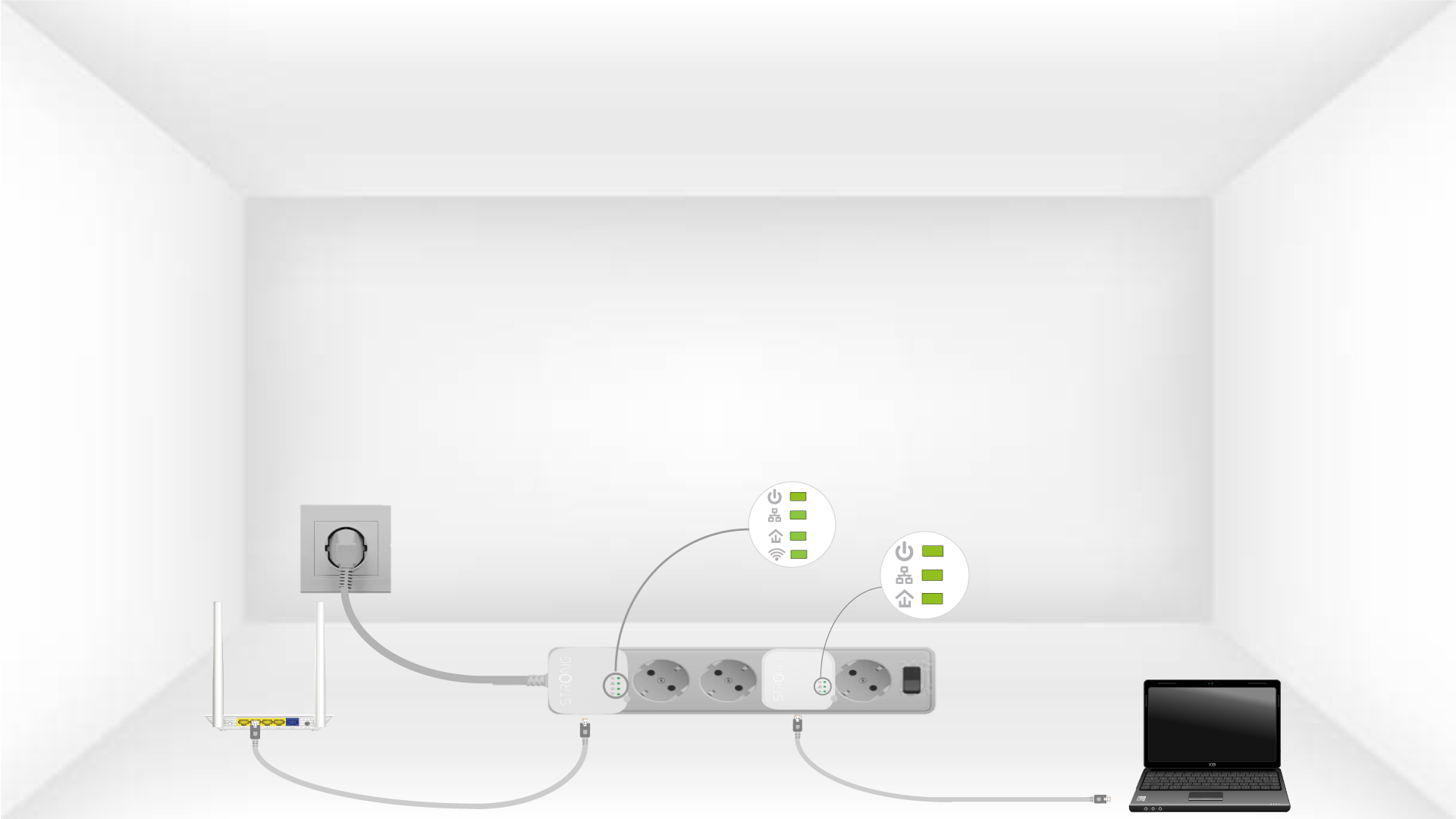
Now, install the adapters in the rooms where you need them. We strongly recommend not plugging the adapters into a power strip.