
PLW600MDUO
Toutes les questions
Je n'ai pas accès à Internet et/ou le voyant de l'icône « Accueil » ne s'allume pas.
Vous devez réinitialiser les adaptateurs à leurs paramètres d'usine. Pour ce faire, veuillez suivre les étapes ci-dessous.
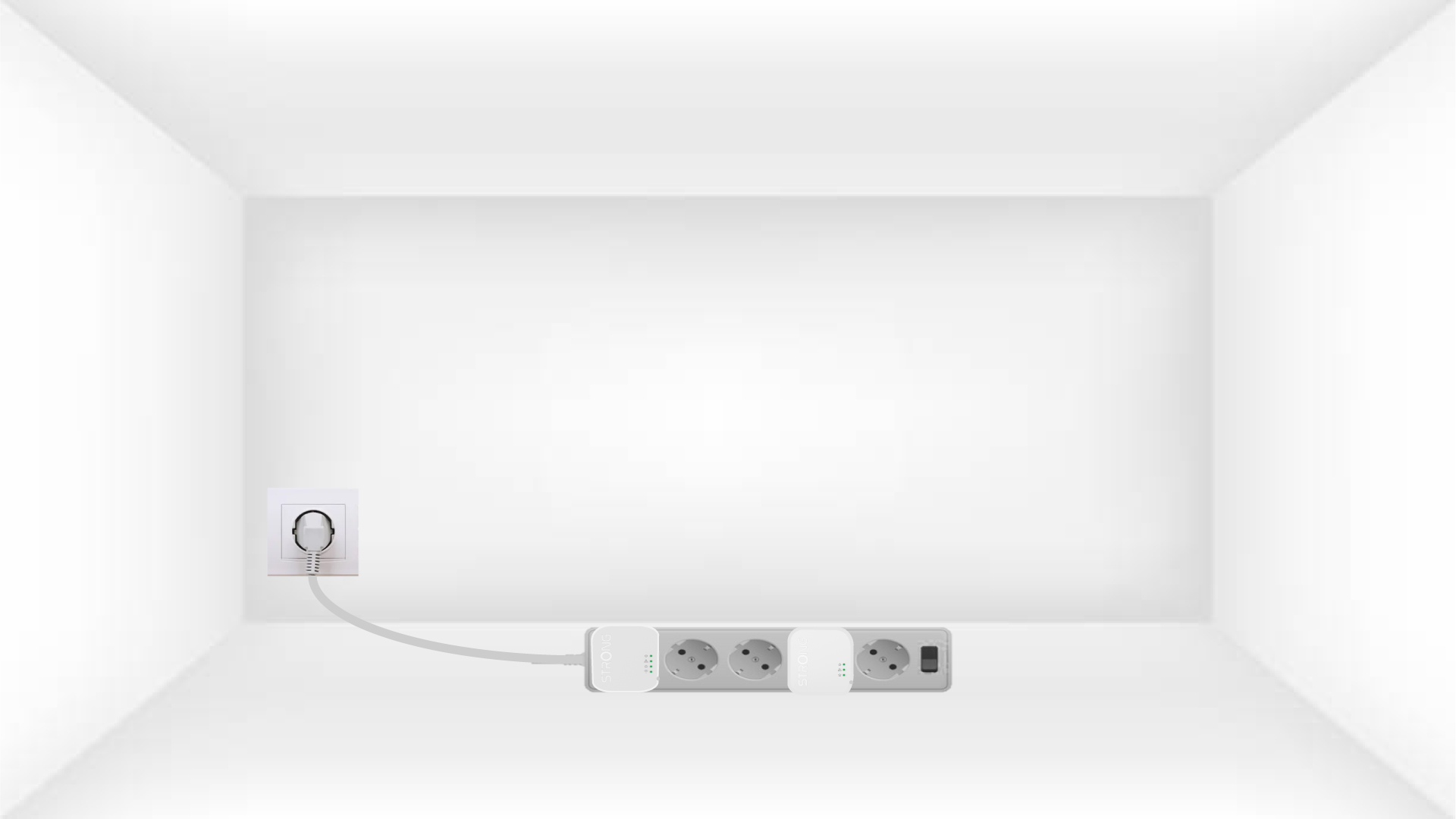
1Plug the adapters into a power strip
Branchez les adaptateurs les uns après les autres sur une multiprise.
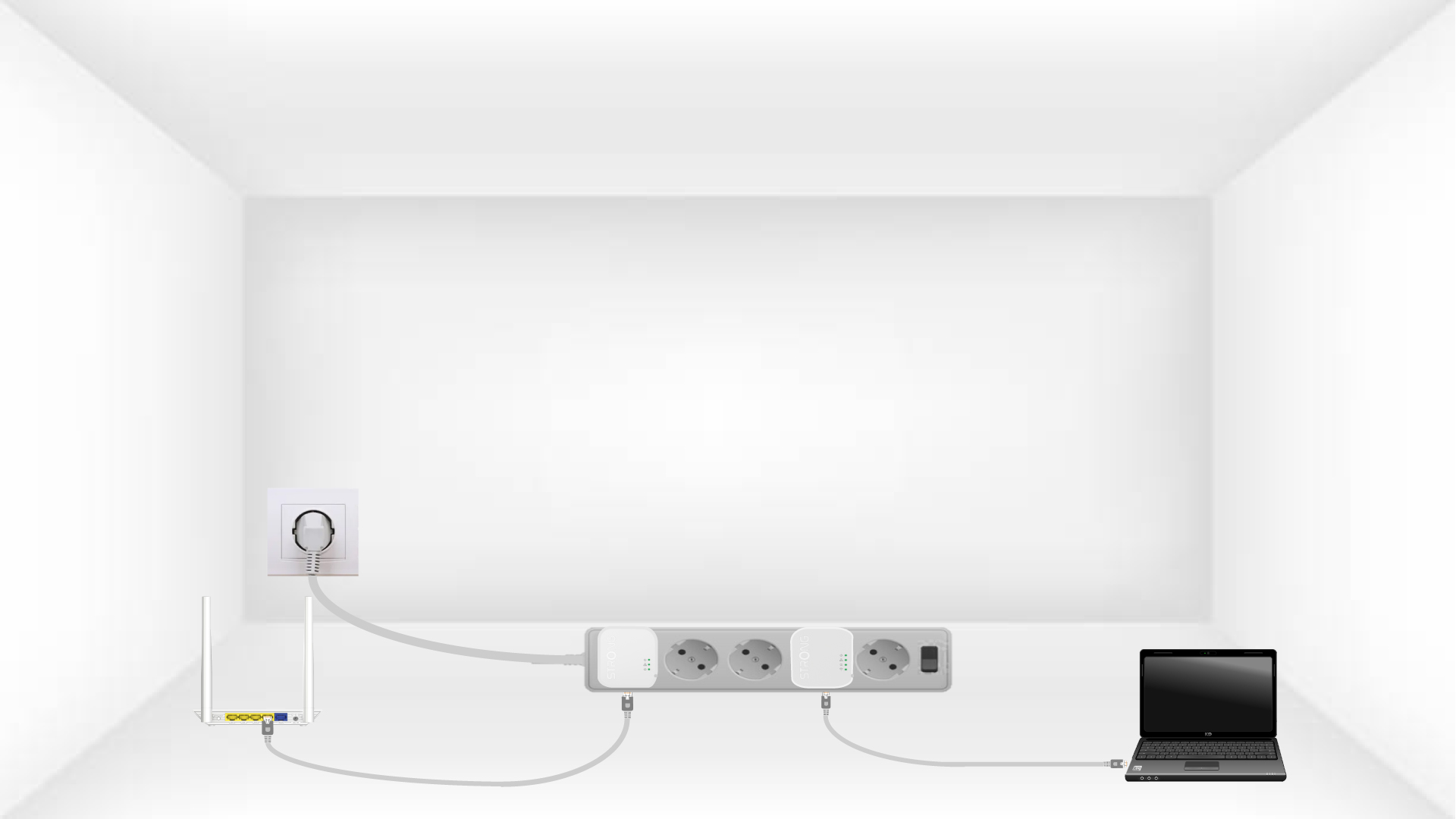
2. Connectezles adaptateurs à Internet
Connect each adapter to a working device (Internet router/gateway, Android box, Smart TV, computer, etc.) with an Ethernet cable. There must be communication between the devices, otherwise the adapter will automatically go into standby mode.
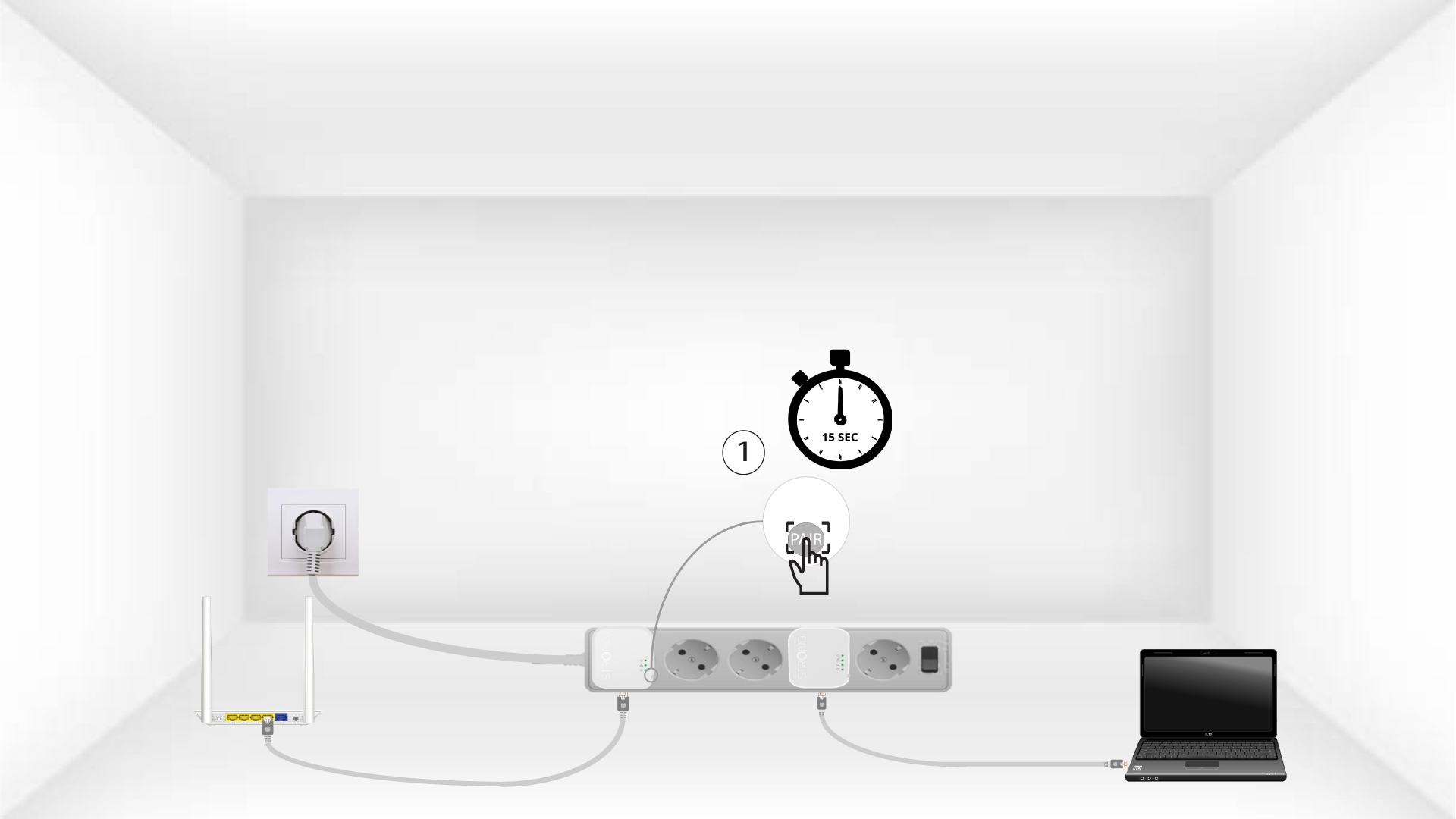
3Appuyez surle bouton « Connect & Secure » (premier adaptateur)
Once the adapter is plugged in and connected to the Ethernet, press the Connect & Secure button on the right side of the device for 15 seconds.
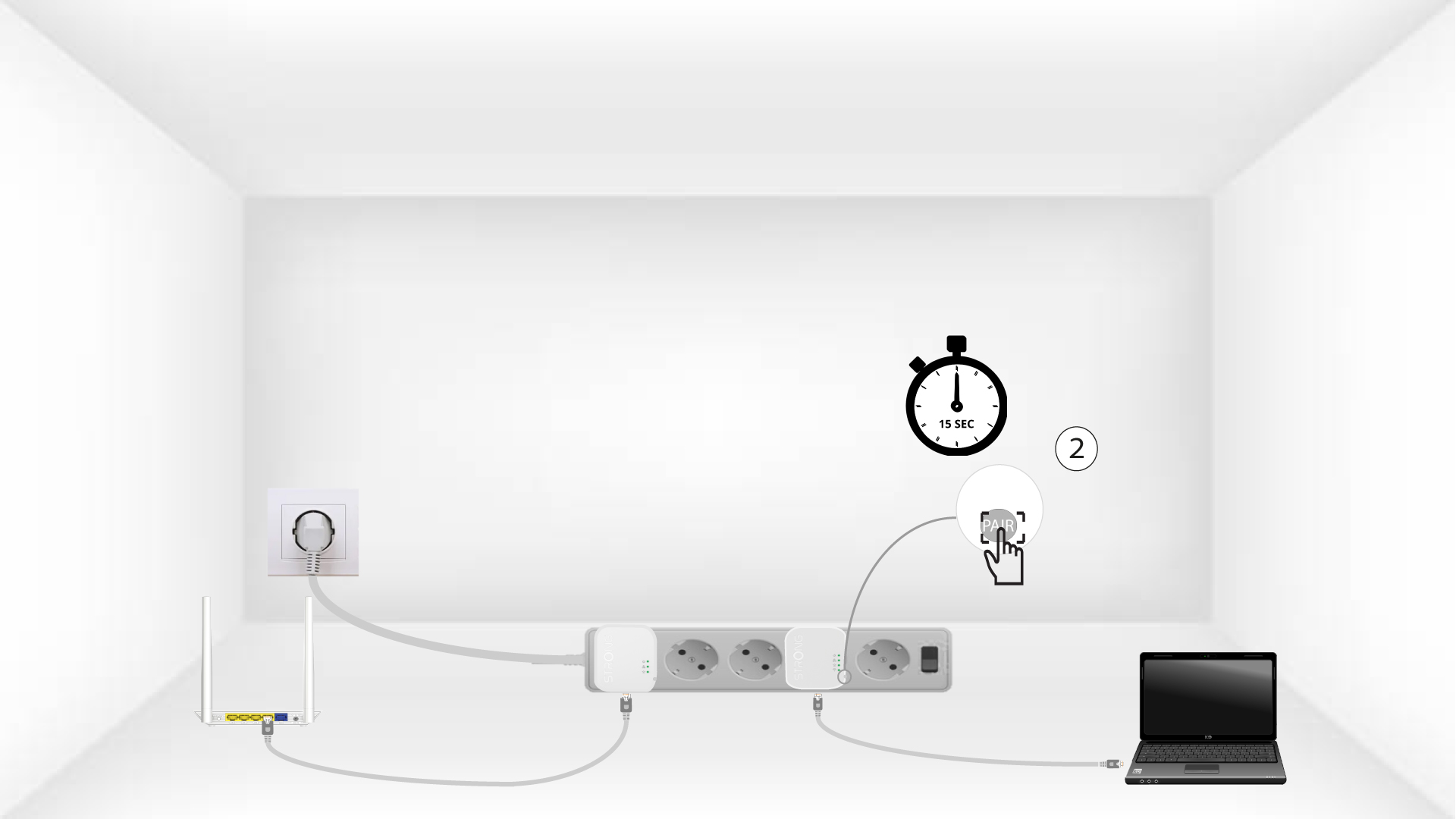
4Appuyez surle bouton « Connect & Secure » (deuxième adaptateur)
Press the Connect & Secure button on the right side of the second device for 15 seconds.
5The home LEDs blink
Les voyants LED de la maison devraient commencer à clignoter.
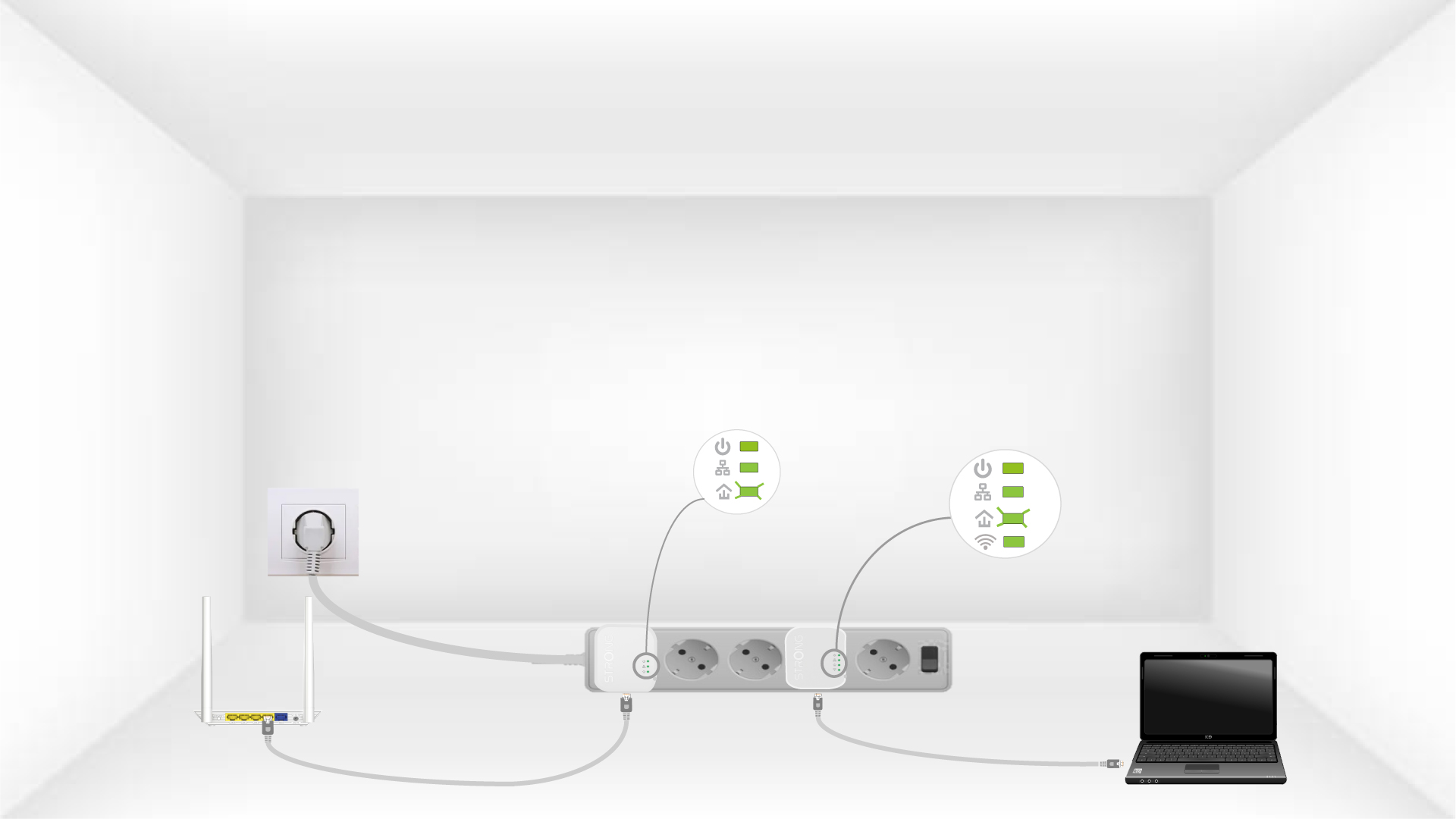
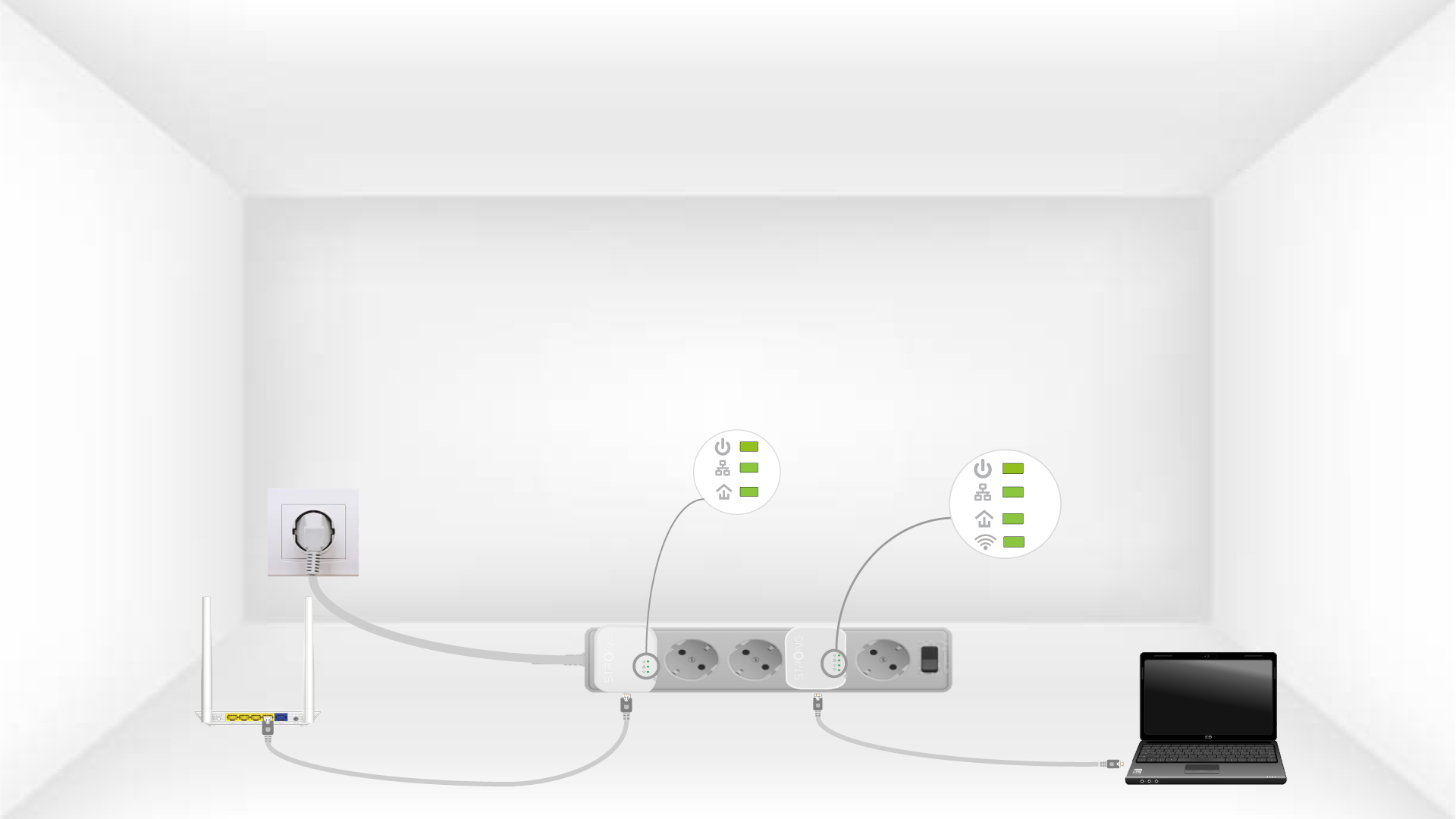
6The devices are reset
All the LEDs must be green at the end of the operation.
Repeat the same operation for a third powerline. You can have up to eight Powerline 600 Mini adapters on the same electrical installation. After resetting all the devices, you can put them in the rooms where you need them.