Mesh Wi-Fi 5 ATRIA 2100 UK add-on)
Aucun élément n'a été trouvé.
Aucun élément n'a été trouvé.
Toutes les questions
Mesh Wi-Fi 5 ATRIA 2100 UK add-on)
Aucun élément n'a été trouvé.
Aucun élément n'a été trouvé.
Que puis-je faire dans l'interface utilisateur Web ?
1Interface utilisateur Web
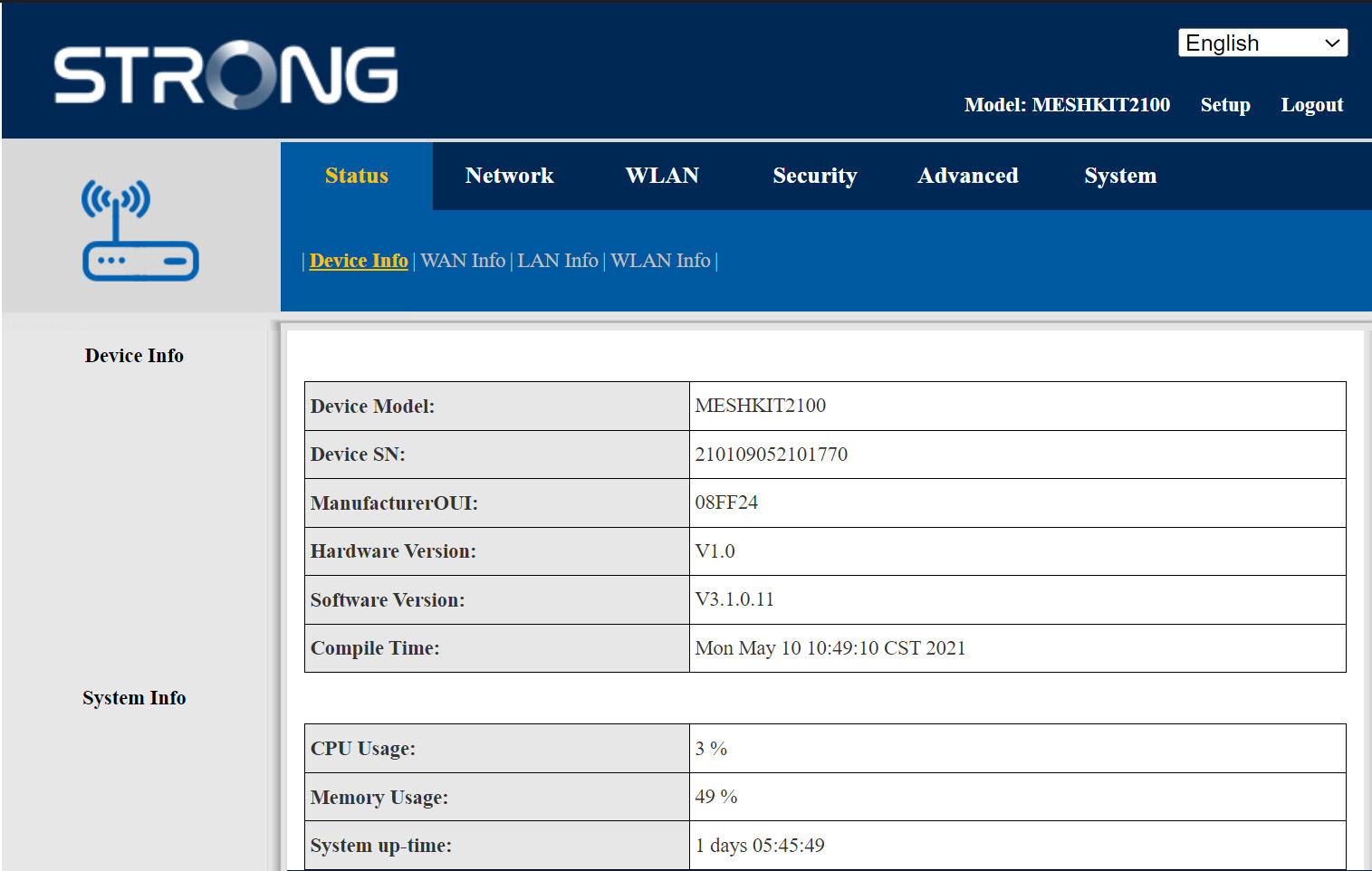
L'interface utilisateur Web est divisée en 6 sections :
- État: vous trouverez ici toutes les informations concernant l'appareil « Mesh » et le réseau.
- Réseau: vous pouvez y configurer le WAN, les paramètres LAN (IPv4 / IPv6) et définir une limite de débit.
- WLAN: vous pouvez choisir entre les réseaux 2,4 GHz et 5 GHz, configurer plusieurs SSID, activer le WPS, gérer l'accès à Internet des différentes adresses MAC, modifier les mots de passe SSID et Wi-Fi, et configurer une adresse Mesh.
- Sécurité: vous pouvez y configurer un pare-feu, les paramètres DoS, les filtres URL/MAC, les filtres IP, le contrôle parental et le contrôle des services, ainsi que programmer l'activation du réseau « Mesh ».
- Avancé: vous pouvez y configurer les paramètres NAT (ALG, DMZ, redirection de ports), un VPN, le SNTP (fuseau horaire), un VPN, un DNS dynamique et l'UPnP.
- Système: section dans laquelle vous pouvez modifier les identifiants de connexion, redémarrer l'appareil, mettre à jour le micrologiciel, enregistrer et restaurer une sauvegarde, rétablir les paramètres d'usine, gérer les voyants LED, accéder aux journaux et lancer des diagnostics.