
Hotspot portable 4G Hotspot
Toutes les questions
Hotspot portable 4G Hotspot
Que signifient les différents statuts des cartes SIM dans l'interface utilisateur Web ?

Avertissement : avant de vous connecter à l'interface utilisateur Web, assurez-vous que votre carte SIM est correctement insérée et que le code PIN est désactivé ou qu'un code PIN (
) a été saisi.
1État de la carte SIM
Vous pouvez consulter l'état de votre carte SIM sur l'écran du 4G PORTABLEHOTSPOT 150 :
Une fois dans l'interface utilisateur Web, vous remarquerez que plusieurs statuts peuvent apparaître à côté de la ligne indiquant l'état de la carte SIM :
Aucune carte SIM ou carte SIM non valide: La carte SIM est insérée et détectée, mais elle ne fonctionne pas en raison du code PIN.  La carte SIM n'est pas correctement insérée dans leappareil, ou aucune carte SIM n'est insérée dans le logement.
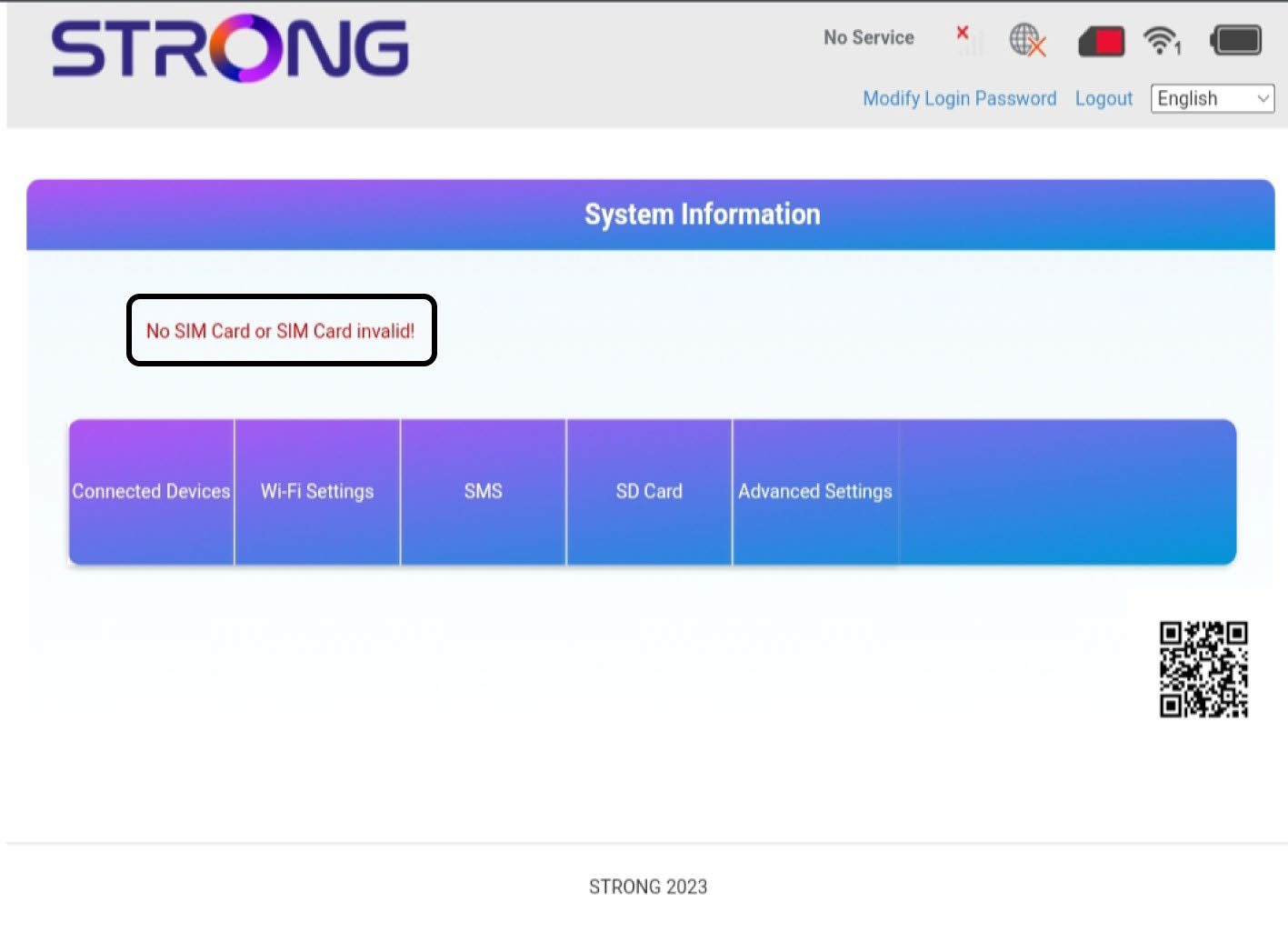
2Statut: Normal
Normal: la carte SIM est correctement insérée dans l'appareil et déverrouillée. La page d'accueil de l'interface utilisateur Web s'affiche.

Avertissement :
• Si la carte SIM est verrouillée par un code PIN, vous devez vous connecter à l'interface utilisateur Web pour le saisir et déverrouiller la carte SIM.
• Si la carte SIM n'est pas détectée, veuillez vérifier que la face dorée n'est pas visible lorsque la carte SIM est insérée dans le logement.
• Si la carte SIM n'est pas correctement positionnée, repositionnez-la dans son emplacement et vérifiez qu'elle est bien en place dans l'adaptateur.