
4G+ AIRSPOT 510 Mobilni Wi-Fi
Nema pronađenih stavki.
Nema pronađenih stavki.
Sva pitanja
4G+ AIRSPOT 510 Mobilni Wi-Fi
Nema pronađenih stavki.
Nema pronađenih stavki.
Kako prvi put pristupiti web sučelju?
Za pristup web sučelju morate biti povezani s Wi-Fi mrežom vašeg 4G PRIJENOSNOG HOTSPOT-A 900 SA ZASLONOM nakon što postavite SIM karticu u utor.
1. Spojite se na Wi-Fi mrežu usmjerivača
Da biste to učinili, unesite SSID (naziv Wi-Fi mreže) i lozinku za Wi-Fi usmjerivač u svoj uređaj.

2 Otvorite stranicu za prijavu na web sučelje
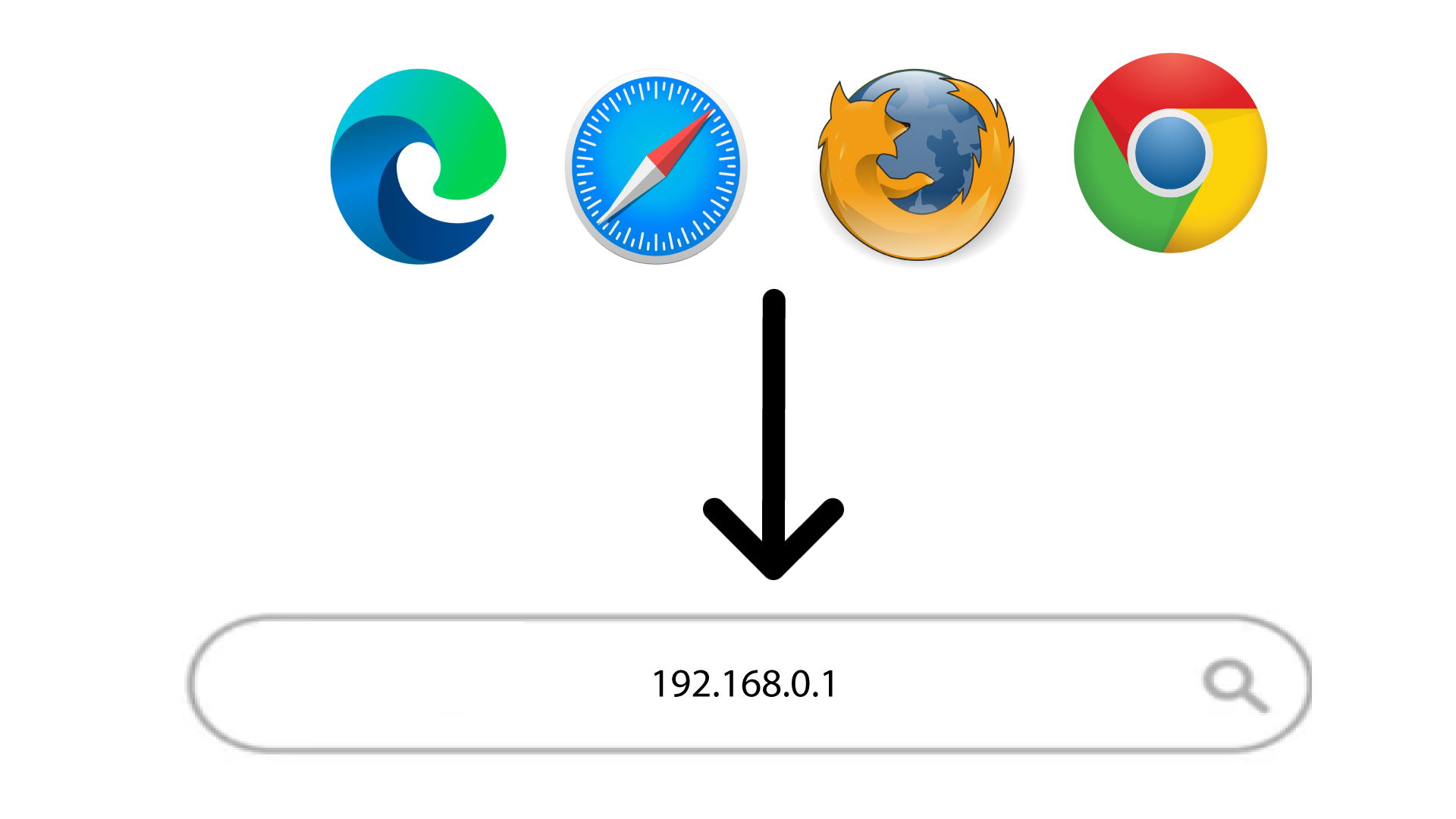
Zatim u preglednik unesite sljedeću IP adresu: 168.0.1
3. Postavite administratorsku lozinku
Nakon što ste pronašli IP adresu, morate postaviti administratorsku lozinku. Za postavljanje nove lozinke unesite sljedeće podatke prije nego što kliknete U redu :
- Nova lozinka: Unesite lozinku koja sadrži najmanje 8 znakova i uključuje kombinaciju velikih slova, malih slova, brojeva i posebnih znakova. Dopušteni su samo sljedeći posebni znakovi: @$%*&.
- Potvrdite novu lozinku: Unesite istu lozinku kao u prethodno polje.
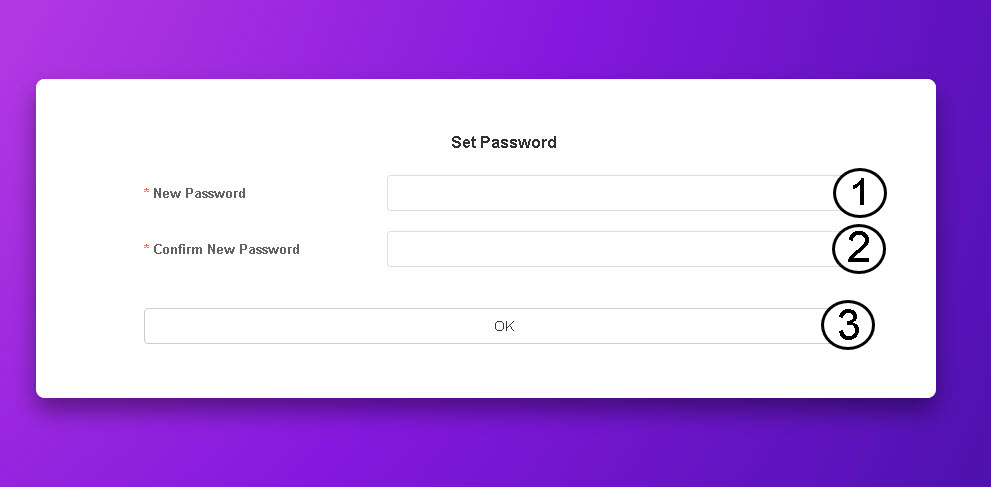
SAVJET: Za prikaz lozinke kliknite ikonu oka.