4G+ AIRSPOT 520 Mobilni Wi-Fi s dodirnim zaslonom
Nema pronađenih stavki.
Nema pronađenih stavki.
Sva pitanja
4G+ AIRSPOT 520 Mobilni Wi-Fi s dodirnim zaslonom
Nema pronađenih stavki.
Nema pronađenih stavki.
Kako mogu resetirati ruter na tvorničke postavke? (Mi-Fi ekran)
Uređaj možete vratiti na tvorničke postavke putem zaslona.
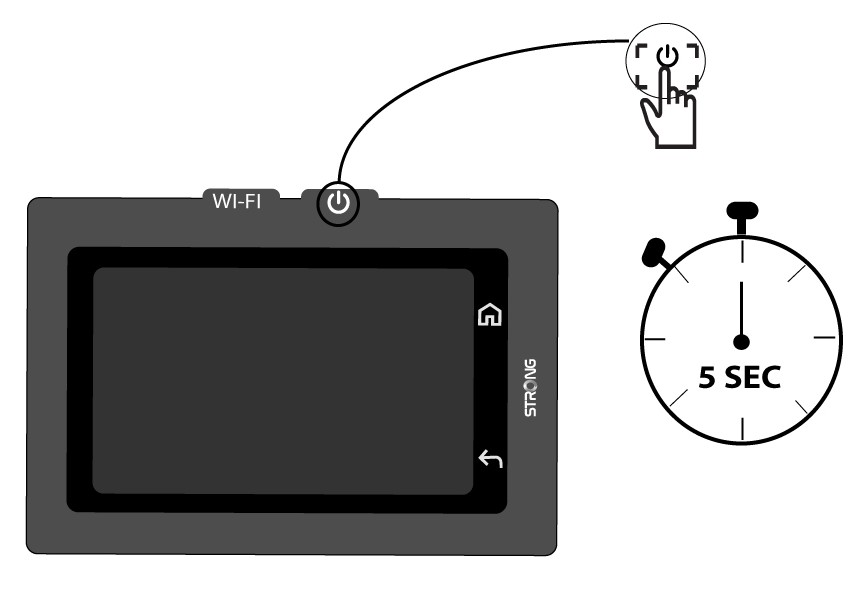
1 Uključite uređaj
Uključite uređaj pritiskom na gumb za napajanje 5 sekundi.
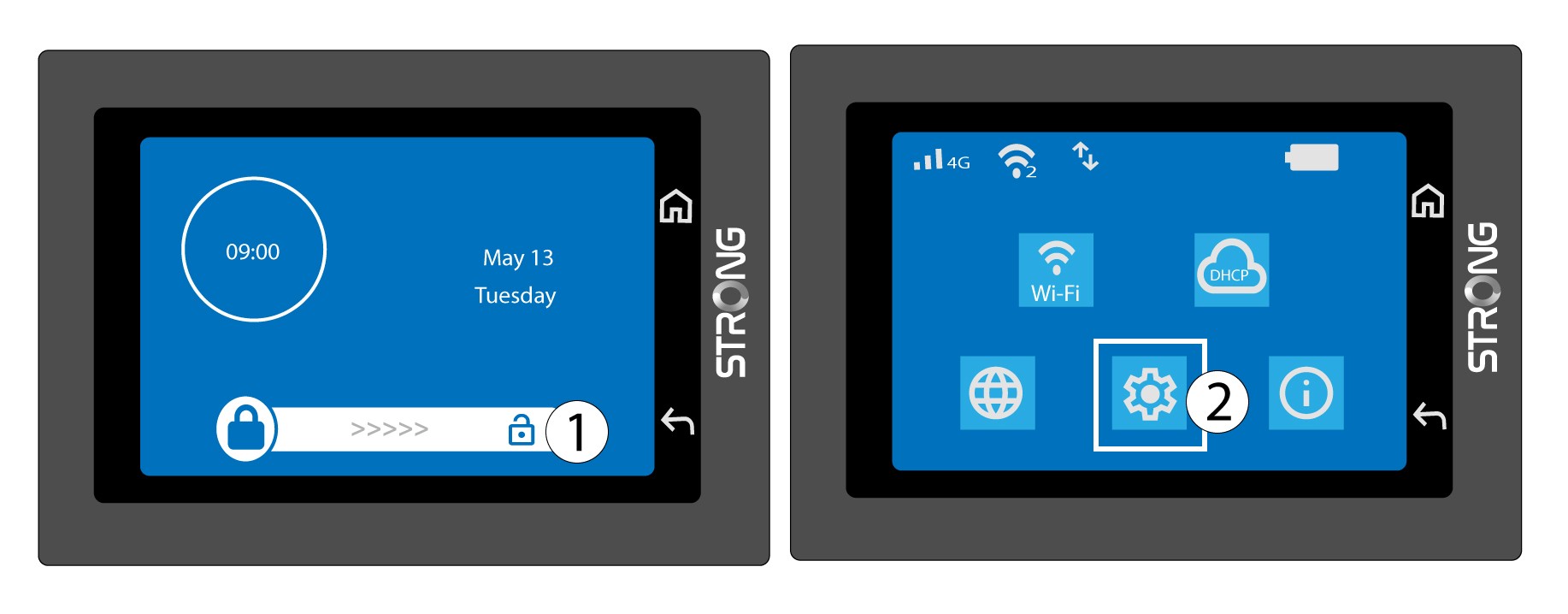
2 Pristup izborniku sustava
Zatim otključajte zaslon i pritisnite ikonu sustava.
3 Odaberite opciju vraćanja
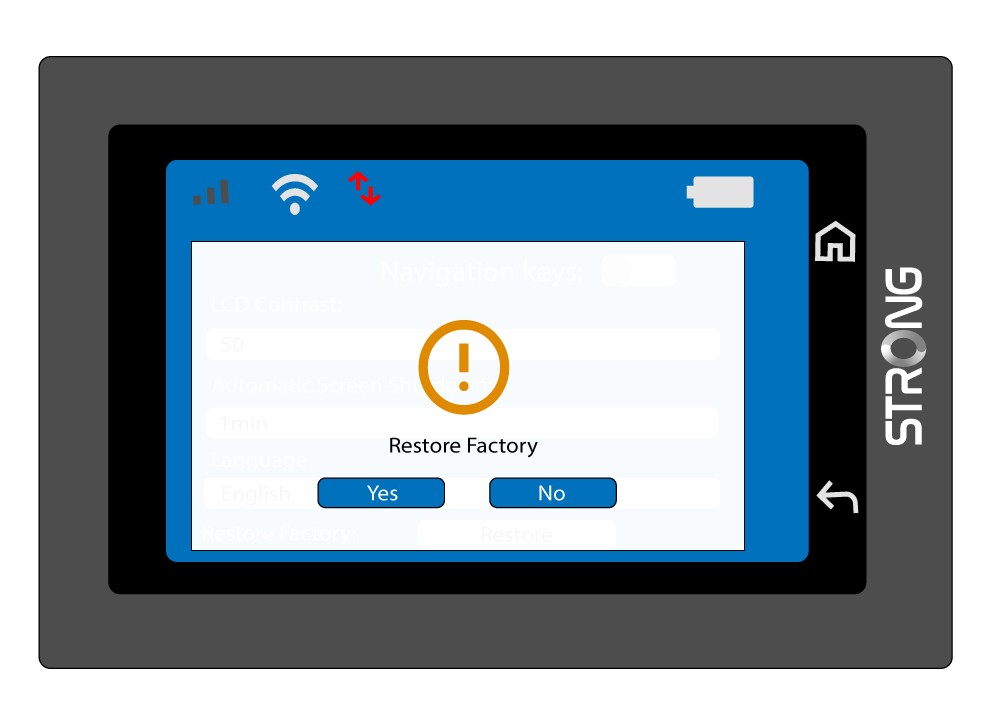
Pomaknite se prema dolje kroz izbornik da biste pritisnuli Vrati .

4 Potvrdite vraćanje na tvorničke postavke
Pritisnite Da .