Nema pronađenih stavki.
LEAP 41 | 4K Google TV s HDR10+
Nema pronađenih stavki.
Sva pitanja
Nema pronađenih stavki.
LEAP 41 | 4K Google TV s HDR10+
Nema pronađenih stavki.
Kako ažuriram svoj daljinski upravljač?

Upozorenje: Nakon konfiguriranja uređaja, u postavkama lijevog dijela zaslona televizora možete vidjeti poruku koja vam savjetuje da ažurirate daljinski upravljač.
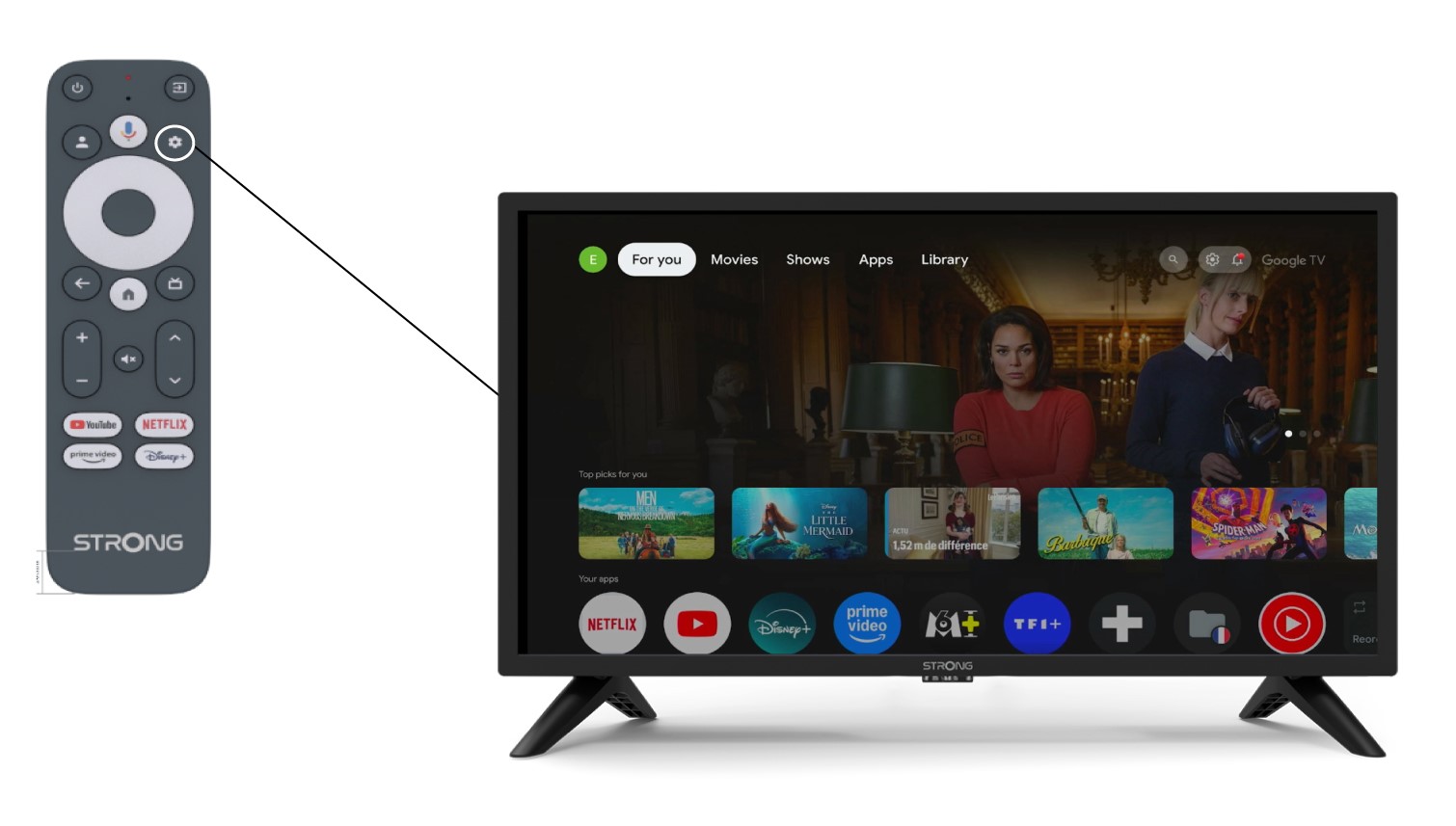
1 Postavke
Na stranici Postavke odaberite Daljinski upravljač i pribor .
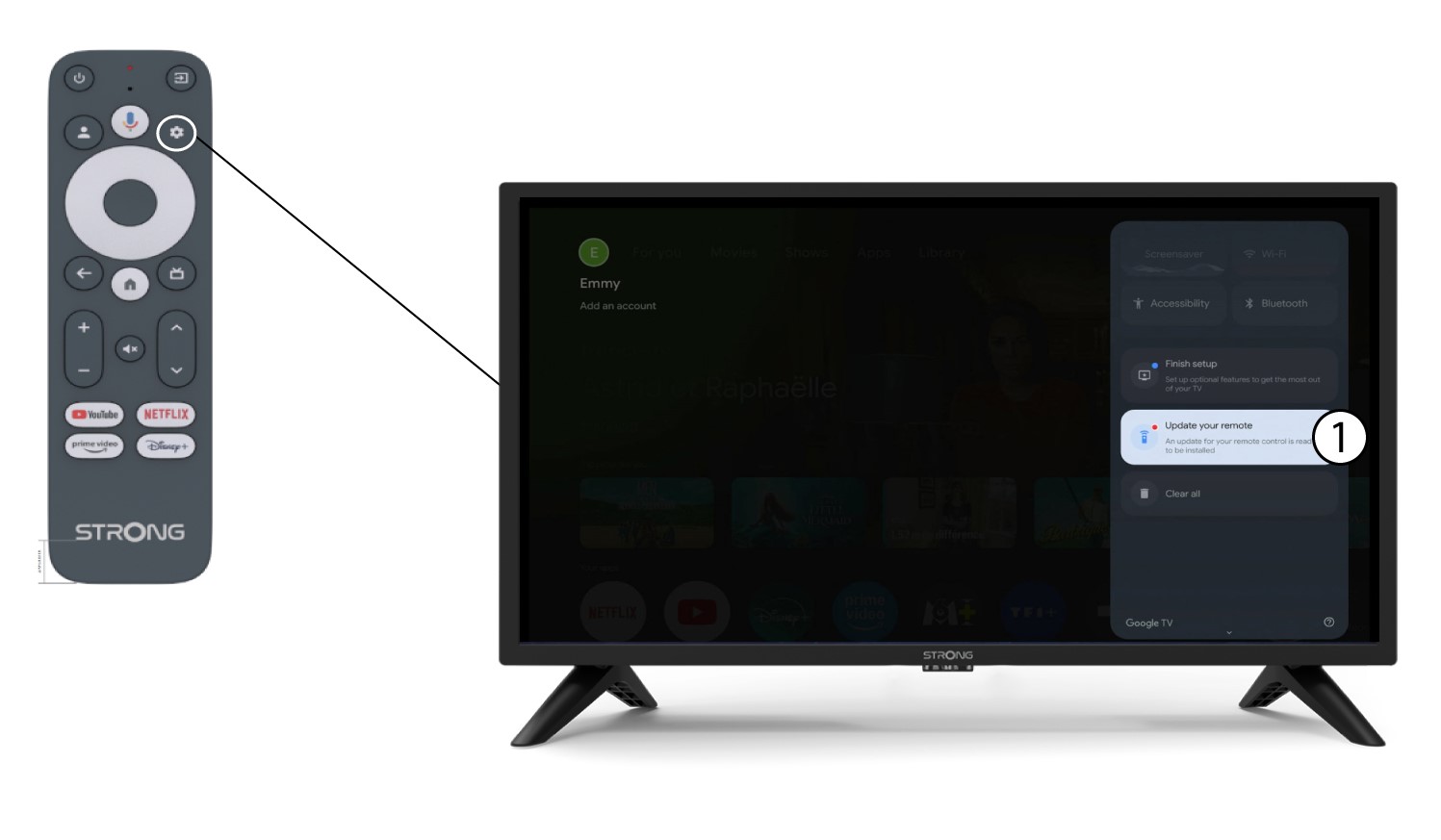
2 Ažurirajte svoj daljinski upravljač
U izborniku odaberite ažuriranje daljinskog upravljača.
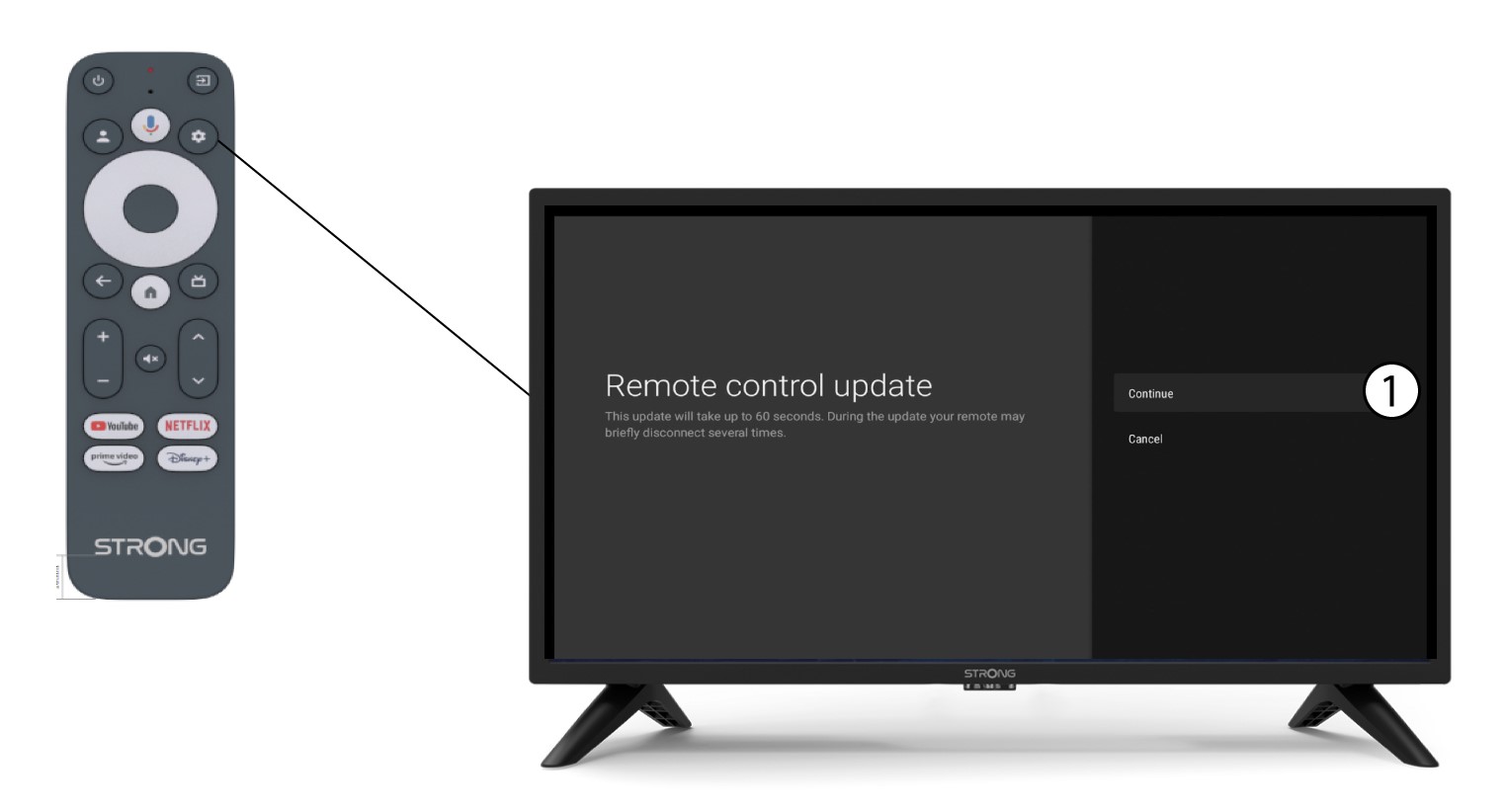
3 Potvrdite ažuriranje
Kliknite Nastavi .
Pričekajte da se ažuriranje završi.