
CPL 600 Duo Wi-Fi FR V2
Nema pronađenih stavki.
Nema pronađenih stavki.
Sva pitanja
CPL 600 Duo Wi-Fi FR V2
Nema pronađenih stavki.
Nema pronađenih stavki.
Kako postaviti visoku razinu sigurnosti 2 na vašim Powerline proizvodima?
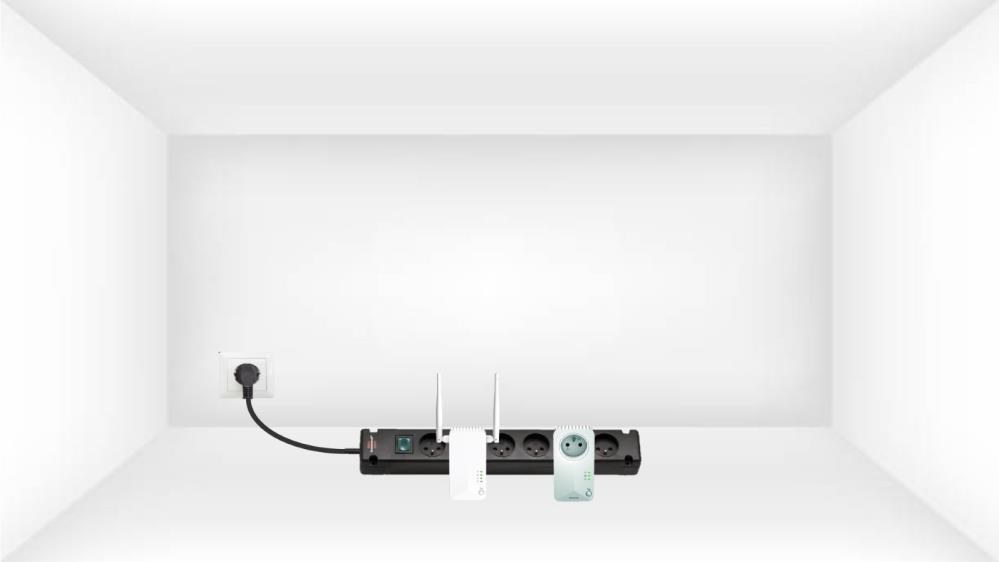
1 Uključite adaptere na višestruku utičnicu
Uzmite višestruku utičnicu i spojite sve adaptere za struju na nju.
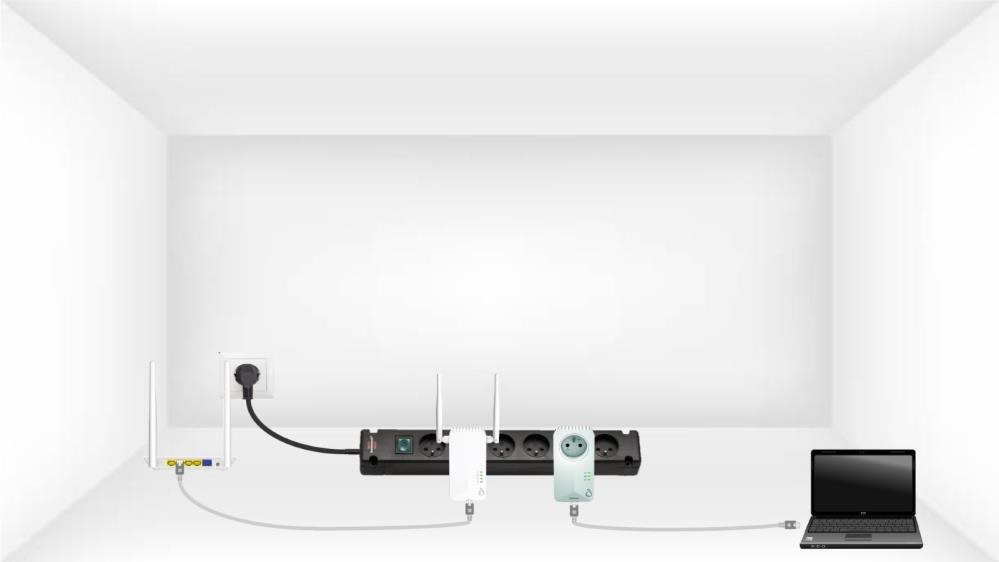
2. Spojite adaptere na internet
Spojite jedan od Powerline adaptera na internetski pristupnik/usmjerivač pomoću RJ45 kabela.
3 Pritisnite gumb Connect & Secure (prvi adapter)
Zatim pritisnite gumb „ Poveži i osiguraj “ 2 sekunde na prvom uređaju.
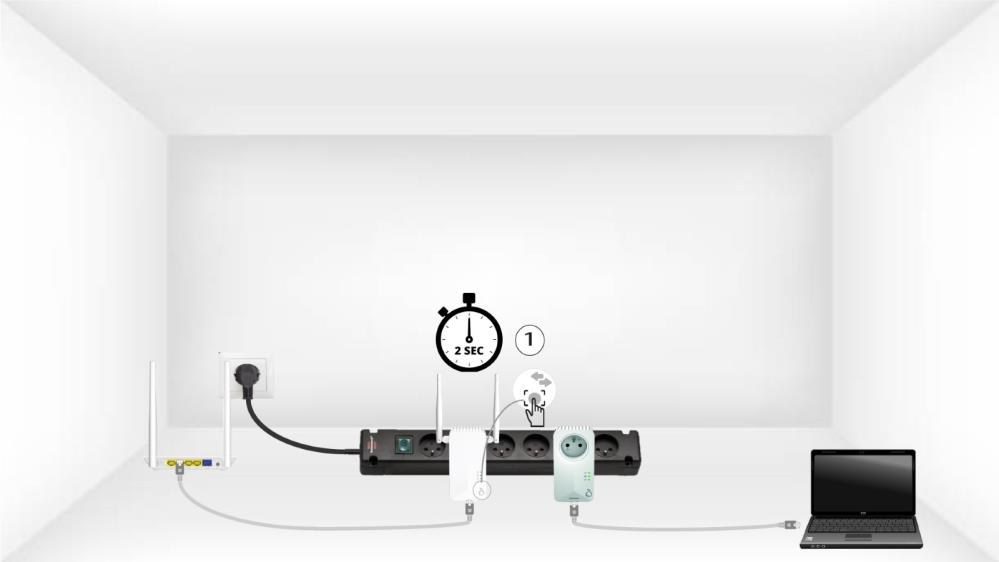
4 Pritisnite gumb Connect & Secure (drugi adapter)
Pritisnite gumb „ POVEŽI SE I SIGURNI “ na drugom uređaju 2 sekunde. Imate do dvije minute za to.

5 LED lampica za dom treperi
LED lampica za dom trebala bi treptati na oba uređaja.

6 Postavljen je novi ključ za šifriranje
Vaš jedinstveni ključ za šifriranje je sada postavljen i sve LED diode uređaja trebale bi svijetliti zeleno.
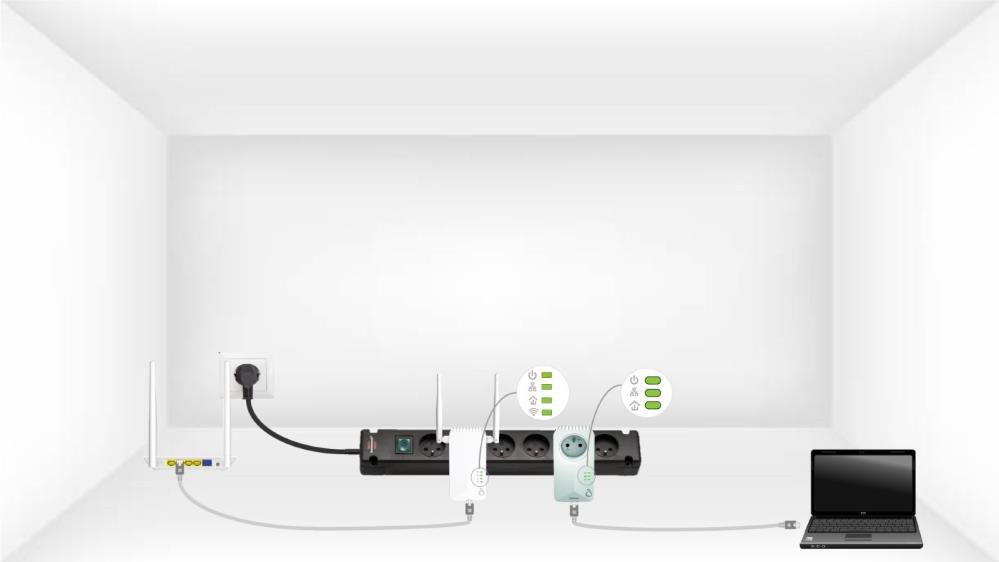
Sada morate instalirati adaptere u prostorijama gdje su vam potrebni. Toplo preporučujemo da ne stavljate adaptere na višestruku utičnicu.