LEAP S3 | 4K Google TV Dolby Vision
Sva pitanja
LEAP S3 | 4K Google TV Dolby Vision
Spojio sam AZERTY tipkovnicu putem USB-a, ali je prepoznaje kao QWERTY tipkovnicu, zašto?
Spojio sam AZERTY tipkovnicu putem USB-a, ali je prepoznaje kao QWERTY tipkovnicu, zašto?

Upozorenje: Imajte na umu da Google definira podržane rasporede tipkovnice za vanjske tipkovnice. Stoga vaš raspored tipkovnice možda nije podržan. U tom slučaju preporučujemo da se obratite proizvođaču tipkovnice kako biste provjerili postoji li aplikacija koja bi vašu tipkovnicu učinila kompatibilnom.
1 Uključite uređaj
Uključite televizor i LEAP S3.
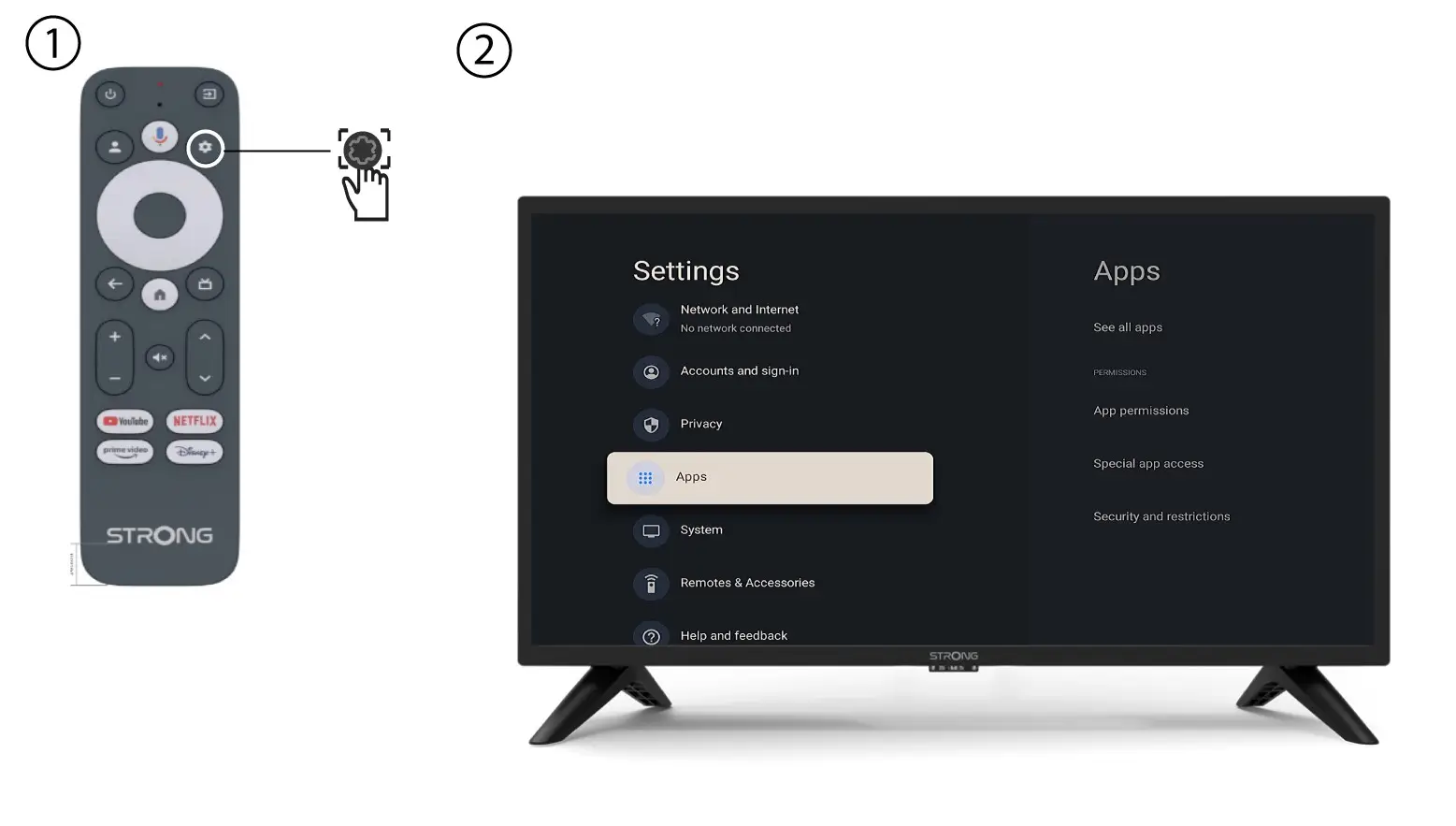
2 Izbornik postavki
Pritisnite gumb Postavke na daljinskom upravljaču (ikona zupčanika). Izbornik Postavke prikazat će se na zaslonu vašeg televizora.
3 Postavke tipkovnice
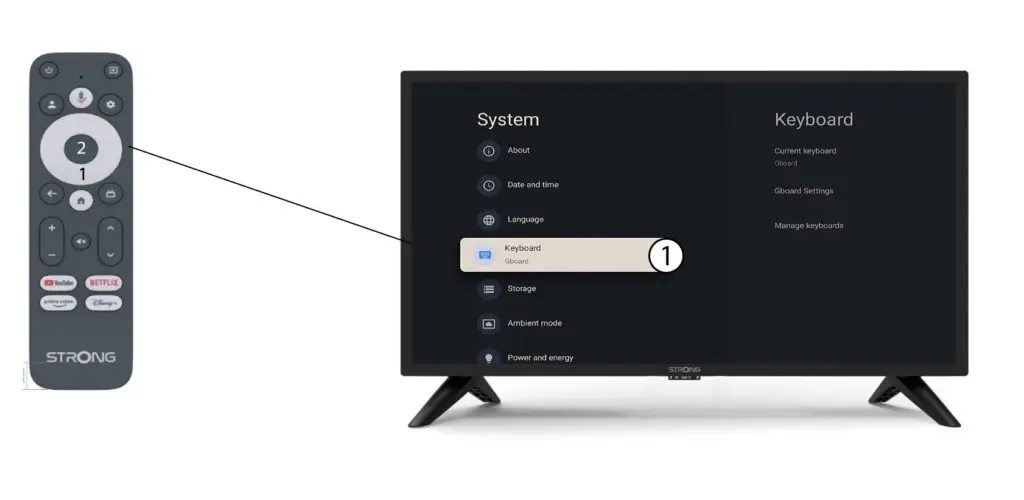
U izborniku Postavke odaberite Tipkovnica i pritisnite gumb U redu na daljinskom upravljaču.
4 Upravljanje tipkovnicom
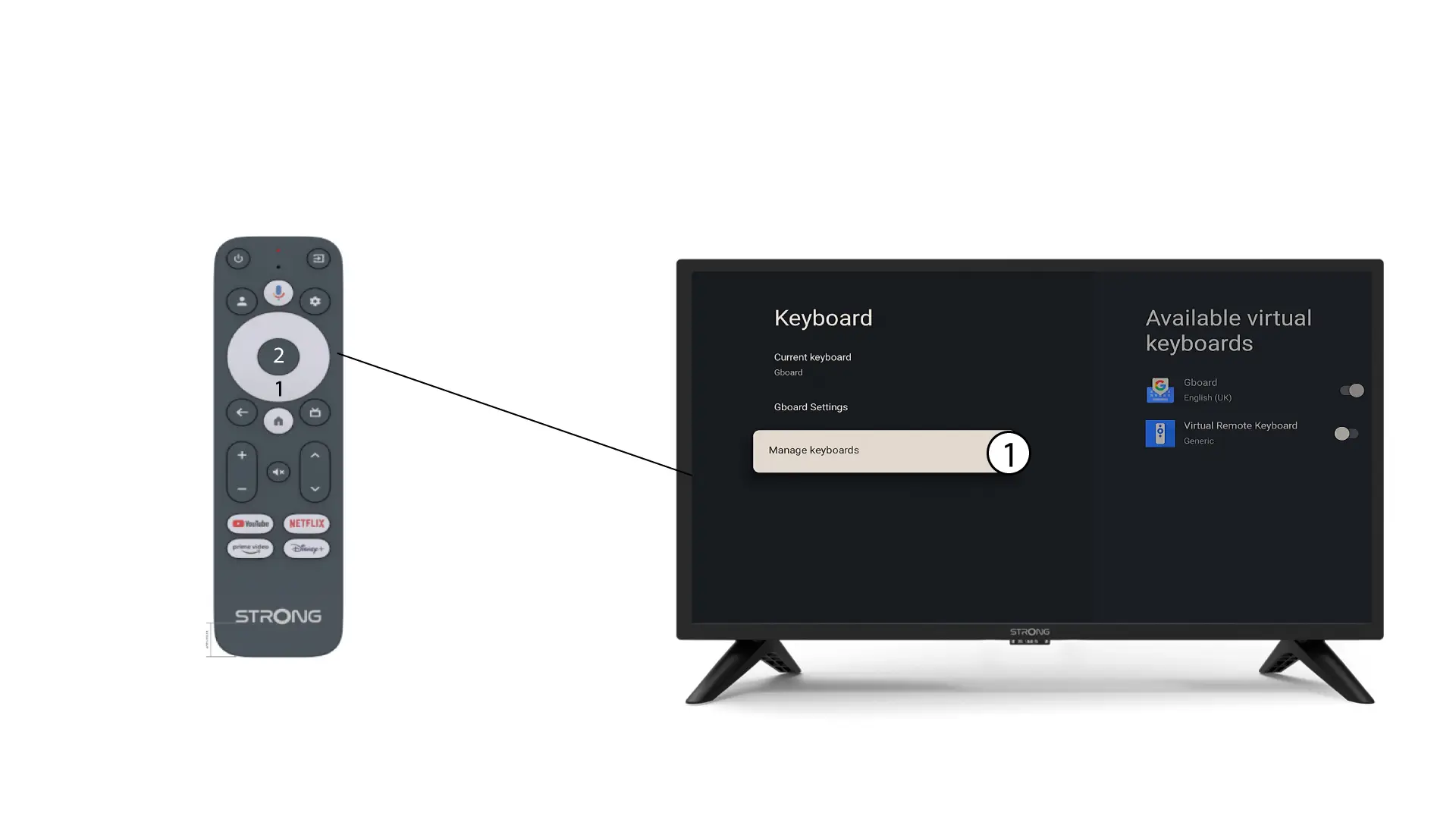
Kliknite Upravljanje tipkovnicom . Zatim kliknite gumb za uključivanje/isključivanje da biste ga deaktivirali.
5 Postavke Gboarda
Kliknite Postavke Gboarda i pritisnite U redu.
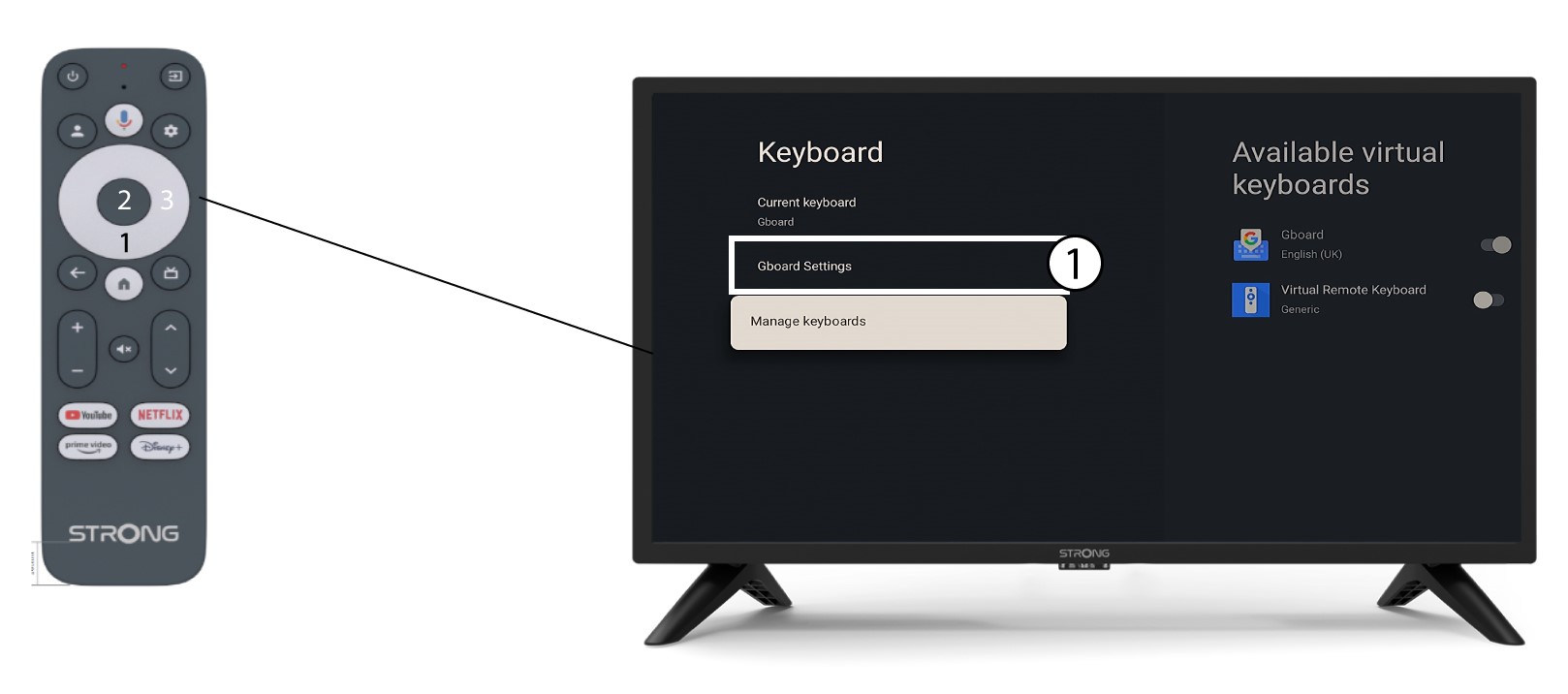
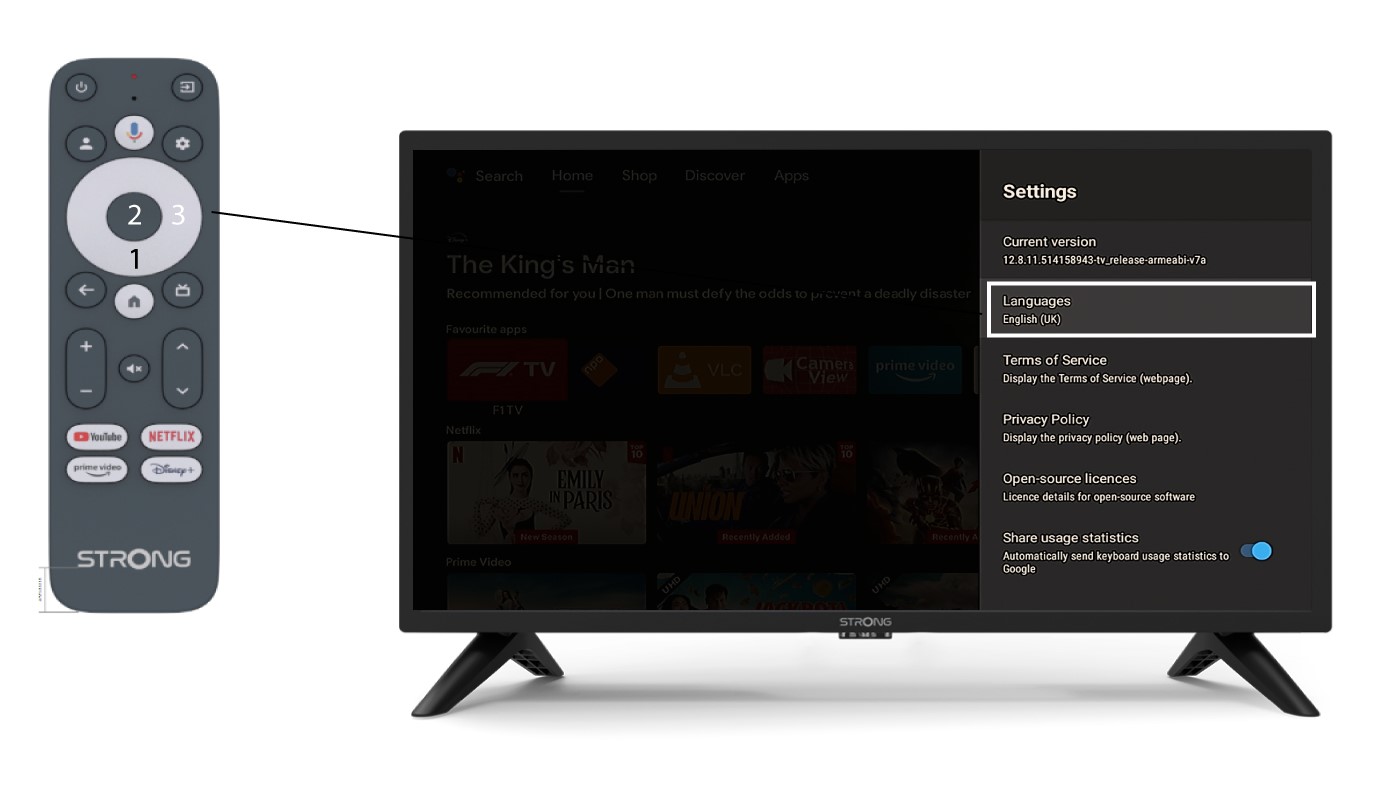
6 Postavke jezika
Kliknite Jezici i pritisnite U redu na daljinskom upravljaču. Zatim odaberite jezik.