
4G+ AIRSPOT 510 Wi-Fi
Nem találtunk tárgyakat.
Nem találtunk tárgyakat.
Minden kérdés
4G+ AIRSPOT 510 Wi-Fi
Nem találtunk tárgyakat.
Nem találtunk tárgyakat.
Hogyan érhetem el a webes felhasználói felületet?
A webes felhasználói felület eléréséhez csatlakoznia kell a 4G PORTABLE HOTSPOT 900 WITH A DISPLAY készülék Wi-Fi-hálózatához, miután a SIM-kártyát behelyezte a nyílásba.
1. Csatlakozzaz útválasztó Wi-Fi-hálózatához
Ehhez írja be a készülékébe az útválasztó SSID-jét (a Wi-Fi-hálózat nevét) és a Wi-Fi-jelszót.

2. A webes felület eléréséhez
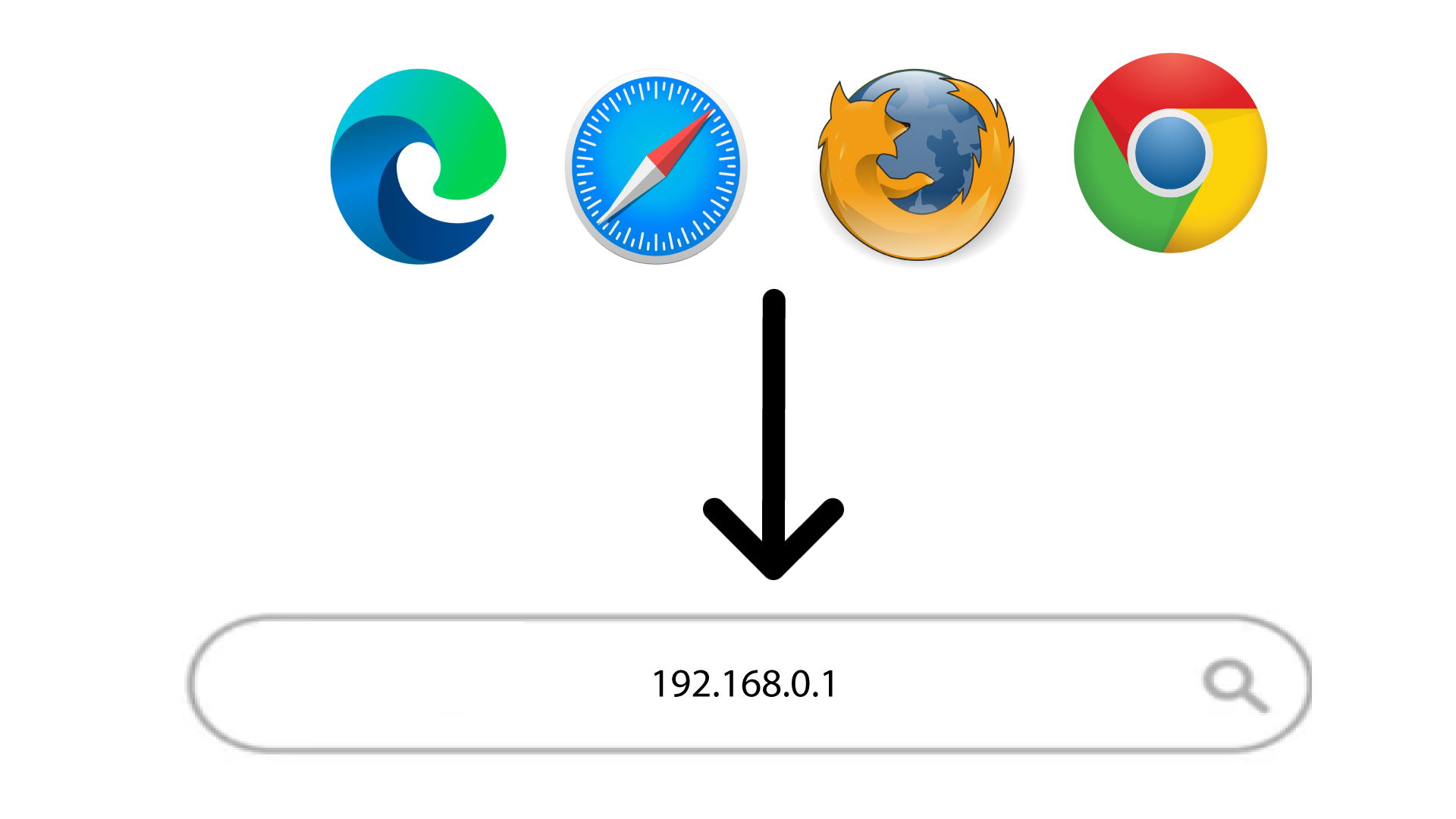
Ezután írja be a böngészőjébe a következő IP-címet: 168.0.1
3. Jelentkezzenbe a webes felhasználói felületre
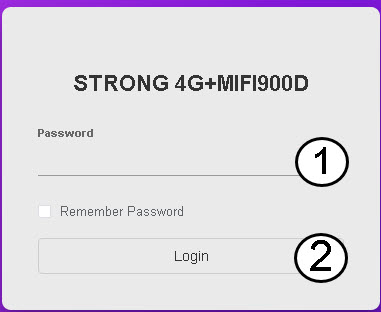
Miután megnyitotta az IP-címet, be kell írnia a jelszavát, mielőtt a „Bejelentkezés” gombra kattintana .
TIPP: A jelszó megjelenítéséhez kattints a szem ikonra.