4G+ AIRSPOT 510 Wi-Fi
Nem találtunk tárgyakat.
Nem találtunk tárgyakat.
Minden kérdés
4G+ AIRSPOT 510 Wi-Fi
Nem találtunk tárgyakat.
Nem találtunk tárgyakat.
Hogyan frissíthetem a készülék firmware-jét?
A webes felhasználói felületen elvégezhet automatikus vagy kézi frissítést.
1. eset: Automatikus frissítés
1. Nyissa mega webes felületet
A webes felhasználói felület eléréséhez kövesse az alábbi lépéseket: Hogyan érhetem el a webes felhasználói felületet?
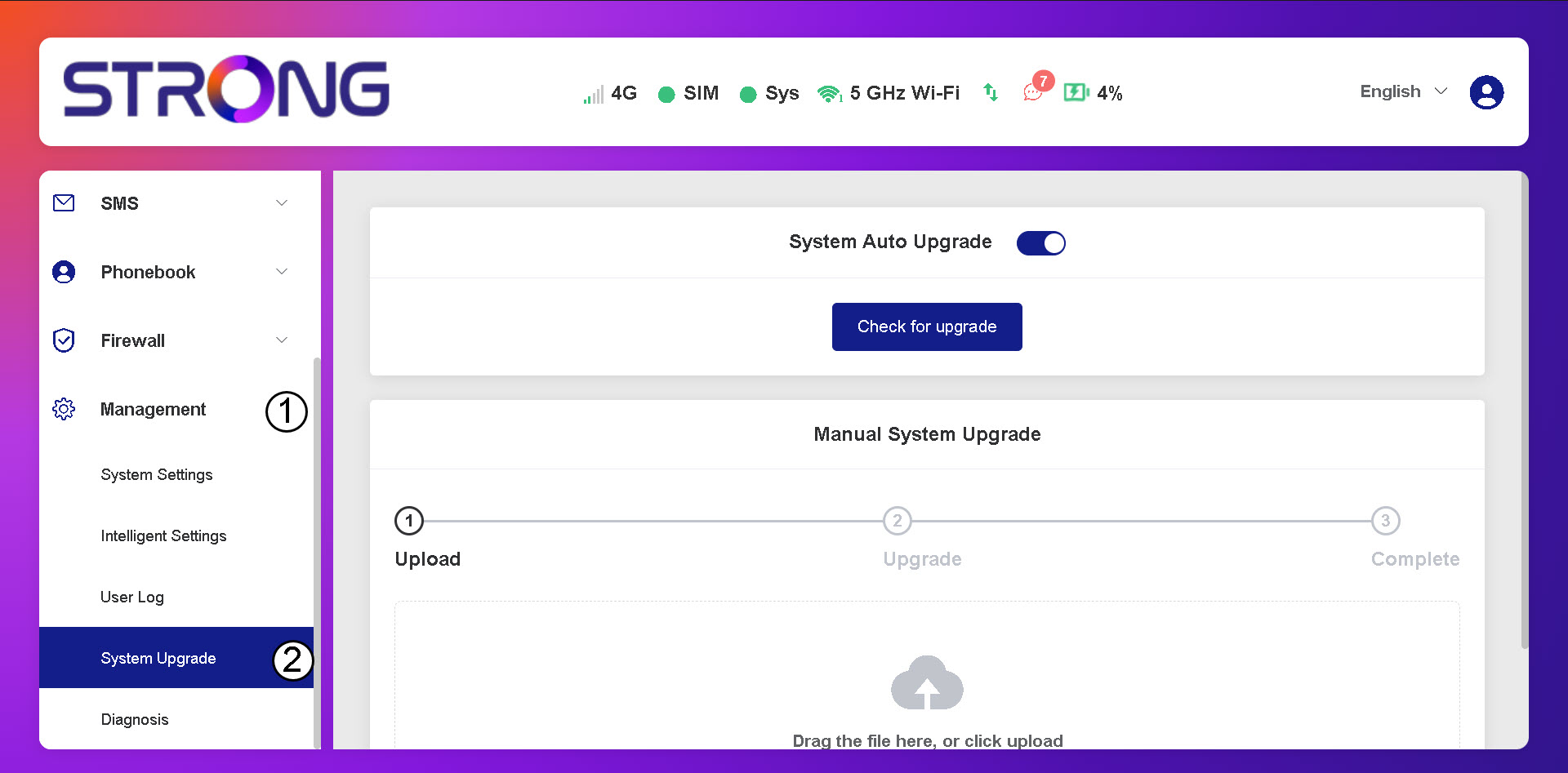
2. Nyissa mega rendszerfrissítési beállításokat
Kattintson a „Kezelés és rendszerfrissítés” elemre.
3. Az automatikus frissítések ellenőrzése
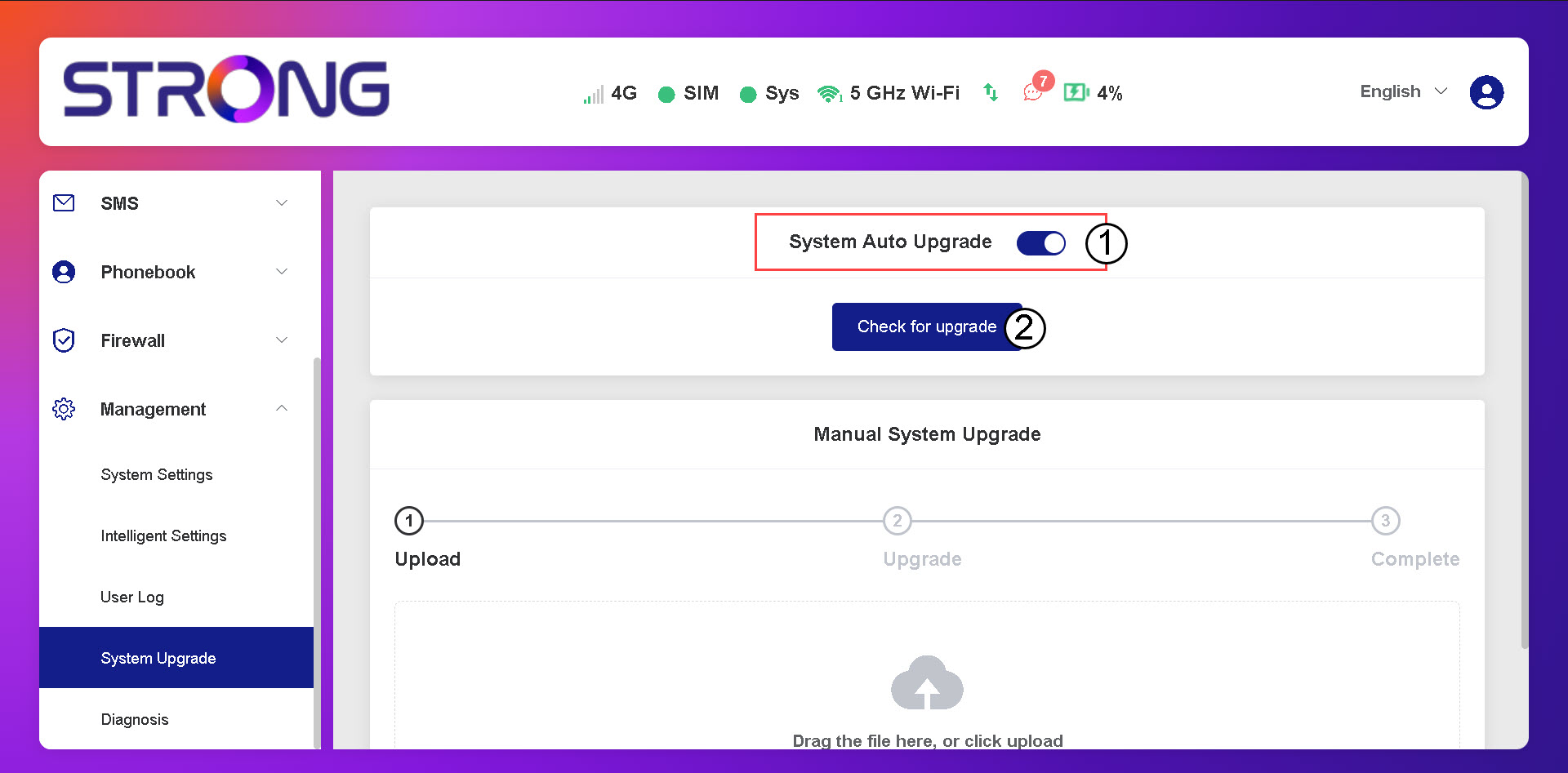
Ellenőrizze, hogy a „Rendszer automatikus frissítése” kapcsoló be van-e kapcsolva, majd kattintson a „Frissítés keresése” gombra.
4. Várjameg a frissítés ellenőrzését
Várja meg, amíg a rendszer megkeresi a frissítést; ha van ilyen, a rendszer felkéri Önt a letöltésre.
5. A rendszer állapotának ellenőrzése
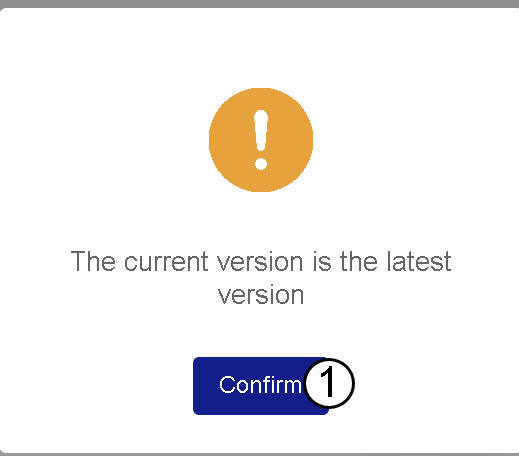
Ha a készülék frissítve van, a következő üzenet jelenik meg.