
Nem találtunk tárgyakat.
Nem találtunk tárgyakat.
2K+ SMART HOME kamera
Minden kérdés
Nem találtunk tárgyakat.
Nem találtunk tárgyakat.
2K+ SMART HOME kamera
Hogyan hajthatok végre hard resetet az kamera készüléken (az alkalmazás használata nélkül)?
Ha nem tudod használni az alkalmazást, az eszközön található gombbal visszaállíthatod az „ kamera ” készüléket.
Ehhez kövesse az alábbi lépéseket.
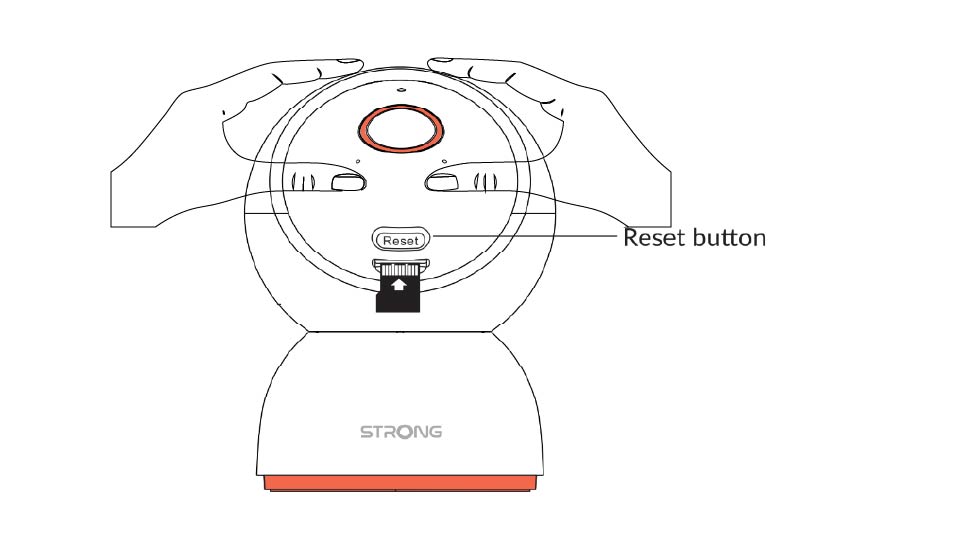
1. Keresse mega „Reset” gombot
Forgassa el a „ kamera ” objektívet, hogy megtalálja a visszaállítási gombot.
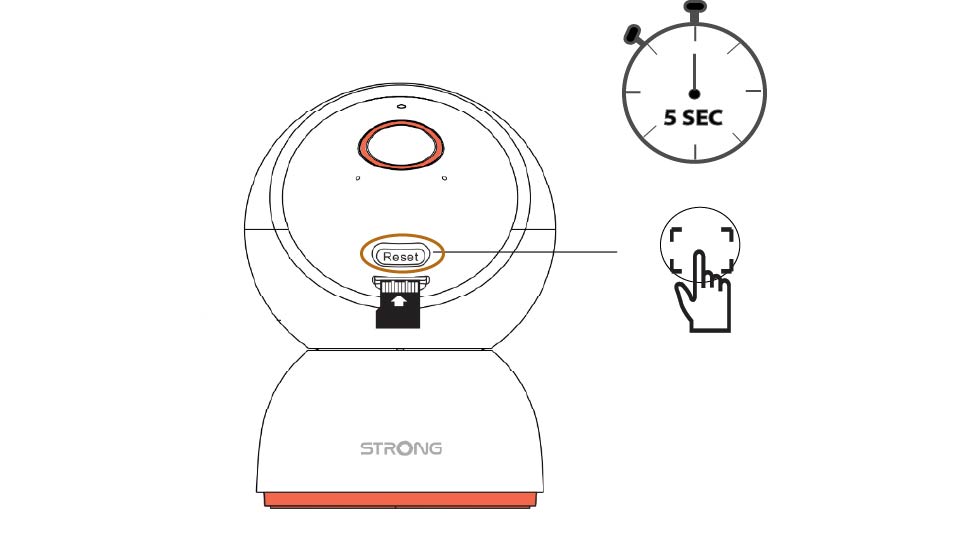
2. Nyomja mega „Reset” gombot
Tartsa lenyomva a gombot 5 másodpercig.
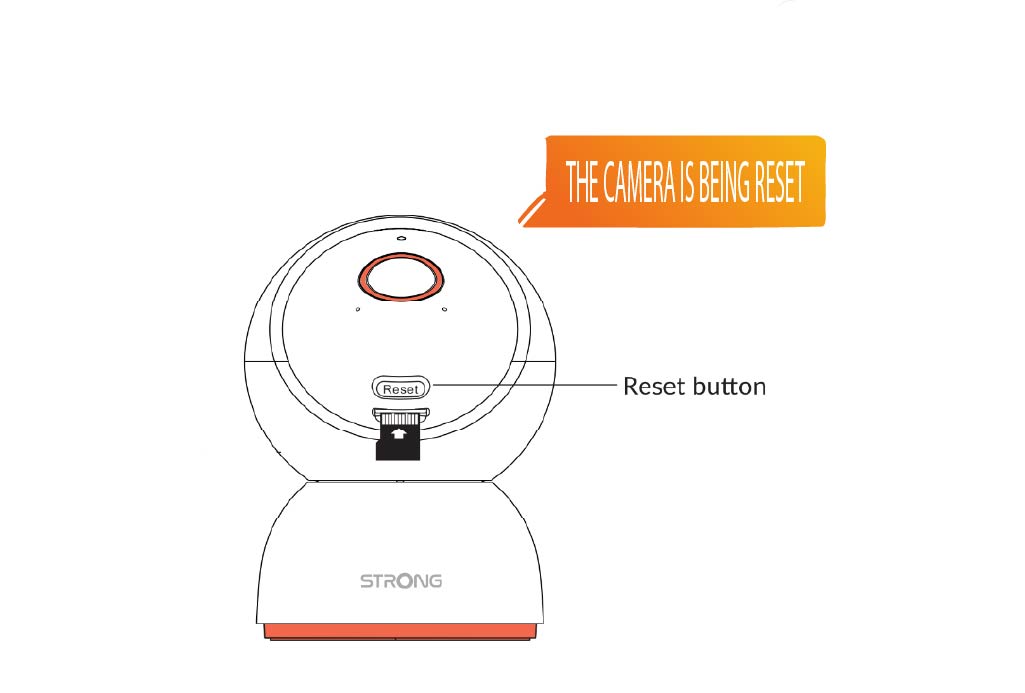
3. Várjameg a visszaállítási üzenetet
Miután elvégezte ezt a lépést, a következő hangüzenetet hallja majd: „A kamera visszaállítás alatt áll.” Ezután a kamera automatikusan újraindul.
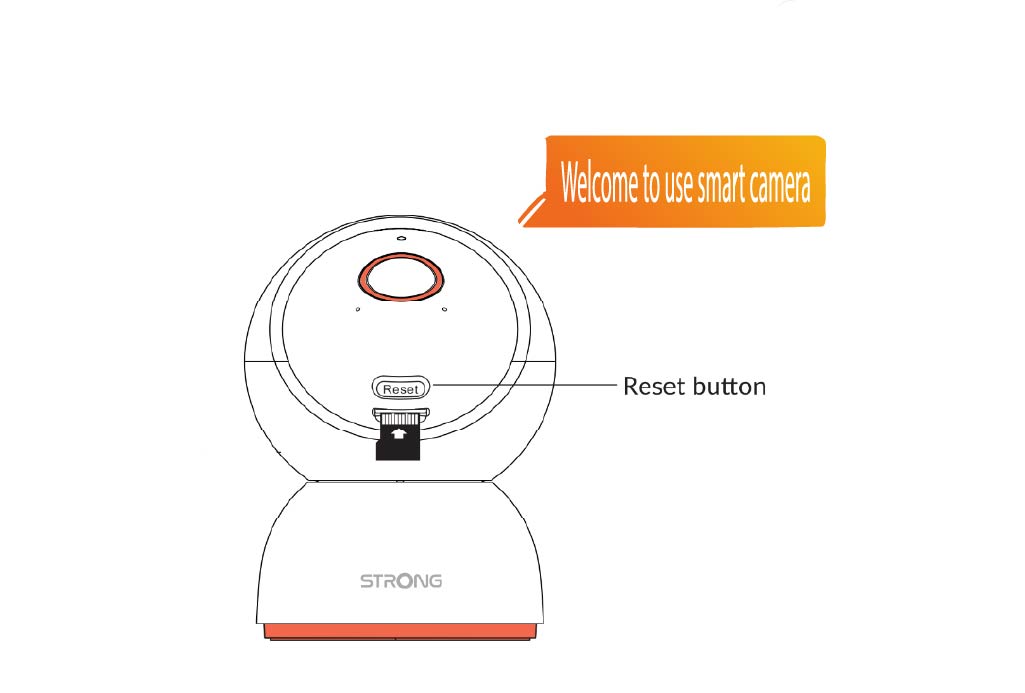
4. Üdvözlőüzenet
Amikor elkészül, a következő üzenet jelenik meg: „Üdvözöljük az intelligens kamera használatában.”
TIPP: A visszaállítás befejezése után nyissa meg az alkalmazást, és adja hozzá újra a kamera címet.