Mesh Wi-Fi 6 ATRIA 3000 UK confezione da 2)
Tutte le domande
Mesh Wi-Fi 6 ATRIA 3000 UK confezione da 2)
Posso configurare una rete ospiti per la mia rete Mesh ? (Caso 2: App Atria)
Per accedere all'interfaccia utente web, è necessario essere connessi alla rete Wi-Fi del dispositivo dopo aver collegato il cavo RJ45 alla porta WLAN del dispositivo e al sito box.
1 Caso2: App Atria
Scarica l'app per smartphone "ATRIA MESH" dall'App Store o dal Google Play Store.

2. Inseriscile tue credenziali
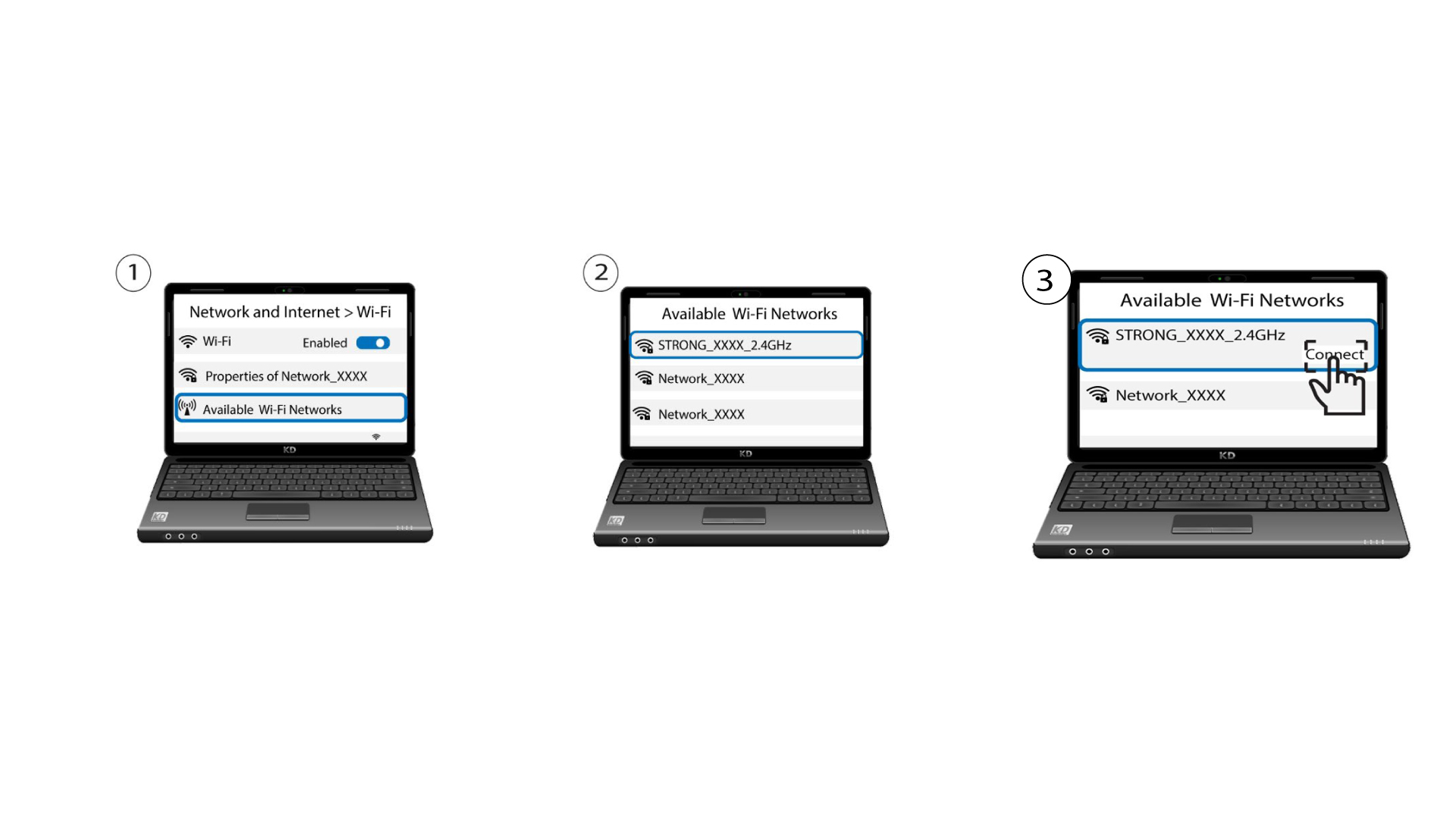
A questo punto devi collegarti con il tuo smartphone alla rete Wi-Fi dell'Mesh , quindi accedere all'app con le tue credenziali, che dovrebbero essere "admin" e "admin" se non le hai modificate.

3Wi-Fi per gli ospiti
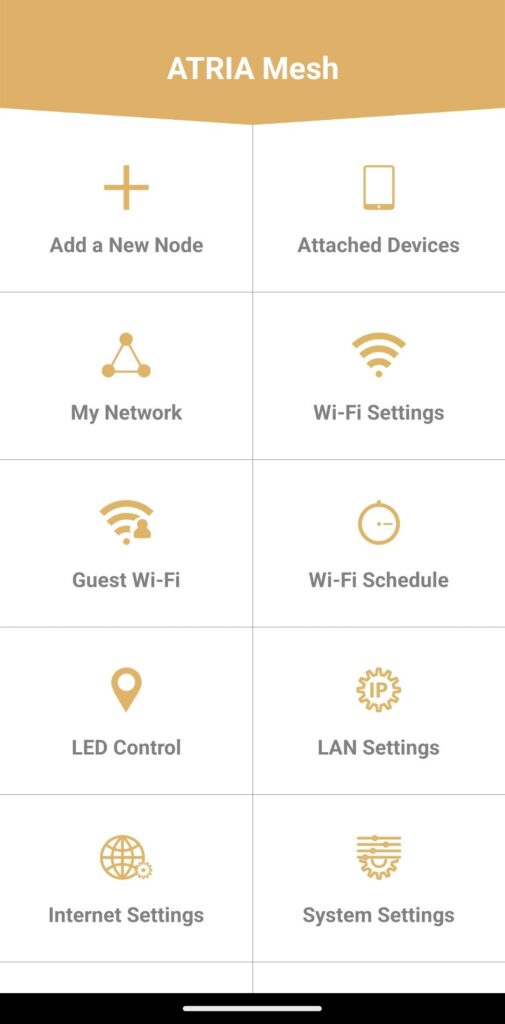
Ora che ti trovi sulla pagina principale, clicca su " Wi-Fi per gli ospiti".
4. Configurareuna rete Wi-Fi per gli ospiti
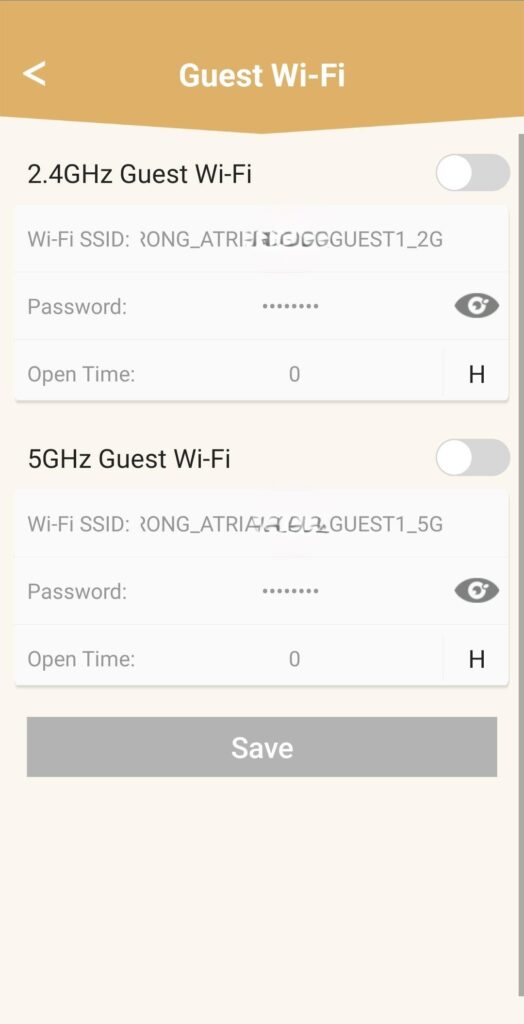
A questo punto, puoi aggiungere una rete Wi-Fi per ospiti a 2,4 GHz o 5 GHz.
• Premi il pulsante di attivazione/disattivazione della rete desiderata.
• Imposta un SSID (nome della rete Wi-Fi) e una password univoci .
• Puoi quindi scegliere una pianificazione oraria per decidere quando la rete Wi-Fi per ospiti deve essere attiva o disattiva nella sezione “Orario di apertura”.
• Fai clic su “Salva”.
5. Verificala nuova rete Wi-Fi
La nuova rete per gli ospiti è ora visibile nell'elenco delle reti Wi-Fi dei tuoi dispositivi.