Mesh Wi-Fi 6 ATRIA 3000 UK confezione da 2)
Tutte le domande
Mesh Wi-Fi 6 ATRIA 3000 UK confezione da 2)
Cosa posso fare nell'interfaccia utente web?
1. Connettitialla rete Wi-Fi del dispositivo
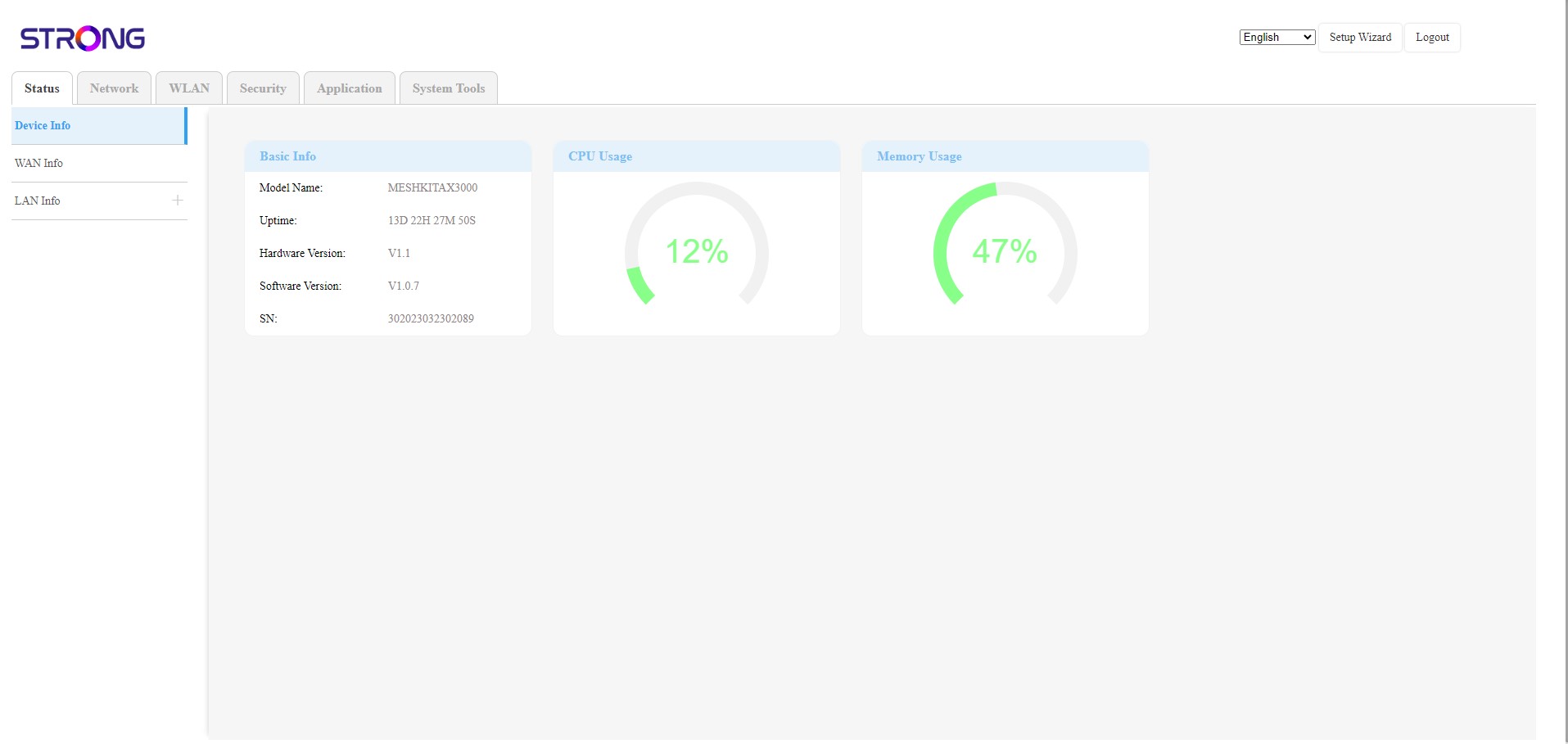
L'interfaccia utente web è suddivisa in 6 sezioni:
• Stato: qui puoi trovare tutte le informazioni relative al dispositivo Mesh e alla rete.
• Rete: qui puoi configurare la WAN, le impostazioni LAN (IPv4 / IPv6) e impostare un limite di velocità.
• WLAN: qui puoi scegliere tra la rete a 2,4 GHz e quella a 5 GHz, configurare più SSID, impostare il WPS, gestire l’accesso a Internet dei diversi indirizzi MAC, modificare l’SSID e le password Wi-Fi e configurare un Mesh.
• Sicurezza: qui puoi configurare un firewall, le impostazioni DoS, i filtri URL/MAC, i filtri IP, il controllo parentale/dei servizi e programmare l’attivazione della rete Mesh .
• Applicazioni: qui è possibile configurare le impostazioni NAT (ALG, DMZ, inoltro delle porte), una VPN, l’SNTP (fuso orario), un DNS dinamico, l’UPnP e accedere alla configurazione IPTV.
• Strumenti di sistema: qui è possibile modificare le credenziali di accesso, riavviare il dispositivo, aggiornare il firmware, salvare e ripristinare un backup, ripristinare le impostazioni di fabbrica, gestire i LED, accedere ai registri e avviare la diagnostica.