Wi-Fi 4G AIRSPOT 220 con display
Nessun articolo trovato.
Nessun articolo trovato.
Tutte le domande
Wi-Fi 4G AIRSPOT 220 con display
Nessun articolo trovato.
Nessun articolo trovato.
Come faccio a modificare la password di amministratore?
1. Accedereall'interfaccia utente web
Per collegarsi all'interfaccia utente web, si prega di seguire le istruzioni riportate nella guida: “Come si accede all'interfaccia utente web?”.
2Modificapassword
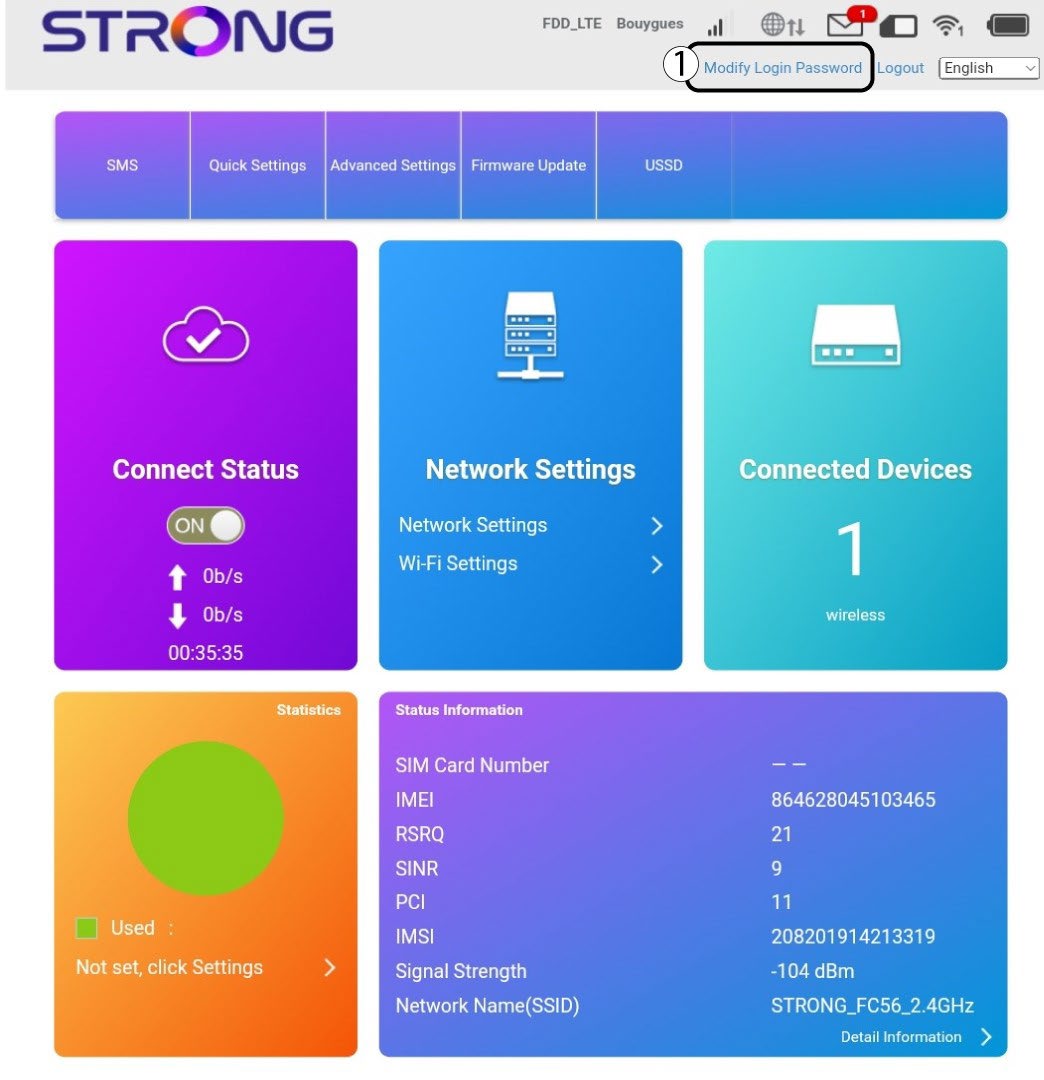
Una volta fatto ciò, clicca su " Modifica password di accesso " nella barra in alto.
3. Inseriscile nuove informazioni
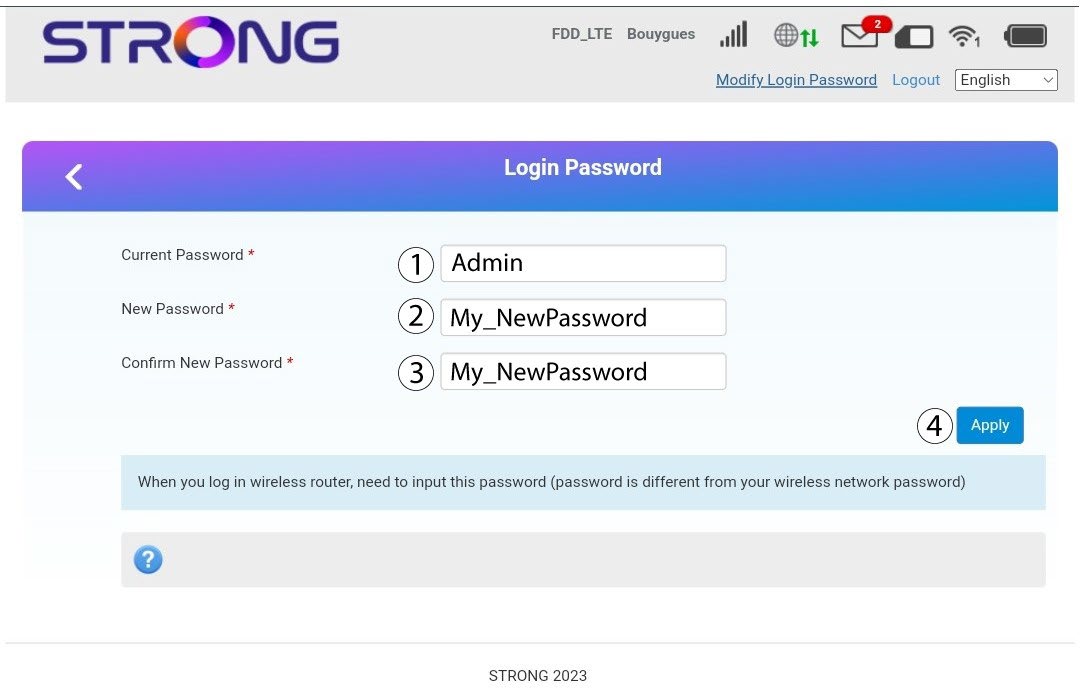
Inserisci le seguenti informazioni prima di fare clic su " Applica":
· Password attuale: inserisci la password attuale.
· New Password: Enter the new password. The new password can contain up to 32 characters including numbers, lower case, upper case, and special characters (! # $ * + , - . % : = ? @ [ ] ^ _ { | } ~).
· Conferma nuova password: inserisci la stessa password indicata nel campo precedente.
4. Salvale informazioni
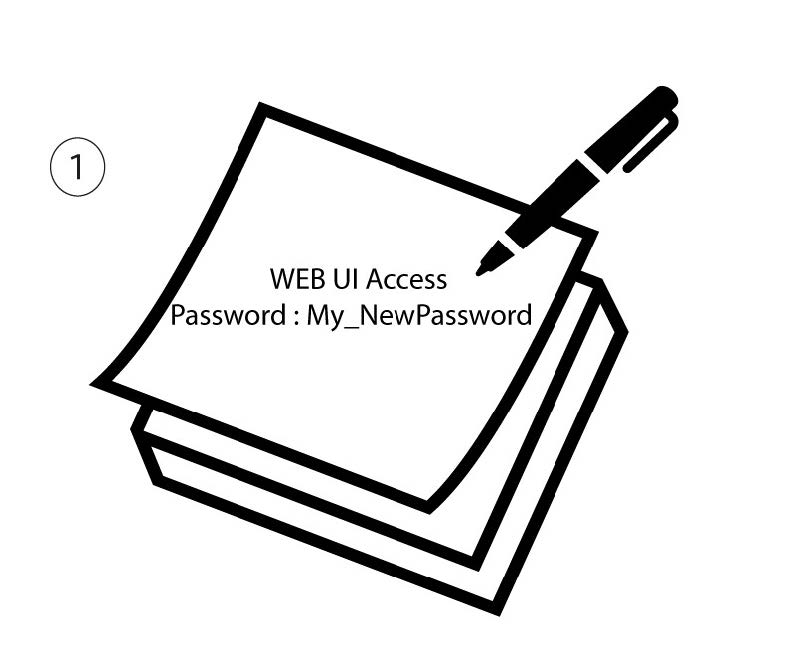
Annota la nuova password per accedere all'interfaccia utente web.