
kit Mesh ATRIA Mesh kit | MESHKIT1200
Nessun articolo trovato.
Nessun articolo trovato.
Tutte le domande
kit Mesh ATRIA Mesh kit | MESHKIT1200
Nessun articolo trovato.
Nessun articolo trovato.
Come posso configurare la mia rete Wi-Fi mesh (Caso 2: cavo Ethernet)
1Collegareil cavo principale mesh
Per accendere l'unità " mesh " è necessario collegarla alla presa di corrente (il dispositivo non dispone di un pulsante di accensione) e collegarla al modem tramite un cavo RJ45.

2. Il secondo plugin mesh
È necessario collegare alla presa di corrente anche la seconda unità mesh per accenderla, quindi collegarla all'unità principale mesh (porta LAN) utilizzando un cavo RJ45.

3Attenderequalche minuto durante la configurazione
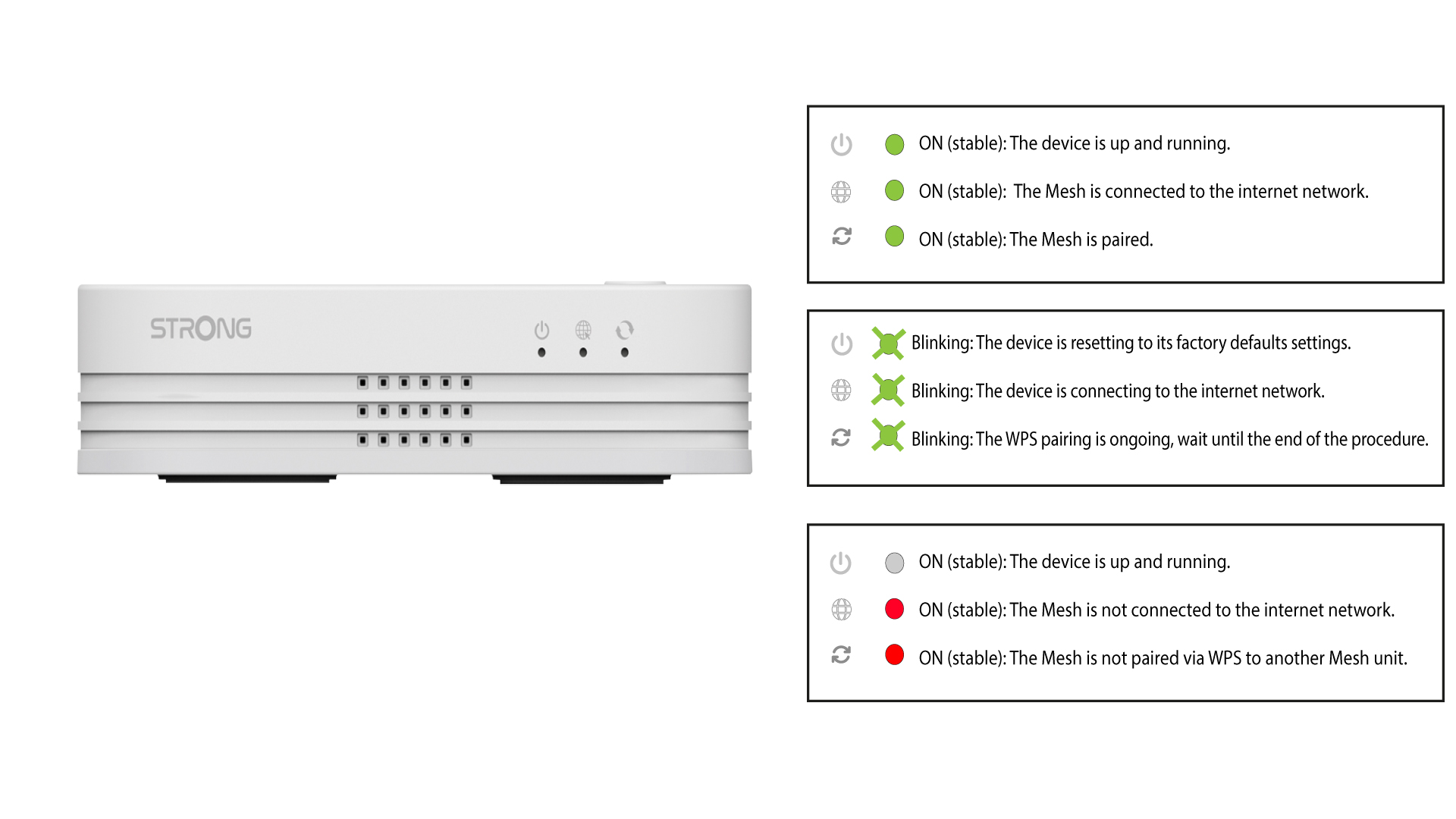
Attendere qualche minuto affinché entrambe le unità “ mesh ” rilevino la configurazione di Internet. Quando i LED su entrambi i dispositivi diventano verdi, la configurazione è completata.
4. Rimuovereil connettore RJ45 dal secondo mesh
È necessario rimuovere il cavo RJ45 dalla seconda unità “ mesh ” e scollegarlo per installarla nella stanza in cui si desidera utilizzarla.