
kit Mesh ATRIA Mesh kit | MESHKIT1200
Tutte le domande
kit Mesh ATRIA Mesh kit | MESHKIT1200
Ho dimenticato la password Wi-Fi della mia rete Mesh , come posso recuperarla?
La password Wi-Fi predefinita è riportata sul fondo del dispositivo; tuttavia, se l’hai già modificata, potrebbe essere necessario ripristinare le impostazioni di fabbrica dell’ Mesh 1200.

1 CASO1: Informazioni sulla rete nell’interfaccia utente web
Per connettersi all'interfaccia utente web, fare riferimento a questa procedura: Come si accede all'interfaccia utente web?
2 Impostazioni Wi-Fi
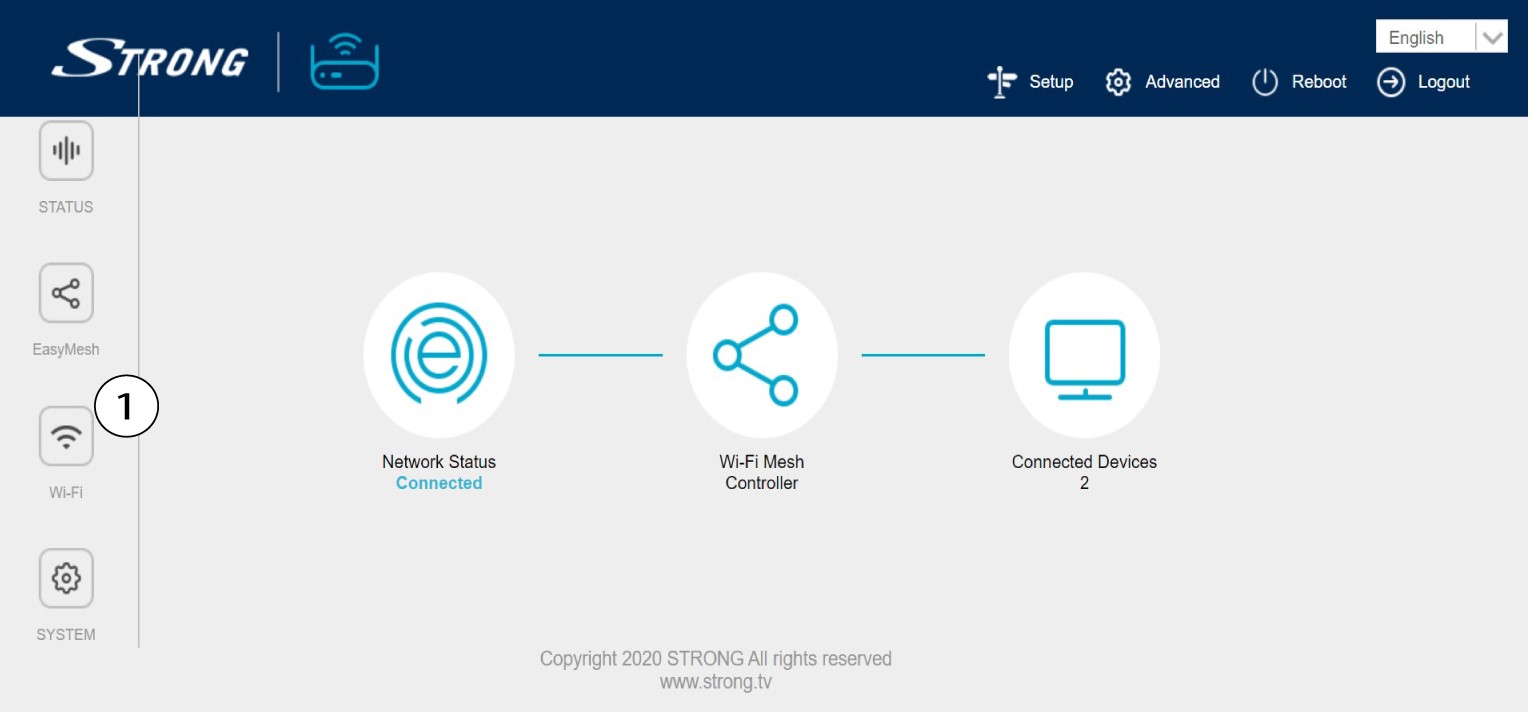
Fai clic su " Wi-Fi " nella barra a sinistra.
WLAN a 32,4 G
Quindi, sia nella rete WLAN 5G che in quella a 2,4 GHz, il nome della tua rete Wi-Fi viene visualizzato nel campo SSID e puoi
visualizzare la password di questa rete Wi-Fi spuntando la casella "Visualizza box " situata a destra del campo "Chiave Wi-Fi".

4. Annotare le informazioni
Annota la password su un foglio di carta.

1 CASO2: Informazioni sulla rete nell'app
Per collegarsi all'interfaccia utente web, consultare questa procedura: Come si utilizza l'app Atria " Mesh "?
2 Impostazioni Wi-Fi
Fai clic su " Wi-Fi " nella barra a sinistra.

3. Visualizzala password
Fai clic sull'icona a forma di occhio per visualizzare la password.

4. Annotare le informazioni
Annota la password su un foglio di carta.