
Nessun articolo trovato.
Nessun articolo trovato.
TELECAMERA 2K+ SMART HOME
Tutte le domande
Nessun articolo trovato.
Nessun articolo trovato.
TELECAMERA 2K+ SMART HOME
Come posso eseguire un hard reset sul mio Telecamera (senza utilizzare l'app)?
Se non riesci a utilizzare l'app, puoi ripristinare l'Telecamera e tramite il pulsante presente sul dispositivo.
Per farlo, è necessario seguire i passaggi riportati di seguito.
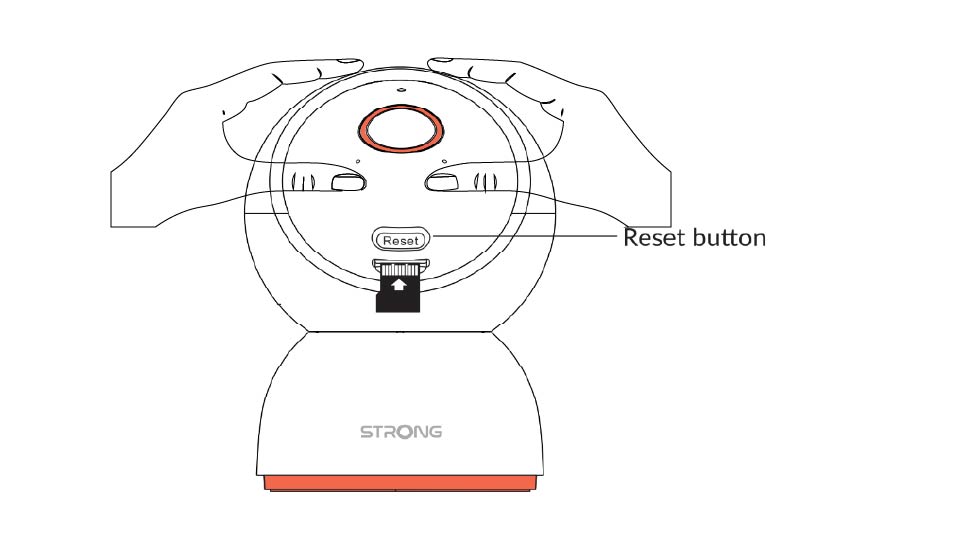
1. Individuail pulsante di reset
Ruotare l'obiettivo dell'Telecamera per individuare il pulsante di reset.
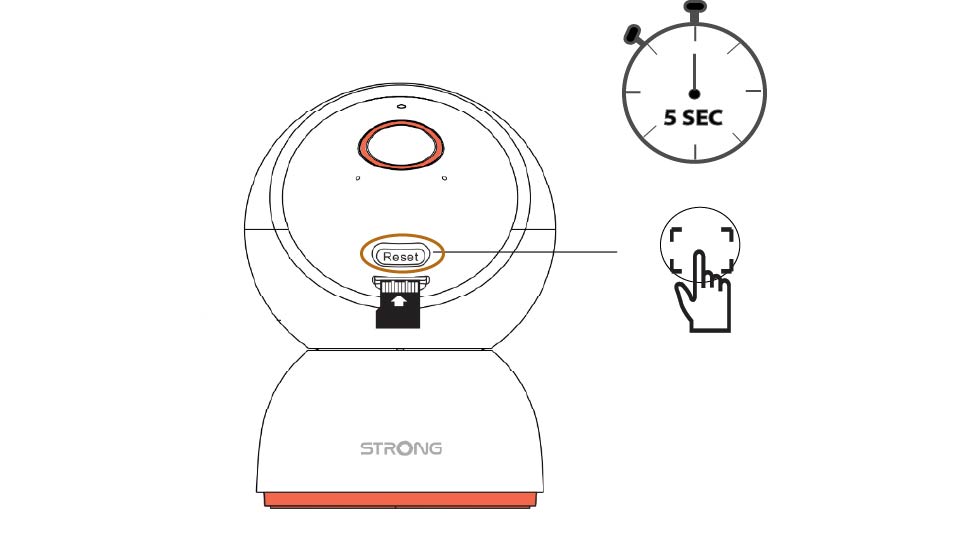
2Premereil pulsante di reset
Tenere premuto il pulsante per 5 secondi.
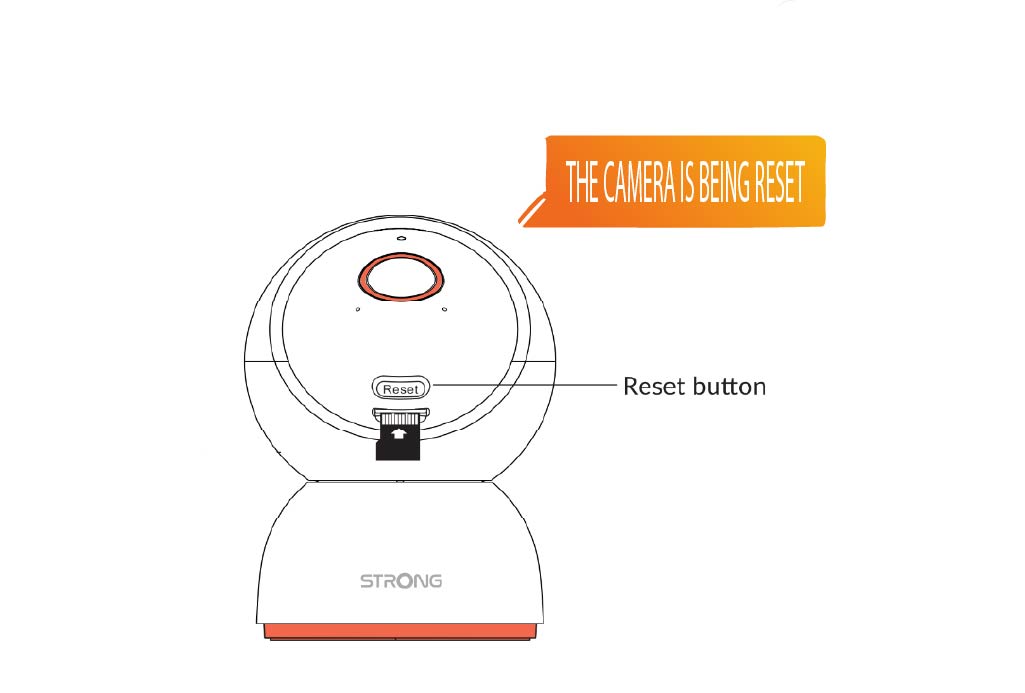
3. Attendereil messaggio di reset
Una volta completato questo passaggio, sentirai il messaggio: " Telecamera : ripristino in corso". L'Telecamera si riavvierà quindi automaticamente.
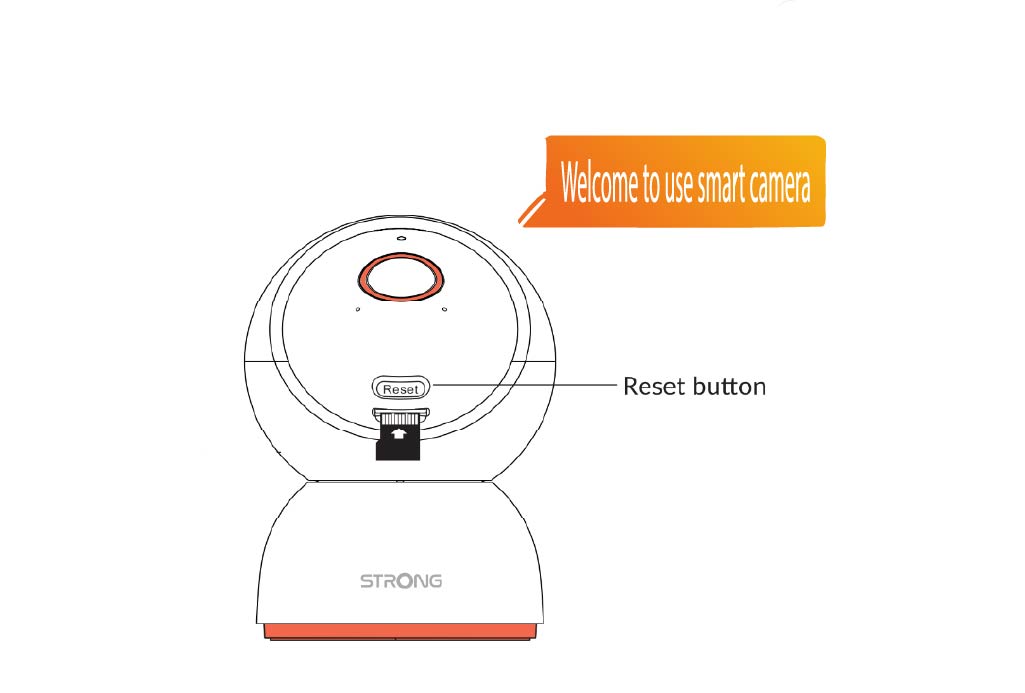
4 Messaggio di benvenuto
Quando sarà pronto, apparirà il messaggio: “Benvenuto su smart Telecamera.”
SUGGERIMENTO: una volta completato il ripristino, apri l'app e aggiungi nuovamente l'Telecamera .