TELECAMERA 2K+ SMART HOME
Tutte le domande
TELECAMERA 2K+ SMART HOME
Come si configura il rilevamento delle persone?
1. Aprile impostazioni di Telecamera
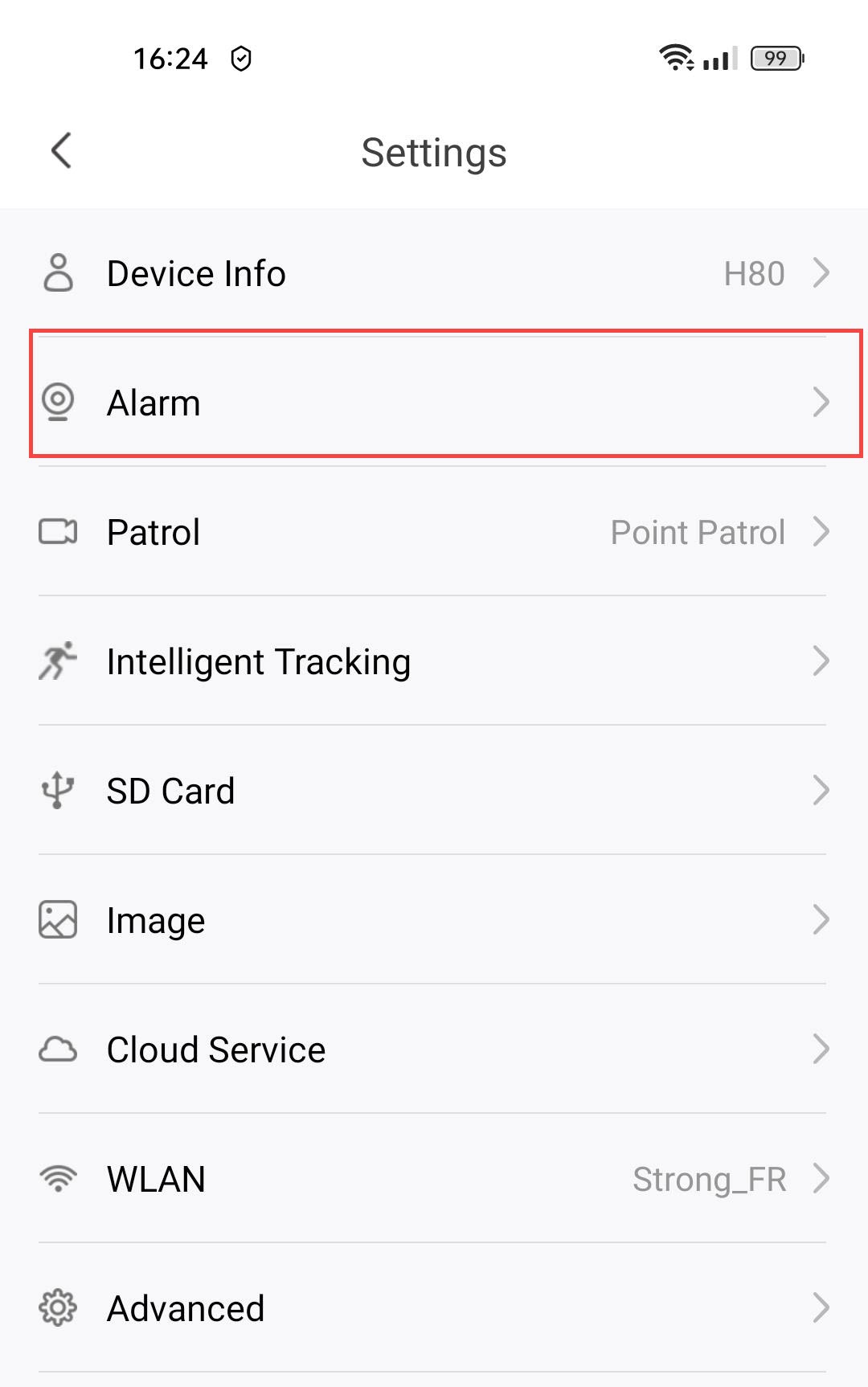
Fai clic su " Impostazioni".

2. Accedialle impostazioni dell'allarme
Seleziona " Allarme".
3. Attivail rilevamento delle persone
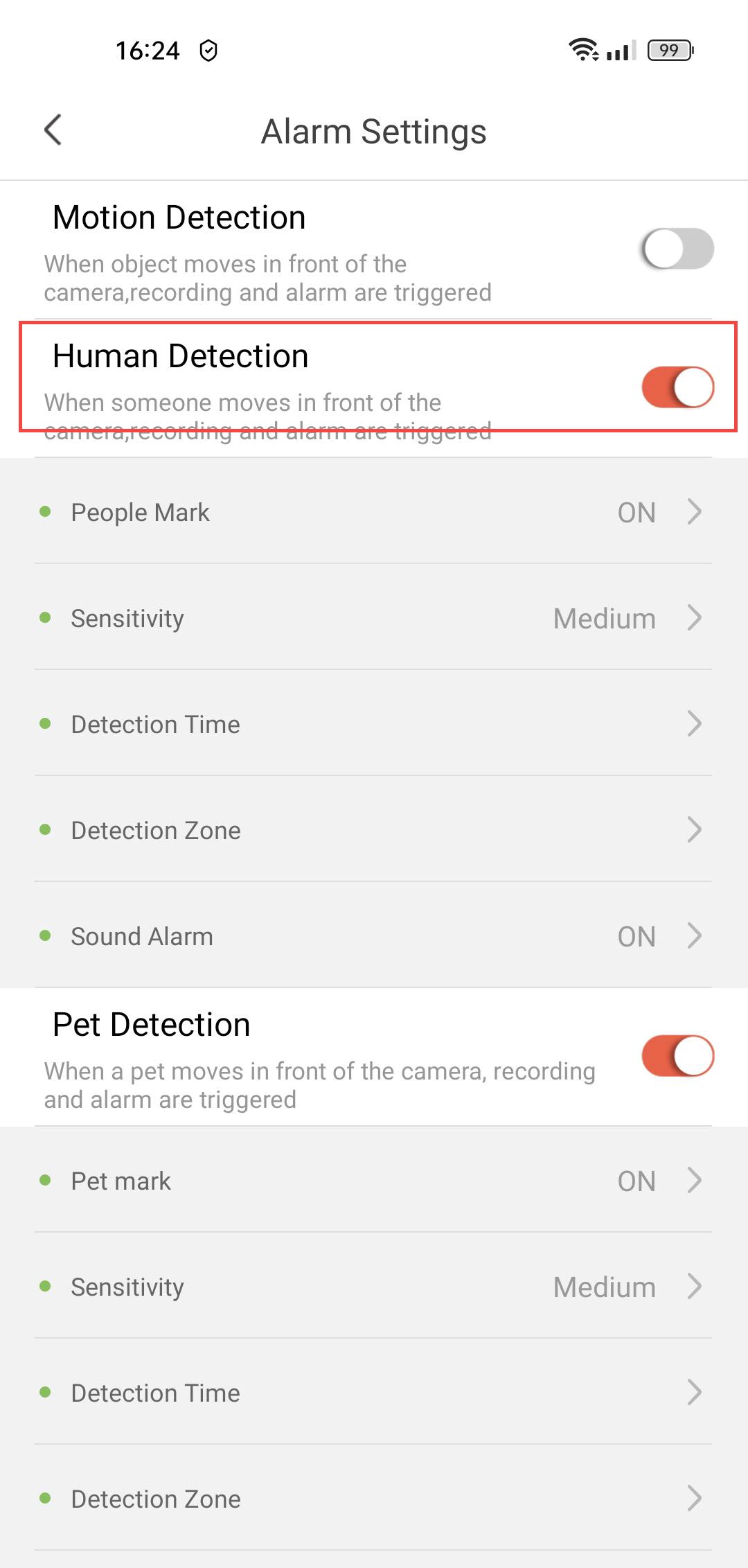
Premere il pulsante di attivazione/disattivazione del rilevamento delle persone .
4. Abilitail tagging delle persone
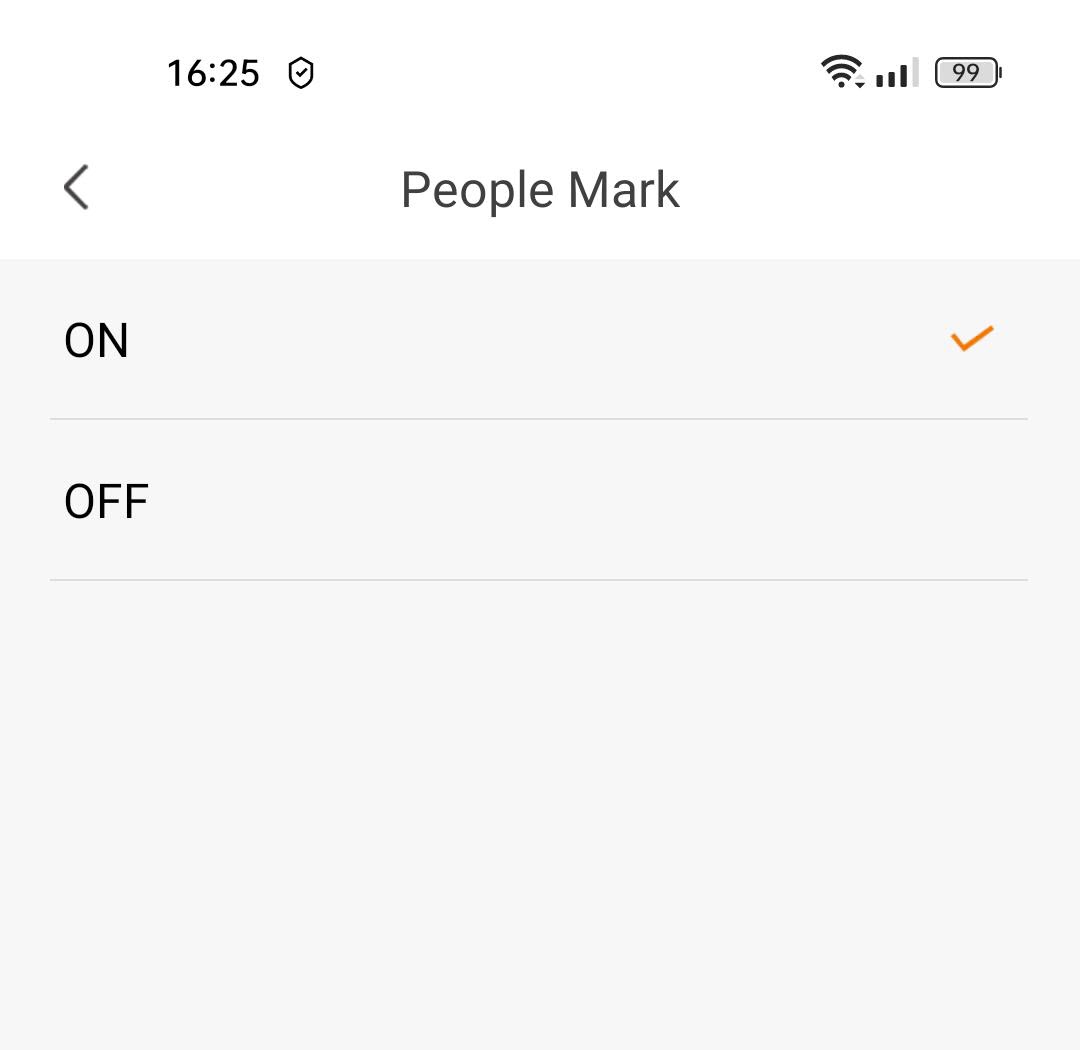
Seleziona " People Mark": (attiva l'etichettatura delle persone).
5. Impostazionedella sensibilità di rilevamento
Seleziona la sensibilità (scegli tra basso, medio e alto per migliorare la precisione del rilevamento).

6. Configurazionedel tempo di rilevamento
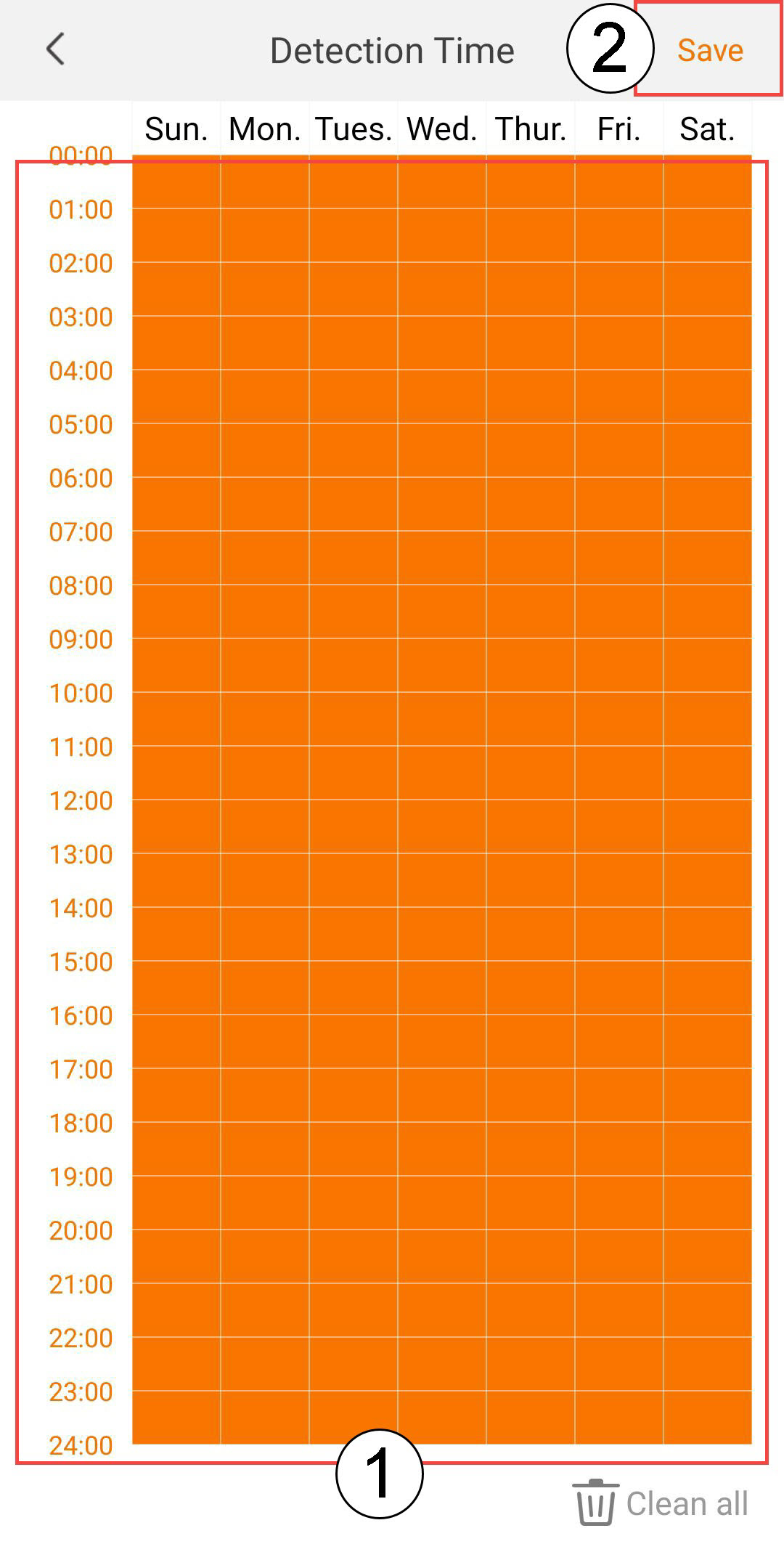
Seleziona l'orario di rilevamento (seleziona i giorni e gli orari in cui desideri che l'allarme si attivi in caso di rilevamento di una persona, quindi fai clic su Salva).
7. Definirela zona di rilevamento
Seleziona zona di rilevamento: (crea una zona di rilevamento sulla griglia e fai clic su "Salva". L'allarme scatterà se in questa zona viene rilevata la presenza di una persona).

8Attival'allarme sonoro
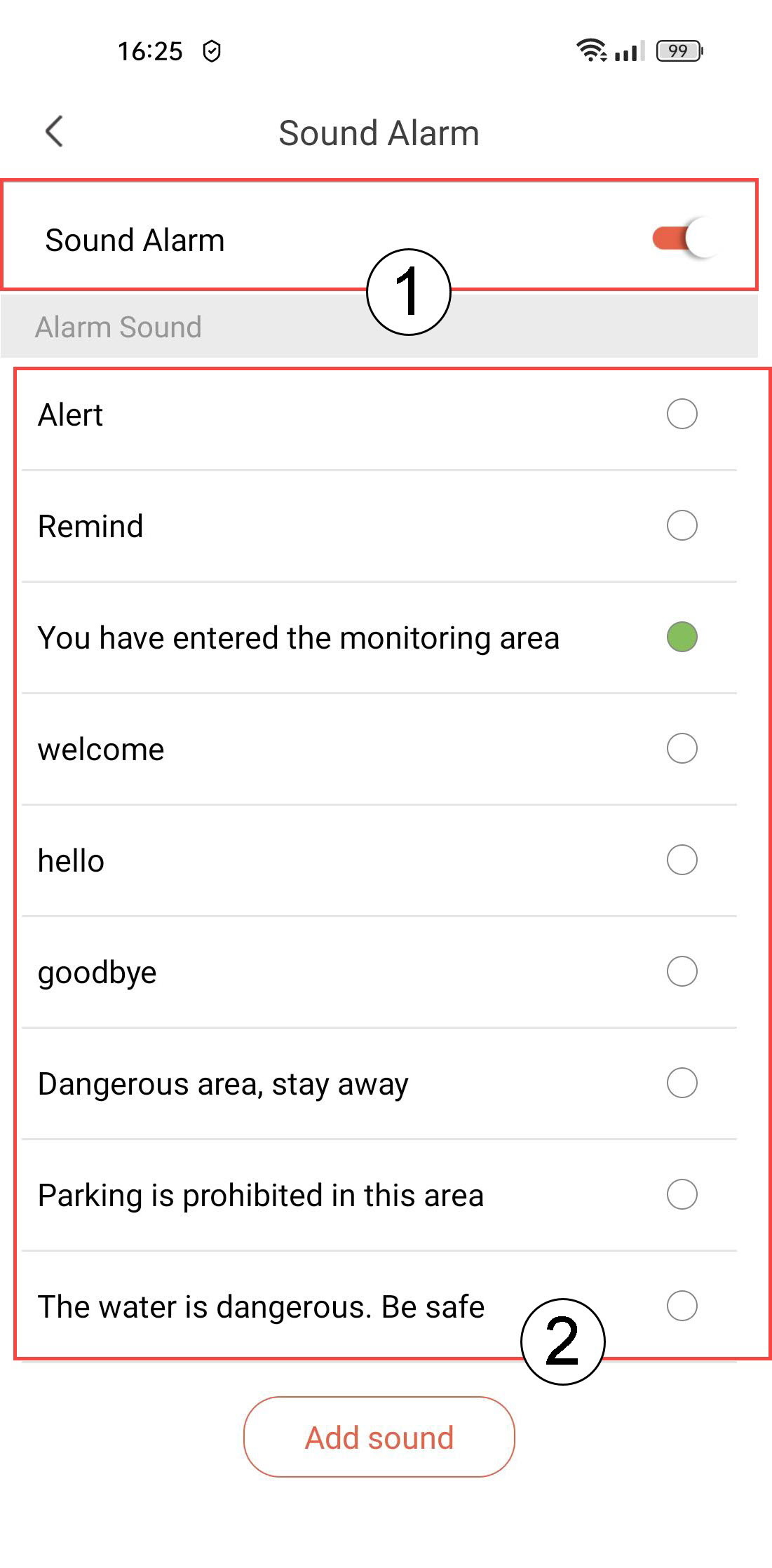
Seleziona " Suono della sveglia " (premi l'interruttore per attivare la sveglia e seleziona un suono dall'elenco).
9 Impostal'intervallo di promemoria
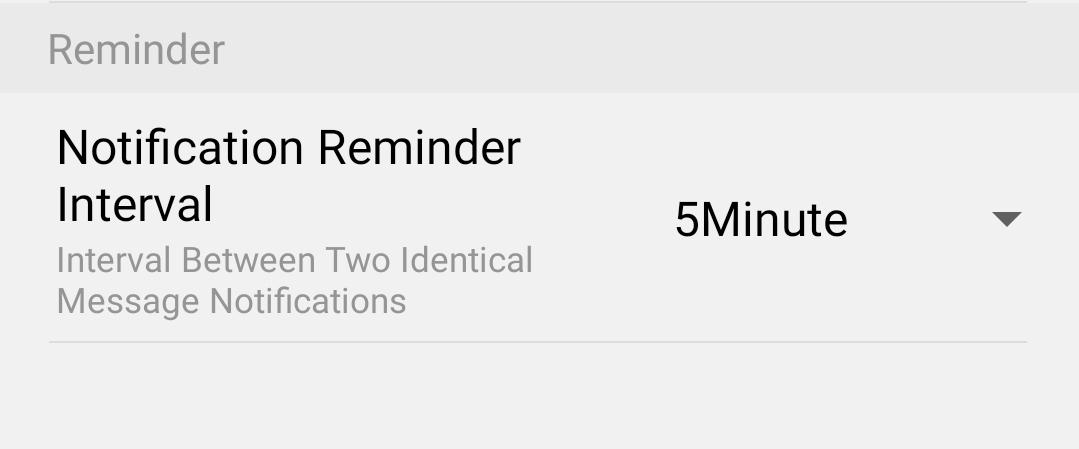
Seleziona " Promemoria " (imposta l'intervallo di notifica tra due eventi identici. Devi scegliere un valore compreso tra 30 secondi e 30 minuti).