Wi-Fi 4G+ AIRSPOT 520 con touchscreen
Nessun articolo trovato.
Nessun articolo trovato.
Tutte le domande
Wi-Fi 4G+ AIRSPOT 520 con touchscreen
Nessun articolo trovato.
Nessun articolo trovato.
Come faccio a ripristinare le impostazioni di fabbrica del mio router? (Schermata Mi-Fi)
È possibile ripristinare le impostazioni di fabbrica del dispositivo direttamente dalla schermata.
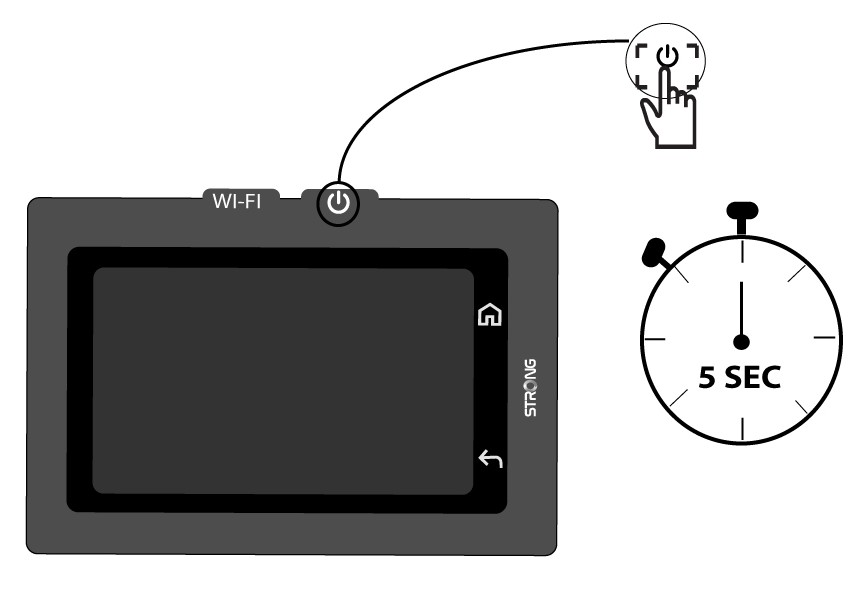
1.Accendere il dispositivo
Accendi il dispositivo premendo il pulsante di accensione per 5 secondi.
2. Accedereal menu di sistema
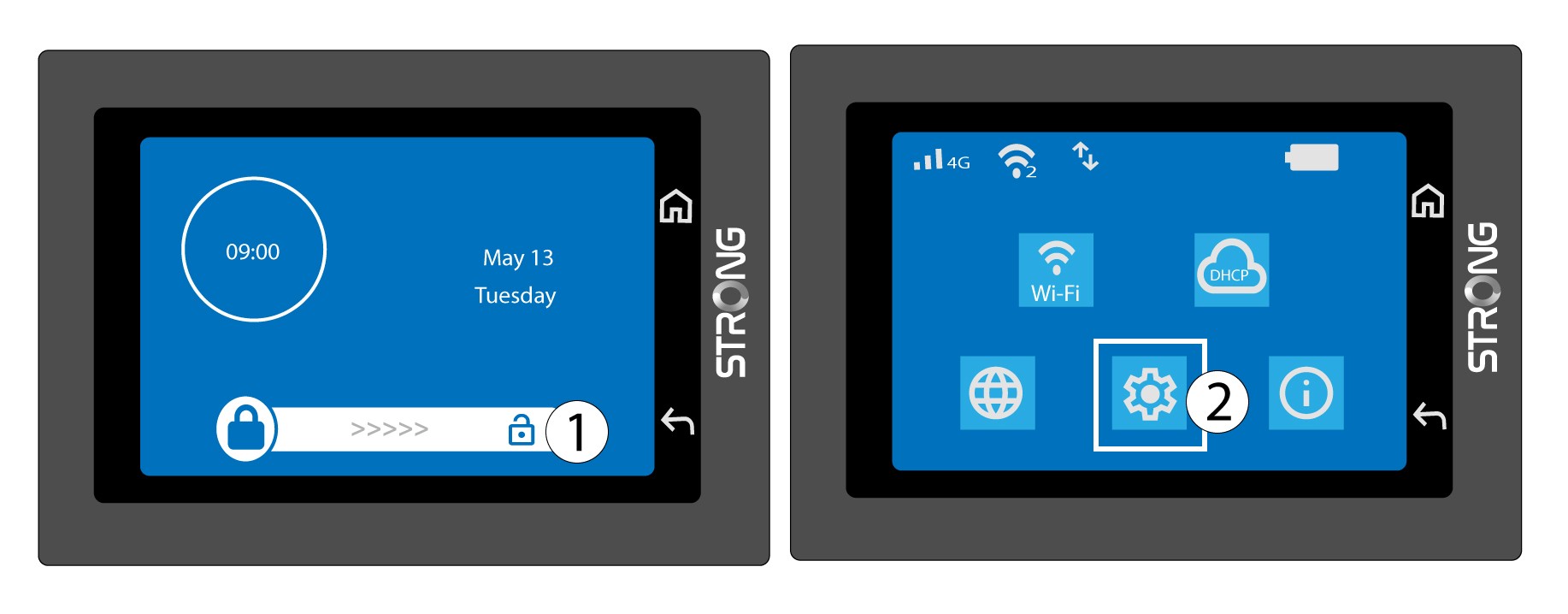
Quindi, sblocca lo schermo e tocca l'icona di sistema.
3. Selezionarel'opzione "Ripristina"
Scorri il menu verso il basso e seleziona " Ripristina".

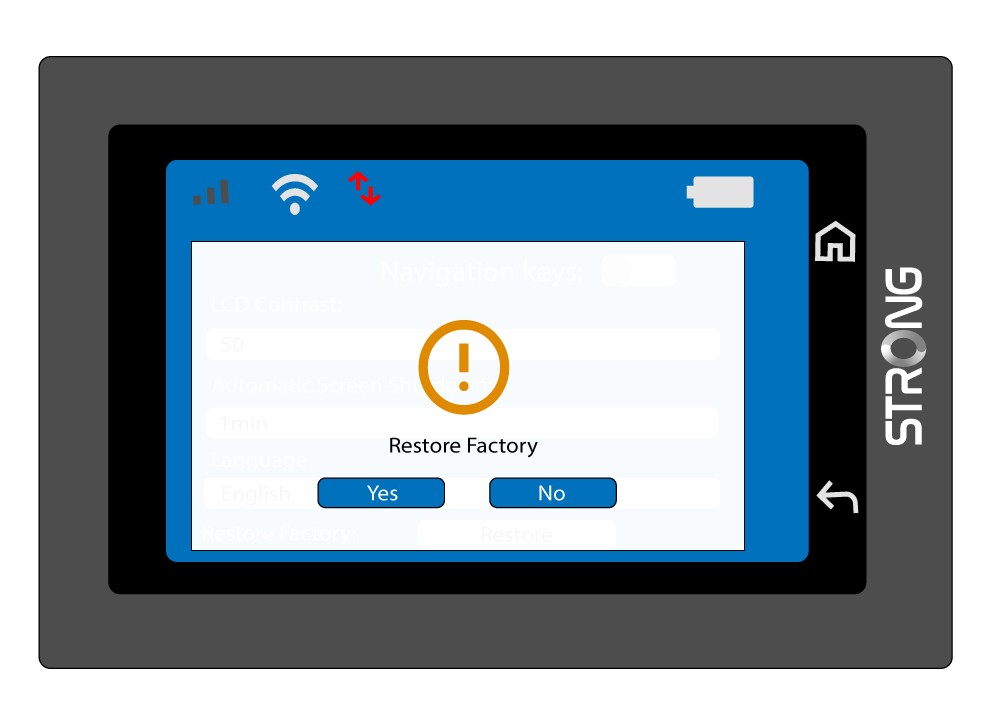
4. Confermail ripristino delle impostazioni di fabbrica
Premere “Sì”.