
Repeater Dual Band 750 V2
Nessun articolo trovato.
Nessun articolo trovato.
Tutte le domande
Repeater Dual Band 750 V2
Nessun articolo trovato.
Nessun articolo trovato.
Come si imposta una nuova password di amministratore?
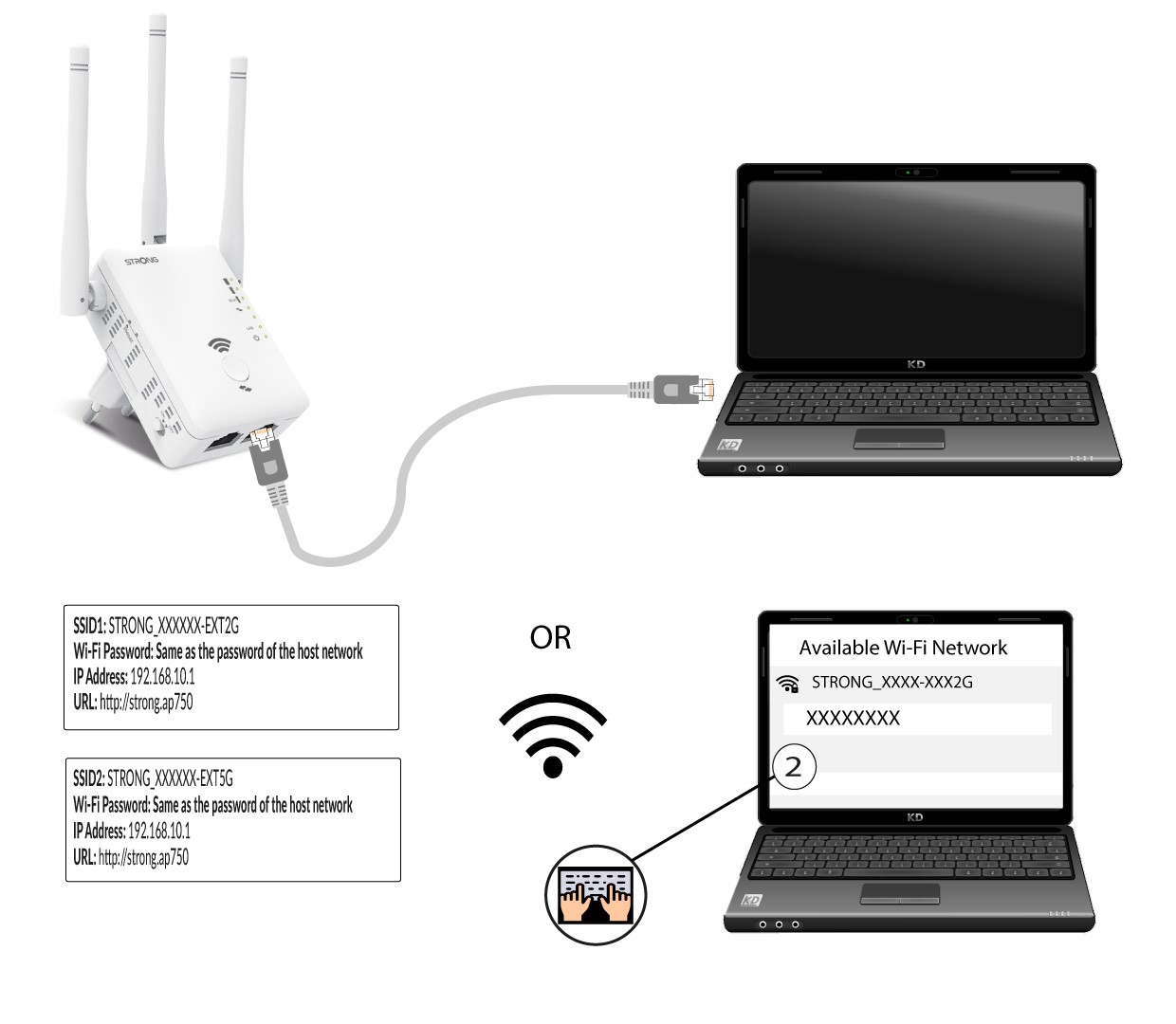
1. Connettiil tuo repeater alla rete Wi-Fi
È necessario connettersi all'repeater tramite RJ45 oppure a una delle reti Wi-Fi create al termine della configurazione.
.
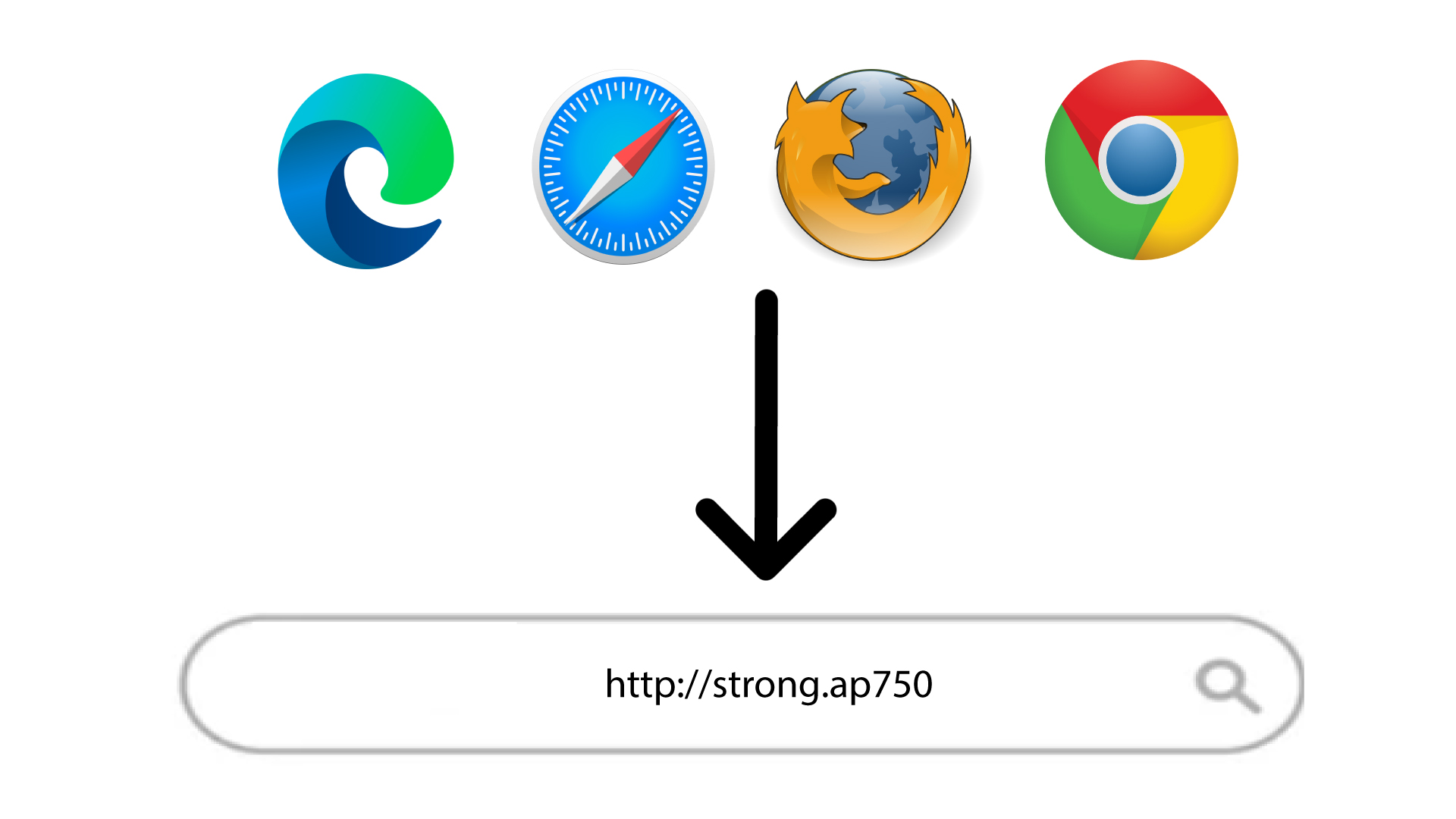
2. Accedereall'URL dell'interfaccia utente web
Digita l'URL nel browser.
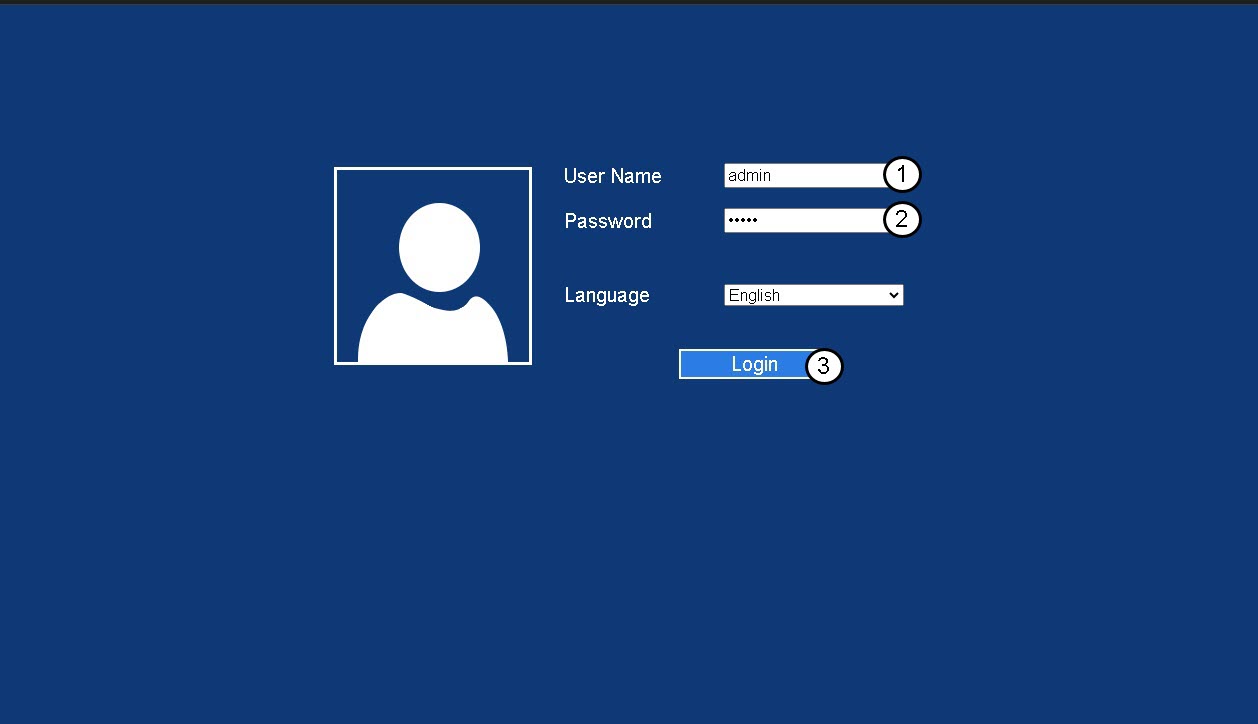
3Pagina di accesso
Inserisci la tua password di amministratore e clicca su " Accedi".
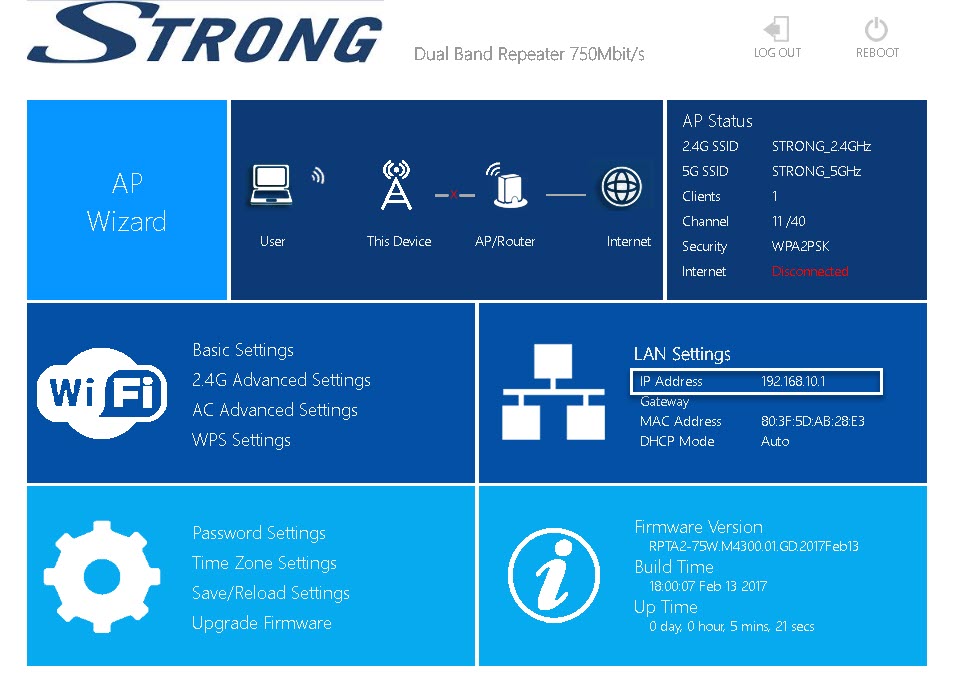
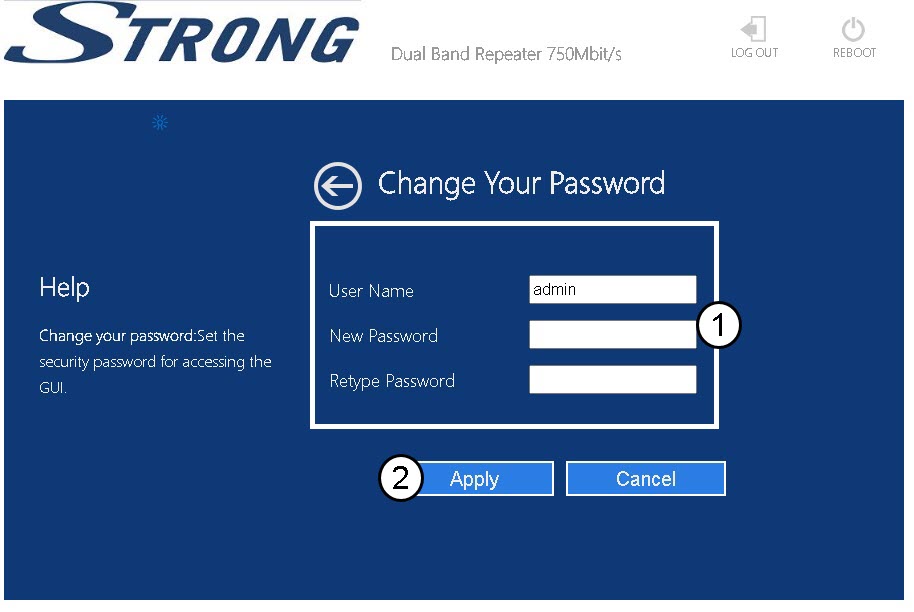
4Impostazioni password
Fai clic su " Impostazioni password".
5. Creauna nuova password
Inserisci le seguenti informazioni prima di fare clic su “Salva e applica”:
- Nuova password: inserisci una nuova password...
- Conferma password: inserisci la stessa password inserita nel campo precedente.

Avviso: ti ricordiamo che ti consigliamo vivamente di annotare la tua nuova password di amministrazione, poiché ti servirà per accedere all’interfaccia utente web. Se hai dimenticato la password, ripristina le impostazioni di fabbrica del dispositivo.