
ATRIA Mesh add-on 1200 UK
Tutte le domande
ATRIA Mesh add-on 1200 UK
Come dovrei denominare le mie unità “ Mesh ”?
È possibile seguire la procedura riportata di seguito per definire il nome delle unità " mesh " in modo da poterle identificare facilmente.
1. Scarical'app
Scarica l’app “ Mesh ” di Atria.
2. Connettitialla rete Wi-Fi del mesh
Connettiti alla rete Wi-Fi del tuo dispositivo mesh .

3. Connettitiall'app
Inserisci il nome utente e la password prima di fare clic su "Accedi".

4La miarete
Clicca su "La mia rete"

5 Stato della rete diMesh
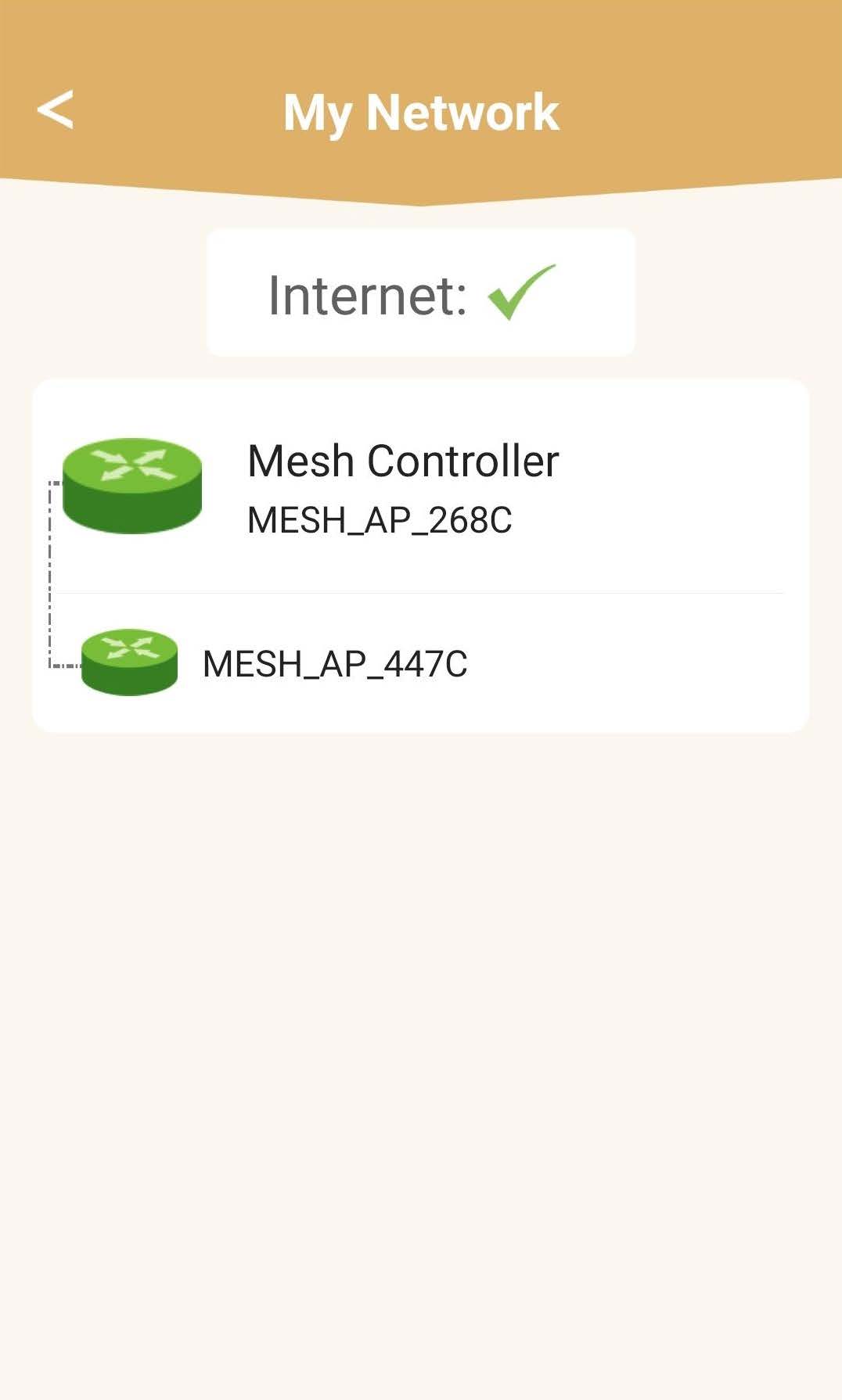
Potrai visualizzare lo stato della copertura fornita dai tuoi dispositivi mesh .
Si prega di notare che quando le unità mesh vengono visualizzate in grigio, la copertura offerta dall'unità non è sufficiente. In questo caso, è necessario modificare la posizione dell'unità mesh .
Se le unità mesh sono visualizzate in verde, significa che funzionano correttamente e garantiscono una copertura sufficiente.
6Unità principale“ mesh ”
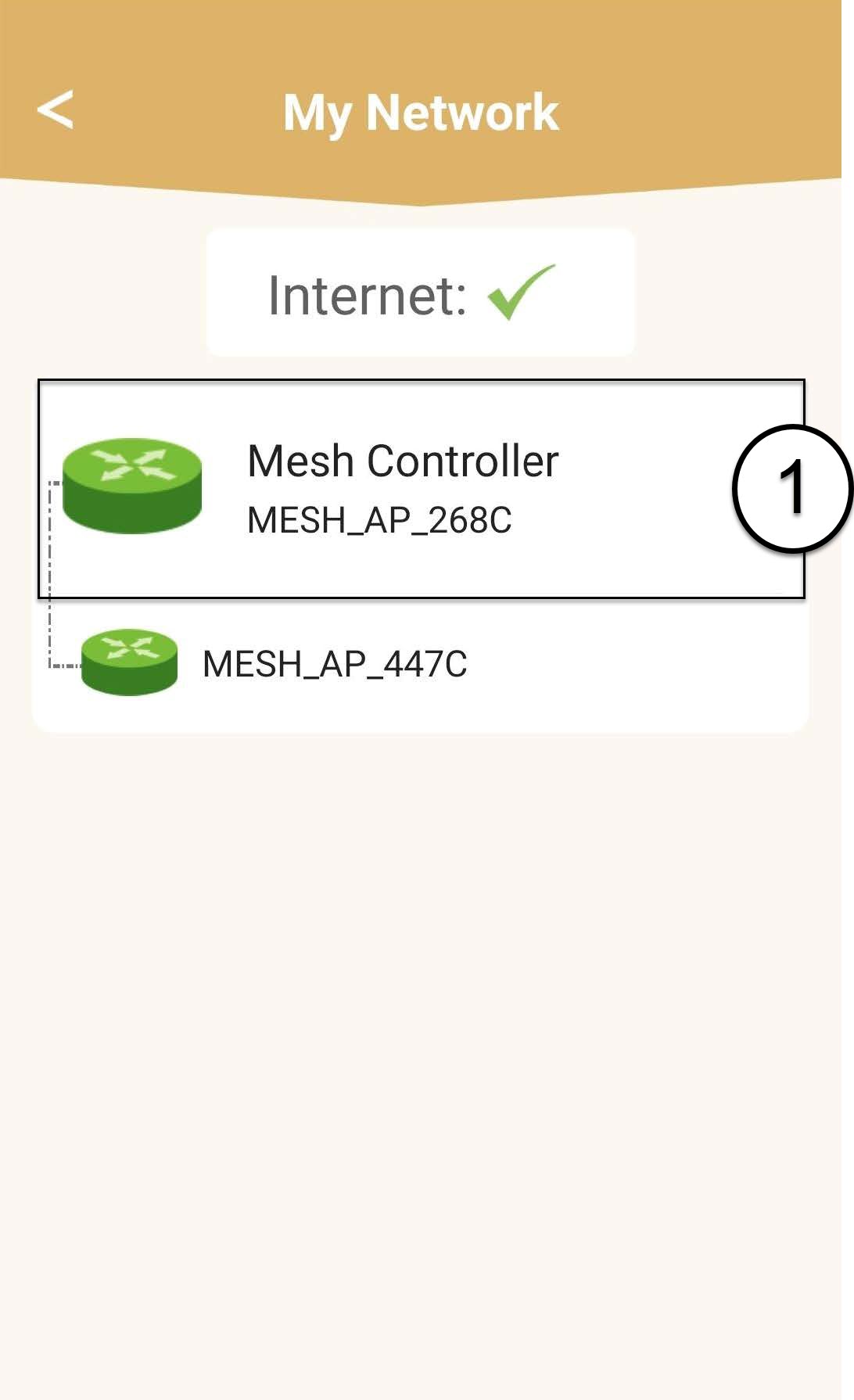
Clicca sul nome dell'unità " mesh " per visualizzarne le informazioni.
7Modificail nome dell’unità principale mesh
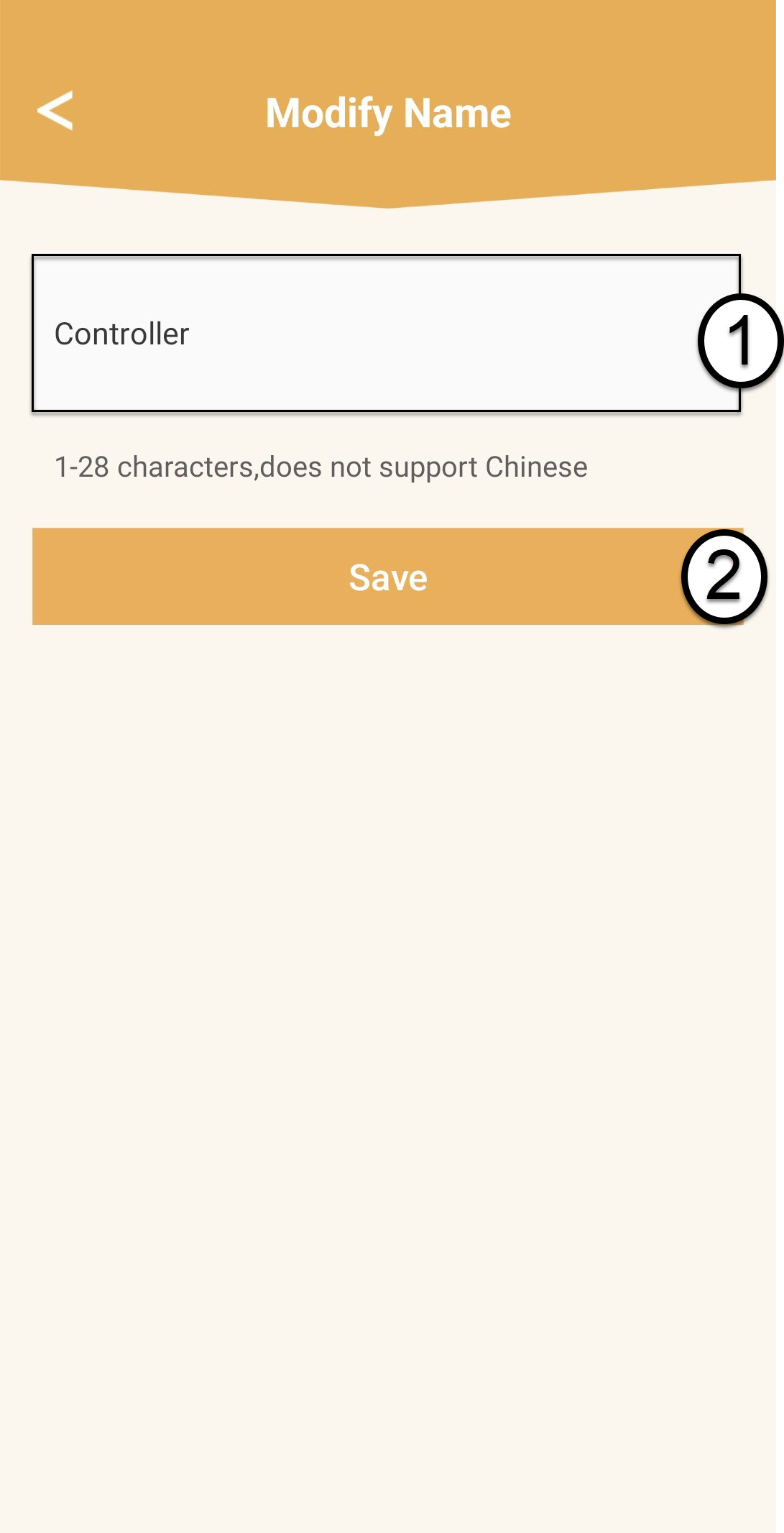
Inserisci un nuovo nome e clicca su “Salva”.
Il controller mesh dovrebbe essere denominato in questo modo: Mesh1200-Main-
Nome della stanzaGli agenti “ mesh ” devono essere denominati in questo modo: Mesh1200-Nome della stanza
8. Unità secondaria“ mesh ”
Per le altre unità " mesh ", clicca sul loro nome per visualizzarne le informazioni. Quindi, inserisci un nuovo nome e clicca su "Salva".